

Sony | Music Center: The Ultimate Music Control App
For all music enthusiasts seeking a versatile and powerful way to enjoy their audio experience, the Sony | Music Center application is an essential tool. Whether you're relaxing at home or on the go, this app empowers you to have complete control over your Sony audio devices, delivering high-resolution sound and seamless connectivity. It transforms your smartphone into a centralized hub for managing, customizing, and enjoying your music collection with remarkable ease.
Discovering the Features of Sony | Music Center
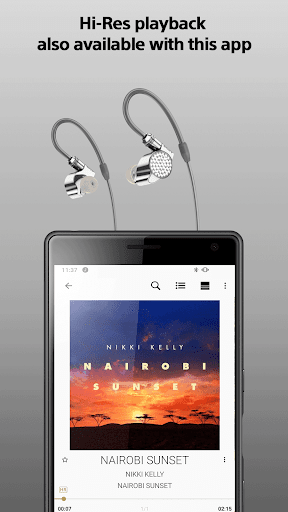
This app is designed to provide a comprehensive experience for users who want to amplify their music enjoyment. It supports playback of Hi-Res sound sources ensuring excellent audio quality right from your smartphone or connected devices. Not only can you listen to music stored locally, but you can also stream content from CDs, USB drives, or directly from your smartphone. Additionally, the app offers access to music stored on network locations like computers or NAS drives through DLNA, making it easy to browse and search your music library effortlessly.
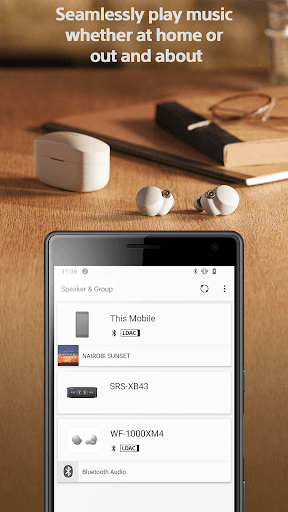
One of the standout features of Sony | Music Center is its ability to enable Multi-room, Surround, and Stereo setups wirelessly with multiple compatible speakers. This functionality creates immersive sound environments throughout your home or outdoor space, turning any environment into a personal concert hall.
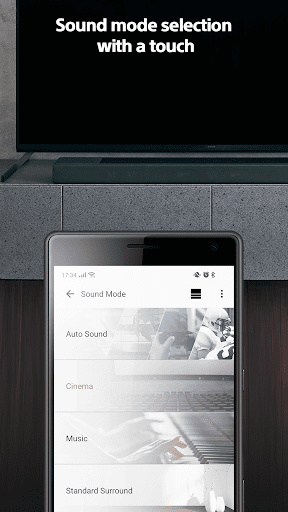
Users can also optimize their audio experience by adjusting device settings such as Equalizer, Sleep Timer, and Network settings, provided their devices support these features. The app supports various device configurations, and even supports accessibility features like TalkBack, ensuring an inclusive user experience.
Enhanced Connectivity and Compatibility
Connecting your Sony audio devices has never been easier. The Sony | Music Center app maintains a stable connection via Bluetooth or Wi-Fi, ensuring uninterrupted playback and control. This makes it ideal for hosting gatherings or enjoying music without disruptions. The app is compatible with a wide range of Sony products, including those previously supported by SongPal.
Moreover, the app integrates seamlessly with popular music streaming services like Spotify or Deezer. This allows users to access their favorite playlists directly through the app, enhanced by Sony’s high-quality audio processing for a superior listening experience. The app also supports features such as setting up Synchronized playback across multiple devices, giving you the feeling of a personal concert in your own space.
It is worth noting that the app requires Android OS 9.0 or later (version 7.4 or above) to function properly and does not support devices powered solely by Atom™ processors. Keeping the app updated ensures compatibility with newer Sony models and access to the latest features, enhancing your overall music experience.
For the Ultimate Music Experience
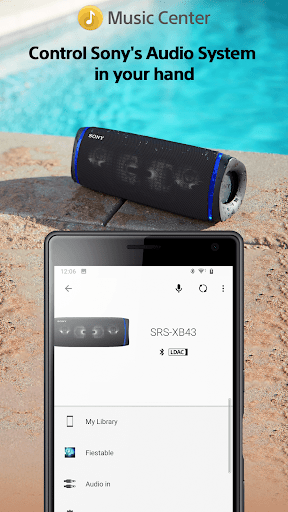
If you own Sony audio devices, Sony | Music Center is a must-have app. It consolidates your control over all compatible products, offering functionalities such as remote playback, device customization, and multi-room setup, all within an intuitive interface. The app’s ability to connect effortlessly, support high-resolution audio, and integrate with streaming platforms makes it a top choice for audiophiles and casual listeners alike.
Whether you’re creating a personalized music environment at home or controlling sound settings on the go, Sony | Music Center elevates your listening experience. Download it today on Android or iOS and discover a new level of convenience, quality, and control in your music journey.
Pros
- User-friendly interface.
- Seamless device connectivity.
- High-quality audio enhancements.
- Customizable sound settings.
- Supports multiple audio formats.
Cons
- Limited compatibility with non-Sony devices.
- Requires a stable internet connection.
- Occasional app crashes.
- Limited free features.
- May drain the battery quickly.











