
Remote for Apple TV: The Ultimate Control App
In today’s digital entertainment world, having a reliable and versatile remote control for your Apple TV can significantly enhance your viewing experience. Remote for Apple TV is a feature-rich app designed to turn your smartphone into a powerful remote, providing seamless and effortless control over your Apple TV and other smart TVs. Whether you're binge-watching your favorite series or just adjusting volumes, this app offers a convenient solution right at your fingertips.
Key Features of Remote for Apple TV
Smart Remote Functionality
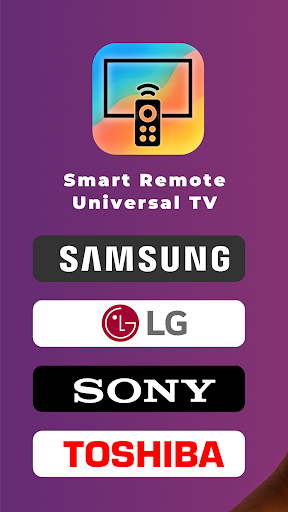
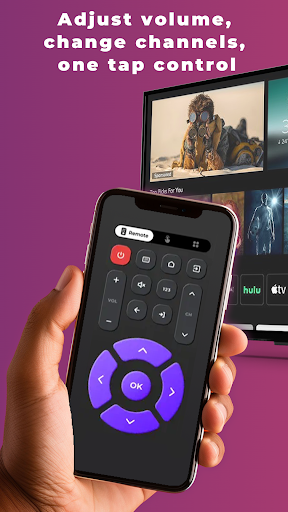
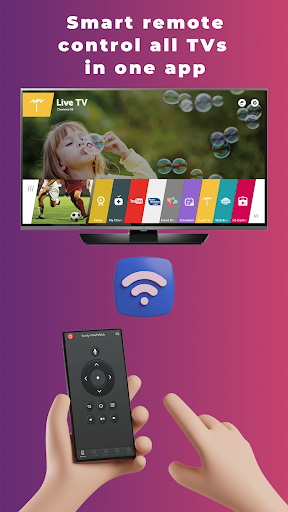
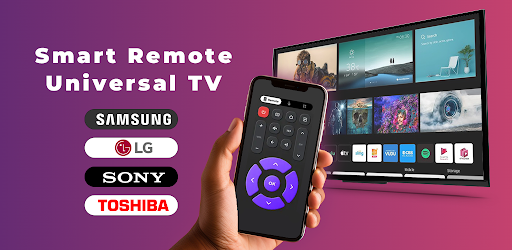
The app acts as an all-in-one remote control compatible with multiple smart TV brands. It supports not only Apple TV but also models from LG, Samsung, and many others, ensuring extensive device compatibility. With this app, you can navigate through menus, control playback, adjust volume, change channels, and even access your favorite streaming apps, all without the need for a physical remote.
Universal Compatibility and Easy Setup
The app is designed for universal compatibility. It automatically detects devices connected to your Wi-Fi network, making setup quick and hassle-free — no complex configurations required. Once connected, your smartphone transforms into a fully functional remote, providing a user-friendly experience even for beginners.
Enhanced Casting, Keyboard, and Voice Control
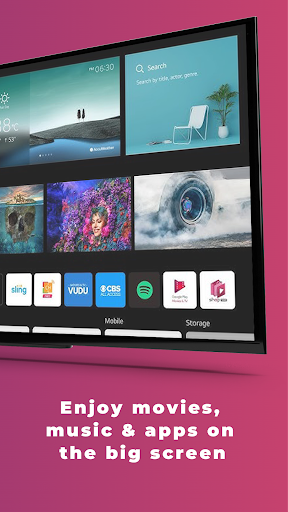
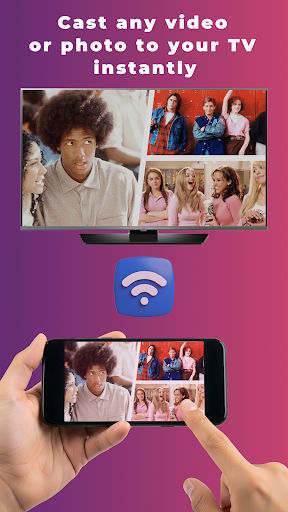
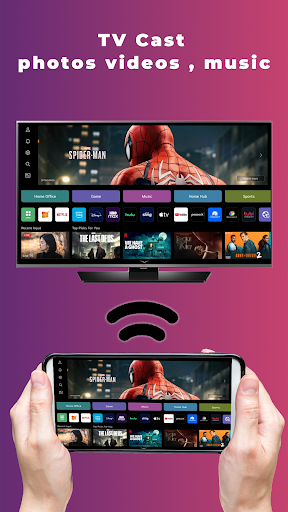
The app supports smart casting media to your Apple TV and other compatible devices, making media sharing effortless. Typing becomes faster and more comfortable with its integrated keyboard input, allowing you to browse or search content without the frustration of small remote buttons. Additionally, voice control capabilities enable you to search or control your TV hands-free, adding a new level of convenience to your entertainment setup.
Device Support and Brand Optimization
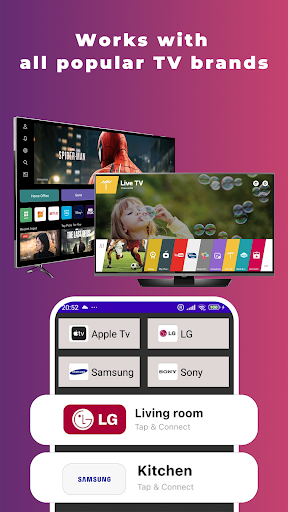
This remote control app is optimized for popular brands such as Apple TV (multiple generations), LG Smart TVs with webOS (2012 and newer), and Samsung Smart TVs with Wi-Fi, among others. Its design ensures a smooth, responsive experience whether you’re adjusting settings or browsing content.
How to Connect Your Devices
Connecting your smartphone to your Apple TV or smart TV is straightforward:
- Ensure your phone and TV are on the same Wi-Fi network.
- Open the Remote for Apple TV app.
- Select your device from the list of available options.
- Enjoy complete remote control functionality instantly.
Why You Should Use Remote for Apple TV
Convenience on Your Fingertips
Imagine no longer hunting for your physical remote. With this app installed on your phone, controlling your Apple TV or smart TV becomes as simple as a tap or swipe. Its intuitive interface and responsive controls make managing your entertainment effortless, especially during cozy movie nights or long binge-watching sessions.
Enhanced User Experience
The keyboard input step simplifies searching for shows, movies, or streaming apps. Voice control adds an extra layer of convenience, allowing you to give commands naturally. This integration minimizes frustration and maximizes entertainment enjoyment, making it a must-have accessory for Apple TV users.
Affordable and Independent
It's important to note that Remote for Apple TV is an independent application — not officially affiliated with Apple or other TV manufacturers. Despite this, it offers dependable performance, turning your smartphone into a smart, versatile remote that saves you from awkwardly juggling multiple devices or buying additional hardware.
Final Recommendation
If you’re someone who wants to make their smart TV experience more convenient, intuitive, and fun, then Remote for Apple TV is definitely worth checking out. It combines functionality, ease of use, and wide compatibility, ensuring your entertainment setup is always at your command.
Pros
- User-friendly interface
- Easy setup process
- Smooth device connectivity
- Customizable control layout
- Compatible with multiple Apple devices
Cons
- Requires a stable Wi-Fi connection
- Limited to the Apple ecosystem
- Occasional connection interruptions
- No voice control feature
- Advertisements in the free version











