






Smart Data Transfer-File Share: Seamless and Secure File Sharing Solution
In today's digital age, efficient and reliable file sharing across multiple devices is more important than ever. Smart Data Transfer-File Share is an innovative app designed to simplify this process, offering users a quick, secure, and hassle-free way to transfer files regardless of their device or operating system. Whether you're upgrading your phone, sharing content with friends, or managing multiple gadgets at work, this app provides a comprehensive solution tailored to your needs.
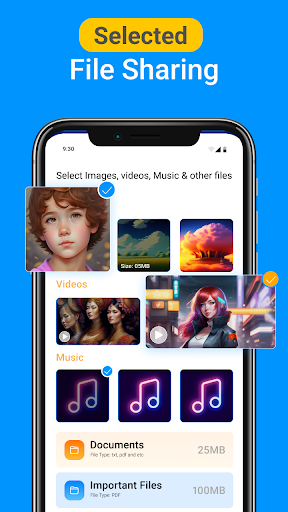
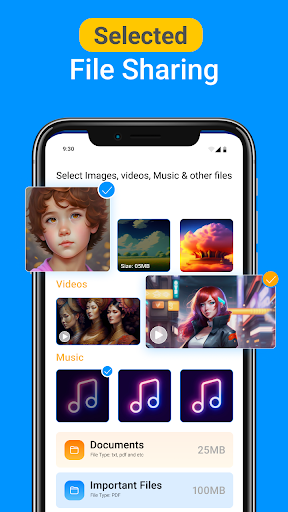
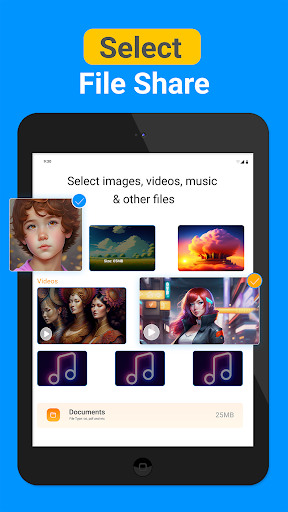
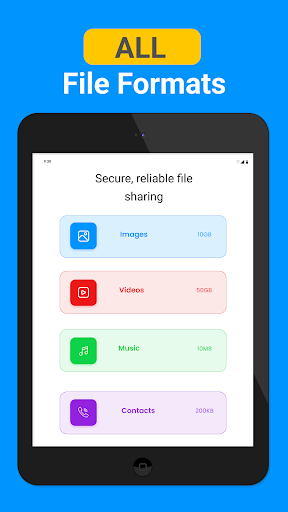
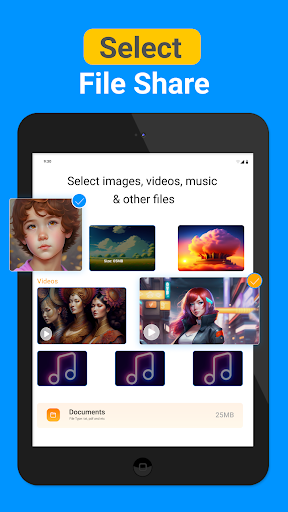
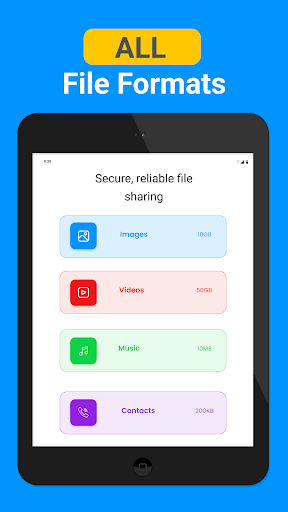
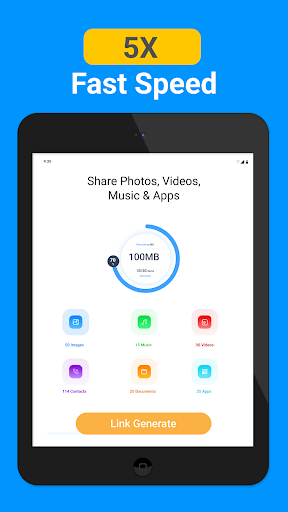
One of the key features of Smart Data Transfer-File Share is its ability to facilitate quick< /strong> and easy< /strong> file transfers. The app supports a wide range of content types, including photos, videos, music, documents, and even entire app data. Its intuitive interface ensures that users, even those with limited technical skills, can effortlessly navigate through the process of transferring files, making it accessible for everyone.
Efficient Cross-Platform Compatibility
A standout aspect of Smart Data Transfer-File Share is its seamless cross-platform sharing capability. It guarantees smooth data movement between various devices, whether they run on Android or iOS systems. This eliminates common compatibility issues, providing a unified experience regardless of device brands or operating systems. So, whether you're moving files from your Android phone to your iPad or between two Android devices, the app ensures everything goes swiftly and securely.
Robust Security and Data Privacy
Concerns about data security are addressed head-on with Smart Data Transfer-File Share. The app employs advanced encryption protocols to shield your files from unauthorized access during transfer. This secure environment offers peace of mind, knowing that personal and sensitive data remains private and protected throughout the sharing process. This security feature makes it suitable for both personal and professional use.
Lightning-Fast Transfer Speeds
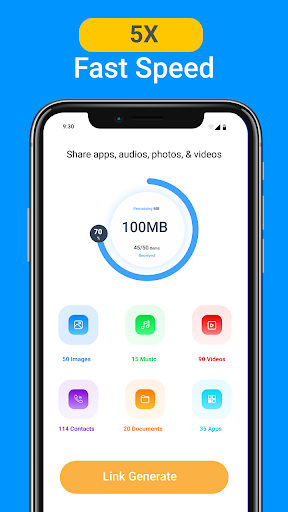
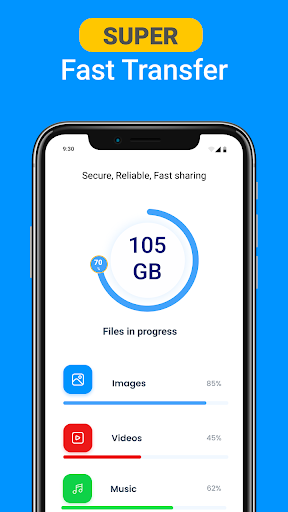
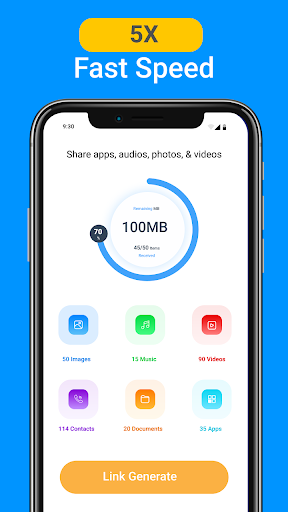
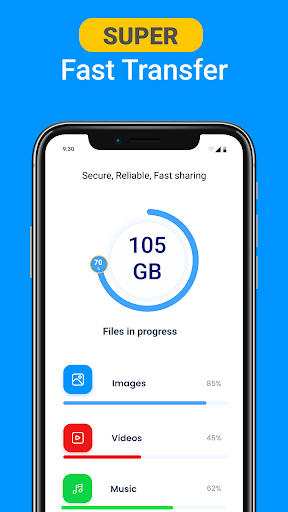
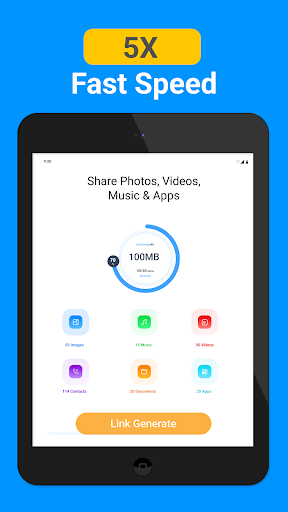
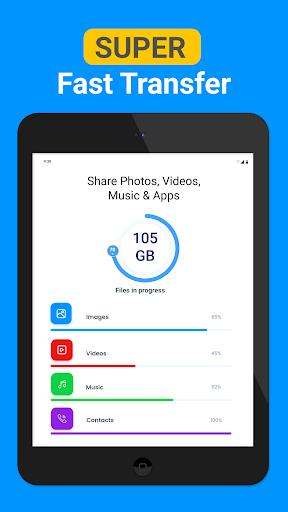
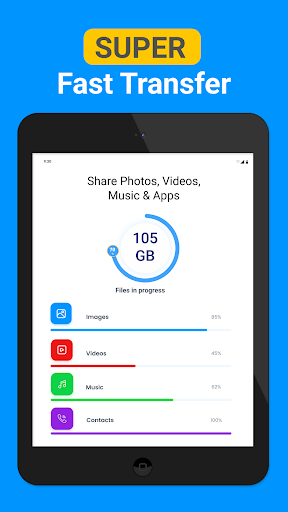
Speed is a major advantage of this app. Using Wi-Fi Direct technology, Smart Data Transfer-File Share achieves transfer rates that surpass traditional methods like Bluetooth or cable connections. For example, transferring a full-length movie can take less than a minute, drastically reducing wait times. This efficiency is especially beneficial for sharing large files or multiple items in a short period.
Offline and Cloud Capabilities
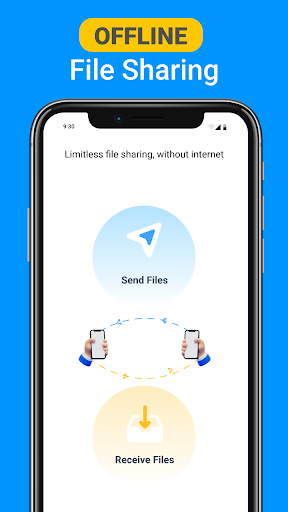
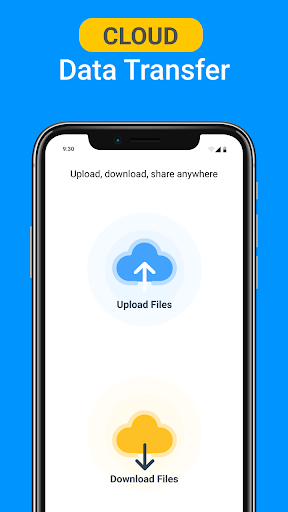
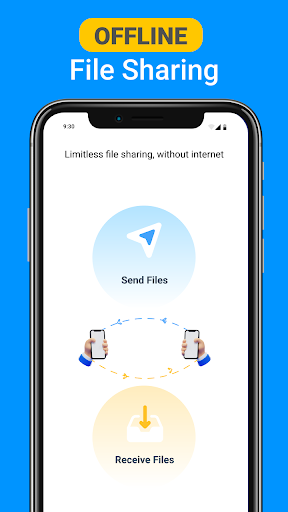
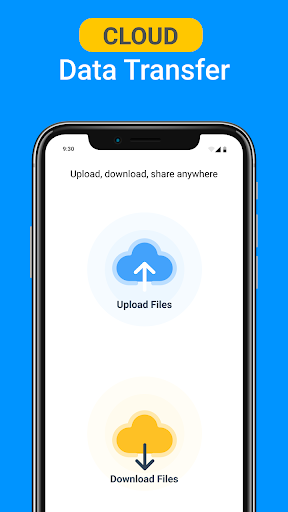
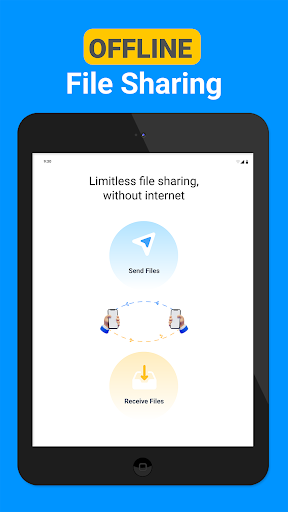
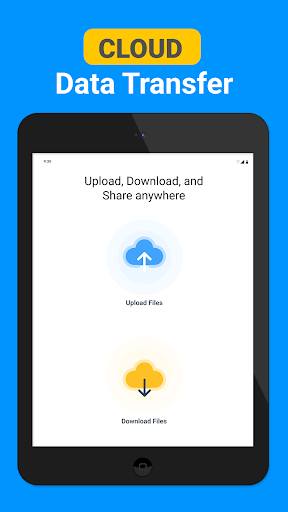
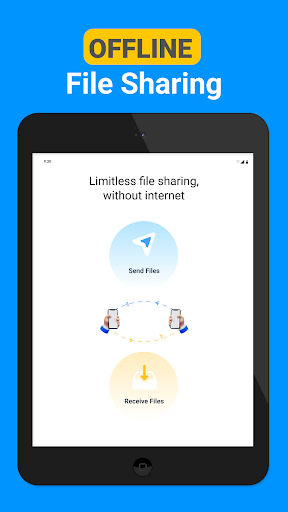
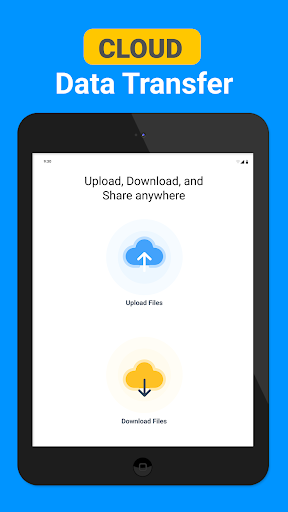
The app does not rely solely on internet connectivity, offering offline transfer options for immediate sharing without Wi-Fi or mobile data. Additionally, it features cloud backup capabilities, allowing users to upload files securely to the cloud and generate shareable download links. This not only facilitates easy access and sharing but also adds an extra layer of safety against data loss.
One-Click Phone Cloning
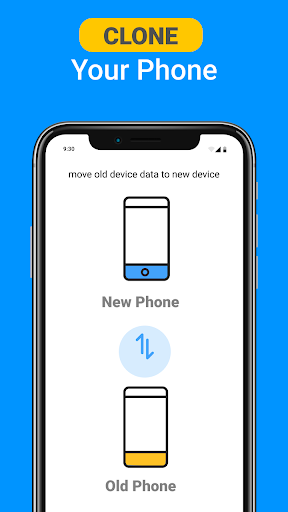
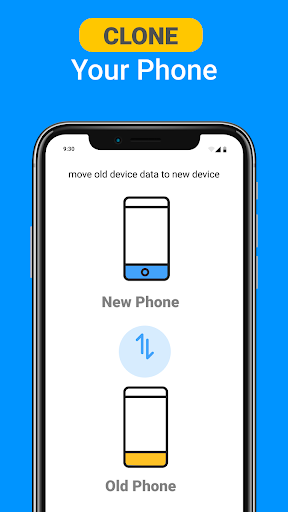
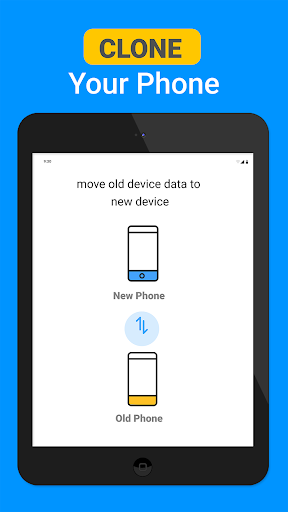
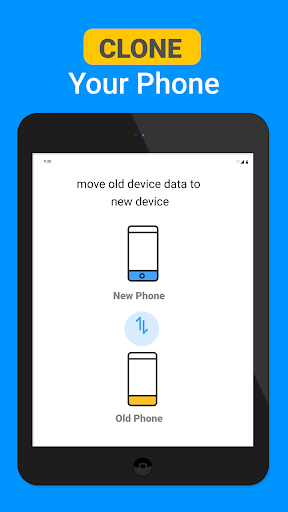
Thinking about upgrading your device? Smart Data Transfer-File Share includes a Phone Clone feature that enables users to effortlessly clone their entire phone data. This includes contacts, photos, videos, apps, and more. The process is wireless and straightforward, making phone switching hassle-free without losing any important data.
Why Choose Smart Data Transfer-File Share?
If you're tired of slow, unreliable, or complicated file sharing methods, this app is a game-changer. It offers rapid transfer speeds, cross-platform support, and high-level security, all wrapped in a user-friendly interface. Whether you're managing personal files, professional data, or performing a full device upgrade, Smart Data Transfer-File Share streamlines the process effectively.
Furthermore, it supports offline operation and cloud integration, giving you versatile options to handle your digital content. The ability to generate shareable links from uploaded files simplifies sharing with multiple recipients, making it ideal for both individual and group use.
In summary, Smart Data Transfer-File Share enhances your digital life by enabling quick, secure, and easy file sharing across devices. It is especially useful in a world where device diversity is common, and time efficiency is crucial. Give it a try today and experience a new level of convenience in data management and transfer.
Pros
- Fast transfer speeds for large files
- User-friendly interface
- Cross-platform compatibility
- No internet required for transfers
- Secure data encryption
Cons
- Ads can be intrusive
- Limited free storage
- Occasional connection drops
- Lacks advanced features
- In-app purchases required for premium features











