

Overview of Services Update Info App
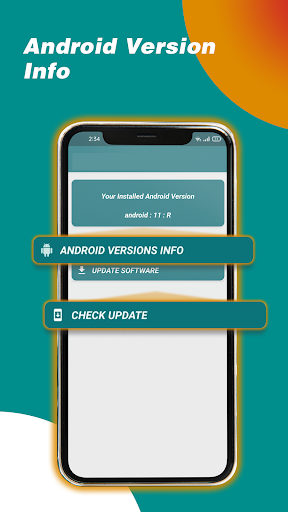
Services Update Info is a versatile and user-friendly application designed to help you effectively manage your phone's system services and application updates. Whether you are an Android or iOS user, this app acts as a personalized assistant, ensuring that your device's services and apps run smoothly and are always up-to-date. With its intuitive interface and comprehensive features, Services Update Info simplifies troubleshooting, provides crucial update information, and keeps your device functioning at optimal performance levels.
Key Features of Services Update Info
Status Check and Service Management
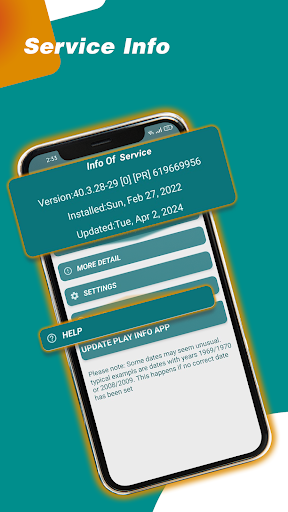
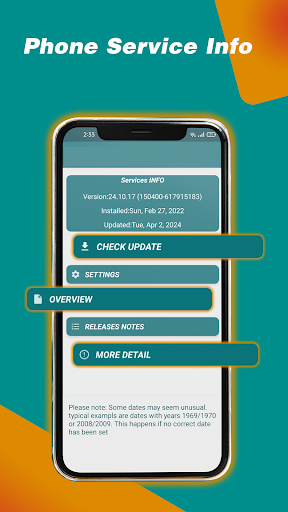
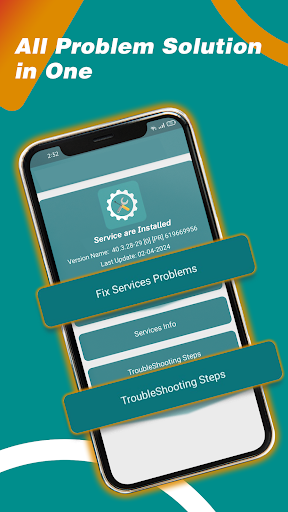
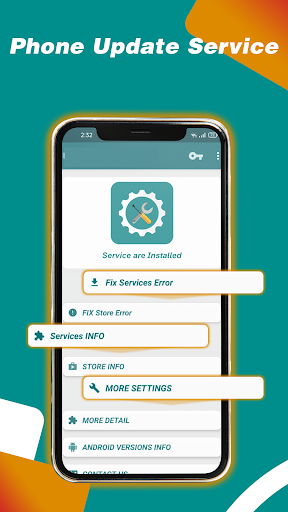
This app allows you to effortlessly check the current status of system services on your device. You can view vital details such as the version number, installation date, and last update date. These insights help you stay informed about your phone’s system health and ensure that all services are running correctly.
Developer Release Notes & Official Resources
Services Update Info provides direct links to release notes, the official app store, and the app info screen. This feature enables users to easily access detailed information about the latest updates, new features, and improvements made by developers, ensuring you remain updated with the most recent developments.
Troubleshooting & Error Resolution
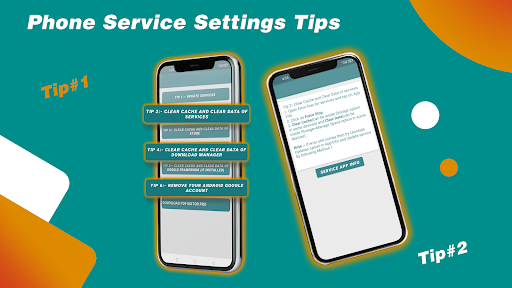
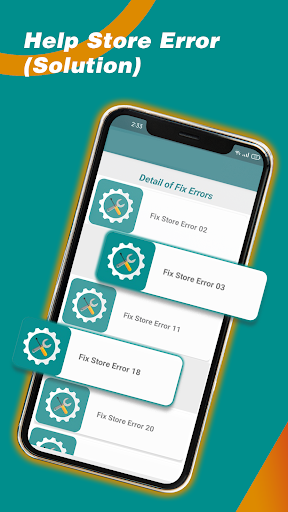
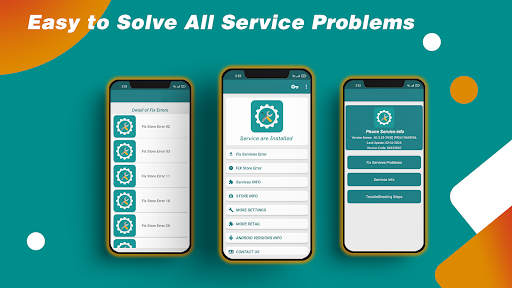
Encountering issues like the "Services has stopped" error can be frustrating. Services Update Info offers step-by-step guidance to resolve common problems, such as clearing cache or uninstalling updates. The app makes troubleshooting simple by guiding you through quick solutions that can be performed directly from your device, reducing downtime and enhancing your user experience.
Quick Fixes for Common Problems
The app also provides straightforward instructions to resolve errors quickly, including how to clear cached data or uninstall and reinstall updates. These easy-to-follow solutions help users overcome technical issues efficiently, improving overall device stability and performance.
The Importance of Staying Up-to-Date with Your Apps
Keeping Apps Current for Better Performance
In today’s digital age, regular app updates are crucial for maintaining your device's security, adding new features, and improving overall functionality. With Services Update Info, you get a comprehensive overview of the latest available updates for all installed applications, so you don’t miss out on important security patches and exciting new features.
Why You Need a Dedicated Update Management Tool
The fast-paced nature of app development means updates are constantly rolling out. Managing these updates manually can be overwhelming. Services Update Info simplifies this process by providing timely notifications about available updates, allowing you to decide which to install with minimal hassle. It’s like having a personal assistant that keeps your device up-to-date and running smoothly.
User-Friendly Interface for Easy Navigation
The app features an intuitive user interface designed for all users, regardless of technical skill. With just a few taps, you can see detailed update information, access links to the app store, and perform updates seamlessly. Its straightforward design ensures that managing app updates and system services doesn’t become a complex task.
Stay Ahead with Timely Notifications
One of the standout advantages of Services Update Info is its ability to keep you informed about the latest updates. You’ll receive timely alerts about new releases, enabling you to install updates promptly and enjoy the newest features and security enhancements. This proactive approach helps you maintain the best possible performance for your device.
Concluding Remarks
In summary, Services Update Info is an essential app for anyone looking to optimize their device’s performance, ensure security, and stay current with app updates. Its comprehensive features—including system service management, troubleshooting tools, and real-time update notifications—make it a must-have utility. Whether you want to resolve errors quickly, keep your apps up-to-date, or simply monitor your device's health, this app provides a simple yet effective solution. Embrace Services Update Info today to experience a smoother, more reliable mobile experience.
Pros
- Provides timely update notifications
- User-friendly and intuitive interface
- Covers multiple services and apps
- Consumes minimal device resources
- Enhances device security with updates
Cons
- Requires constant internet connection
- May contain occasional notification bugs
- Limited customization options
- Ads can be intrusive
- Not available on all platforms











