

Samsung Music: Your Ultimate Music Companion
Samsung Music is a specially optimized application designed for Samsung Android devices. It offers a powerful music playback functionality combined with an intuitive user interface, making it a favorite among music lovers around the world. Whether you're at home, on the move, or relaxing somewhere quiet, Samsung Music ensures your favorite tunes are always within reach with seamless and high-quality playback.
Key Features of Samsung Music
Support for Multiple Sound Formats
The app supports the playback of various sound formats such as MP3, AAC, and FLAC. This versatility guarantees compatibility with most music files you have, allowing you to enjoy your music collection without limitations (supported formats may vary depending on your device).
Effective Song Management
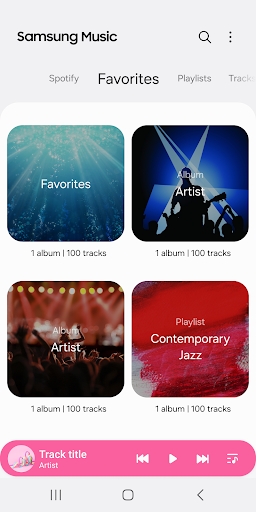
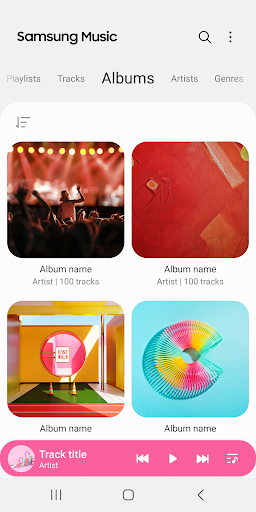
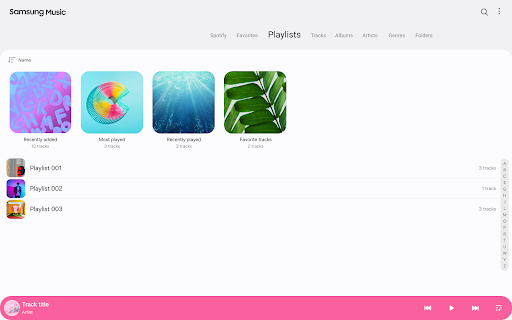
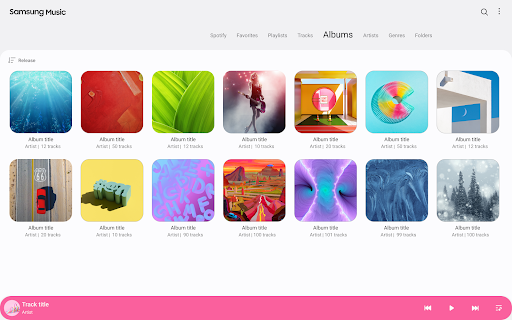
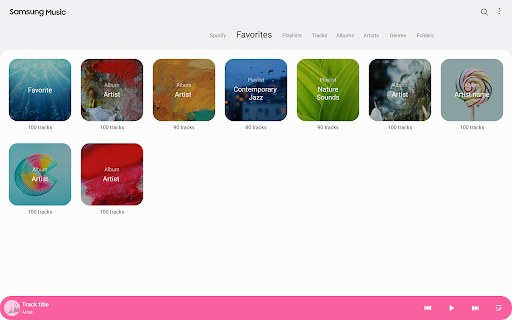
Samsung Music helps you to organize your music library efficiently by categorizing songs into Track, Album, Artist, Genre, Folder, and Composer. This structured management simplifies browsing and finding your favorite tracks quickly.
Clean and User-Friendly Interface
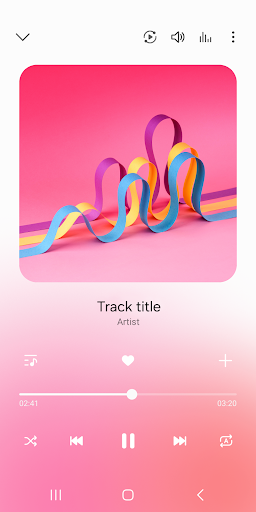
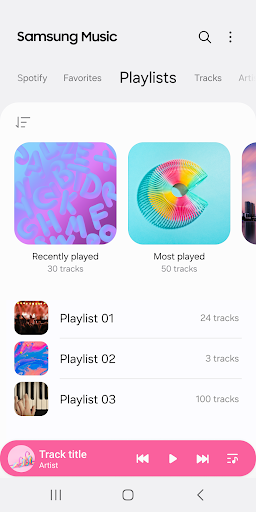
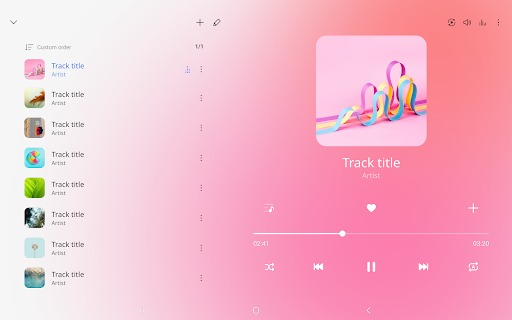
The app prides itself on providing a clean, sleek, and intuitive user interface. Navigation is straightforward, making it easy even for new users to explore their music library effortlessly.
Spotify Integration and Recommendations
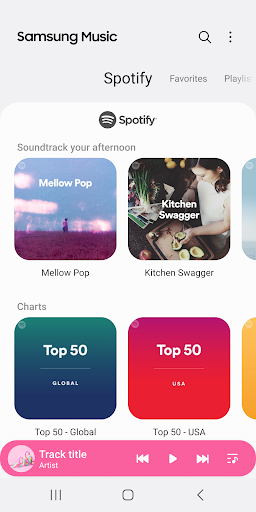
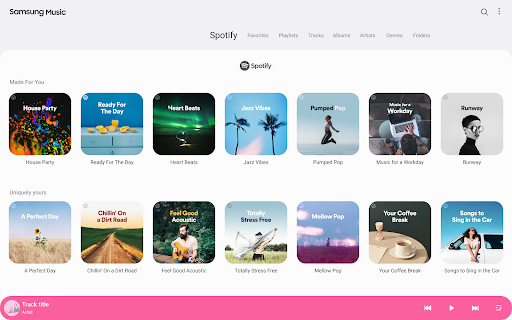
An exciting feature of Samsung Music is its ability to display playlist recommendations from Spotify. Users can find and explore Spotify-suggested music via the Spotify tab. This feature allows for discovering new songs and artists to enrich your listening experience. Please note that the Spotify recommendation feature is only available in countries where Spotify is offered.
How to Contact for Support or Feedback
For further support or inquiries regarding Samsung Music, users can access the Contact US option through the app: Samsung Music App > More (3 dot) > Settings > Contact US. Keep in mind that the Samsung Members app must be installed on your device for this feature to work.
Required Permissions for Optimal Performance
Mandatory Permissions
The Music and Audio (Storage) permission is required for basic features, such as storing and playing music files from your device or SD card. Without this, playback functionalities may be limited.
Optional Permissions
Permissions like Notifications and Phone verification (specific to Korean devices) are optional but enhance the overall user experience, providing timely notifications and ensuring DRM protections respectively. Even if these optional permissions are denied, the core features of Samsung Music will continue to function normally.
My Personal Experience with Samsung Music
If you’re anything like me, music is a vital part of daily life—whether cooking, commuting, or winding down for the night. I was eager to explore the Samsung Music app, which is available on both Android and iOS platforms. From the first launch, I was taken by the app’s seamless interface and intuitive design. Navigating my music library and creating playlists became an effortless experience.
The app’s support for high-quality formats like FLAC and WMA ensures that audiophiles get excellent sound output. The integration with Spotify particularly stood out—it allows access to a vast library of music and enables discovery through curated recommendations. Features like Auto Playlist, which curates playlists based on your listening habits, add a personalized touch, making every listening session unique.
Performance-wise, Samsung Music is impressively smooth, with quick transitions and minimal lag, even with large music libraries. Battery optimization is another plus, allowing extended listening sessions without draining your device excessively. Overall, Samsung Music is a robust, feature-rich application that enhances your music experience whether you're a casual listener or an audiophile.
In conclusion, if you're searching for a reliable, versatile, and user-friendly music app, Samsung Music fits the bill perfectly. Its seamless integration with Spotify, comprehensive format support, and sleek design make it a top choice for music enthusiasts worldwide.
Pros
- Intuitive user interface
- Supports a wide variety of audio formats
- Seamless integration with Samsung devices
- Offline music playback capability
- Customizable playlists
Cons
- Restricted to Samsung devices
- Contains advertisements in the free version
- Lacks lyrics feature
- No equalizer settings available
- Occasional app crashes











