Overview of Ringtone Maker: Music Cutter
Are you looking to create custom ringtones for different contacts or SIM cards? Do you want a versatile audio maker that allows you to craft ringtones from your favorite music or recorded audios? If so, the Ringtone Maker: Music Cutter app is the perfect solution for you. This free ringtone maker and audio editor provides a comprehensive set of music editing functions, enabling users to easily generate personalized ringtones, notifications, and alarms.
Key Features of the App
Easy Ringtone Creation and Customization
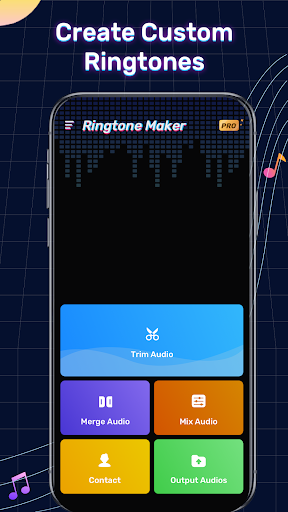
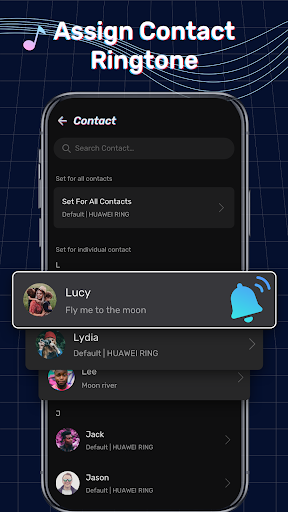
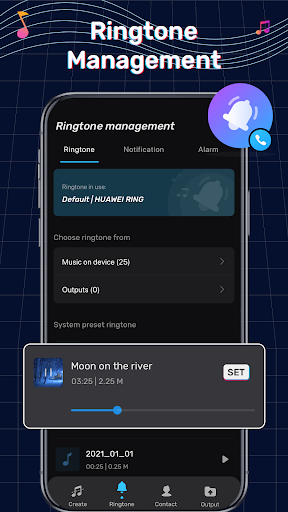
The app enables users to create custom ringtones tailored to individual contacts or SIM cards. Whether you want to set unique tones for your family, friends, or work contacts, this app makes it straightforward. It also supports making free ringtones that can be shared easily with friends. Beyond ringtones, you can craft notifications, alarms, and more, all with a simple interface.
Powerful Audio Editing Tools
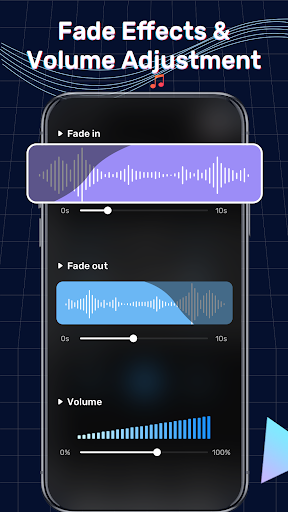
Designed with flexibility in mind, Ringtone Maker: Music Cutter features robust audio editing options. Users can cut, crop, or merge audio files, offering endless possibilities for customizing sound clips. The app supports setting fade-in and fade-out effects, adjusting volume levels, and more. You can even use it for video dubbing or creating podcast sounds, making it an all-in-one sound editing tool.
Precise Music Cutting and Trimming
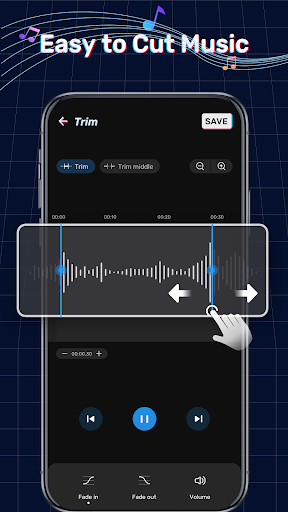
The music cutter and audio trimmer functionalities allow for precise editing. You can quickly cut music at the beginning or end, trim audio clips from the middle, or adjust the waveform manually for exact cuts. The app supports various formats, including MP3, WAV, AAC, and AMR, ensuring compatibility with most audio files. Volume adjustments and zoom features make accurate editing even easier.
Audio Merging and Mixing
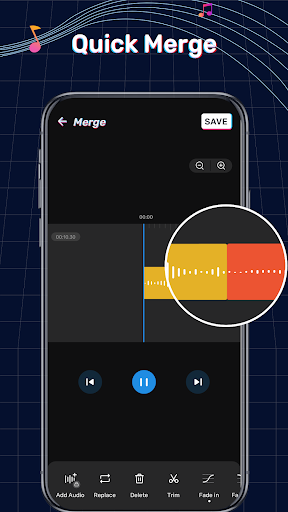
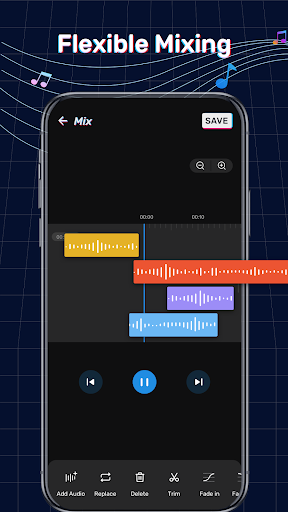
Have multiple sound clips you want to combine? The audio merger & joiner feature lets you seamlessly merge music, insert additional audio, or create mashups. You can add fade-in and fade-out effects during merging, giving your ringtone professional polish. The song mixer allows for flexible mixing of multiple tracks, perfect for creating unique sound combinations.
Conversion and Format Support
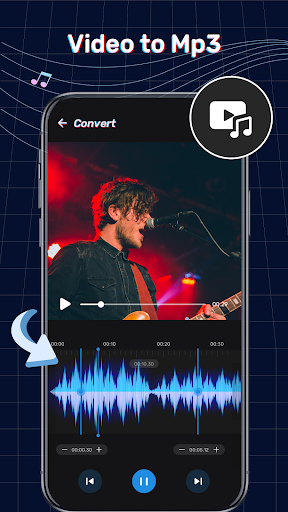
This app also offers MP3 conversion capabilities, allowing users to convert videos into MP3 or audio formats. This feature broadens your creative options, so you can extract audio from videos and craft the perfect ringtone or audio clip. The audio converter feature is currently in development but promises to expand your editing toolkit further.
Multi-functional Sound Editor
Beyond creating ringtones, the app functions as a voice editor and podcast editor. You can record sounds, edit voice clips, and produce professional-sounding audio files. Personalization is key, and this app helps you make personalized ringtones that are truly unique to you.
User Experience and Personal Touch
The user interface of Ringtone Maker: Music Cutter is thoughtfully designed to be intuitive and accessible for all users. You don't need to be a tech expert to navigate its features. The app offers a clean layout, easy-to-understand controls, and helpful editing tools such as waveform zoom and manual cut adjustment, making your editing process smooth and enjoyable.
One standout feature is the ability to record custom sounds directly within the app. Imagine setting your own voice, a funny sound, or a special message as your ringtone—adding a unique personal touch to your device. The app supports a wide range of file formats, ensuring compatibility with most music libraries and recording files.
Why Choose Ringtone Maker: Music Cutter?
In today’s world of personalized technology, having a tool like Ringtone Maker: Music Cutter is a game-changer. It combines simplicity with advanced editing capabilities, making it suitable for both casual users and more experienced audio enthusiasts. Best of all, it is completely free, so you can explore its features without any cost or limitations.
By using this app, you can elevate your device’s sound profile, making your ringtones, notifications, and alarms stand out. Whether you want to craft a catchy ringtone for your favorite song or record a fun reminder message, this app opens up endless creative possibilities. Its resource-efficient design ensures your phone’s performance remains unaffected while delivering powerful editing tools at your fingertips.
So why settle for generic sounds when you can create customized and personalized ringtones? Download Ringtone Maker: Music Cutter today, and start making the soundtracks that truly represent your style. Let your personality shine through every call and notification!
Pros
- User-friendly interface enabling quick editing
- Supports a broad spectrum of audio formats
- Enables accurate audio trimming and merging
- Provides various sound effects
- Basic features operate without internet connection
Cons
- Contains advertisements that may interrupt workflow
- Limited functionality in the free version
- May crash occasionally on older devices
- Some advanced features require in-app purchases
- User interface could be more visually appealing