

Discover the Ultimate Music Experience with Pulsar Music Player Pro
Are you looking for a reliable, feature-rich offline music player for Android that offers a seamless listening experience without intrusive advertisements? Look no further than Pulsar Music Player Pro. Renowned as one of the best music players available on Android, Pulsar combines a gorgeous user interface with an impressive array of features designed to meet all your musical needs.
Key Features of Pulsar Music Player Pro
Elegant User Interface and Design
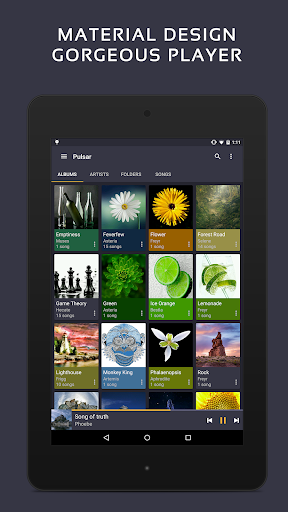
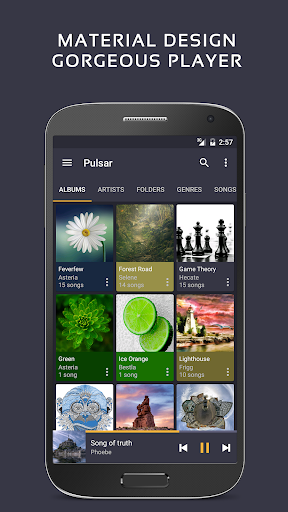
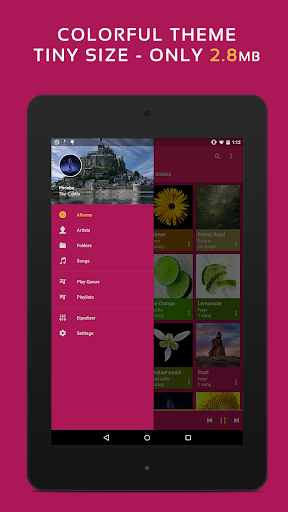
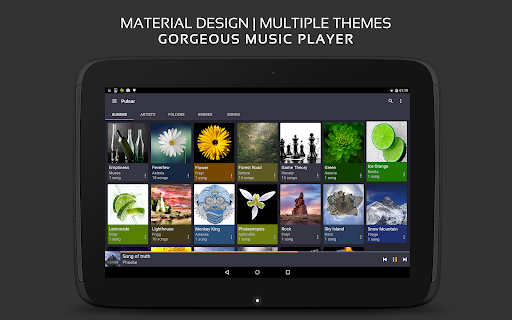
The app boasts a stunning material design interface filled with smooth animations and eye-catching visuals. Its minimalistic yet modern aesthetic allows you to navigate effortlessly through your music library, creating an enjoyable and intuitive user experience.
Comprehensive Music Management
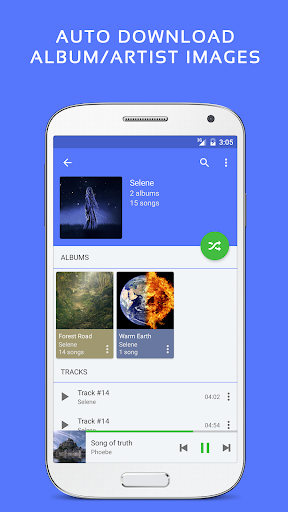
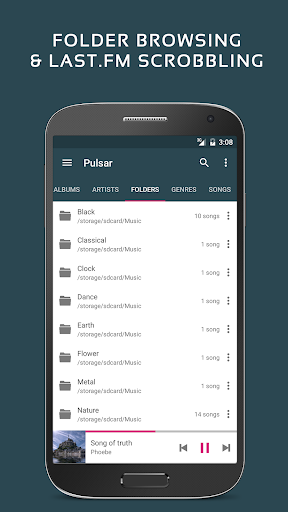
Manage and play your music effortlessly by album, artist, folder, or genre. The app intelligently syncs missing album or artist images automatically, keeping your library visually organized. Use smart playlists that dynamically update based on your listening habits—most played, recently played, or newly added tracks—making your favorite music easily accessible.
Rich Playback Features
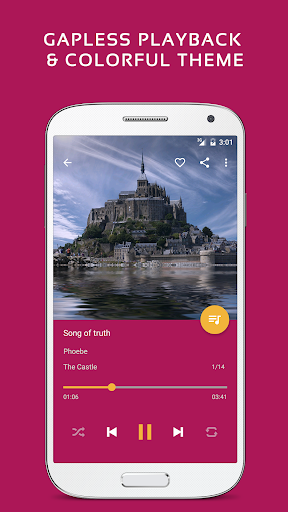
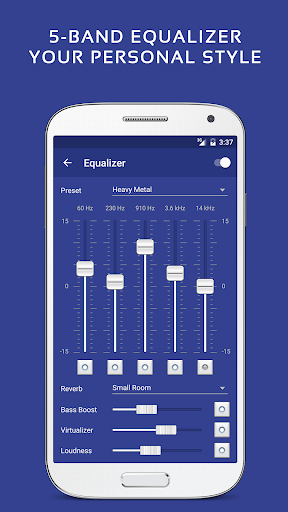
Enjoy gapless playback for seamless listening, ideal for live albums or concept albums. Adjust play speed to customize your listening experience and enable crossfade for smooth transitions between songs. The built-in equalizer allows precise audio tuning, supporting presets and manual adjustments to achieve studio-quality sound.
Lyrics, Visualizations, and Metadata
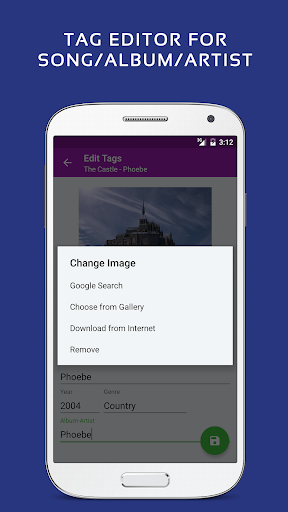
Display embedded lyrics or lyrics from external .lrc files, enhancing your singing experience. The app also features music visualizer rendering, adding visual effects synchronized to your music. Additionally, its metadata tag editor helps you organize your music library efficiently.
Connectivity and Compatibility
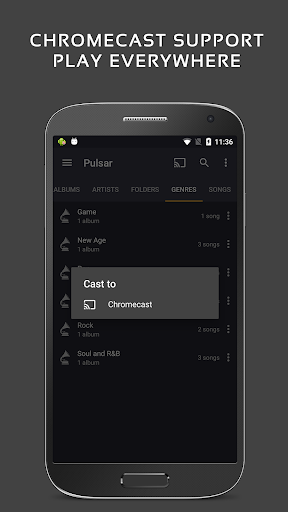
With Chromecast support and integration for Google voice commands, Pulsar makes it easy to control your music on various devices. It also offers Android Auto support, ensuring your driving sessions are safe and enjoyable. Customize your sound with audio balance adjustment and enable ReplayGain normalization for consistent volume levels across tracks. The sleep timer feature helps you fall asleep to your favorite tunes without worry.
Additional Features
The app offers various colorful themes to personalize your music experience. It operates completely without advertisements, providing an uninterrupted listening environment. Other useful features include support for various audio formats such as mp3, aac, flac, ogg, and wav, along with quick rescanning of your music library when needed.
Why Choose Pulsar Music Player Pro Over the Free Version?
Enhanced Customization and Sound Control
The paid Pulsar Music Player Pro offers extra customization options, including 16 themes plus the ability to modify them to match your style. It provides a 5-band equalizer with nine pre-set options, plus advanced features like bass boosting and reverb effects for audiophiles seeking fine-tuned audio control.
Supporting Your Music Journey
If you encounter issues, want to contribute translations, or provide feedback, the developers encourage you to reach out via email or visit their community on XDA Developers. The app also includes a comprehensive online manual to help you get the most out of Pulsar.
Conclusion
Pulsar Music Player Pro stands out as a powerful offline music player that combines sleek design, extensive features, and high customization. Whether you’re an audiophile or someone who simply wants a reliable music app free of ads, Pulsar delivers a premium experience that respects your music collection and listening preferences. Download Pulsar Music Player Pro today and elevate your Android music experience to new heights—let your favorite tunes speak for themselves.
Pros
- User-friendly interface design
- High-quality audio playback
- Support for a wide range of file formats
- Options for customizing themes and colors
- Capability to play music offline
Cons
- Limited support for podcasts
- Lacks integration with online streaming services
- Occasional application crashes
- Advertisements present in the free version
- Limited cloud synchronization options











