
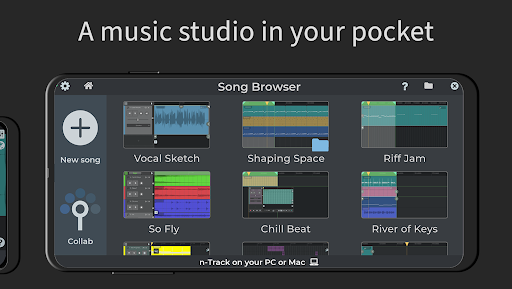
Discover n-Track Studio DAW: Make Music - The Ultimate Mobile Music Production App
n-Track Studio DAW: Make Music is a versatile and powerful digital audio workstation (DAW) designed specifically for Android devices. Whether you're an aspiring musician, a seasoned producer, or a casual creator, this app transforms your smartphone or tablet into a comprehensive music production studio. With its extensive features, intuitive interface, and flexibility, n-Track Studio empowers users to craft, edit, and share professional-quality music directly from their mobile device.
Key Features that Elevate Your Music Creation Experience
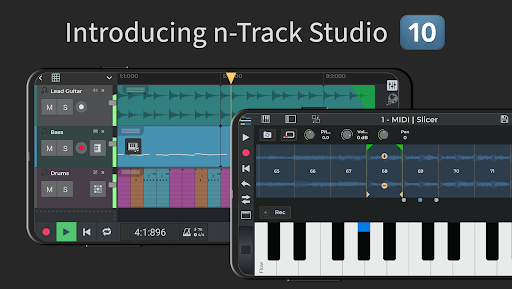
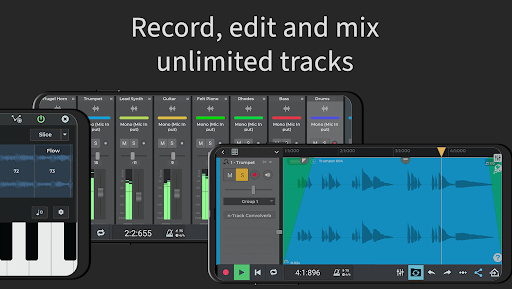
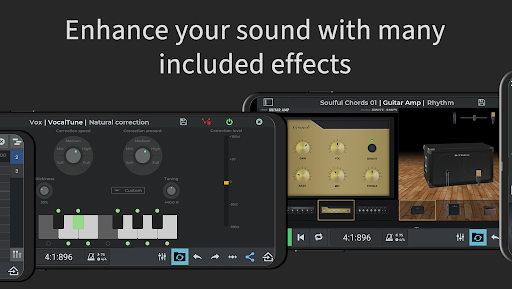
One of the most notable aspects of n-Track Studio DAW is its ability to record an unlimited number of audio, instrument, and beat tracks. This capability allows for layering complex arrangements without worrying about track limitations. The app offers a broad suite of built-in tools for mixing and effects, such as Guitar Amps, VocalTune pitch correction, Reverb, Echo, and many more, enabling users to shape their sounds precisely.
Flexible Recording and Editing Tools
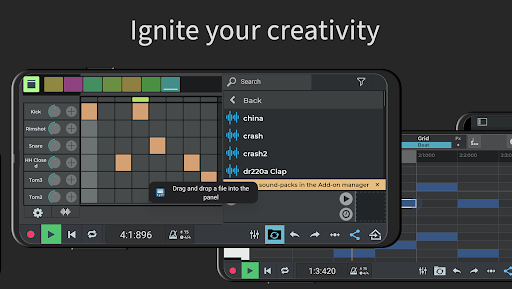
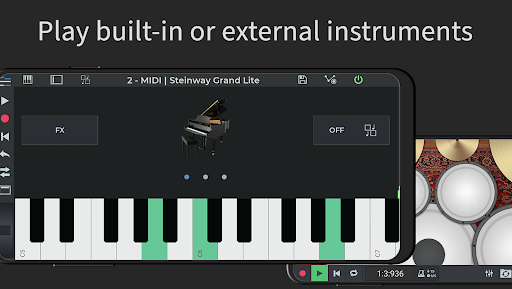
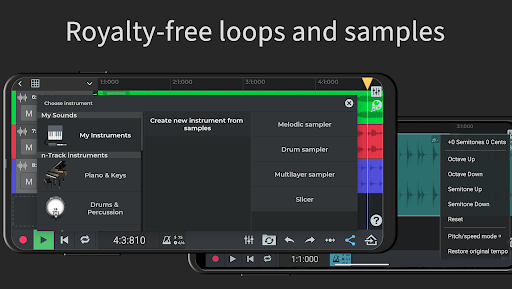
Getting started is simple: you can record directly using your device's built-in microphone or connect an external USB audio interface for higher-quality recordings. The app features a Loop Browser and royalty-free sample packs, giving you a rich library of sounds to enhance your compositions. Creating beats is intuitive with the Step Sequencer Beat Maker, and melodies can be easily crafted using the internal virtual keyboard. If you prefer external MIDI devices, n-Track Studio supports connecting MIDI keyboards for even more expressive control.
Powerful Mixing and Effects Processing
The built-in mixer allows you to adjust volume levels, pan positions, and apply a variety of effects. You can add effects like Reverb, Chorus, Distortion, Convolution Reverb, DynamicEQ, Phaser, and more to craft your unique sound. The app also includes an EQ with 2D & 3D Spectrum Analyzer and a chromatic tuner for precise sound tuning. Automating volume, panning, and effects is straightforward with the envelope controls, enabling dynamic adjustments throughout your tracks.
Advanced Features for Professional-Level Production
For users seeking professional-grade capabilities, n-Track Studio offers a 64-bit audio engine and supports sampling frequencies up to 192 kHz, making it suitable for detailed, high-fidelity recordings. Export options include 16, 24, or 32-bit audio files, giving you flexibility for mastering and final production. Additionally, features such as live input monitoring and recording multiple tracks simultaneously from USB pro-audio devices (like Focusrite or M-Audio) provide a studio-quality experience in your pocket.
Subscription Tiers and Free Version Limitations
The free edition of n-Track Studio includes essential features like up to 8 tracks, 2 effects per track, and the ability to save your songs online. For more advanced capabilities, users can opt for subscription plans:
- Standard subscription ($1.49/month): Unlock unlimited audio and MIDI tracks, all effects, and export options.
- Extended subscription ($2.99/month): Includes a 64-bit audio engine, support for multichannel USB audio interfaces, and higher bit-depth exports.
- Suite subscription ($5.99/month): Adds 10GB of royalty-free loops & samples, exclusive project files, and advanced sound libraries.
Community and Learning Resources
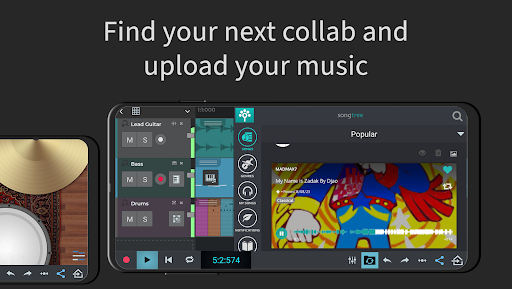
Beyond the core features, n-Track Studio integrates seamlessly with the Songtree community, allowing musicians to collaborate, share projects, and receive feedback. For newcomers, the app offers comprehensive video tutorials for Android, providing step-by-step guidance to maximize workflow and creativity.
Final Thoughts
Overall, n-Track Studio DAW: Make Music offers an impressive suite of tools that bring professional-quality music production to your mobile device. Its combination of powerful recording, mixing, editing features, and flexible subscription plans makes it a go-to app for musicians on the move. Whether you're laying down vocal tracks, designing beats, or fine-tuning your mixes, n-Track Studio stands out as a comprehensive digital audio workstation that can elevate your musical projects from simple ideas to polished productions. If you're serious about creating music with a mobile DAW, this app provides everything you need to produce, collaborate, and share your sound with the world.
Pros
- User-friendly interface suitable for beginners.
- Includes a wide variety of virtual instruments.
- Supports high-quality audio recording.
- Compatible across multiple platforms.
- Receives regular updates and new features.
Cons
- Requires a high-performance device for smooth usage.
- Features of the free version are limited.
- Steep learning curve for advanced functionalities.
- Occasional crashes have been reported.
- In-app purchases can be costly.











