

Discover the Ultimate Music Player App
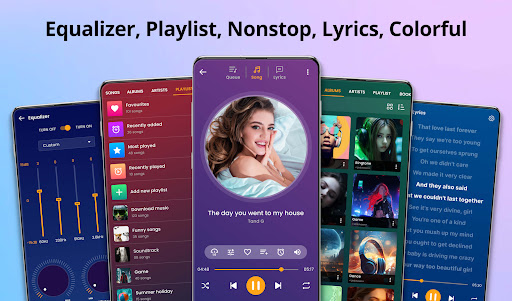
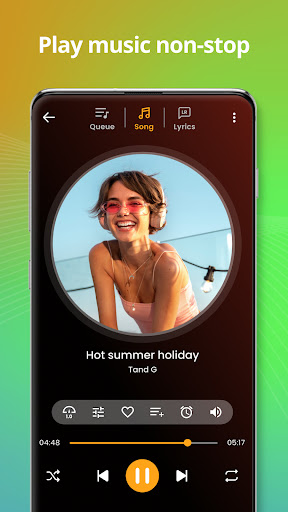
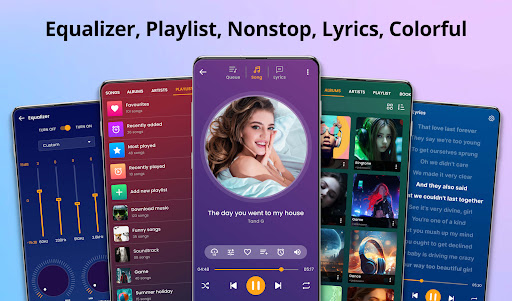
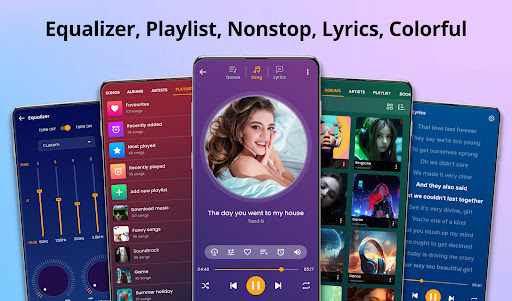
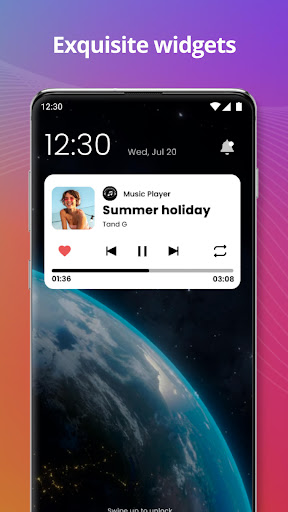
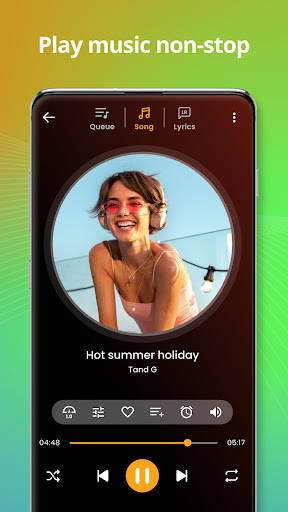
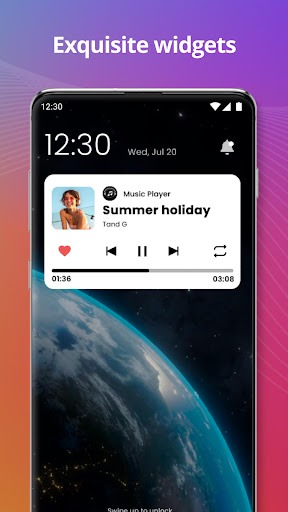
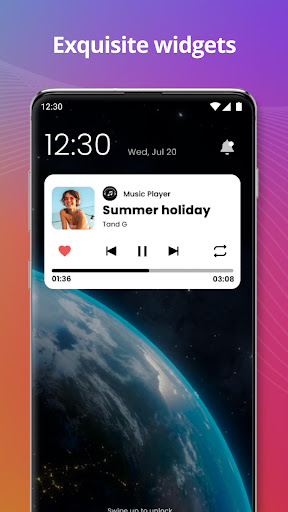
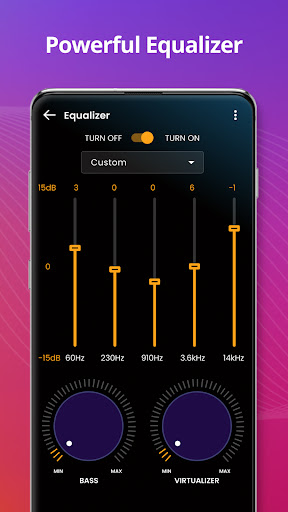
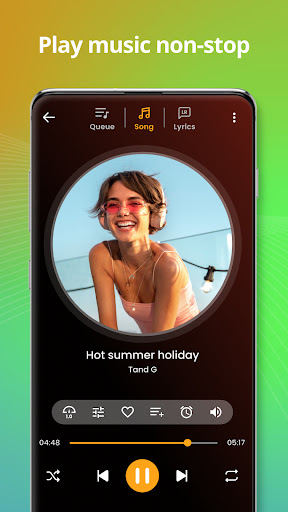
Are you searching for a music player that seamlessly combines a sleek interface with powerful features? Look no further. Our mp3 player app is designed to be the best media player for your mobile device, delivering high-quality sound and an intuitive experience. Whether you're a casual listener or an avid audiophile, this music application is tailored to meet all your musical needs. It supports a wide range of song formats including mp3, flac, and ogg, ensuring that no matter your music collection, you can enjoy it effortlessly on your device. The app automatically scans your entire music library, organizing songs by title, artist, and album to make your listening experience smoother. With advanced features like an audio equalizer, users can customize their sound profile for a richer audio experience. Want to personalize your music experience even more? You can tweak tags, change song information, or create personalized playlists. Plus, the app supports ringtone maker features, enabling you to set your favorite tracks as your device's ringtone. The friendly user interface, combined with functionalities like share music options, background playback, and controls directly from the status bar or lock screen, makes this offline music player an indispensable part of your daily life. Whether you're at home, on a walk, or commuting, this free music player ensures your favorite tunes are always at your fingertips. Overall, this app offers an exceptional music listening experience with features including themes customization, playlist management, and headphone/blueooth support, making it a comprehensive and versatile mp3 player for Android users.
Experience Personalized and Convenient Music Listening
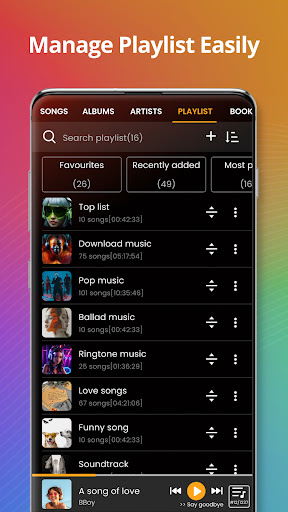
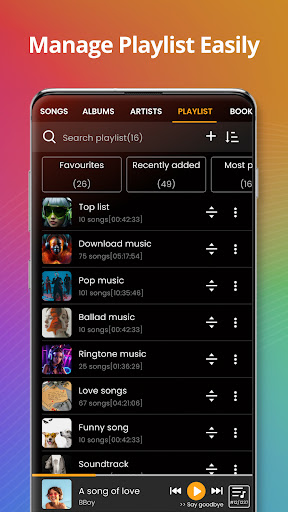
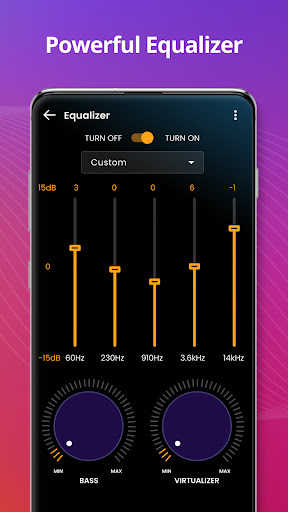
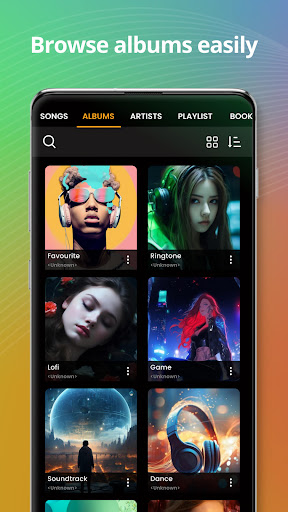
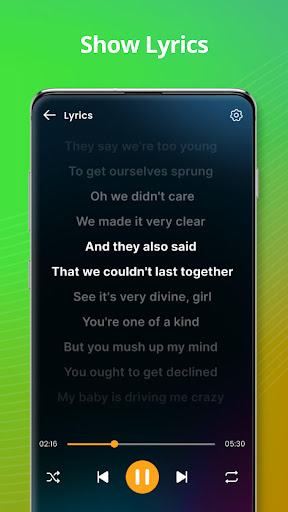
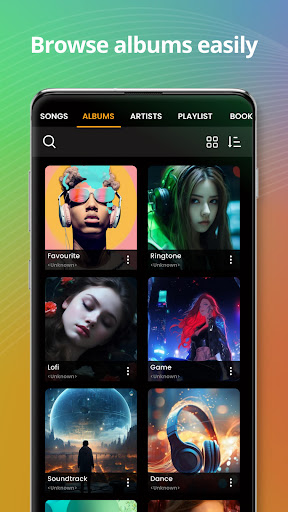
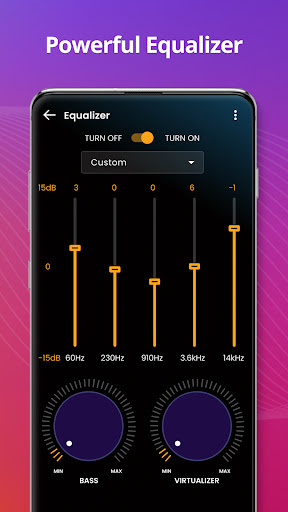
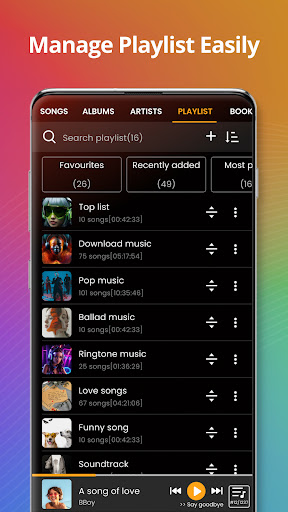
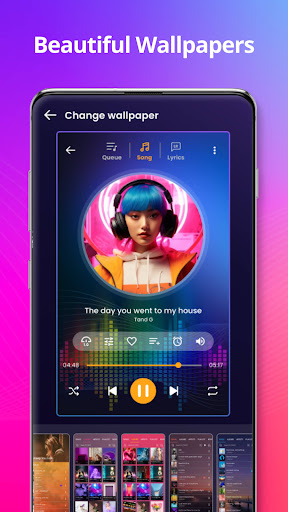
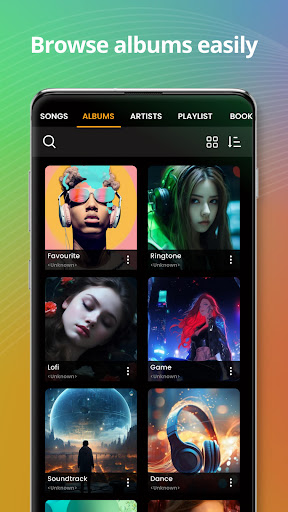
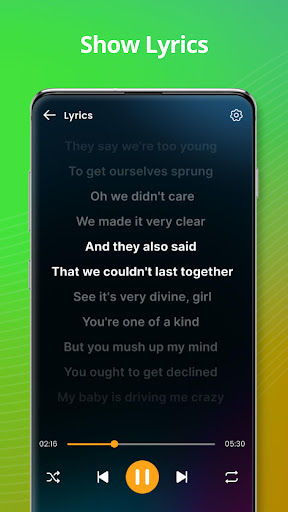
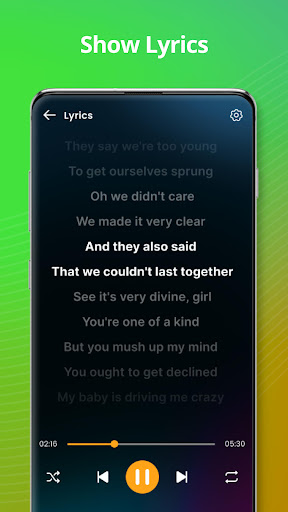
Have you ever wished for a music player that truly "gets you"? This music player app aims to fulfill that wish by offering a highly personalized experience packed with features tailored to both casual listeners and dedicated audiophiles. The app's sleek and intuitive interface makes browsing and managing your music library effortless, eliminating any steep learning curve. From the moment you open the app, you'll find your favorite tracks organized intuitively with categories like album, artist, genre, playlist, and more. Support for a multitude of song formats means you don’t need to worry about converting files to enjoy your music collection. Plus, the app's powerful search function allows you to locate songs quickly by entering titles, albums, or artist names. One of the standout features that can elevate your listening experience is the audio equalizer. Whether you prefer deep bass, crisp treble, or balanced sound, the app offers preset options or full customization for audiophiles eager to fine-tune their audio. Offline playback ensures you’re never without music, making this offline music player ideal for travel, workouts, or areas with limited connectivity. If you like to wind down with your favorite tunes, the app's sleep timer feature helps you drift off peacefully with music fading out at your desired time. Sharing your favorite tracks with friends is effortless with built-in options for social media sharing or direct messaging, spreading the love for good music. For karaoke lovers, the app also offers lyrics display, allowing you to sing along and have fun. Personalization extends further with options to edit tags such as song title, album, or artist, and customization of the app’s themes for a look that matches your style. Managing playlists is simple, enabling you to create, update, or delete playlists while adding individual songs or entire albums. The app even supports widget integration, providing quick access to controlling playback directly from your home screen. Whether you're on wired headphones or Bluetooth devices, the app’s compatibility ensures seamless music control. In summary, this music player app strikes a perfect balance between functionality, personalization, and convenience—making it a top choice for those who want their music exactly how they like it.
Pros
- User-friendly interface
- Easy navigation
- Supports various audio file formats
- Customizable equalizer settings
- Offline playback for downloaded tracks
- Low battery consumption mode
Cons
- Ads in the free version can be intrusive
- Limited features without a subscription
- Occasional app crashes reported
- Requires frequent updates
- Advanced features require in-app purchases











