
Music Player for Android: The Ultimate Audio Experience
Finding the perfect music player app for Android can be a challenging task with so many options available. However, if you’re someone who can’t imagine a day without your favorite tunes, the Music Player for Android stands out as a top contender that offers an exceptional audio experience combined with user-friendly features. This powerful media player is designed to make your music listening more enjoyable, customizable, and convenient, whether you're at home, commuting, or working out.
Seamless Interface and Intuitive Navigation
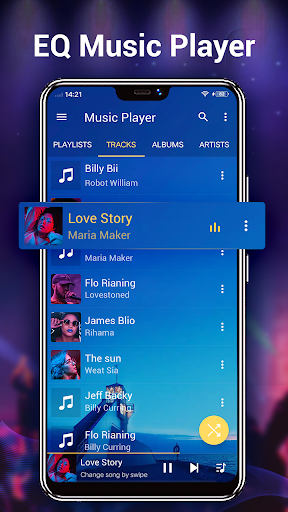
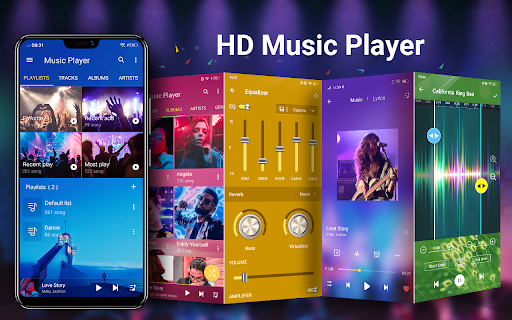
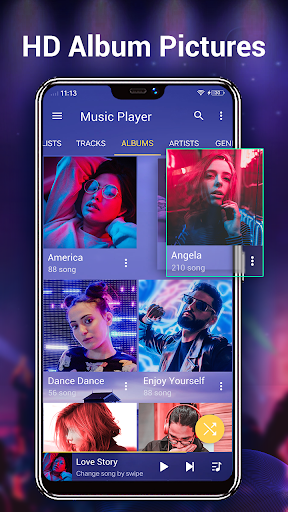
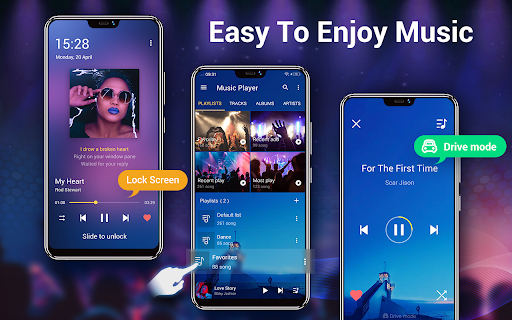
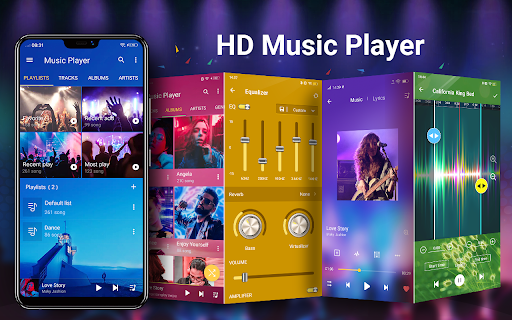
From the moment you open the Music Player for Android, you are greeted with a sleek, clean, and intuitive interface. Its thoughtfully designed dashboard ensures that all essential controls and navigation options are just a tap away. Whether you prefer browsing your music library by albums, artists, genres, songs, or playlists, the app makes it effortless. The streamlined layout guarantees that both tech-savvy users and newcomers can navigate with ease, making your music discovery and playback experience smooth and enjoyable.
Rich Features for the Avid Music Lover
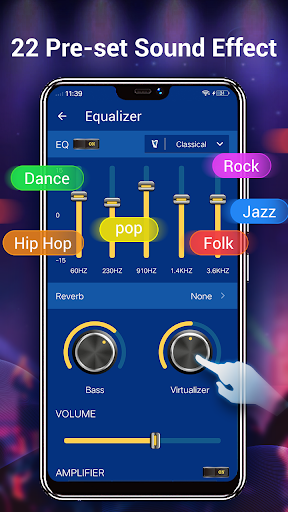
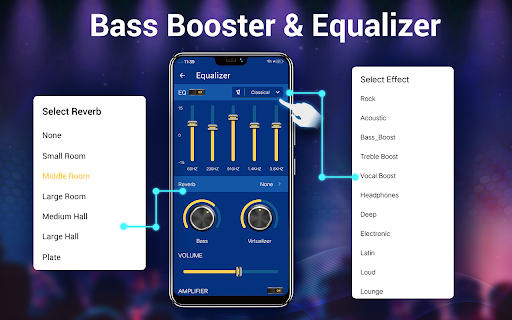
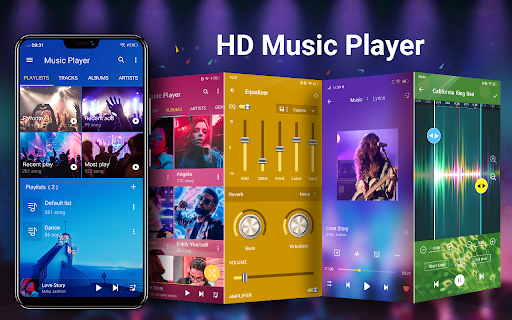
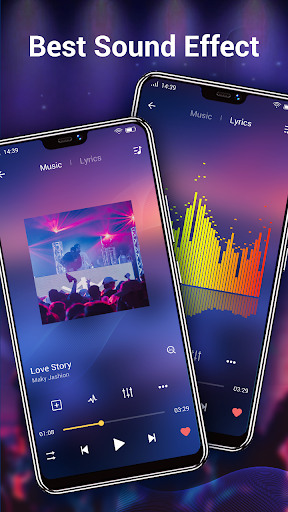
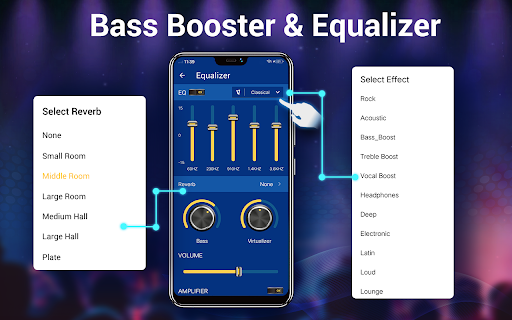
This audio player is packed with features that elevate your listening session. Supporting a broad range of audio formats like MP3, MP4/M4A, WMA, FLAC, and APE, it ensures compatibility with almost any music file you have. The equalizer is a standout feature, offering a five-band system with over 20 preset audio tones. Whether you prefer bass-boosted sound, treble enhancements, or custom adjustments, the equalizer puts complete control at your fingertips, making your music sound like never before.
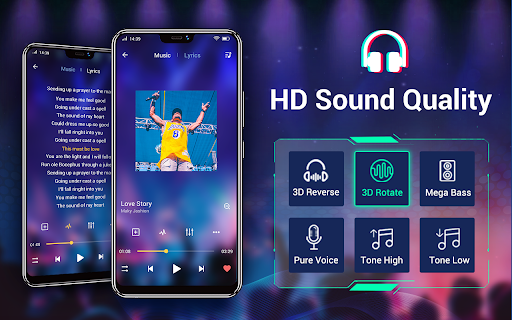
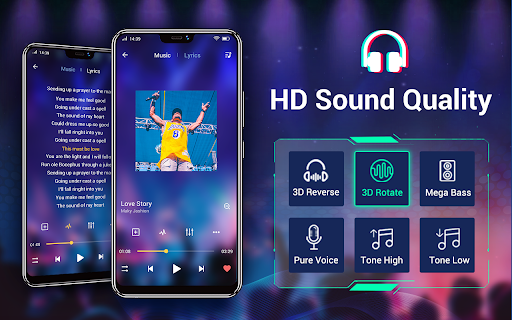
With HD playback and high-quality decoding, every note is rendered beautifully, creating an immersive listening environment. Additionally, the app allows offline playback, so you can download your favorite tracks and enjoy them without an internet connection—perfect for long trips or areas with limited connectivity.
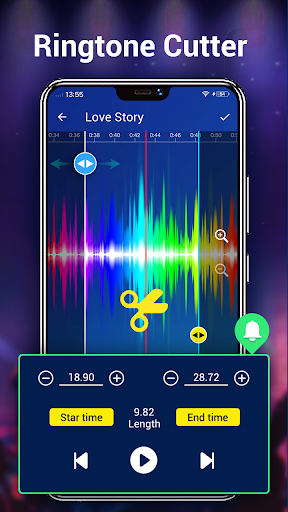
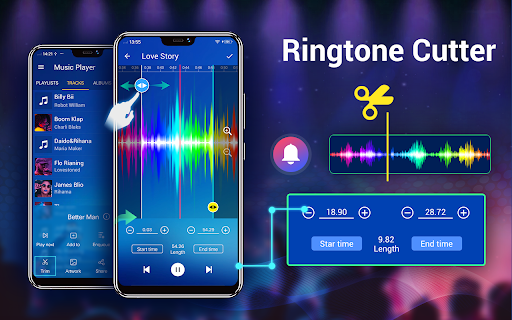
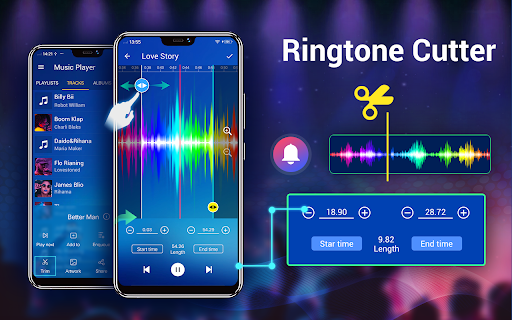
For added personalization, you can manually select album artwork, artist images, genre illustrations, and lyrics. The app even supports editing music files to create ringtones—giving you full control over your audio collection.
Customization and Convenience
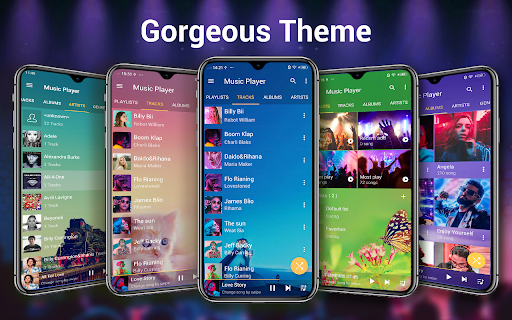
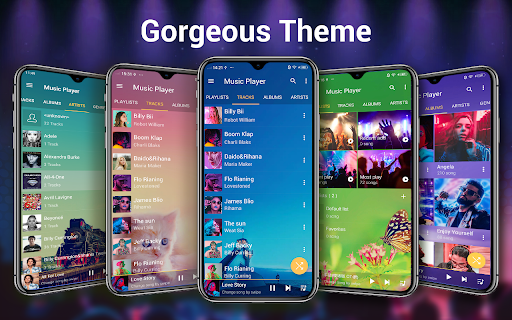
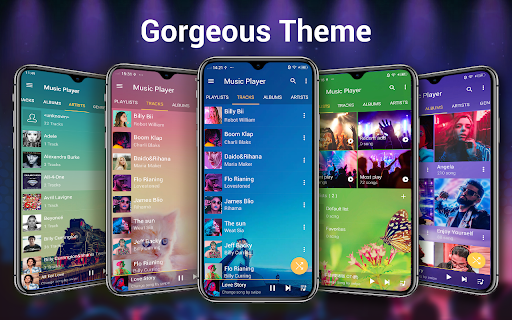
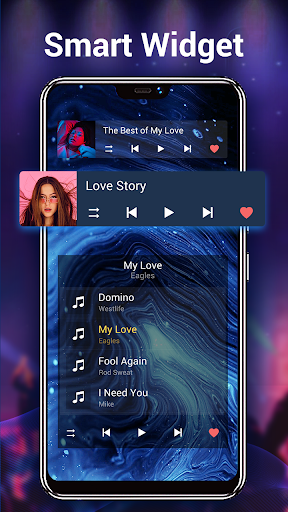
Personalization is a key aspect of this music player. Choose from more than 22 gorgeous background skins to make the interface visually appealing and tailored to your style. The app also includes 3 home screen widgets (4x1, 2x2, 4x1) which provide quick access to your music controls, so playing, pausing, skipping, or stopping music is always just a tap away.
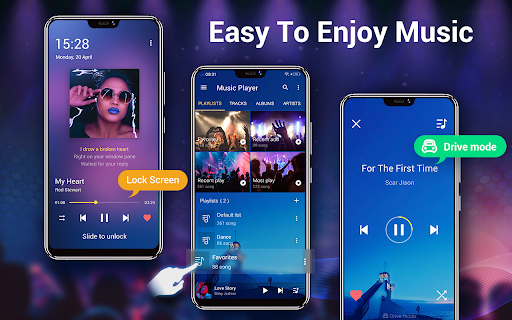
Notifications also support album artwork, song titles, artist info, and playback controls, allowing you to manage your music without unlocking your device. The remember last playlist feature means your listening session resumes exactly where you left off, making for a seamless experience.
Additional Benefits and Online Integration
While this app focuses on local music files, it offers the ability to search online for trending music videos and MVs. It can auto-search related videos, adding a visual dimension to your music enjoyment. The smart playlists help organize your favorites and most played songs, keeping your library tidy and accessible.
Final Thoughts
Overall, the Music Player for Android is one of the most successful, high-quality music players available. Its combination of powerful equalization, extensive customization options, and easy-to-use interface make it a great choice for any music enthusiast. Whether you’re looking for HD sound, offline playback, or visually appealing themes, this app covers all the bases. While it doesn't provide online music search or download, it excels as a reliable local media player that transforms your standard music library into a premium listening experience. If you want a versatile, feature-rich music player that’s simple to operate and highly customizable, give this app a try. It might just become your new favorite accompaniment for your musical journey.
Pros
- User-friendly interface for easy navigation
- Supports all major audio formats
- Includes equalizer with presets
- Offline playback without ads
- Customizable themes and layouts
Cons
- Limited library management features
- No lyrics support for songs
- Occasional app crashes
- Some features require purchase
- Minimal integration with streaming services











