

Introducing the Ultimate Music Player - Audio Player
Discover a top-tier audio experience with the Music Player - Audio Player. Designed for both casual listeners and audiophiles, this app transforms your music playback with its powerful features and sleek interface. Whether you're managing a vast library or just enjoying a quick playlist, this media player offers everything you need to customize, discover, and enjoy your favorite tunes seamlessly.
Unmatched Sound Quality and Customization
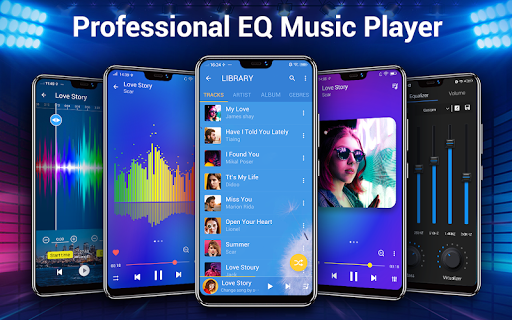
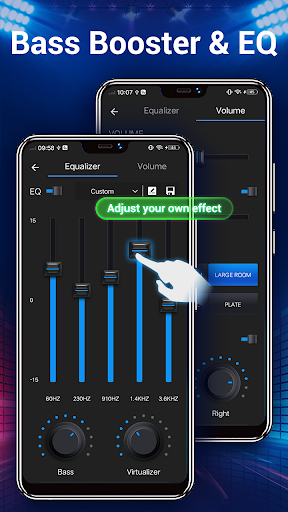
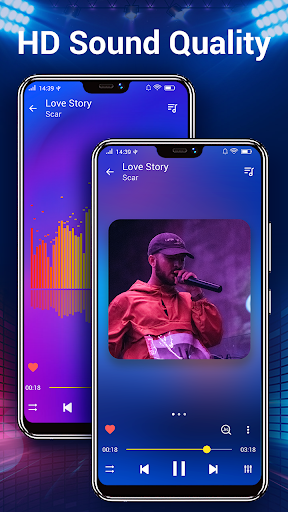
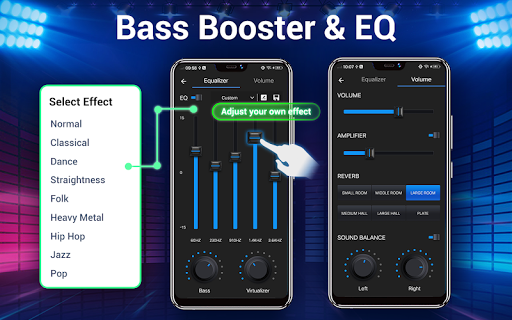
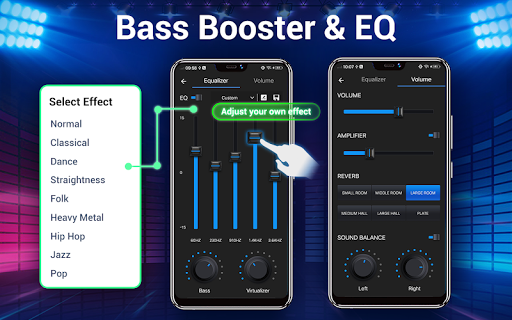
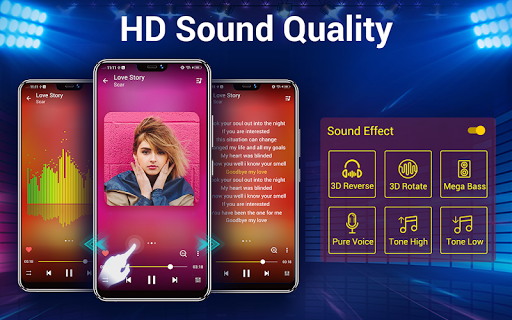
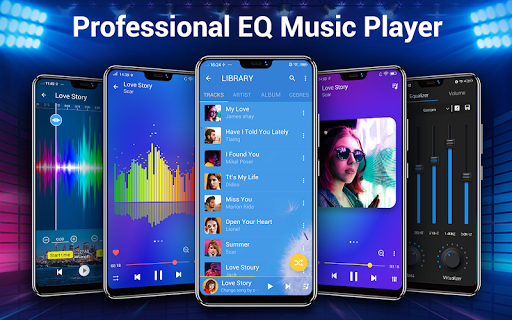
At the heart of the Music Player - Audio Player lies a powerful equalizer that elevates your audio experience to new heights. With a flexible five-band equalizer, you can meticulously tune your sound, or choose from over 22 pre-set music tones to instantly enhance your listening. The bass boost feature adds depth to your music, making every beat hit harder and providing a full-bodied experience that immerses you in audio. The app supports all audio file formats including MP3, WAV, FLAC, and more, ensuring compatibility with your entire music collection.
Easy Navigation and Organization
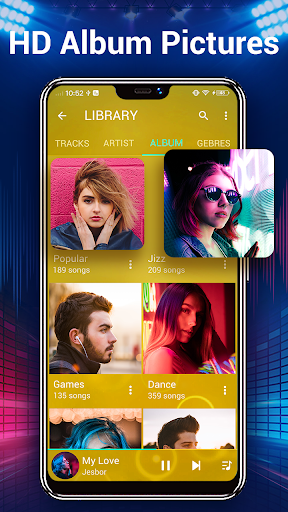
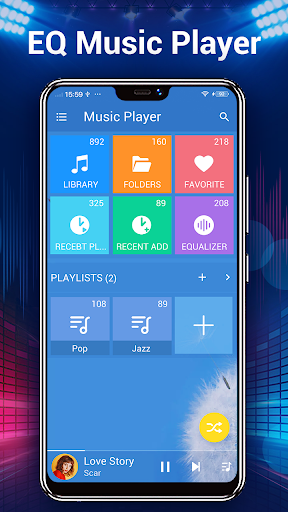
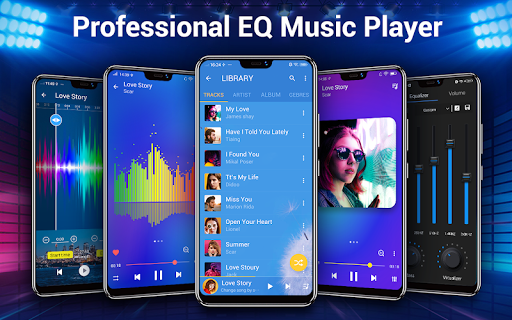
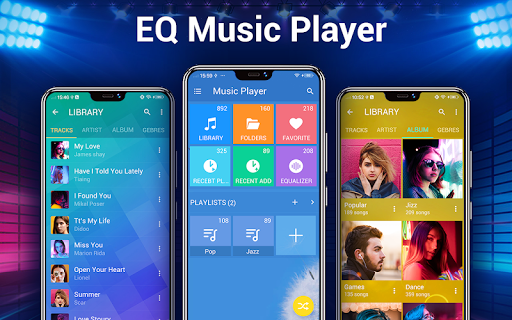
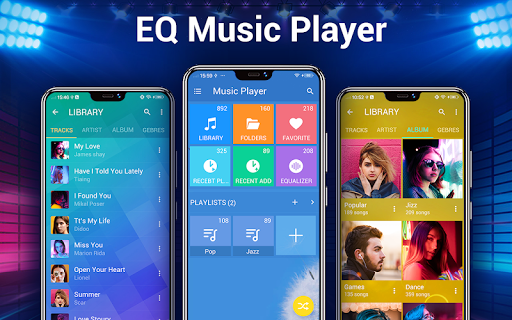
Managing your music library has never been easier. The app allows you to browse your songs by albums, artists, genres, playlists, folders, and album artists. Its quick search capability enables you to find any song or audio file effortlessly. The app even provides tools for editing song details, such as fixing missing album or artist info, helping keep your library organized and accurate. Creating and customizing playlists allows you to curate your music for different moods or occasions, making your listening experience highly personalized.
Visual Personalization
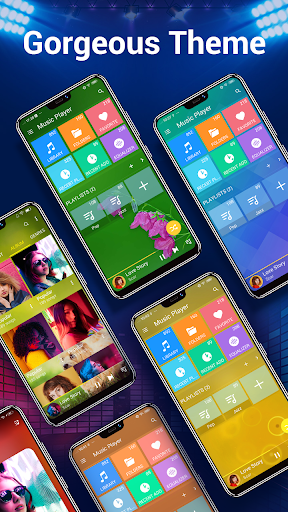
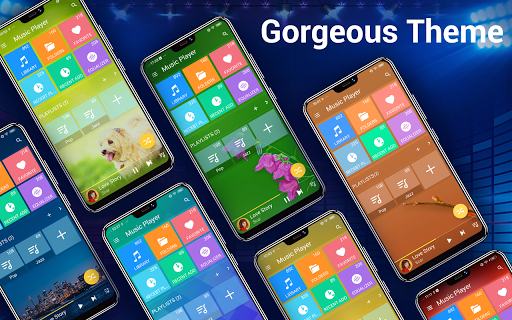
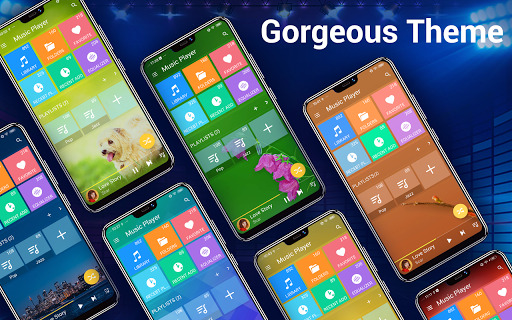
Express your style with over 20 gorgeous background skins, which can be easily applied to give your music player a fresh look. Plus, you have the option to set your favorite images as custom backgrounds, creating a personalized interface. This level of customization not only enhances aesthetic appeal but also boosts your overall user experience, making your music app truly your own.
Enhanced User Experience Features
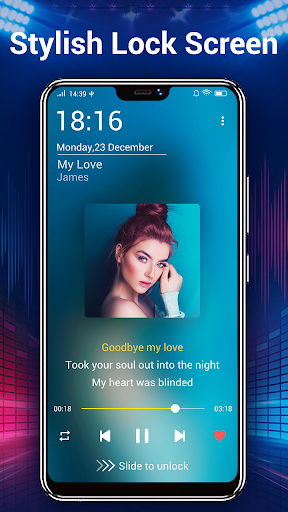
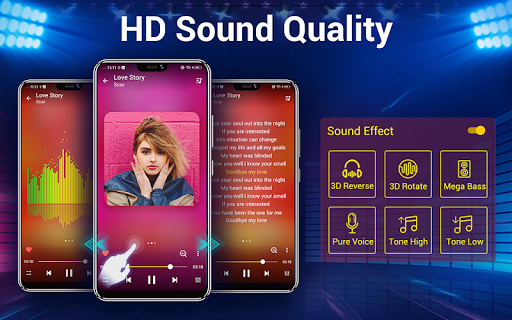
The Music Player - Audio Player is loaded with features to elevate your listening. Support for lyrics display ensures you can sing along with your favorite tracks, as the app automatically scans and matches lyric files. For quick control, three home screen widgets (4x1, 2x2, 4x1) are available, providing easy access to controls and playback status. Notification controls display essential info like album artwork, song title, and artist, plus playback controls for quick management. The shake to skip functionality adds a fun, interactive way to navigate your music without unlocking your device.
Additional Handy Features
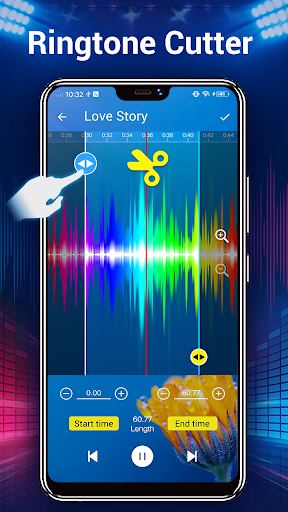
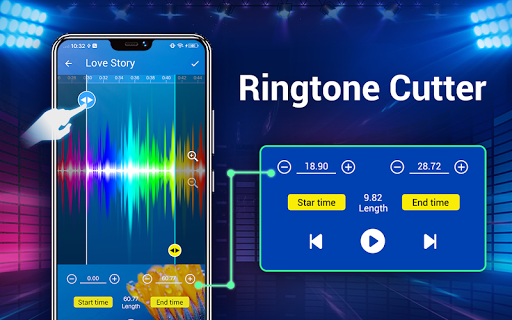
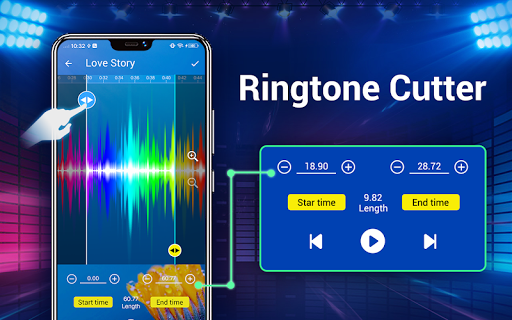
You can set a song to play next, trim and edit music files to create custom ringtones, and manage your recent play history. Support for headset and Bluetooth controls allows you to enjoy your music while on the move, all with one-button and multiple-button headsets. The app also offers an online search for trending music videos, keeping your playlist fresh with the latest hits. This versatile media player ensures your music experience is both comprehensive and enjoyable.
Conclusion
Whether you're looking for a gorgeous, powerful music player or a customizable and feature-rich audio app, the Music Player - Audio Player stands out as a top choice. Its intuitive interface, extensive format support, and advanced features like equalizer, lyric support, and widget controls make it a must-have for any music enthusiast. Elevate your listening experience today and discover how seamless and enjoyable managing your music library can be.
Pros
- Intuitive interface that enables easy navigation.
- Compatible with various audio formats.
- Adjustable equalizer settings for customization.
- Supports offline listening.
- Effortless management of playlists.
Cons
- Presence of ads in the free version.
- Limited options for theme customization.
- Lacks support for song lyrics.
- Requires in-app purchases for premium features.
- Occasional issues with playback stability.











