



Discover the Power of MuseScore: sheet music
Are you a musician looking for an easy way to access, practice, and share sheet music? MuseScore: sheet music is an innovative app designed to cater to musicians of all levels and instruments. With its extensive library, interactive features, and community-centered approach, it’s become a go-to platform for music enthusiasts worldwide.
This app offers a vast collection of FREE sheet music covering numerous genres and instruments, making it an indispensable tool for anyone eager to explore or enhance their musical skills. Whether you play the piano, guitar, violin, or trumpet, MuseScore guarantees a rich selection of high-quality scores to suit your taste.
Unlock an Extensive Sheet Music Library
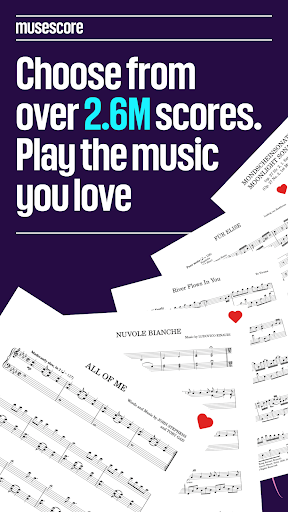
Searching for sheet music has never been easier thanks to MuseScore.com, the platform powering the app. With over 2 million free scores, you'll find everything from classic compositions to contemporary hits, including piano notes, guitar tabs, and scores for a variety of instruments like violin, flute, percussion, and more.
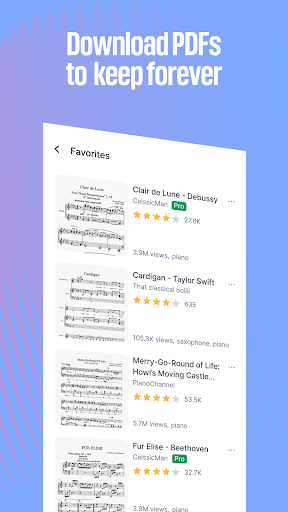
The catalog is thoughtfully organized for simple browsing—filter by instrument, genre, or ensemble type, whether it’s solo, band, or orchestra pieces. Renowned composers such as Bach, Mozart, Morricone, Zimmer, Joe Hisaishi, and Koji Kondo are well-represented, so you won’t miss out on your favorite musical styles. Additionally, you can add scores to your Favorites to access them quickly later.
Practice and Perform Anytime, Anywhere
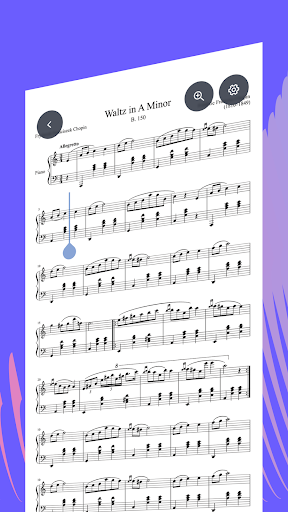
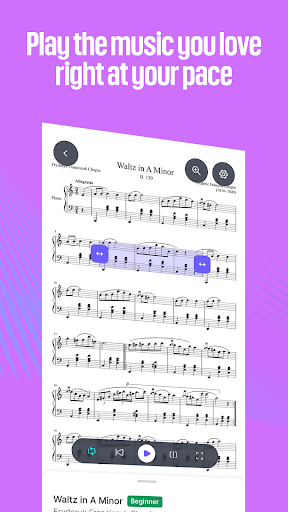
With MuseScore, you can view, practice, and perform scores on-the-go. The app’s interactive player allows you to listen to the music with high-quality sound, adjust the tempo, and loop sections to master difficult passages. Its Practice Mode helps you learn notes step-by-step, making it ideal for beginners and seasoned musicians alike.
For more advanced practice, MuseScore PRO offers features such as transposing scores into any key, isolating or adjusting instrument volumes, and auto-scrolling to keep you focused on the music. You can even export scores as PDF, MIDI, or MP3 files for offline use or recording purposes.
Enhance Your Learning with Video Courses
Deepen your musical knowledge through MuseScore LEARN subscription, which provides access to video lessons from top music educators. Whether you’re a complete beginner or looking to refine your skills, these courses cover all facets including music theory, music composition, and ear training.
The bundled MuseScore ONE plan combines courses with advanced practice features, offering a comprehensive platform for musical growth. Learn how to play various instruments like piano, guitar, violin, or trombone, and explore different musical genres with structured tutorials suited for every skill level.
Join a Thriving Musical Community
The community aspect of MuseScore allows you to upload your own compositions, share your favorite scores, and receive feedback from fellow musicians. This collaborative environment fosters learning and creativity, making it a vibrant hub for music lovers to exchange ideas and inspire each other.
Whether you’re looking to discover new music, connect with other artists, or showcase your work, MuseScore provides the tools and network to help you grow as a musician.
Conclusion: Your Musical Companion
In today’s digital world, MuseScore: sheet music stands out as a versatile and powerful platform that combines an extensive sheet music archive with interactive features designed for practice and learning. Its intuitive interface, rich library, and supportive community make it an essential app for musicians aspiring to improve their skills or simply enjoy playing music.
Whether you're a beginner eager to learn or a seasoned performer seeking fresh repertoire, give MuseScore a try. It could very well become your favorite partner on your musical journey, helping you unlock new heights of mastery and enjoyment in playing your instrument.
Pros
- Extensive library of sheet music available
- Intuitive interface for effortless navigation
- Offline access to saved scores
- Regular updates introducing new features
- Compatibility across multiple platforms
Cons
- Some features require a paid subscription
- Occasional issues with sheet rendering
- Support for certain instruments is limited
- Advertisements are present in the free version
- High data consumption when streaming music











