

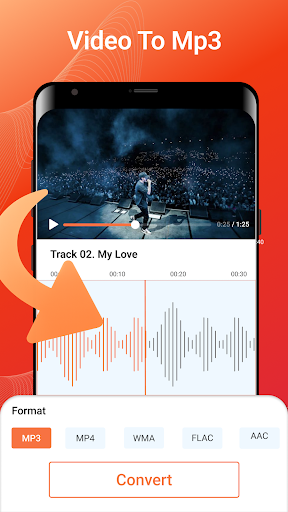
Discover the Power of MP3 Converter - Video to MP3
The MP3 Converter - Video to MP3 app is a versatile and professional tool designed to transform your multimedia experience. With its comprehensive features, this multipurpose MP3 converter allows users to extract high-quality music from their favorite videos and create personalized ringtones with ease. Whether you're looking to convert videos into audio files for offline listening or edit your soundtracks, this app offers an intuitive interface coupled with powerful capabilities that make it the perfect addition to your mobile toolkit.
Key Features and Benefits
The MP3 Converter - Video to MP3 stands out due to its user-friendly design and multifunctional performance. Built to satisfy both casual users and audio enthusiasts, it makes complex tasks simple:
- Simple, Easy-to-Understand Interface: Navigate effortlessly through video and audio conversions, trimming, merging, and editing with minimal learning curve.
- Offline Conversion: Convert videos to audio without needing an internet connection, ensuring privacy and speed.
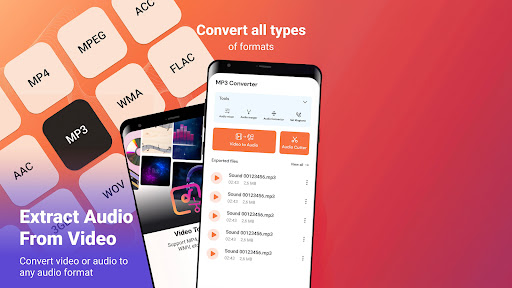
- Format Support: Compatible with a variety of formats including MP4, MKV, FLV, AVI, WMV for videos, and MP3, WAV, OGG, M4A, AAC, FLAC for audio files.
- Batch Conversion: Process up to 15 videos simultaneously, saving you precious time when working with multiple files.
- Background Processing: Keep using your device while conversions happen seamlessly in the background.
Transforming Video to Audio Made Easy
The core feature of this video to MP3 converter is its ability to efficiently extract audio from various video formats:
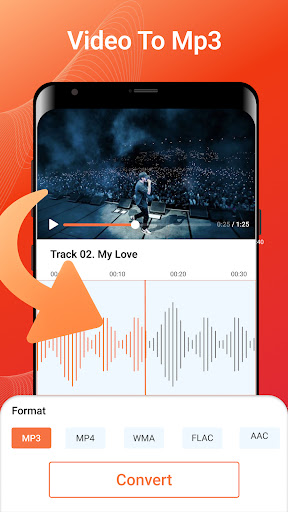
Video to Audio Conversion
Convert MP4, MKV, AVI, FLV, WMV, and other formats into high-quality MP3 or WAV files. You can process multiple videos at once, up to 15 clips, making it perfect for creating playlists or extracting soundtracks from multiple videos quickly.
File Tag Editing
After conversion, edit the file tags such as Title, Album, Artist, and Genre to organize your music library effectively.
Video Editing & Trimming Features
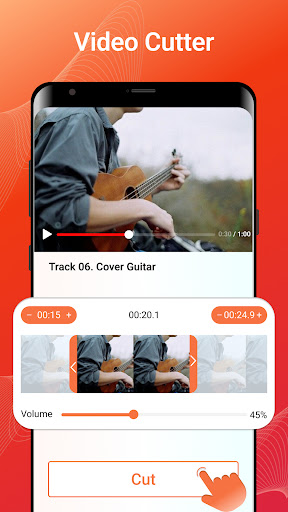
Beyond simple conversion, this app functions as a robust video cutter and trimmer. Quickly cut parts of videos to create short clips or ringtones:
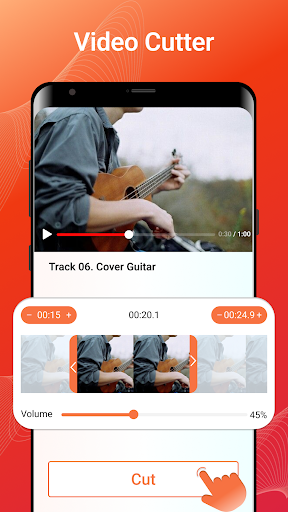
Video Cutter & Trimmer
Support for multiple formats including MP4, 3GP, AVI, MOV, WEBM, and more. Trim specific sections of a video and save or share the result directly from your device.
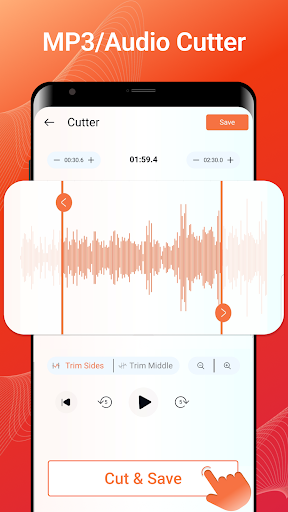
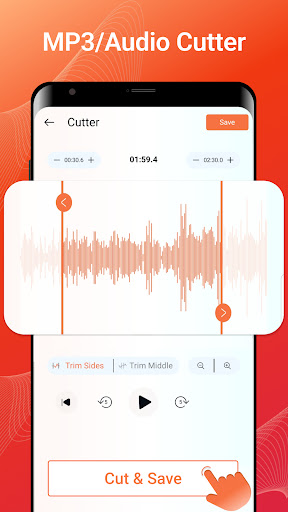
Audio Cutter & Ringtone Maker
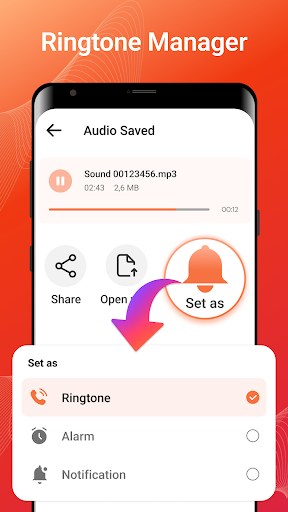
Create custom ringtones, notification sounds, or assign unique tones to different contacts by trimming and converting video clips into audio. The app supports multiple output formats with custom bitrate options for optimal sound quality.
Audio Editing and Enhancement
The integrated audio editor allows for advanced adjustments:
- Merge multiple audio clips into one seamless track.
- Adjust sound volume, change playback speed, and add fade-in and fade-out effects.
- Compress audio files to reduce size for sharing or uploading.
- Change sample rates and channels, giving you control over audio quality and file size.
Why Choose MP3 Converter - Video to MP3?
This free app is ideal for anyone looking for a straightforward yet powerful solution to convert video to audio. Its intuitive layout ensures users can access features like video to MP3, mp4 to mp3, audio cutter, and ringtone maker without hassle. With support for multiple formats, batch processing, background operation, and high-quality output, it caters to diverse needs — whether you're extracting music for offline listening or editing audio for creative projects.
Final Thoughts
If you're searching for a reliable and efficient tool to convert videos into high-quality audio files, the MP3 Converter - Video to MP3 app is an excellent choice. Its multifunctional features make it suitable for music lovers, content creators, and anyone wanting to customize their media library seamlessly. Best of all, it’s completely free with optional in-app purchases for enhanced features. Download now and experience effortless media conversion and editing tailored to your needs.
Pros
- Fast conversion speed
- Supports various video formats
- Easy-to-use interface
- High-quality audio output
- Batch conversion available
Cons
- Contains ads
- Limited editing features
- Requires internet connection
- Occasional crashes reported
- No cloud storage integration











