

MobileSheets: The Ultimate Sheet Music Viewer for Android Tablets
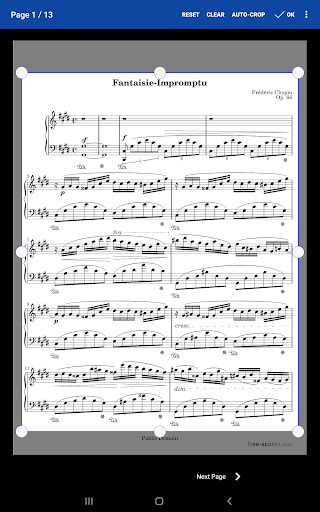
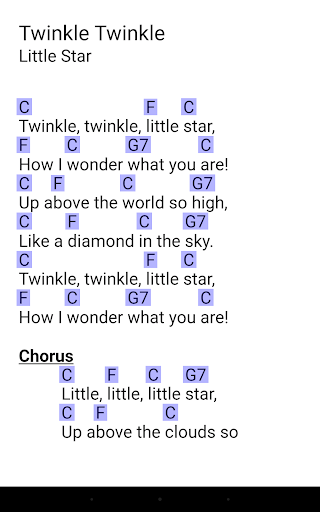
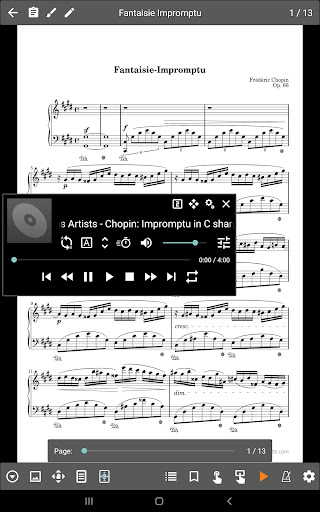
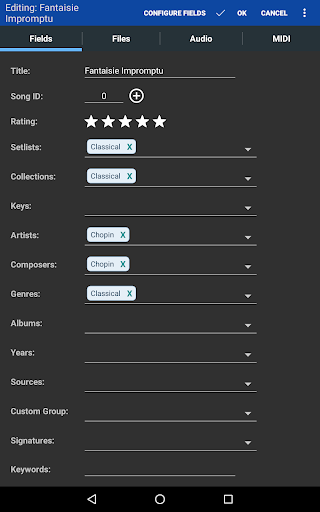
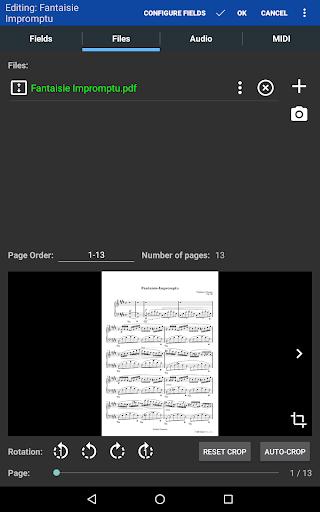
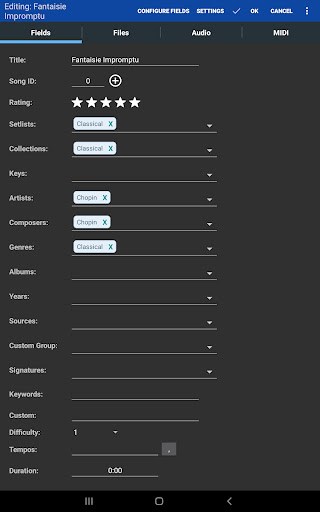
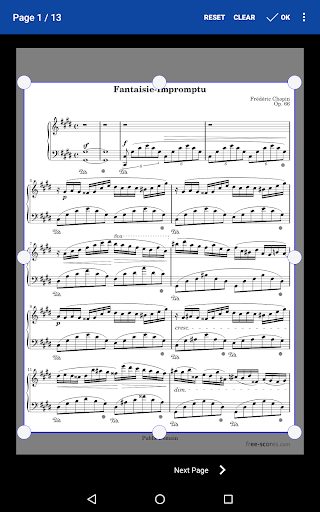
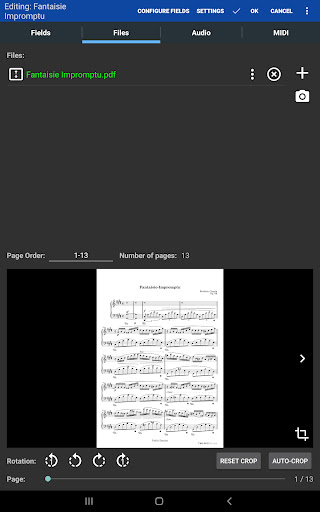
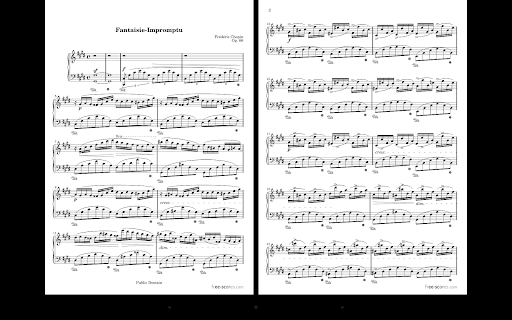
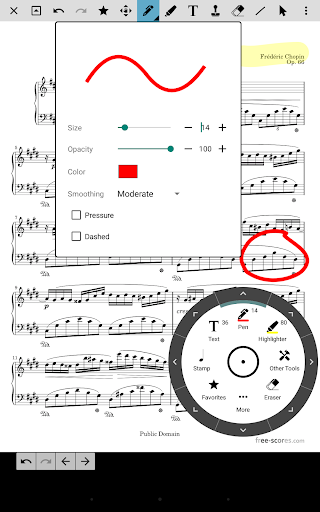
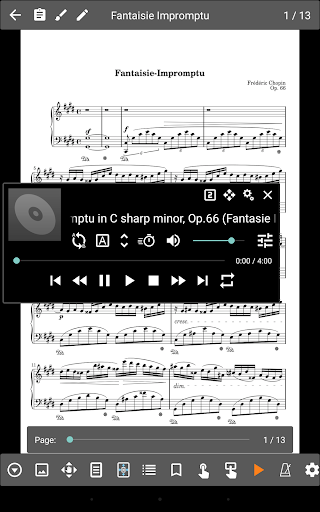
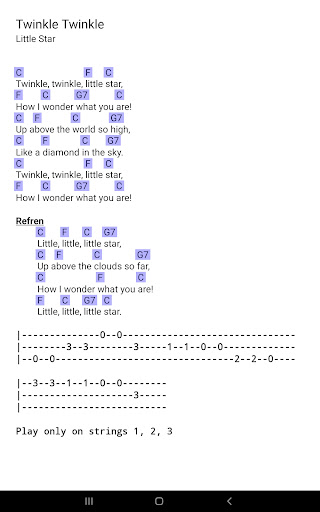
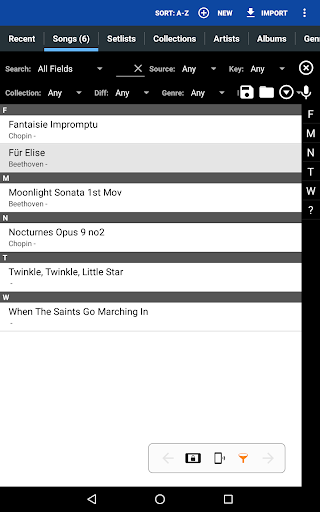
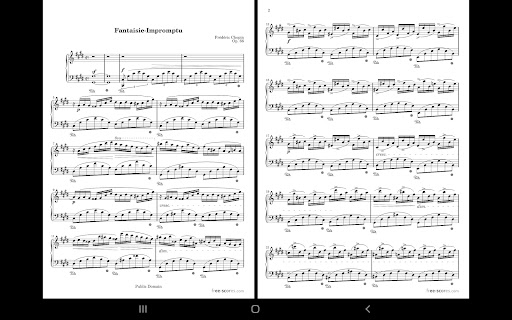
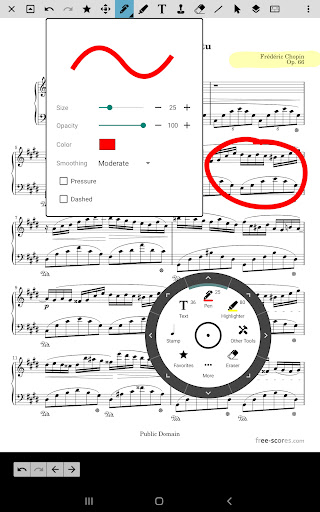
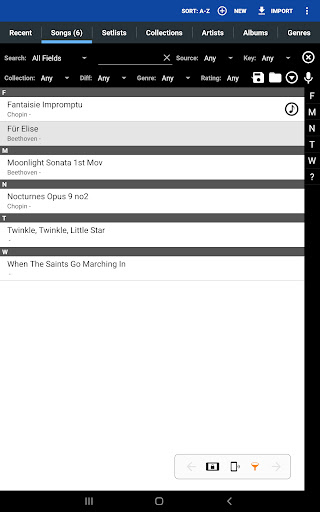
MobileSheets is a powerful sheet music viewer designed specifically for Android tablets. This innovative app revolutionizes the way musicians access and manage their scores, eliminating the need to carry bulky books and binders. With MobileSheets, you can have your entire music library at your fingertips, accessible in seconds, making it an essential tool for both practicing musicians and live performers.One of the key advantages of MobileSheets is its flexible file management system. It organizes your sheet music—whether in PDFs, images, or text files—in a way that’s easy to navigate. You can connect to cloud services like Google Drive, Dropbox, or OneDrive and import your files directly, keeping your collection synchronized and readily available without the hassle of copying or moving files around. This seamless integration allows you to customize folder structures to suit your needs, making it a versatile digital library.The app offers multiple display modes to suit your performance style or practice routine. Choose from side-by-side pages, half-page turns, or vertically scrolling pages—each designed to make reading and page turns effortless. Speaking of page turns, MobileSheets supports *hands-free* navigation via Bluetooth or USB pedals, including two- and four-pedal models, and even face gestures such as a smile or open mouth, ensuring your hands remain free during performances.In addition, MobileSheets boasts a wide range of annotation features that allow musicians to mark up their scores directly. You can draw freely, add shapes, annotate with text, or stamp markings—perfect for indicating fingerings, dynamics, or notes. The metronome with multiple display modes and sound effects helps you keep time during rehearsals and practice sessions, while the integrated audio player enables playback of backing tracks with features like A-B looping and support for multiple audio formats.For live performances, MobileSheets offers customizable page ordering to rearrange sections, repeat pages, or remove unnecessary pages without altering the original file. Features like bookmarks facilitate quick navigation to different sections, and link points help handle repeats or jump between pages rapidly. Smart buttons can be embedded on scores to trigger specific actions—such as playback or page turns—adding another layer of control to your performance.The app is compatible with diverse file formats, including images, PDFs, text files, and chord pro files, with support for importing CSV index files to organize large song collections efficiently. It also communicates with MIDI devices over USB, allowing users to load songs or trigger actions during a performance. Transposing chords within text or chord pro files is straightforward, enabling musicians to adapt pieces quickly.MobileSheets includes crop tools for trimming unnecessary margins, setlists for organizing performance sequences, and collections to group related songs. Its comprehensive library management offers extensive metadata support, providing complete control over your music database.A notable companion is the free PC application that simplifies creating and editing songs, ensuring your library stays up-to-date. This app acts as a file manager, linking directly to your stored scores and allowing organized access without duplicating files.Please note, MobileSheets is optimized for 7" and larger tablets and does not include sheet music itself—users must supply their own scores. It’s designed to display and play back audio files, but it cannot render or playback PDFs, images, or text/chord pro files directly.In summary, MobileSheets is an all-in-one digital sheet music solution that caters to performers, educators, and practice musicians alike. Its extensive features—ranging from flexible file management and annotations to hands-free page turning and setlist organization—make it an indispensable companion for modern musicians seeking efficiency and organization. Experience the freedom of having your entire sheet music collection just a tap away—start using MobileSheets today and elevate your musical performance to new heights.
Pros
- Highly customizable sheet music application.
- Supports multiple file formats, including PDF.
- Easy organization and search within the library.
- Simple addition of annotations and notes.
- Metronome feature supports practice sessions.
Cons
- Limited features in the free version.
- Device synchronization can be challenging.
- In-app purchases may be expensive.
- Initial setup process can be confusing.
- Occasional performance issues or lag.











