
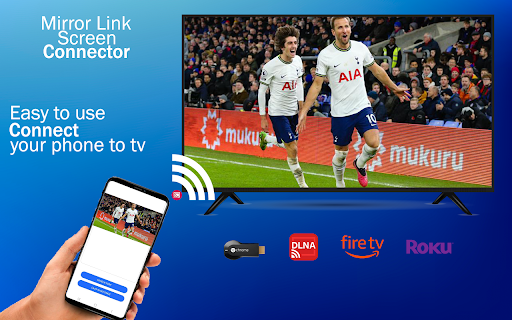
Introducing the AirPlay App: Your Ultimate Wireless Streaming Companion
Experience seamless media sharing and effortless screen mirroring with the AirPlay app — a versatile solution designed to elevate your wireless streaming capabilities. Whether you're looking to cast videos, photos, or music from your Android device to a broad range of TVs and AirPlay-compatible devices, this app has got you covered. Its comprehensive features make it a must-have for anyone who wants to enjoy high-quality streaming without the hassle of cables.
Key Features of the AirPlay App
• AirPlay Streaming
Effortlessly use AirPlay to cast your favorite content, including videos, photos, and music, onto any AirPlay-enabled TV, Apple TV, or AirPlay 2 speaker. The app supports multiple streaming protocols such as DLNA and Chromecast, ensuring compatibility across various devices and technologies.
• Wide Compatibility
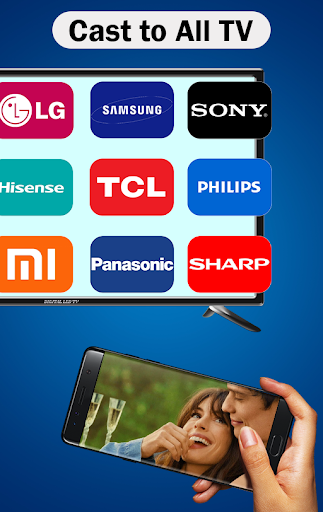
The app works flawlessly with a range of devices, including Smart TVs equipped with AirPlay functionality, Samsung TVs with support for AirPlay, and other AirPlay 2 receivers. This broad compatibility guarantees smooth connectivity whether you're streaming from an Android device or Apple ecosystem.
• Effortless Streaming Experience
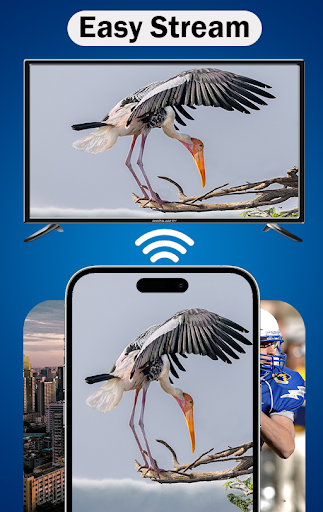
Enjoy smooth AirPlay screen mirroring to Apple TVs and connect effortlessly to AirPlay-compatible devices such as smart TVs, projectors, and wireless audio systems. The intuitive interface makes media sharing quick and reliable, perfect for casual viewing or professional presentations.
How to Use the AirPlay App for Optimal Streaming
Getting started with the AirPlay app is straightforward. Open the app, select your preferred media—whether it’s photos, videos, or music—and ensure that both your Android device and the target device are connected to the same Wi-Fi network. From the list of available devices, choose your AirPlay display or speaker and tap “Connect.” Within seconds, you can enjoy media sharing, high-quality streaming, or even AirPlay gaming.
Whether your goal is to AirPlay content from Android to an Apple TV or stream Netflix movies to your Samsung TV via AirPlay, this app simplifies the process. For multi-room audio or synchronized playback across multiple devices, the app provides reliable performance, making it an excellent choice for home entertainment or family gatherings.
Seamless Integration with Apple Devices
While the AirPlay app excels on Android, it also perfectly complements Apple products. Built into iOS and macOS, AirPlay offers a quick and seamless setup—simply tap the AirPlay icon on your device, select the target device, and you're all set. This integrated experience allows users to effortlessly display their device's screen or audio on larger screens and speakers without the need for additional downloads or complicated setups.
The app supports a wide range of Apple devices including iPhone, iPad, Mac, and even Apple Watch. The reliable connection and high stream quality ensure that your videos won’t stutter and your music won’t skip—making it suitable for presentations, entertainment nights, or casual media consumption.
With the added benefit of multi-room audio support, you can enjoy synchronized music in every corner of your home or different tracks in different rooms—perfect for parties or ambient listening.
In summary, the AirPlay app transforms your streaming experience, making it easier, more flexible, and more enjoyable. Its seamless compatibility and intuitive controls allow you to get the most out of your devices, enriching your media experience at home or on the go.
Pros
- Seamlessly stream video and audio.
- Easy integration with iOS devices.
- Supports multiple device connections.
- High-quality streaming without lag.
- User-friendly interface.
Cons
- Limited to Apple ecosystem.
- Requires a stable Wi-Fi connection.
- Not available on Android devices.
- Some features require a subscription.
- Occasional connectivity issues.











