
Mirror Link Car Display: Enhance Your Driving Experience
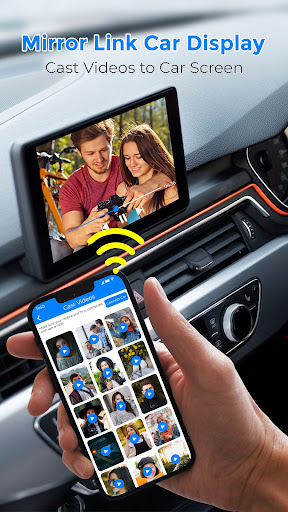
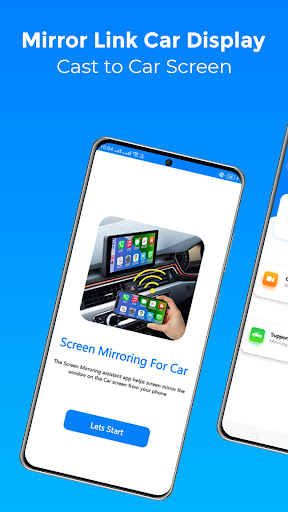
Are you tired of fumbling with your phone while driving and looking for a safer, more convenient way to access your favorite apps and navigation tools? Mirror Link Car Display is an innovative app designed to seamlessly connect your smartphone to your vehicle’s infotainment system, transforming your driving experience. This app offers a wireless solution to mirror your phone screen onto your car’s display, making it easier to navigate, listen to music, or even watch movies, all while keeping your focus on the road.
What is Mirror Link Car Display?
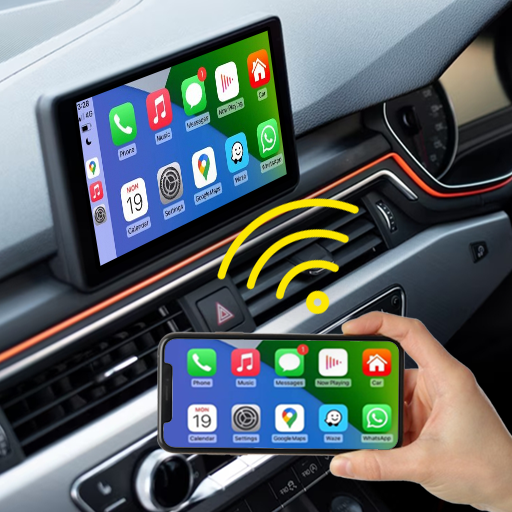
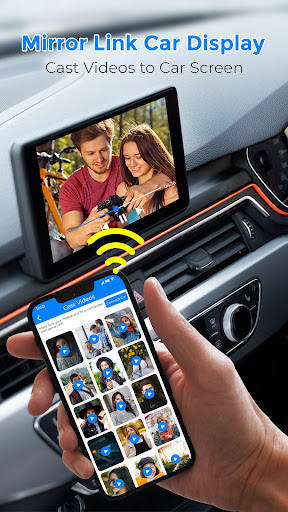
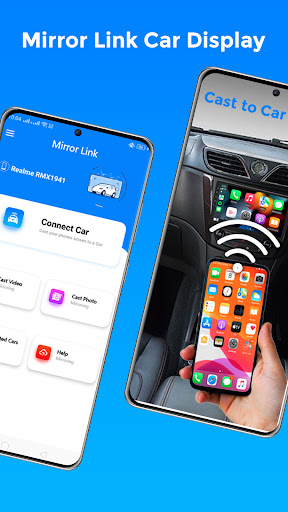
Imagine cruising down the highway, effortlessly switching playlists or checking a new route without taking your eyes off the road. Mirror Link Car Display makes this possible by mirroring your smartphone screen onto your car’s display. This feature allows you to access your apps through your vehicle’s touchscreen, providing a safe, convenient, and enjoyable driving environment. It effectively turns your car’s infotainment system into an extension of your phone’s interface, supporting both Android Auto and Apple CarPlay systems for maximum compatibility.
Key Features of Mirror Link Car Display
Wireless Screen Mirroring
The app supports *wireless* connection methods, allowing users to mirror their phone screens without tangled cables. With just a click, you can broadcast your device onto the car screen using Wi-Fi, ensuring a clean and clutter-free setup.
Universal Compatibility
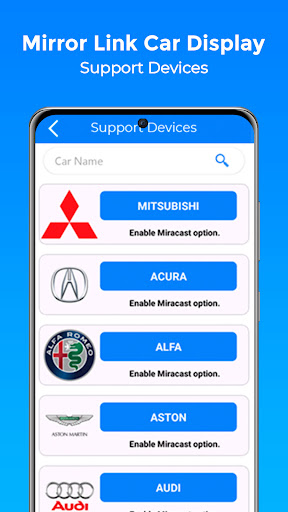
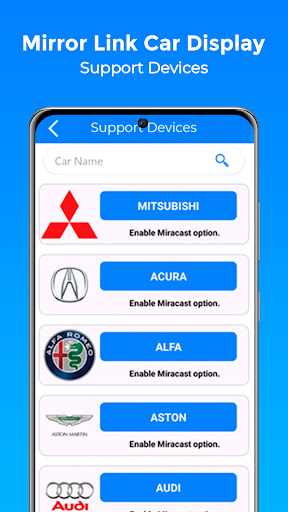
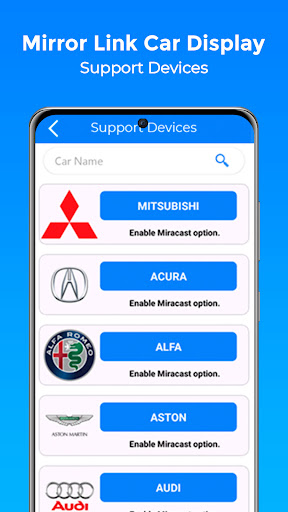
This app works with all major car brands and models, provided they have compatible infotainment systems supporting Miracast or similar wireless display options. It is also compatible with any device equipped with a web browser.
Multi-Application Support
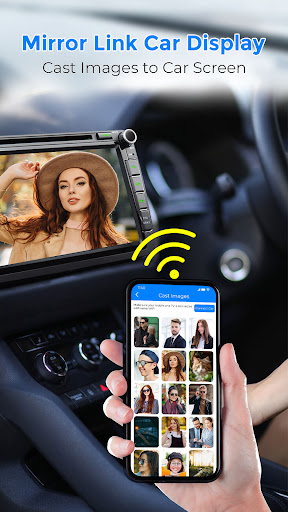
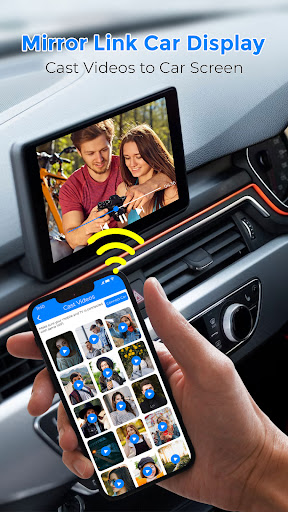
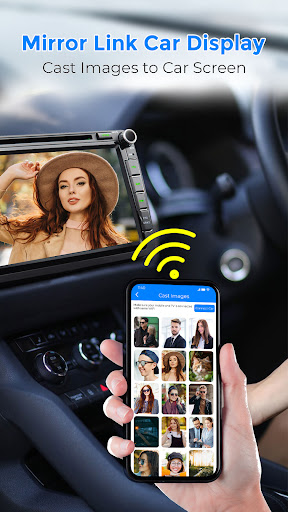
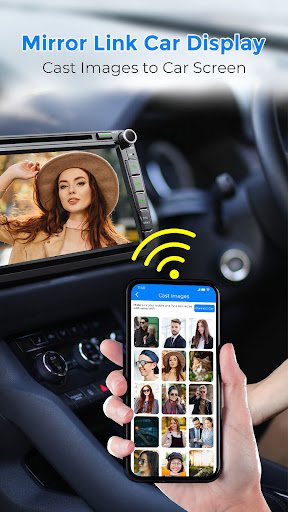
Want to navigate with Google Maps, stream your favorite playlists on Spotify, or browse the web? The app supports multiple applications, giving you full control over your smartphone’s functions directly from your car’s display. Watching movies, viewing photos, and even playing games on the big screen become simple tasks with Mirror Link.
Easy Setup & Automation
Getting started is straightforward: ensure both your phone and car have Miracast or wireless display options enabled, then connect via the app. The app also includes automation features, such as auto-play and pause when your phone connects or disconnects, providing an seamless experience.
Voice Control & User-Friendly Interface
For added safety, the app integrates voice commands, enabling hands-free control and minimizing distractions. Its simple, intuitive UI with large icons ensures easy navigation even while driving.
Performance and Benefits on the Road
Designed to deliver a smooth experience, Mirror Link Car Display provides minimal lag and crystal-clear audio quality. Whether you’re using it for navigation, calls, or streaming media, the system remains reliable and responsive. However, please note that performance can depend on your phone and vehicle compatibility. Some users might experience occasional connectivity issues, which can often be resolved by restarting the app or re-establishing the connection.
Using this app not only boosts convenience but also enhances safety by reducing the need to handle your device while driving. By wirelessly projecting your phone’s screen onto your car’s display, you can keep your hands on the wheel and eyes on the road, making each trip safer and more enjoyable.
How to Use Mirror Link Screen Connector
- Ensure your phone and car support Miracast or wireless display options.
- Activate the Miracast function on your vehicle’s dashboard or infotainment system.
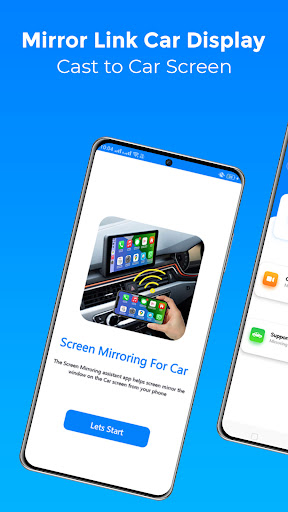
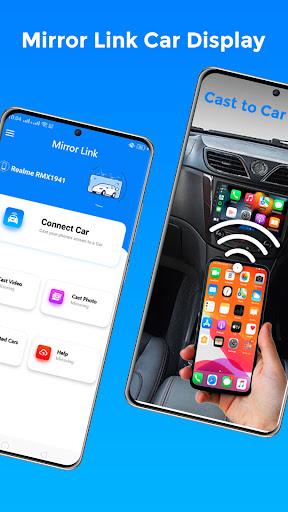
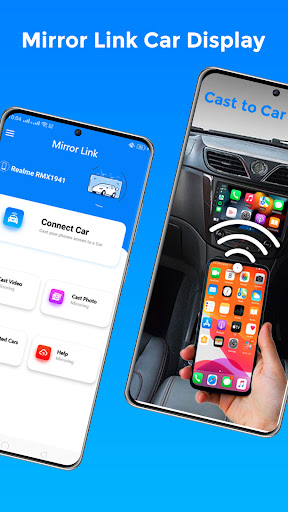
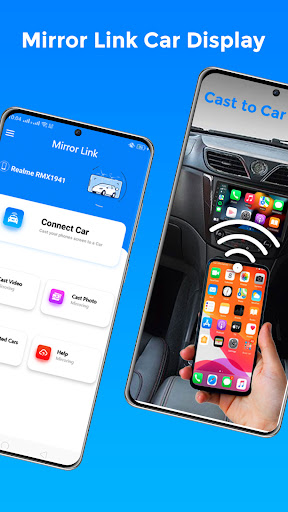
- Open the Mirror Link Car Display app and select Connect Car.
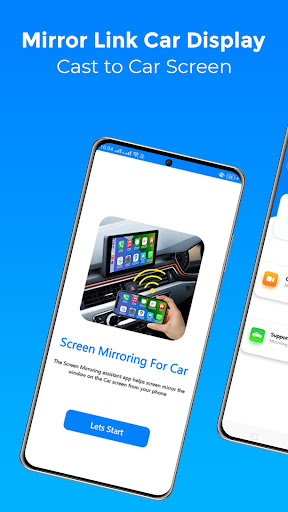
- Wait for your device to be detected and establish the connection. Enjoy mirroring your phone screen onto your car display seamlessly.
Final Thoughts
Mirror Link Car Display is a game-changing app for modern drivers seeking a safer and more convenient mobile-to-car integration. Its wireless connectivity, support for a wide range of applications, and intuitive interface make it an excellent tool for enhancing your driving experience. Although occasional connectivity hiccups may occur, the overall performance and ease of use make it well worth trying. Say goodbye to the distractions of handling your phone and hello to a smarter, safer way to stay connected on the road.
Pros
- Seamless integration with car systems
- Real-time navigation updates
- Supports multiple smartphone brands
- User-friendly interface
- Enhances driving safety
Cons
- Limited app compatibility
- Requires a stable internet connection
- Potential data privacy concerns
- Occasional connectivity issues
- May drain smartphone battery quickly











