
Mini Piano Lite icon

Mini Piano Lite

52.02K
4.6
Installs
0.01B
Version
Varies with device
Advertisement
Mini Piano Lite screenshot
Advertisement

Discover the Power of Mini Piano Lite: Your Portable Digital Piano

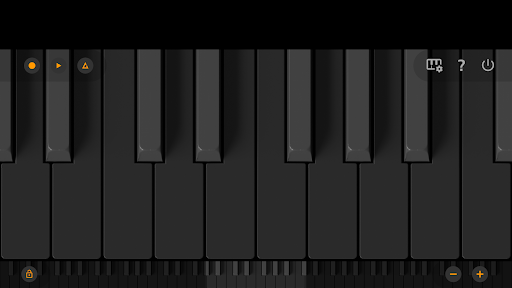
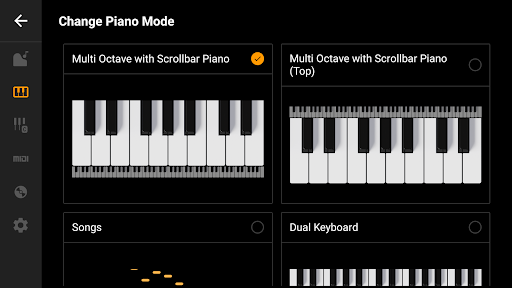
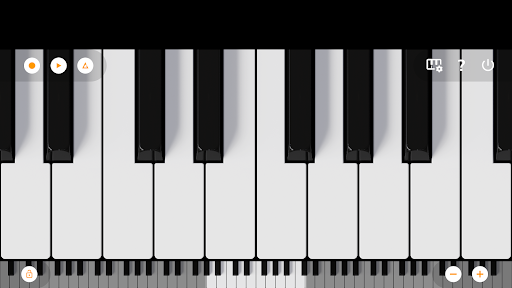
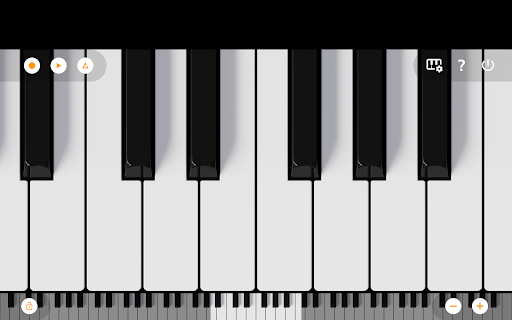
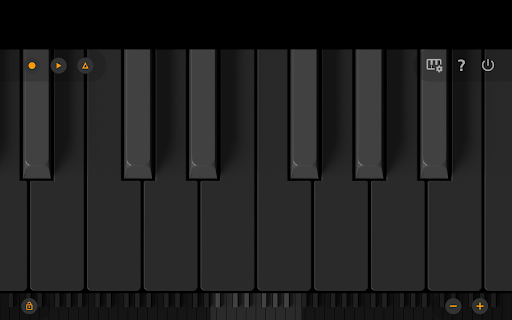
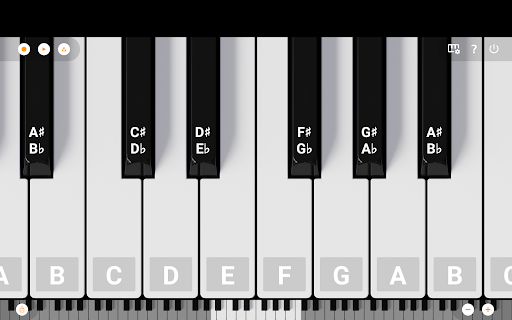
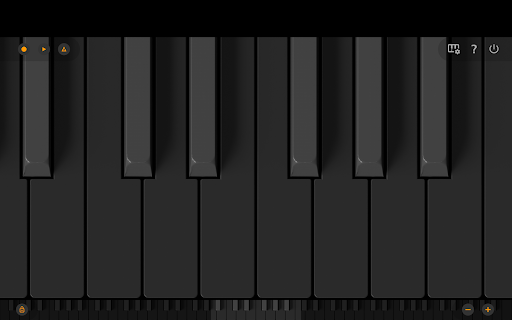
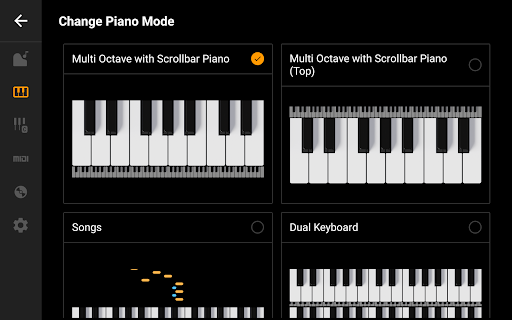
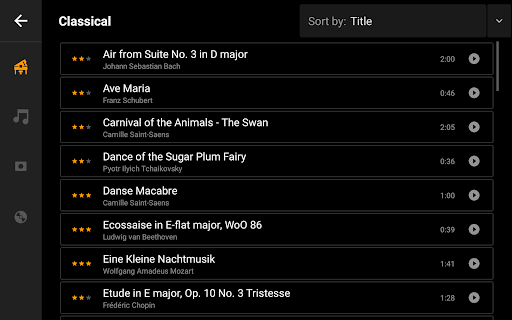
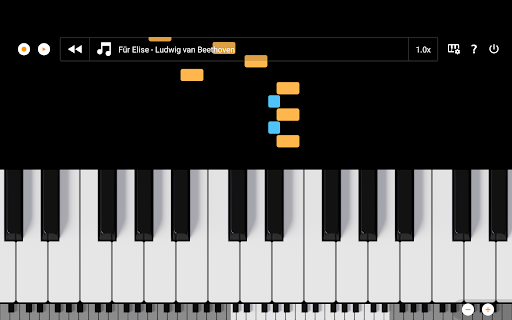
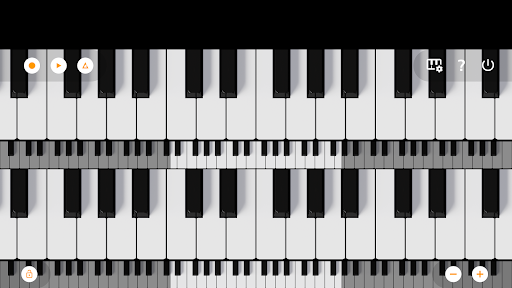
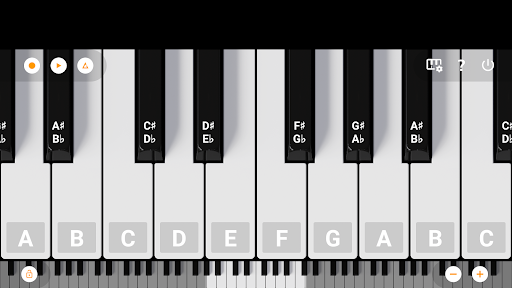
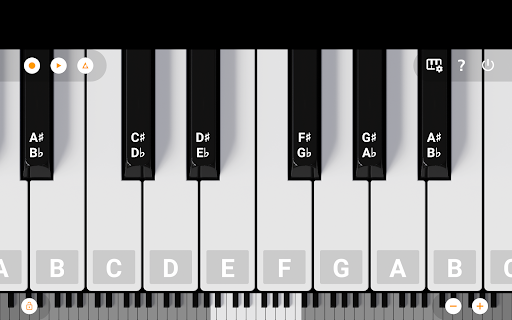
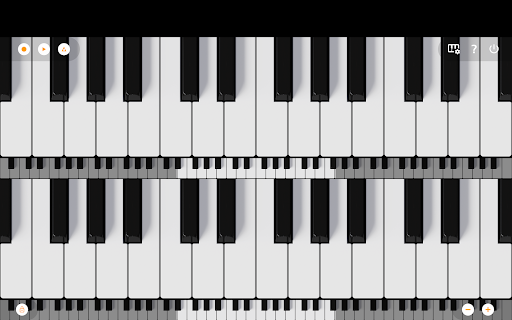
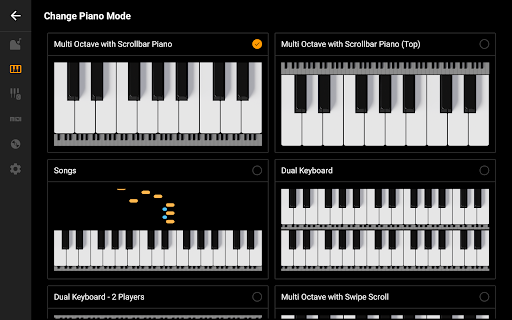
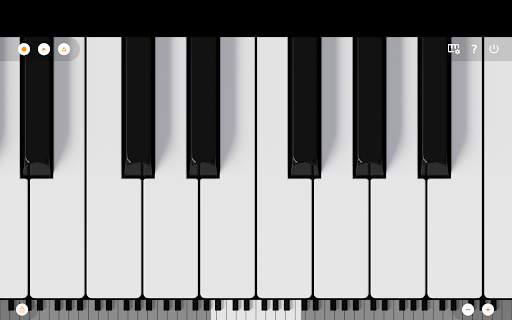
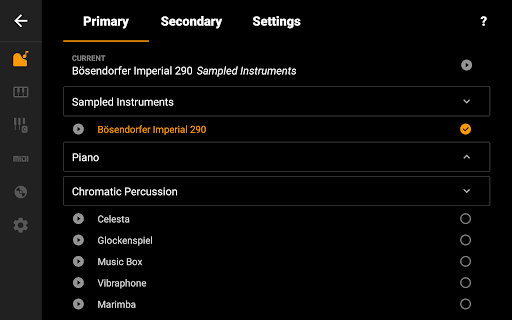
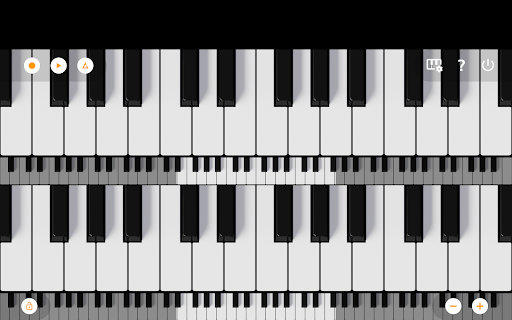
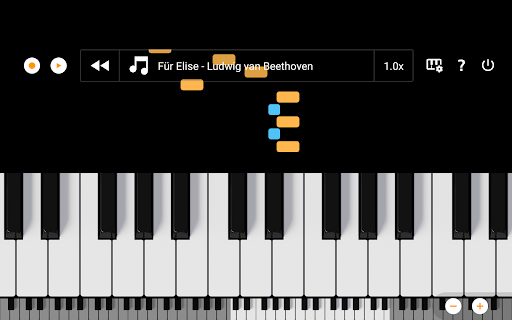
Are you a music enthusiast seeking a high-quality, portable piano experience? Mini Piano Lite is an innovative Android application that transforms your device into a realistic, full-sized digital piano. Despite its compact size, this app delivers a remarkably responsive and authentic sound, making it an excellent choice for both beginners and experienced musicians. Designed with utmost optimization, Mini Piano Lite offers a smooth playing experience while maintaining a minimal installation footprint, ideal for phones, tablets, and Chromebooks alike. Whether you want to practice, compose, or simply have fun, this lightweight yet powerful virtual piano covers all your needs. It features a full 88-key keyboard with zoomable and scrollable keys, supporting various display modes to accommodate your screen size and preference. The default instrument is a beautifully sampled piano that closely mimics the sound of a real acoustic grand, providing a truly immersive experience. Additionally, the app includes 128 other instrument sounds, ranging from violins to flutes, offering diverse sonic options for creative experimentation. The minimalist design supports Dark Mode, ensuring an unobtrusive interface that stays out of your way, allowing full focus on playing. Along with playing chords and melodies, users can record their sessions as MIDI files, which can be exported later to popular formats such as MP3, AAC, or WAV. This flexibility enables musicians to refine their compositions using external editing tools. To facilitate learning, Mini Piano Lite features a song mode with falling blocks, guiding you through new tunes interactively. Its simplicity, combined with high-quality sound and versatile features, has made it a beloved app among a vast user base. The app supports multitouch for using all your fingers effectively and allows you to easily zoom in and out for optimal keyboard fitting on your device. Notes can be labeled with their names and octaves, and a built-in metronome helps you maintain a steady tempo. Additionally, you can transpose the keyboard by note or tune it in Hz, and connect an external MIDI keyboard for a more advanced playing experience. For those wishing to enjoy an ad-free version, options are available with the Mini Piano Pro or KeyChord. The app’s straightforward design and powerful features make it an excellent digital piano tool for on-the-go music creation and practice. If you’re in an educational environment or need a bulk-licensing option, the developers also offer solutions with discounted rates. Overall, Mini Piano Lite stands out as a small but mighty virtual piano app loved by many users worldwide. Give it a try and bring your musical ideas to life anytime, anywhere.

Feature Highlights of Mini Piano Lite: The Ultimate Portable Piano Experience

Exceptional Sound Quality and Responsiveness

Mini Piano Lite delivers fast, responsive playability combined with high-quality sound samples. Its 88-key keyboard accurately responds to touch, providing an authentic playing experience akin to a real grand piano. The app's optimized performance ensures minimal latency, making it suitable for practice sessions and casual performances alike.

Versatile Instrument Selection

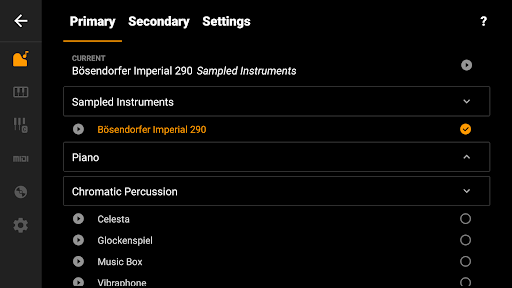
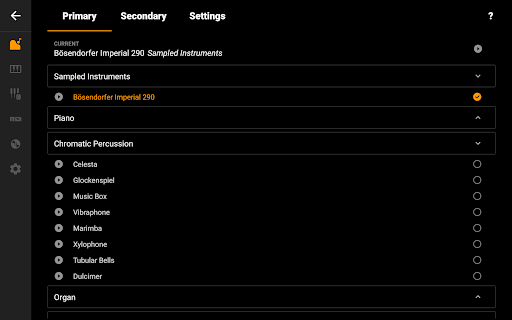
Beyond its default sampled piano, the app includes 128 MIDI sounds across various instrument types. Users can explore sounds from violins, flutes, organs, and more, adding variety and fun to their musical exploration. The ability to switch between instruments enhances creativity and makes practicing more engaging.

Recording and Export Features

Capture your musical ideas effortlessly with the built-in recording function. Record melodies or full songs as MIDI files, then export them to popular audio formats like MP3, AAC, or WAV. This feature is perfect for musicians wanting to revisit or share their compositions, or for using MIDI files in external digital audio workstations (DAWs).

Interactive Learning & Fun

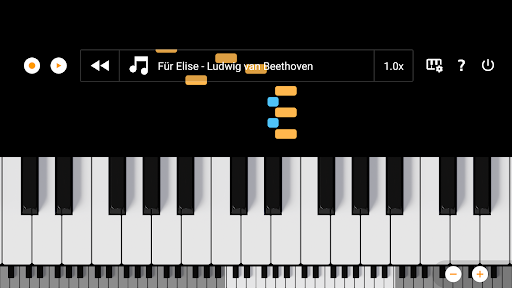
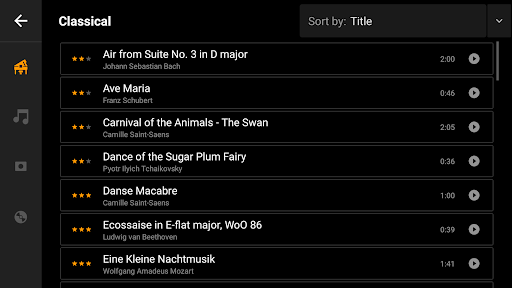
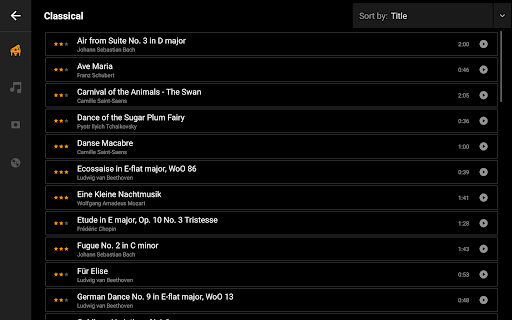
For those eager to learn new songs, an interactive song mode with falling blocks guides you step-by-step, making practice sessions both fun and educational. The app also includes a metronome to help keep the right tempo, notes labeled with their names and octaves for easy identification, and playback of song tutorials to boost your learning process.

Customizable and User-Friendly Interface

The minimalist interface with Dark Mode support ensures visual comfort and non-intrusive use. You can easily zoom in or out to fit the keyboard to your screen size, transpose the keyboard by note or tune it in Hz, and enable or disable the white key touch areas between black keys for customized playing comfort. Multitouch support allows you to use all your fingers simultaneously, mimicking real piano playing.

Connectivity and Additional Features

Connect external MIDI keyboards via MIDI input support for an enhanced playing experience. The app also allows recording songs and setting them as ringtones, making your musical creations truly personalized.

Ad-Free Experience & Educational Licensing

While the free version features minimal ads—just a single banner—you can upgrade to Mini Piano Pro or KeyChord for an entirely ad-free experience. For educators or institutions, bulk licensing options and discounted rates are available for educational use, ensuring this app can serve in classroom settings seamlessly.

Pros

  • Lightweight and straightforward to set up
  • User-friendly interface for quick learning
  • Provides good sound quality despite being free
  • Supports multi-touch functionality
  • Does not require an internet connection

Cons

  • Fewer features compared to paid versions
  • Advertisements may be distracting
  • Some keys might not respond consistently
  • Lacks advanced customization options
  • Basic graphics and design quality

Download From Google Play Download From App Store
Advertisement

Frequently Asked Questions

What is Mini Piano Lite and how does it work?

Mini Piano Lite is a mobile app designed to provide an engaging and interactive piano playing experience on smartphones or tablets. It features an easy-to-use interface with a virtual piano keyboard that can be played through touch gestures. The app offers various modes and song collections to help beginners learn and practice piano skills.

Is Mini Piano Lite free to download and use?

Yes, Mini Piano Lite is free to download and use. It provides basic piano features at no cost, making it accessible for users who want to enjoy playing without an initial expense. Optional in-app purchases may be available for additional features, songs, or ad removal for a better experience.

What features does Mini Piano Lite offer to users?

Mini Piano Lite offers several features including different piano sounds, adjustable keyboard size, and multi-touch support. Users can access a selection of pre-loaded songs for practice and utilize recording and playback functions to monitor their progress over time.

Can I learn to play piano using Mini Piano Lite?

While not a comprehensive piano teaching tool, Mini Piano Lite can be useful for beginners to get familiar with basic piano playing. It includes practice songs and adjustable difficulty levels. For structured learning, additional resources or dedicated piano learning apps may be recommended.

Is Mini Piano Lite suitable for children?

Yes, Mini Piano Lite is appropriate for children interested in exploring music and learning the basics of piano. Its simple interface and interactive features make it easy for kids to use. It can be a fun and educational introduction to piano playing, though parental guidance is advised for in-app purchases.

You May Like










