
Introduction to the JBL PartyBox App
If you're looking to elevate your party experience, the JBL PartyBox app is an essential tool that transforms your compatible speakers into a customizable, dynamic DJ setup. Designed to work seamlessly with various models, this app offers an array of features that help you control sound, lighting, and overall ambiance, making every gathering unforgettable. Whether you're hosting a lively dance floor or a relaxed hangout, the JBL PartyBox app is your perfect partner for creating memorable moments.
Compatibility and Connectivity
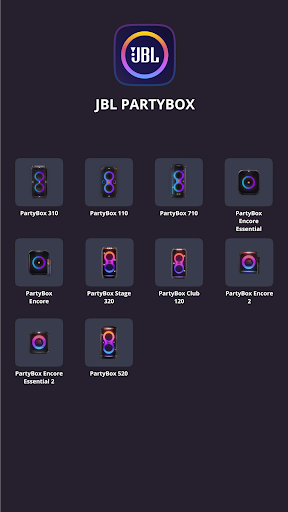
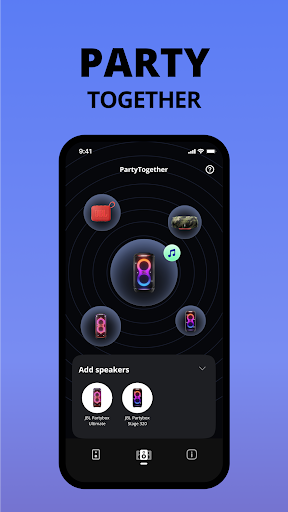
The JBL PartyBox app is compatible with popular models including PartyBox 310, PartyBox 110, PartyBox 710, PartyBox Encore Essential, PartyBox Encore, PartyBox 520, PartyBox Stage 320, PartyBox Club 120, PartyBox Encore 2, PartyBox Encore Essential 2, Partylight Beam, and Partylight Stick. With these compatible devices, users can easily connect and manage their speaker setups wirelessly via Bluetooth. The app ensures a smooth connection process, enabling you to control multiple speakers simultaneously for an immersive surround sound experience. However, please note that the app is not compatible with models such as PartyBox 100, 200, 300, 1000, or other non-listed devices.
Key Features of the JBL PartyBox App
Ease of Connection and Control
Setting up your JBL PartyBox speakers is straightforward. The app's intuitive interface allows you to connect your devices effortlessly, with both Android and iOS support ensuring accessibility for all users. Once connected, you can control your speaker's settings remotely, eliminating the need to manually fiddle with physical controls.
Sound Customization and Synchronization
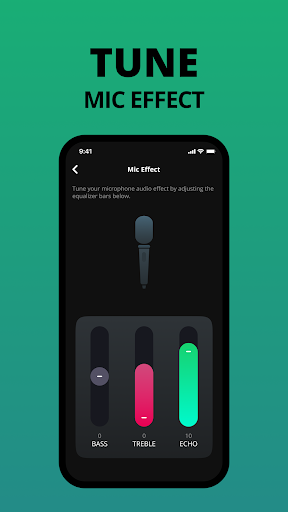
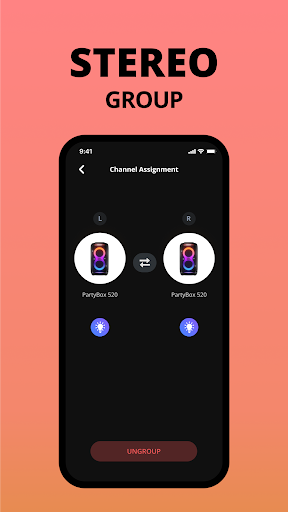
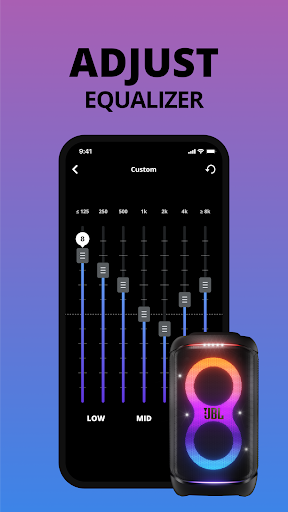
The app offers robust audio customization options. Adjust bass and treble to tailor the sound profile or create a completely custom experience suited to your mood or music genre. For larger events, you can sync multiple speakers together, creating a synchronized audio system that fills the entire space with high-quality sound.
Karaoke Mode and Entertainment Features
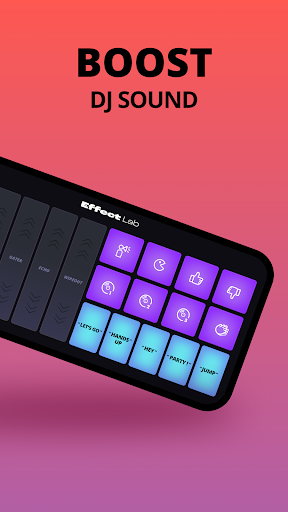
Want to add some fun to your party? The JBL PartyBox app includes a karaoke mode, allowing friends to sing along to their favorite tracks with ease. This feature boosts entertainment value and encourages audience participation, making your event lively and engaging.
Lighting Control for the Perfect Atmosphere
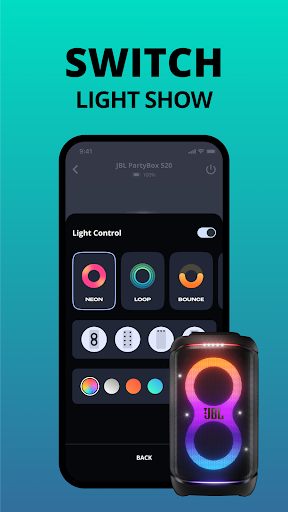
One of the standout aspects of the JBL PartyBox app is lighting management. You can select from various light patterns and colors, matching the visual ambiance to the mood — whether it's a mellow evening or a high-energy dance party. Adjust lighting effects directly from your phone for a fully immersive experience.
User-Friendly Interface and Performance
The app features a sleek, straightforward user interface, ensuring that even first-time users can navigate effortlessly. Controls are responsive, and the app runs smoothly without lag or crashes. This seamless performance guarantees that you can focus on enjoying your event without technical distractions.
Conclusion: Why the JBL PartyBox App is a Must-Have
In summary, the JBL PartyBox app is more than just a remote control — it’s a comprehensive party management tool. It combines wireless connectivity, sound customization, lighting control, and entertainment options into one easy-to-use platform. If you want to take your gatherings to the next level, this app acts as your personal DJ and light technician, ensuring every event is lively, personalized, and unforgettable. So, download the app, connect your compatible JBL speakers, and get ready to unleash the full potential of your party experience.
Pros
- Exceptional sound quality with deep bass
- User-friendly interface and controls
- Durable build suitable for outdoor use
- Extended battery life for long-duration parties
- Multiple connectivity options supported
Cons
- Relatively bulky design
- Not easily portable
- Premium price may not be affordable for everyone
- Limited options for customizing lights
- Lacks a built-in microphone for karaoke
- Occasional disconnection issues with the app











