
J4T Multitrack Recorder icon

J4T Multitrack Recorder

2.30K
4.2
Installs
0.05M
Version
4.95
Advertisement
J4T Multitrack Recorder screenshot
Advertisement

Introduction to the J4T Multitrack Recorder

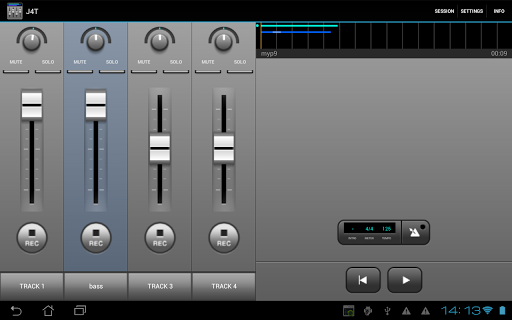
The J4T Multitrack Recorder is a versatile and compact 4-track recorder designed to help musicians, songwriters, and creators capture their musical ideas effortlessly, anytime and anywhere. Whether you're working on a quick demo, sketching out sound concepts, or laying down multiple musical layers, this app provides a simple yet powerful platform to record and refine your music on the go.

Main Features of the J4T Multitrack Recorder

Key Capabilities

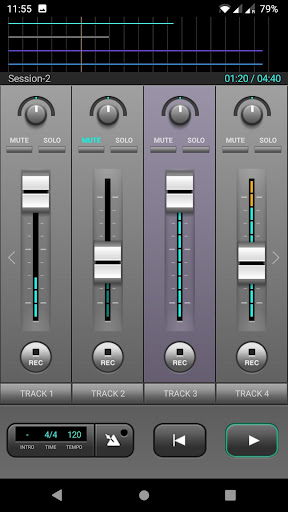
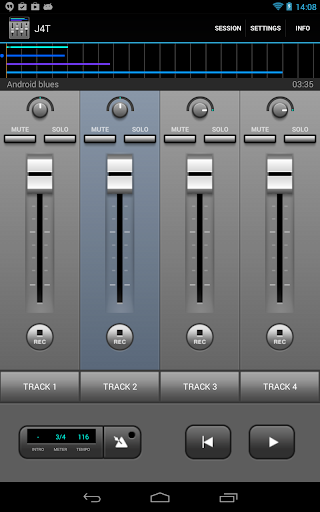
  • Four tracks to record multiple instruments or vocals simultaneously or sequentially.
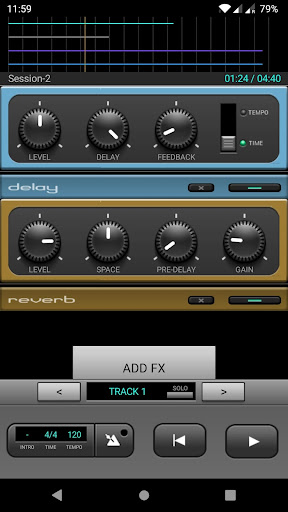
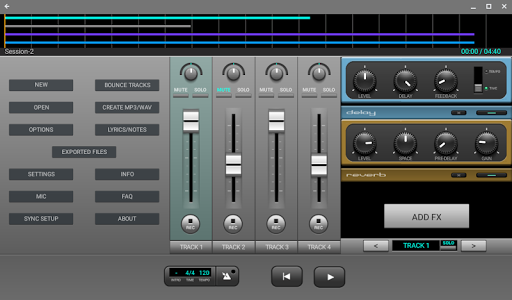
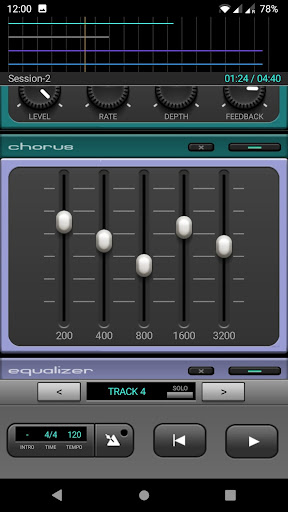
  • Advanced audio effects such as Fuzz, Chorus, Delay, Equalizer, Reverb, Phaser, and Compressor for professional-grade sound processing.
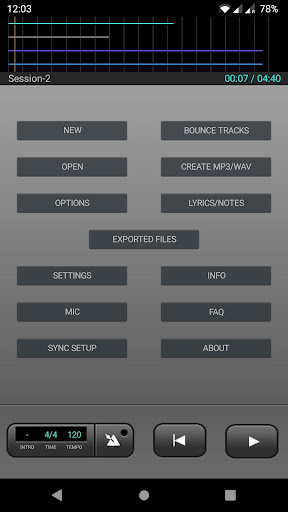
  • Seamless import/export functionality supporting formats like MP3 and WAV, ensuring compatibility across different platforms and devices.
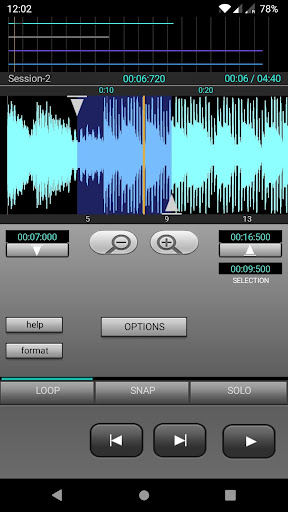
  • Built-in loop function for easy playback and editing of specific sections.
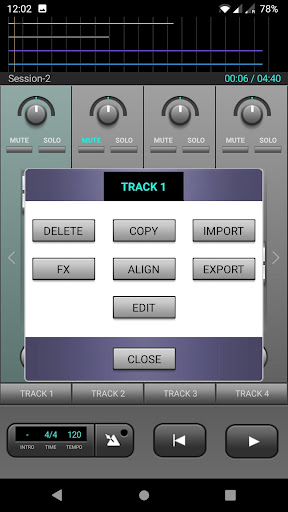
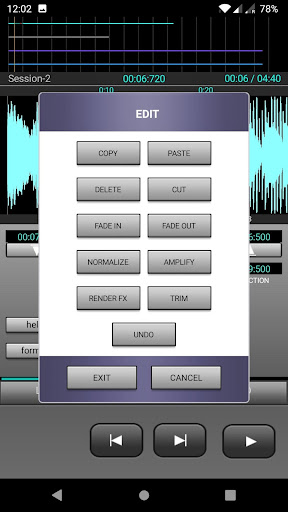
  • Track editing features that allow you to fine-tune your recordings.
  • Live monitoring is supported for devices with Android 10 or higher, making real-time recording straightforward.

Designed with usability in mind, the J4T app delivers a responsive experience with minimal latency, enabling you to focus on your music without technological distractions.

Personal Experience and User Perspective

Ease of Setup

Getting started with the J4T Multitrack Recorder is extremely simple. I downloaded it from the Play Store, and within minutes, I was ready to record. Its intuitive interface means you won't need a detailed manual to begin creating music right away.

Key Features that Enhance Creativity

The app supports recording up to four tracks, which is perfect for layering vocals, instruments, or drums. It handles formats like WAV and OGG effortlessly, ensuring broad compatibility. The mixing options are user-friendly, allowing you to adjust volume and panning for each track. Additionally, the range of effects such as Reverb and Delay adds a professional sound quality to your recordings.

Performance and Reliability

During my usage, the app ran smoothly without crashes or glitches. The response is quick, and latency is minimal, making real-time recording and playback seamless—crucial for capturing spontaneous musical ideas.

Designed for Musicians, by Musicians

This app is clearly built with musicians' needs at its core. Its straightforward layout and focus on essential features mean that both beginners and experienced performers can use it effectively without unnecessary complexity.

Final Thoughts: Why the J4T Multitrack Recorder is a Must-Have

If you're searching for a reliable, user-friendly, and feature-rich multitrack recording app, the J4T Multitrack Recorder stands out as an excellent choice. Its simplicity does not compromise on quality, making it ideal for capturing musical ideas quickly and efficiently. Whether you're a budding songwriter or a seasoned musician, this app helps turn your melodies into polished recordings. Next time inspiration strikes, just grab your device and let J4T assist you in creating your next masterpiece.

Pros

  • User-friendly interface for quick recording.
  • Supports a variety of audio formats.
  • Provides real-time editing effects.
  • Enables precise track mixing.
  • Affordable with a one-time purchase.

Cons

  • Limited advanced editing capabilities.
  • Lacks cloud backup options.
  • Interface appears somewhat outdated.
  • Occasional playback errors or bugs.
  • No integrated instruments or loops.

Download From Google Play
Advertisement

Frequently Asked Questions

What is J4T Multitrack Recorder and what are its main features?

J4T Multitrack Recorder is a versatile audio recording application designed for musicians and audio enthusiasts. It allows users to record and mix up to four tracks easily. Its main features include an intuitive interface, support for WAV and MP3 formats, ability to import and export audio files, and various audio effects such as reverb and chorus. It is a useful tool for capturing and editing audio on the go.

Is J4T Multitrack Recorder suitable for professional audio production?

While J4T Multitrack Recorder offers solid features for mobile recording, it is mainly intended for quick, on-the-move projects. It is ideal for sketching musical ideas or creating demos but may not fully replace professional desktop recording software for detailed production. However, it integrates well with other tools, allowing users to export tracks for further editing on professional platforms.

Can I use J4T Multitrack Recorder without any prior audio editing experience?

Yes, J4T Multitrack Recorder is designed to be user-friendly and accessible for users of all skill levels. Its intuitive interface and straightforward controls make it easy for beginners to start recording and mixing audio. Additionally, the app provides help guides and tutorials to assist new users in navigating its features effectively.

What are the limitations of using J4T Multitrack Recorder on a mobile device?

As a mobile application, J4T Multitrack Recorder may have limitations compared to desktop software, such as restrictions on the number of tracks, processing capacity, and available effects. Nonetheless, these limitations are balanced by the app's portability and convenience, making it suitable for quick recordings and basic editing when a computer is not available.

How does J4T Multitrack Recorder handle file compatibility and sharing?

J4T Multitrack Recorder supports both WAV and MP3 formats, ensuring compatibility with various audio applications. Users can import existing audio files or export their recordings for use in other software. The app also allows sharing via email or cloud services, facilitating collaboration and secure storage of projects.

You May Like










