




Introduction to iSyncr: Your Bridge Between iTunes and Android
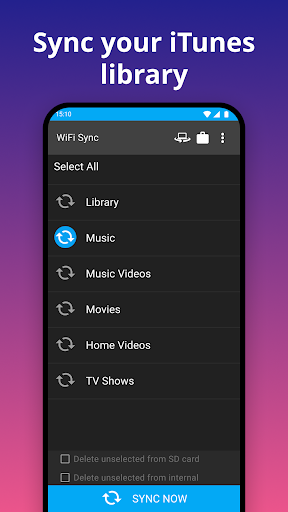
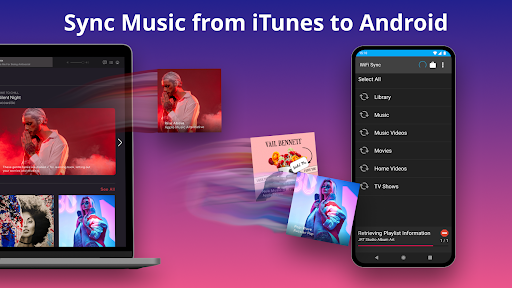
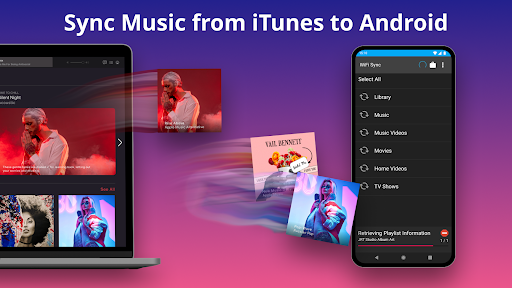
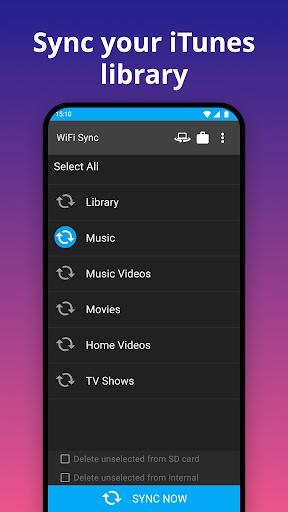
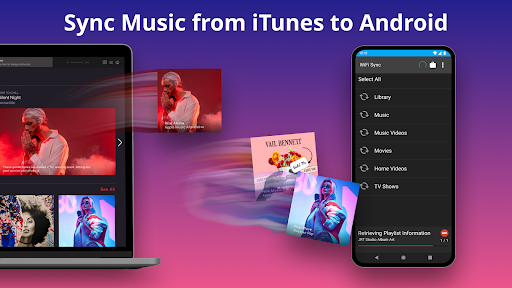
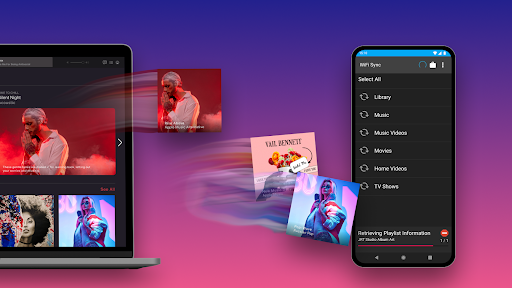
Are you a music enthusiast wishing for a seamless way to sync your iTunes library with your Android device? iSyncr is the perfect solution that bridges the gap between these widely used platforms. Designed to make music transfer, playlist management, and library synchronization effortless, iSyncr transforms your Android device into a true extension of your iTunes library.
This powerful app enables you to sync not just songs but also playlists, album art, ratings, play counts, and more, ensuring that your listening experience remains consistent across devices. Whether you're commuting, exercising, or relaxing at home, iSyncr makes accessing your favorite media content on Android a breeze.
Key Features of iSyncr for Android
Effortless Music & Media Syncing
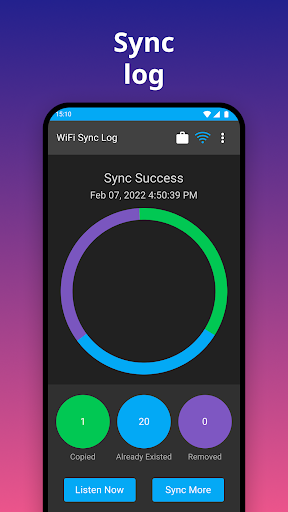
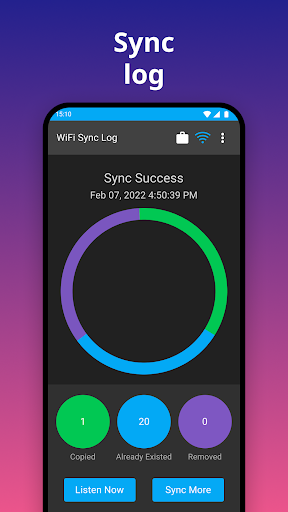
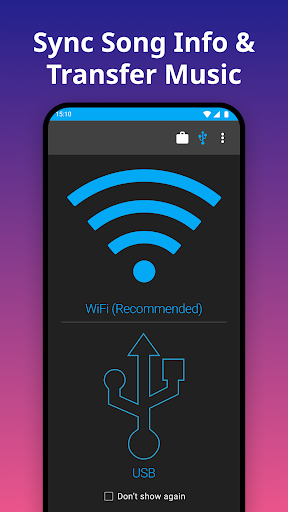
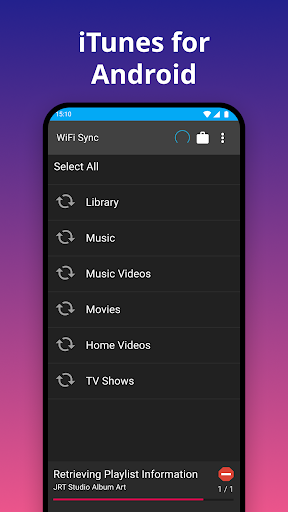
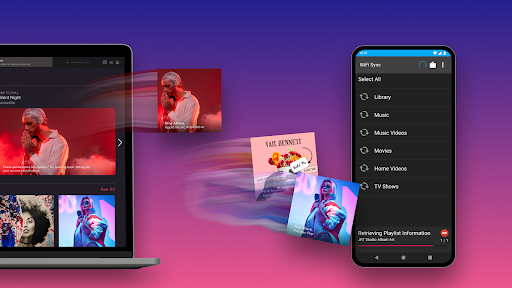
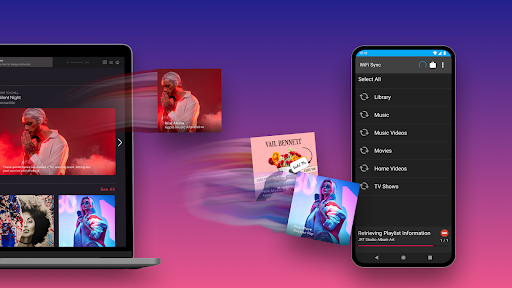
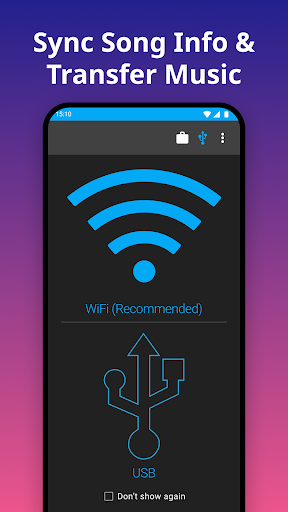
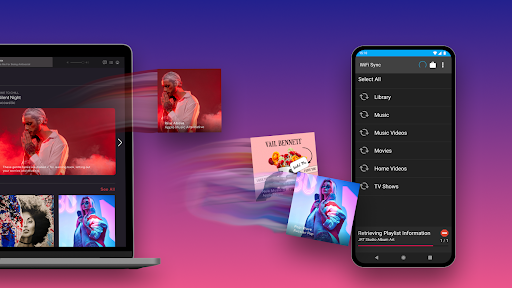
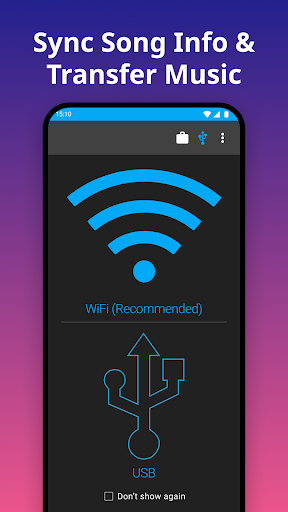
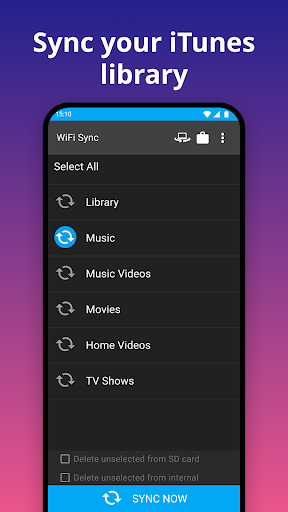
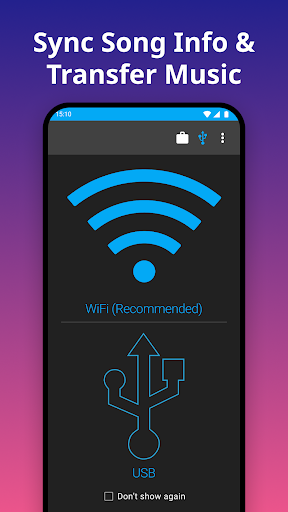
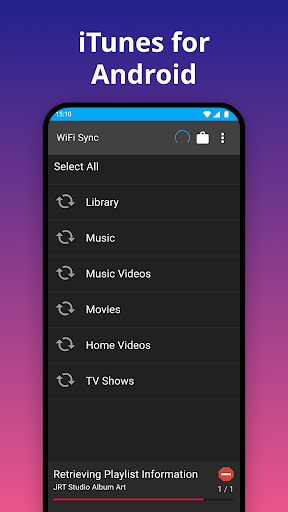
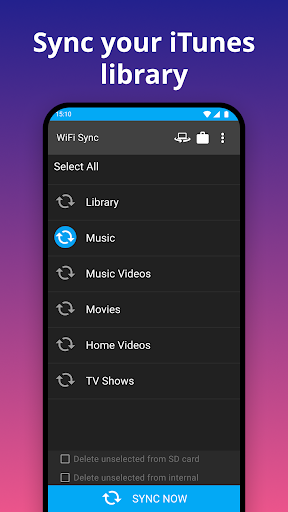
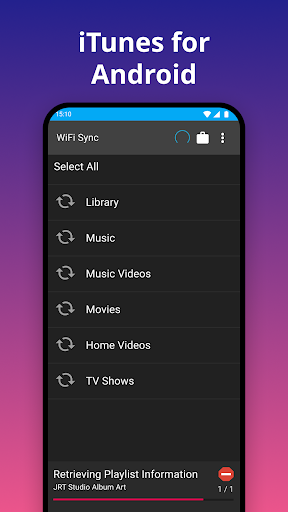
Music Sync with iSyncr allows you to transfer your songs from PC or Mac directly to your Android device. The app supports syncing over both USB/MTP and WiFi, giving users flexibility based on their preferences. You can choose to transfer content to the internal storage or SD card, making media management straightforward.
In addition to music, iSyncr also syncs podcasts and videos (excluding DRM-protected content). This broad media support means your entire multimedia library can be unified in one place, ready to enjoy anytime on your Android device.
Comprehensive Metadata & Playlist Management
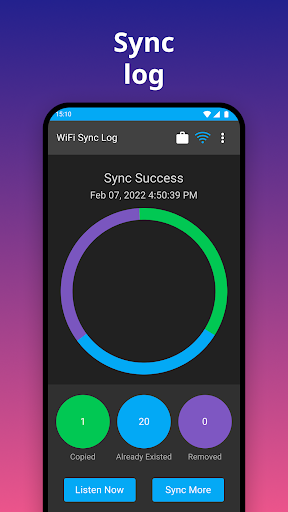
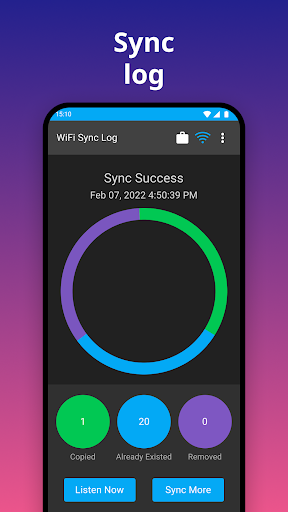
One of the standout aspects of iSyncr is its ability to transfer detailed song information, such as album art, ratings, play counts, last played, and last skipped. This level of detail ensures that your media library remains organized and personalized across platforms, preserving your preferences and listening history.
User-Friendly Interface & Reliability
The app’s design is clean and intuitive, making it accessible even to those less familiar with technology. Its reliable performance ensures quick and efficient syncing, handling libraries of all sizes without glitches. Whether you have a small playlist or a vast collection, iSyncr manages the process smoothly, with detailed metadata correctly synchronized every time.
Additional Features
To unlock unlimited syncing capabilities, you can upgrade from the free version—which is limited to 100 songs per playlist and one playlist at a time—to a premium option. The app also features robust support for syncing song information, ratings, and more, giving you an enriched experience akin to using iTunes on your iPhone.
How iSyncr Enhances Your Audio Experience on Android
Imagine bringing the elegance of iTunes to your Android device — where your music, podcasts, and videos are all in sync and ready to go. With iSyncr, this is not just a dream but a practical reality. The app excels in providing a fast, dependable, and easy-to-use solution for transferring and managing your media library seamlessly across platforms.
Its capability to maintain detailed metadata, including album art and user ratings, ensures your media feels just as personalized on Android as it does on iTunes. This makes iSyncr a top choice for music lovers who want full control over their media library without sacrificing convenience or quality.
Conclusion: Why Choose iSyncr for Your Android Music Needs
If you're searching for an efficient and reliable way to sync your iTunes library to an Android device, iSyncr is the ideal solution. It combines a powerful feature set with a user-friendly interface, making music transfer a simple task. Whether you're transferring playlists, album art, or detailed song info, iSyncr handles it effortlessly, ensuring your media experience remains uninterrupted and enjoyable.
Upgrade to the full version for unlimited syncing and unlock the full potential of iSyncr. Say goodbye to the hassle of manual transfers and hello to a streamlined, enjoyable way to enjoy your favorite media from iTunes on your Android device. Download iSyncr today and let your music flow freely across platforms!
Pros
- Seamless synchronization of iTunes music to Android devices.
- Supports creating and managing playlists.
- Allows rating songs.
- Tracks play counts.
- Operates wirelessly or via USB connection.
- Compatible with various Android devices.
- Features simple setup and an intuitive interface.
Cons
- Requires iTunes to be installed on the PC.
- Limited functionality in the free version.
- Occasional delays during synchronization are reported.
- Uses battery power when syncing wirelessly.
- In-app purchases can be expensive.











