

Guitar Pro: The Ultimate App for Guitarists
The Guitar Pro application is a comprehensive tool designed to empower guitar enthusiasts at all skill levels. Whether you're a beginner looking to learn the basics or a seasoned professional aiming to refine your technique, this app offers a wide array of features to enhance your musical journey. With its user-friendly interface and powerful capabilities, Guitar Pro allows users to view, play, and compose tablature effortlessly, right from their mobile devices. This mobile version complements the desktop software seamlessly, making it an ideal portable companion for practice, composition, and sharing songs anytime and anywhere.
Key Features of Guitar Pro Mobile
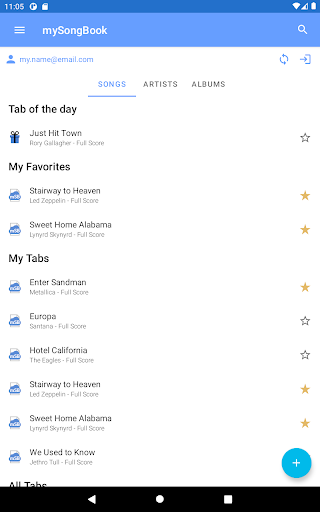
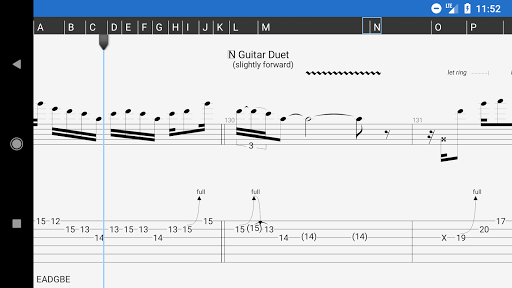
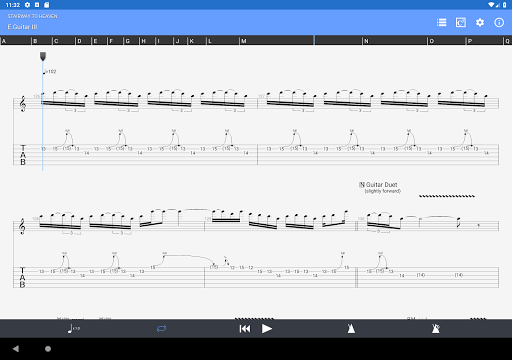
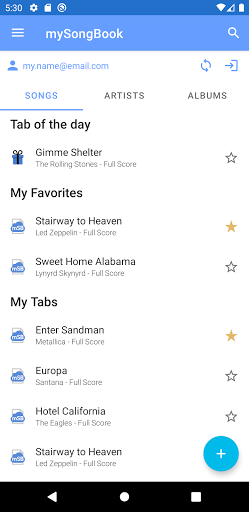
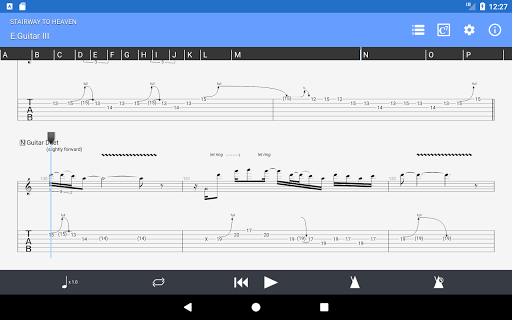
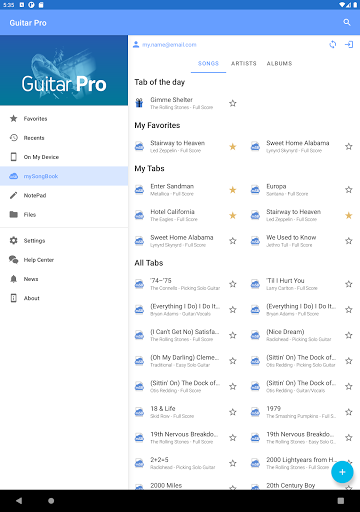
One of the standout aspects of Guitar Pro is its support for multiple • GP3/4/5/6/7/8 (.gp) file formats, enabling users to load existing scores with ease. The app supports a variety of notation styles, including tab (with rhythms), slash, and standard notations, catering to diverse musical preferences. Integration with the • mySongBook portal provides access to an extensive sheet music library (subscription required), making it simple to discover new pieces.
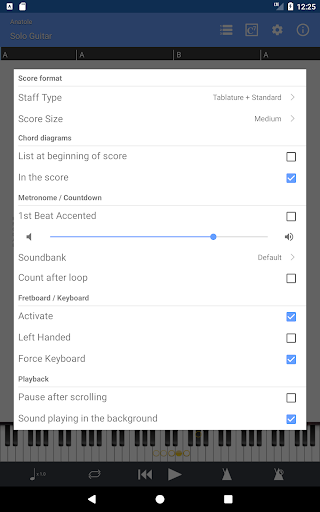
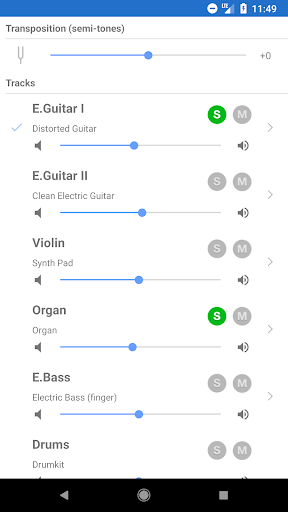
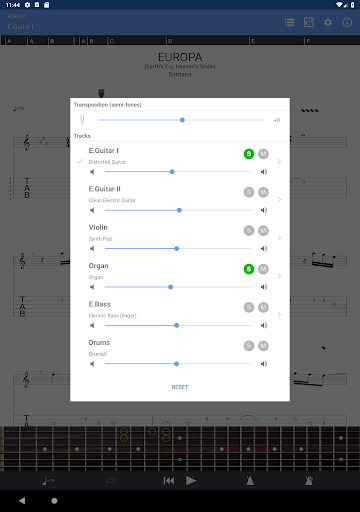
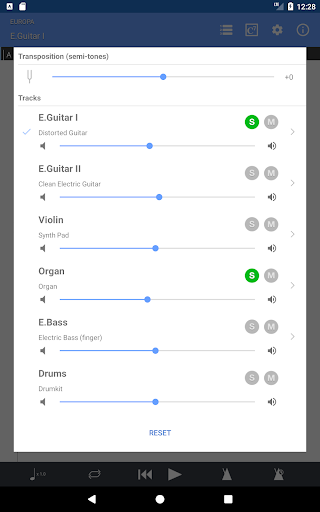
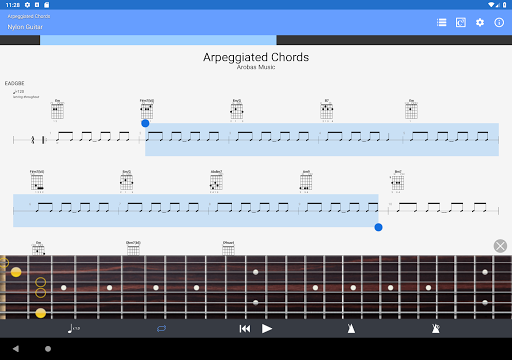
Files can be loaded via WiFi, web browser, or e-mail, offering flexible options for importing your favorite scores. The built-in library, equipped with search filters and a favorites feature, ensures quick access to your most-used tabs. The multitrack player with soundboard allows for volume control, solo/mute options, and soundbank selections. Additional tools like the metronome and visual countdown help maintain rhythm during practice sessions.
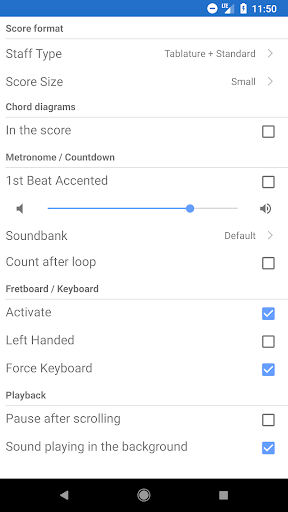
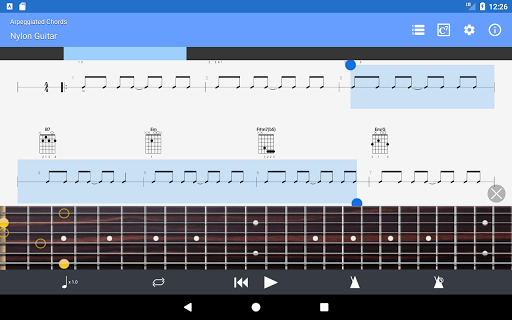
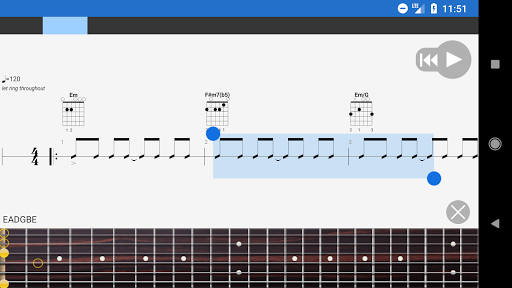
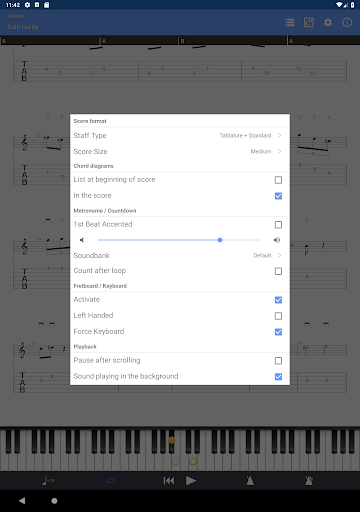
The app offers various zooming levels for detailed viewing and supports both guitar and bass fretboard, including left-handed configurations. The virtual keyboard enables easy input, and users can make quick on-the-fly tempo changes or global transposing by half-tones. Loops can be set for specific sections, facilitating focused practice. Navigation between sections is simplified, and files can be shared directly via email from within the app.
NotePad Tool for Creating and Editing Tablatures
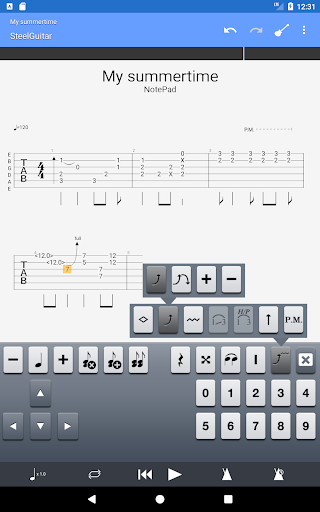
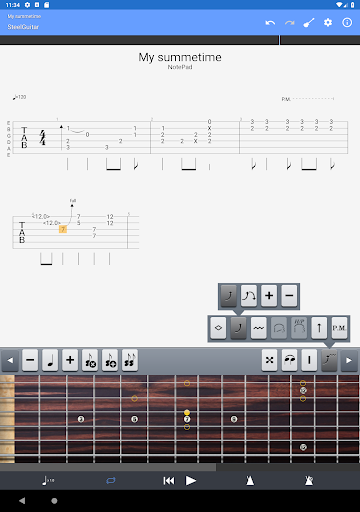
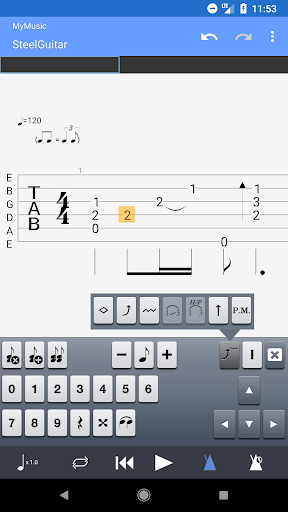
The integrated NotePad allows users to create or edit single-track tablature for instruments such as guitar, bass, banjo, ukulele, and mandolin. Compatible with 4- to 8-string instruments, it provides 19 built-in sounds and customizable tuning and tempo options. Users can export their creations into Guitar Pro 6 and 7 formats, enabling seamless transition to the desktop version for further editing or arrangement.
Benefits and User Experience
As a dedicated guitarist myself, I find Guitar Pro stands out as an invaluable practice aid and creative platform. Its intuitive interface makes navigation straightforward, whether I'm exploring a vast library of tabs or customizing my own music. The powerful tab editor encourages composition and arrangement, while the playback features—such as slowing down tricky sections and looping—make practicing more effective and less frustrating. The realistic sound engine delivers high-quality audio, providing a genuine feel of playing along with a band, which is motivating and inspiring.
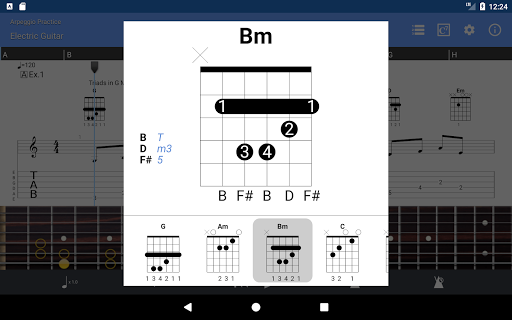
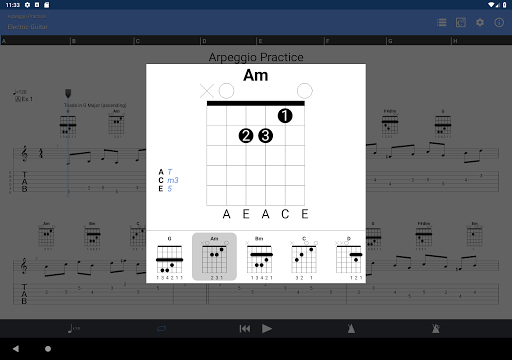
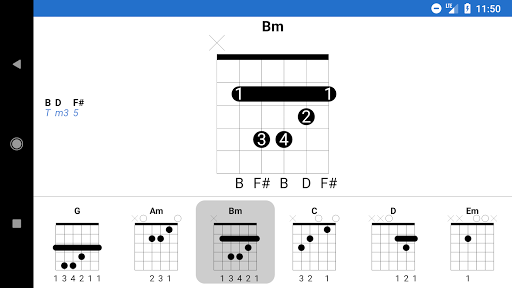
The app also supports multiple instruments, expanding my creative possibilities beyond guitar. I can experiment with basslines, drum patterns, and even keyboard parts, giving me a broader understanding of musical arrangements. The metronome and comprehensive chord library further aid in honing timing and expanding harmonic vocabulary. With offline access to downloaded tabs, I can practice anytime, regardless of internet connection.
Whether you're practicing, composing, or just jamming, Guitar Pro is designed to accommodate every aspect of your musical growth. Its frequent updates and user feedback channels ensure the app evolves to meet the needs of guitarists worldwide. This versatility, combined with features like looping and diverse instrument support, makes it an essential tool for serious musicians.
Final Thoughts
In summary, Guitar Pro is more than just a tab viewer—it’s a powerful, all-in-one music tool that fosters creativity and facilitates effective practice. Whether you're aiming to learn new songs, compose your own music, or experiment with arrangements, this app provides everything you need in a portable and user-friendly package. Its natural integration with desktop versions and extensive features make it a top choice for guitarists dedicated to mastering their craft. If you're serious about improving your skills and expanding your musical horizons, Guitar Pro is definitely worth exploring.
```
Pros
- Extensive chord library suitable for users of all skill levels.
- High-quality sound engine ensures clear playback.
- Supports various file formats for flexibility.
- User-friendly interface includes helpful tutorials.
- Regular updates bring new features and improvements.
Cons
- Full access requires a paid subscription.
- Free version offers limited features.
- Mobile app may have occasional bugs.
- Can be resource-heavy on older devices.
- Lacks real-time collaboration capabilities.











