

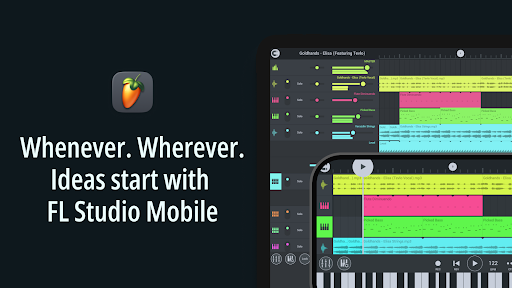
Discover the Power of FL STUDIO MOBILE
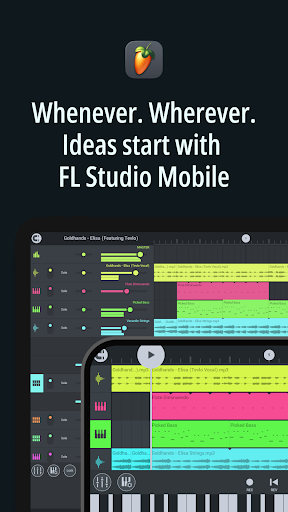
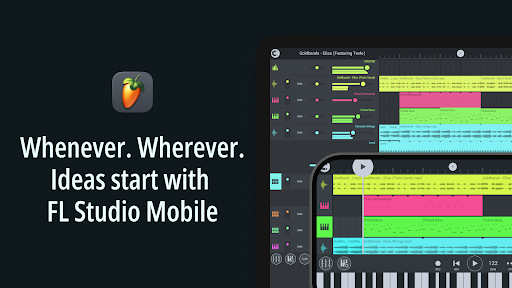
Have you ever found yourself humming a tune and wishing you could just capture it right then and there? Look no further than FL STUDIO MOBILE, the ultimate mobile music production app that transforms your smartphone, tablet, or Chromebook into a full-fledged portable studio. Designed for musicians, producers, and hobbyists alike, FL STUDIO MOBILE gives you the tools to create, record, edit, and share music effortlessly, anytime and anywhere.
Unleash Your Creativity with a Portable Music Studio
Whether you're a beginner or an experienced producer, FL STUDIO MOBILE offers a feature-rich environment to bring your musical ideas to life. Its intuitive interface makes navigation easy, even for those new to music production. The app comes with a comprehensive collection of high-quality instruments, synthesizers, samples, and effects, allowing you to craft complex arrangements on the go. From capturing spontaneous melodies to constructing intricate multi-track compositions, this app is your pocket-sized orchestra.
Key Features of FL STUDIO MOBILE
Multi-Track Recording and Import Capabilities
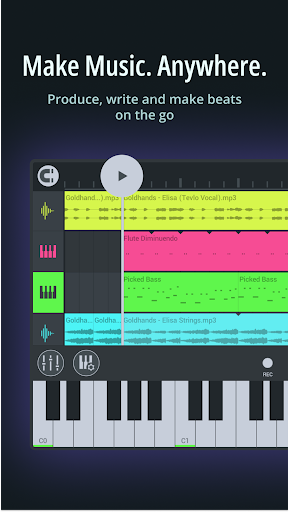
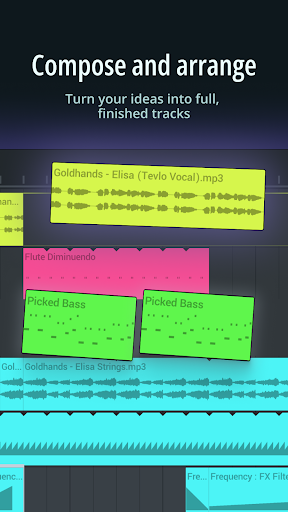
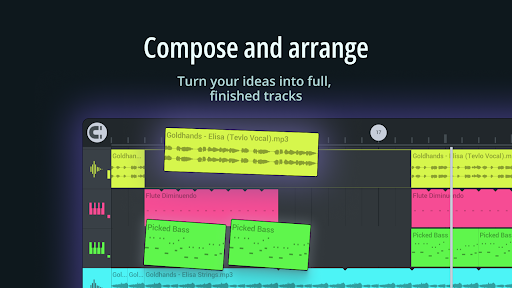
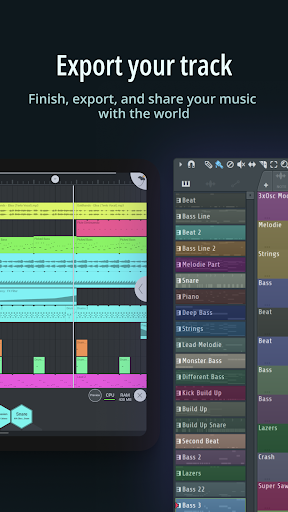
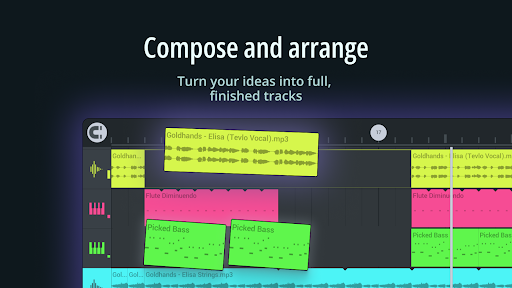
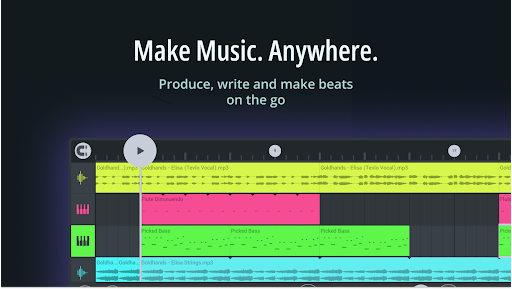
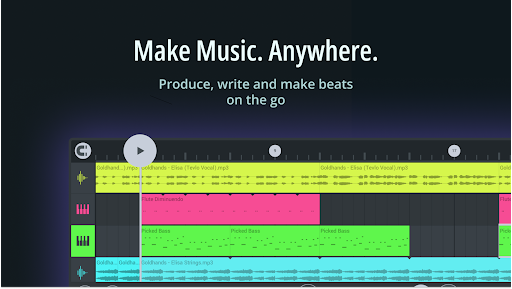
Create complete songs by recording multiple tracks directly within the app. Import stems or WAV loops seamlessly, enabling you to layer sounds or add professional recordings to your project. This flexibility makes it easy to work with external audio files or collaborate with others by exchanging multi-track projects.
Advanced Editing and Mixing Tools
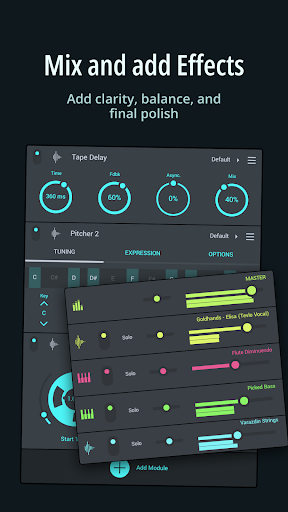
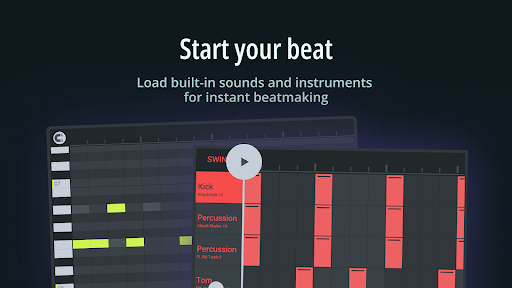
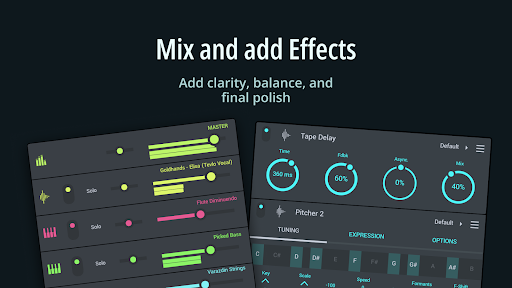
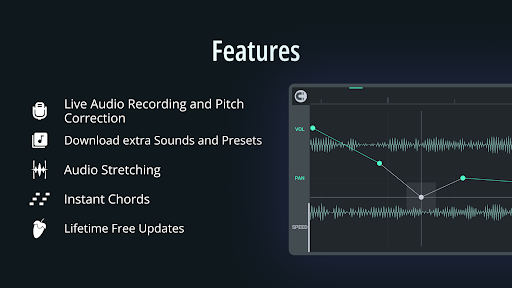
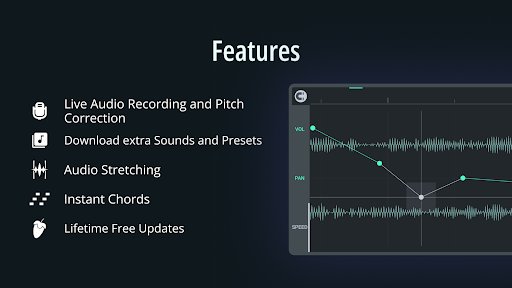
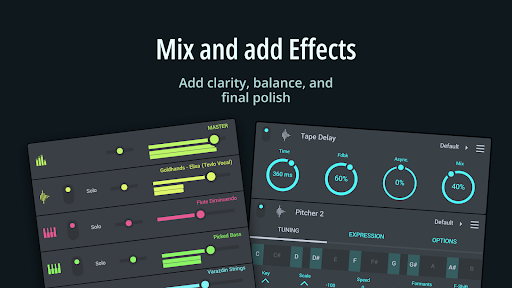
The app features a powerful mixer supporting per-track mute, solo, pan, effect busses, and volume adjustments—simulating a professional mixing console right in your pocket. The piano roll allows for detailed note editing and real-time performance capture, giving you total control over your melodies and harmonies. Real-time effects such as reverb, delay, chorus, and EQ can be applied to enhance your sound, adding depth and polish to your tracks.
Instruments and Effects Modules
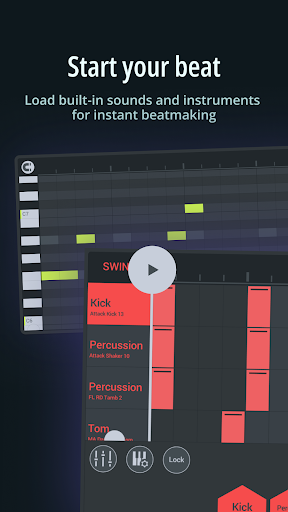
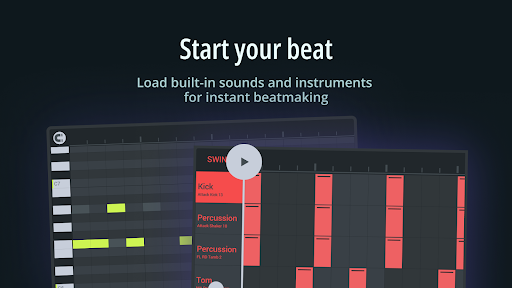
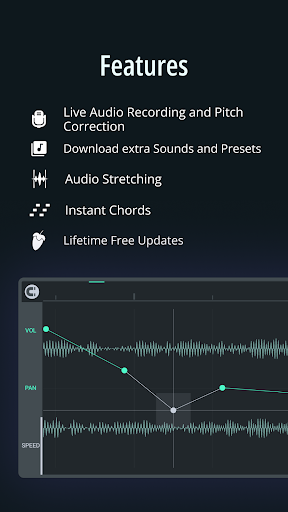
Instrument modules include high-quality synthesizers, samplers, drum kits, and sliced loops, covering a broad spectrum of sounds. You can load custom samples or use the included content, which features drums, guitars, keyboards, orchestral instruments, bass, and more. The suite of effect modules offers visual analysis tools, pitch correction, filters, compressors, and various modulation effects, empowering you to craft professional-quality productions.
Seamless Workflow and Collaboration
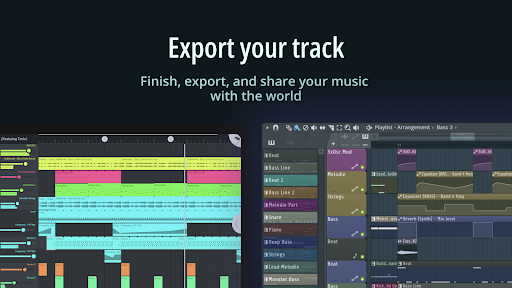
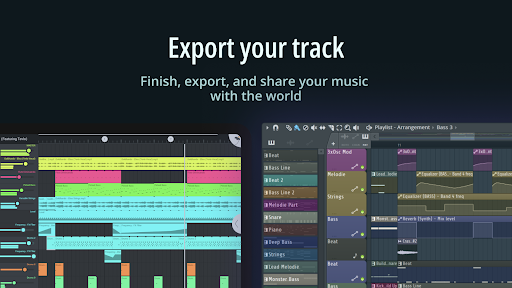
MIDI controller support (class-compliant), automation, and MIDI file import/export make your workflow smooth and versatile. Share your creations via Wi-Fi or cloud services effortlessly, and keep projects synchronized across multiple devices. The touch-friendly interface and configurable layout ensure your experience is optimized regardless of your device's screen size.
Expandability and Included Content
Included instrument modules such as Drum Sampler, DirectWave Sample Player, GMS (Groove Machine Synth), Transistor Bass, MiniSynth, and SuperSaw provide a rich palette of sounds right out of the box. All effect modules, including equalizers, filters, delays, and distortion effects, are integrated, giving you everything needed to produce high-quality music. Additional content and samples are available via in-app purchases, but the core app already offers a comprehensive set of tools for professional music creation.
Platforms and Access
FL Studio Mobile is available on Android, iOS, and Chromebook, with a desktop version also available for Windows and macOS through FL Studio 20. You can try the desktop version for free and upgrade to the full plugin integration for a seamless transition between your computer and mobile device. The app’s user interface adapts to all screen resolutions, ensuring a comfortable editing experience across all devices.
Why Choose FL STUDIO MOBILE?
This app offers unmatched convenience and features for music creators on the move. Whether you're humming a tune during your commute or laying down a beat in a hotel room, FL STUDIO MOBILE provides the tools necessary for capturing inspiration instantly. Its versatility makes it a perfect companion for hobbyists, amateur musicians, and even professional producers seeking a portable solution. With robust editing, mixing, and sharing features, it truly turns your device into a complete music production powerhouse.
Pros
- Intuitive interface facilitating smooth music creation
- Produces high-quality sound for professional outcomes
- Offers a wide library of loops and samples
- Supports multiple platforms including Android
- Available on iOS
- Compatible with Windows
- Receives regular updates with new features and enhancements
Cons
- Free version is limited, with essential features inaccessible without payment
- Steep learning curve for beginners new to music production
- In-app purchases are necessary to access additional content
- Some features demand high-performance hardware to operate
- Users have reported occasional bugs and crashes











