
Discover the Power of Dual Camera Sides: Capture Photos and Videos with Both Front and Back Cameras
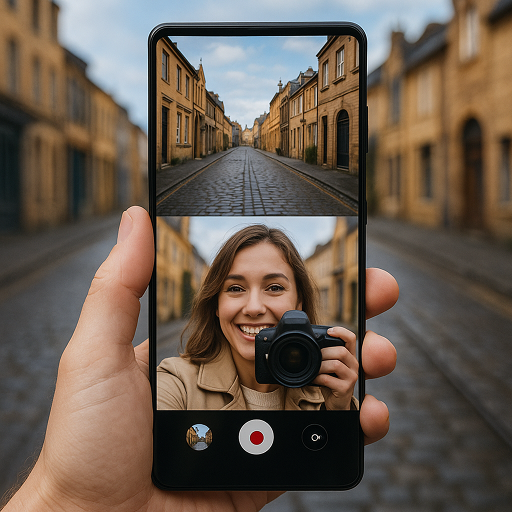
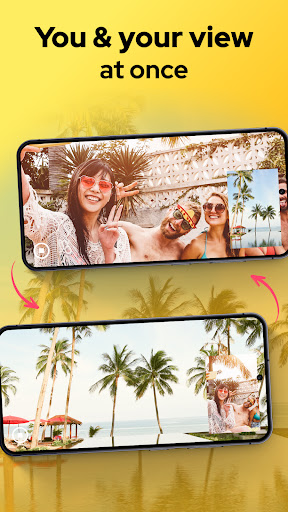
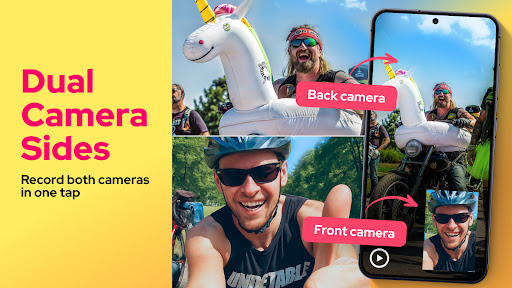
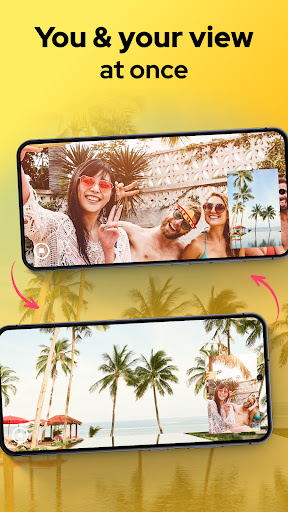
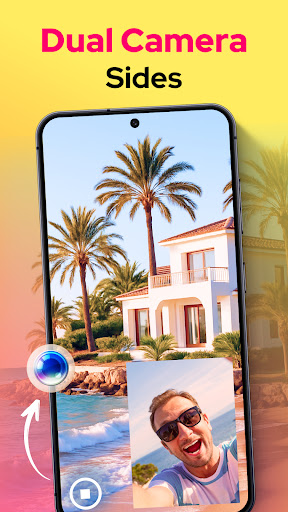
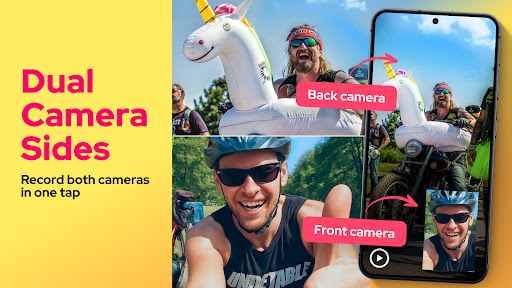
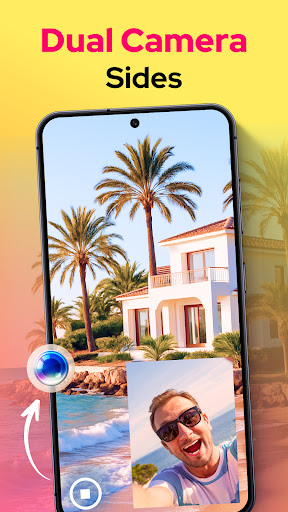
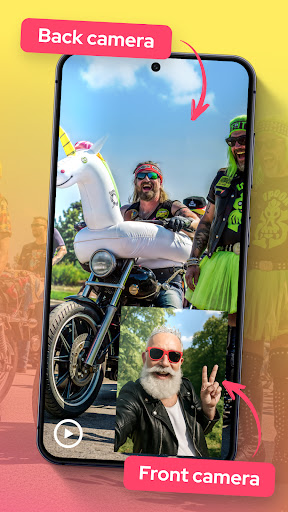
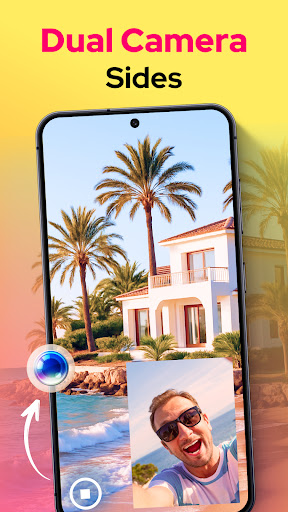
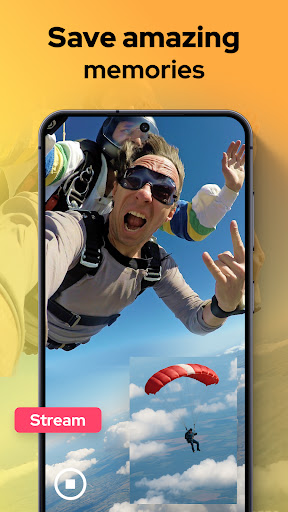
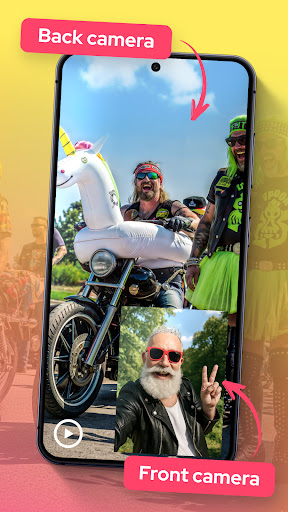
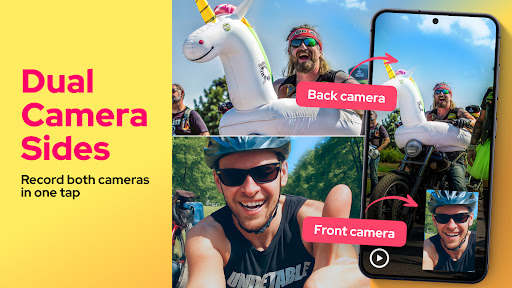
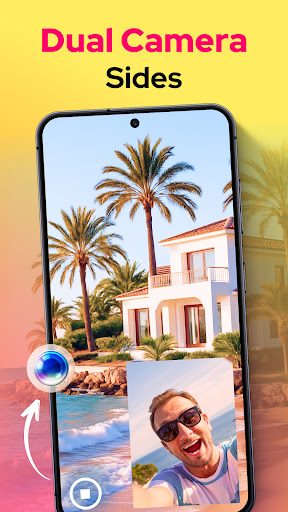
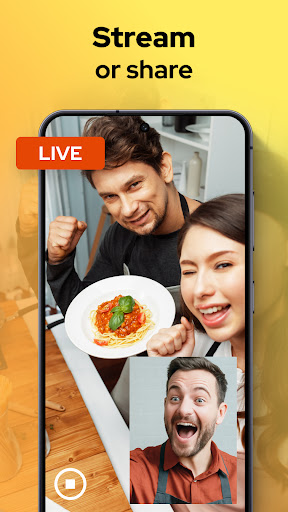
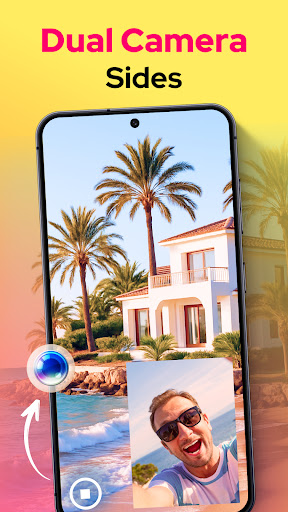
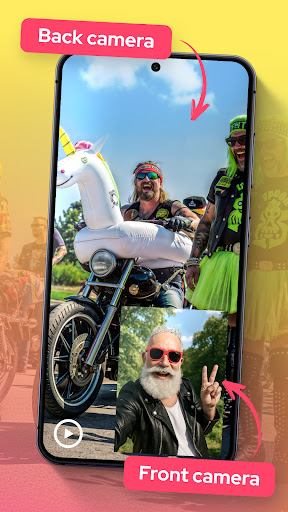
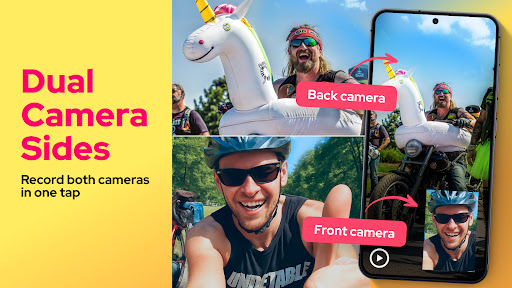
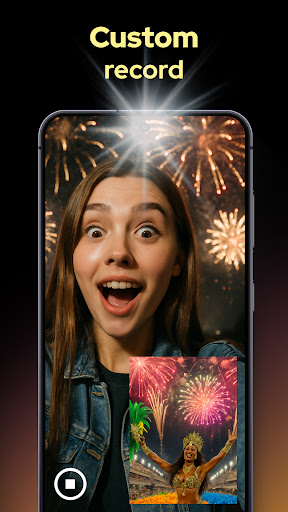
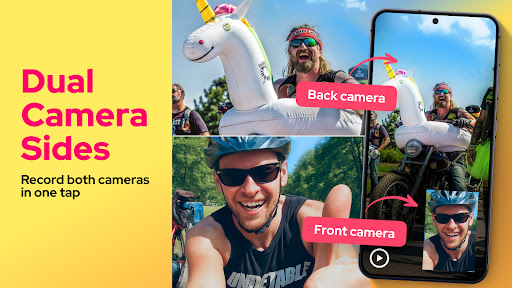
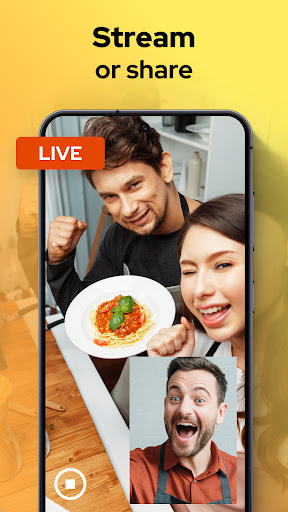
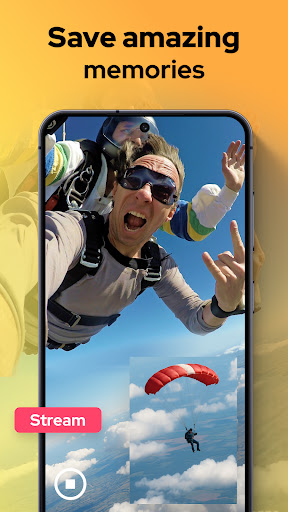
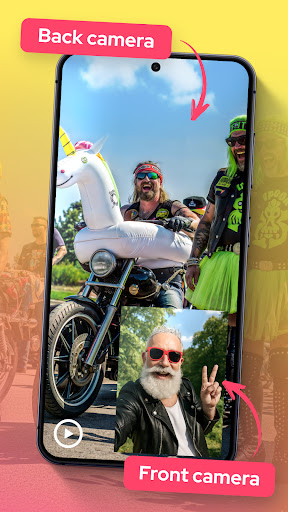
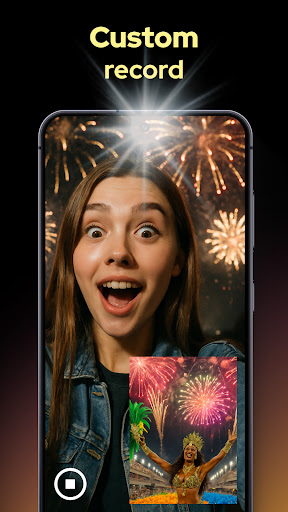
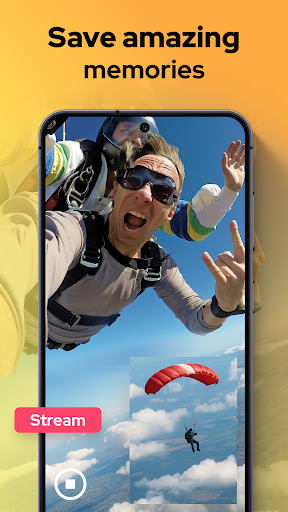
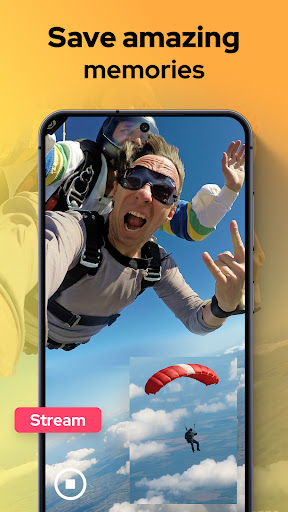
If you’re looking to elevate your photography and videography experience, Dual Camera Sides is the perfect app for you. Imagine capturing stunning moments from multiple angles simultaneously—whether it’s your reaction, a beautiful scenery, or a creative project. This innovative app essentially turns your smartphone into a portable photo studio, allowing you to shoot with both the • Dual Camera : front and back cameras at the same time. This unique feature provides a seamless way to create engaging content that stands out on social media or adds that extra touch to your personal projects.
How Does Dual Camera Sides Work?
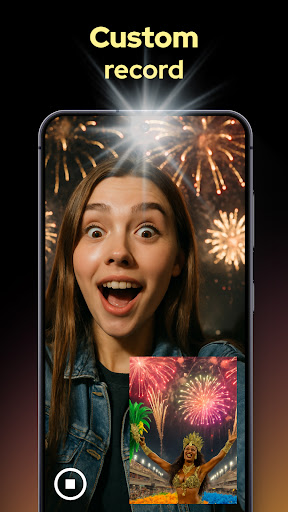
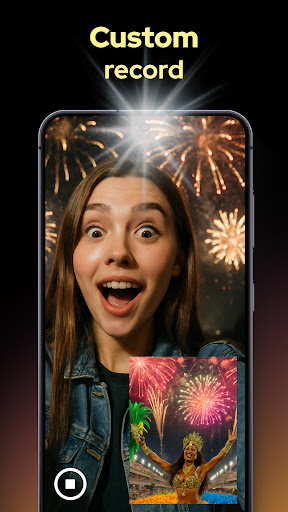
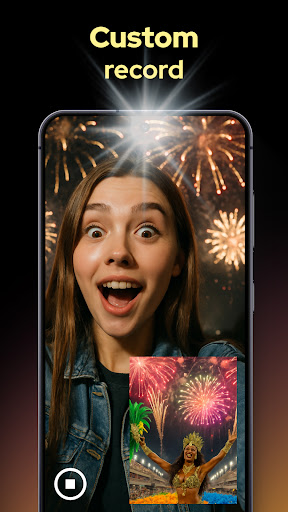
Once you open the app, you’re greeted with a clean and intuitive interface that makes navigation effortless—even for those less familiar with advanced tech. You can quickly select your desired mode, line up your shots, and hit record. The app handles the technical details behind the scenes, integrating both camera feeds into a single cohesive image or video. Whether you're aiming for a split-screen layout, picture-in-picture, or custom arrangements, Dual Camera Sides delivers versatility and ease of use, making creative experimentation accessible to everyone.
Standout Features of Dual Camera Sides
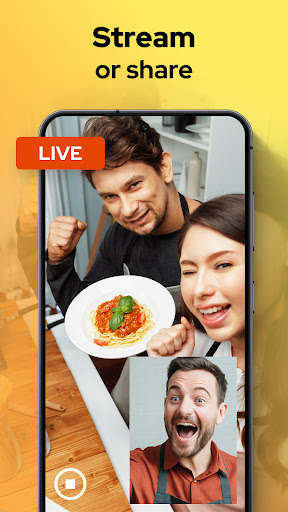
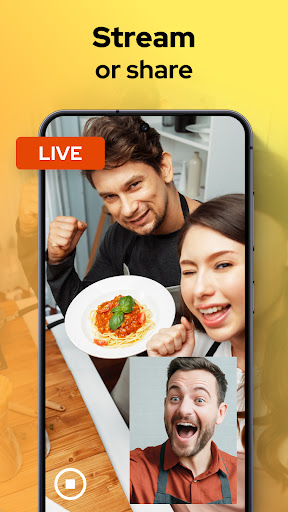
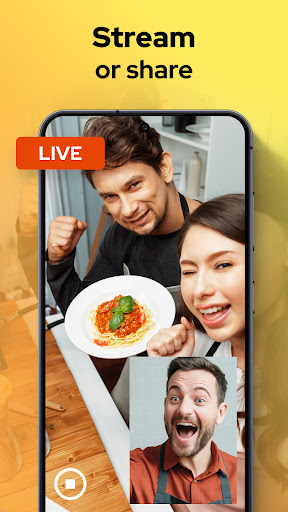
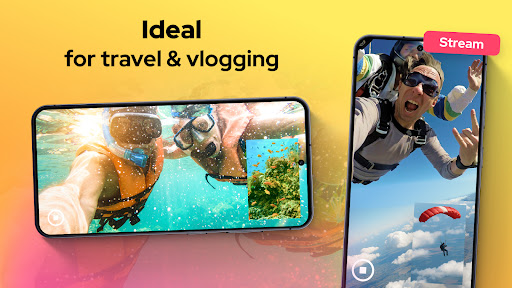
One of the most exciting aspects of Dual Camera Sides is its dynamic • split-screen : view, ideal for vlogging, tutorials, or engaging social media content. You can choose from a variety of layouts and effects, allowing you to personalize your creations effortlessly. The app also empowers you with adjustable camera views, giving you complete control over the size and position of each camera's • view :—perfect for highlighting specific details or framing your scene just right.Another feature worth mentioning is the ability to grab quick shots, such as selfies or still images, without interrupting your ongoing recording. Plus, you can switch fixed camera angles on the fly using a simple interface, enabling continuous storytelling without missing a beat. When your project is complete, sharing your multimedia masterpieces is just a tap away—whether uploading to social media or exporting for personal use.
Why Dual Camera Sides Is a Game Changer for Content Creators
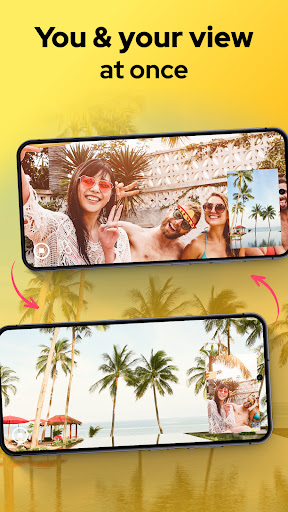
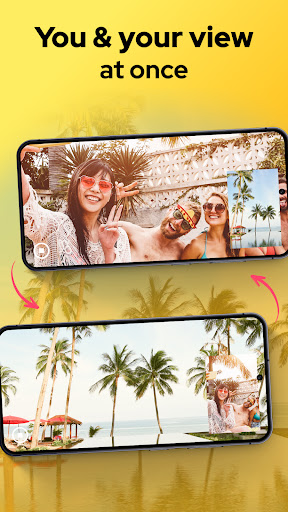
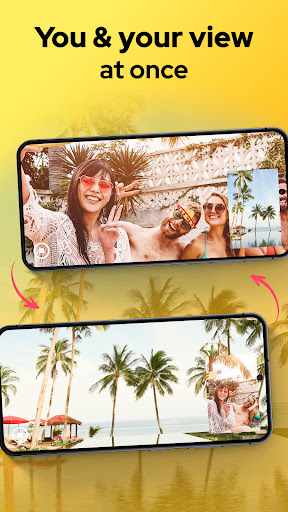
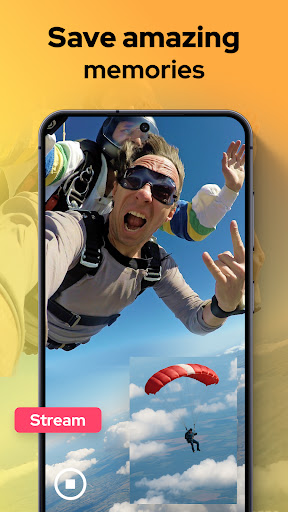
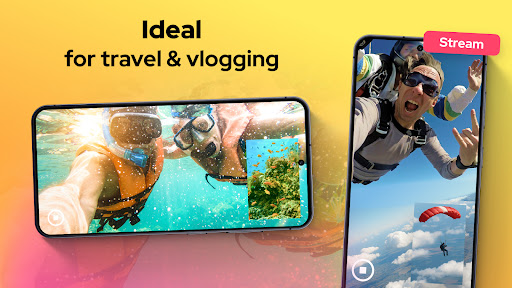
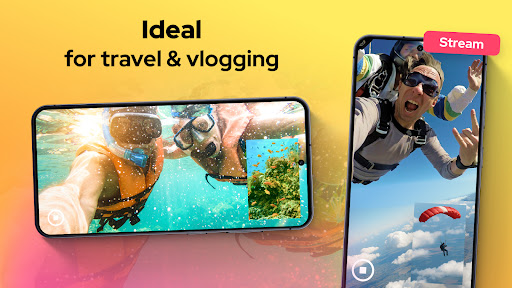
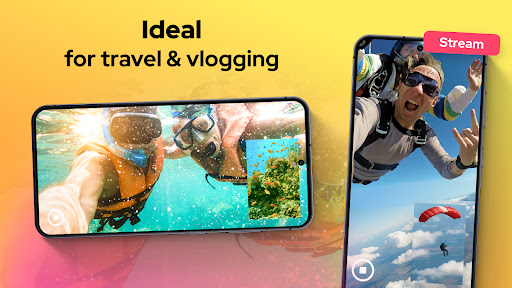
This app is designed for storytellers, vloggers, and creative individuals eager to capture multi-dimensional views effortlessly. The ability to record both perspectives simultaneously opens new doors for dynamic storytelling—be it documenting an adventure, conducting interviews, or simply showcasing your environment and reaction in one shot. Because it runs smoothly in the background, you can do other tasks on your device while your dual camera setup keeps recording in the background, ensuring no moment is lost.Moreover, the app enhances your social media presence by enabling you to produce eye-catching content that integrates multiple angles seamlessly. Your followers will appreciate seeing both the scene and your authentic reactions at the same time, boosting engagement and making your content more lively and authentic.
Enhance Your Creativity with Dual Camera Sides
Whether you're capturing a breathtaking sunset while sharing your reaction or composing a detailed tutorial with multiple views, Dual Camera Sides provides the tools to make it happen easily. The app’s straightforward controls and versatile layout options make it suitable for beginners and seasoned creators alike. Creating compelling videos and photos that showcase multiple perspectives has never been simpler or more fun.Ready to explore a new dimension of mobile filmmaking and photography? Download Dual Camera Sides today and unlock your device’s full creative potential. With its powerful features and intuitive design, it’s your all-in-one solution to capture and share moments from multiple angles—anytime, anywhere.
Pros
- Simultaneously captures photos from both front and rear cameras.
- User-friendly interface for quick setup.
- Boosts social media sharing with unique viewpoints.
- Works with most Android and iOS devices.
- Enables creative storytelling through dual perspectives.
Cons
- Limited editing features within the app.
- Needs permission to access both cameras.
- May consume more battery while in use.
- Not all devices support dual camera functionality.
- Sometimes experiences lag when switching cameras.











