
Discover the Ultimate DJ Experience with djay - DJ App & Mixer
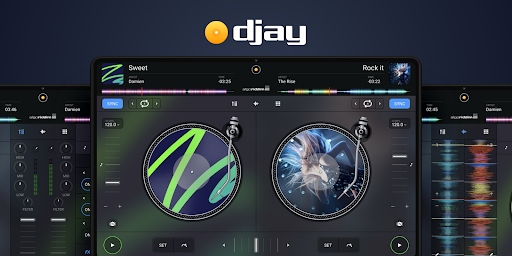
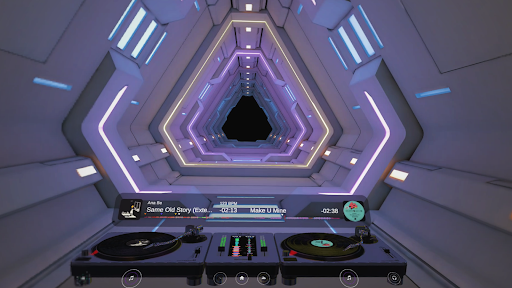
Are you ready to feel like a DJ superstar without leaving the comfort of your home? djay transforms your Android device into a professional-level DJ system, packed with powerful features and a sleek, intuitive interface. Whether you're a novice or a seasoned DJ, this app offers everything you need to create, remix, and perform music effortlessly. With seamless integration with your favorite music libraries and streaming services, djay makes it easy to craft perfect mixes and explore your musical creativity.
Seamless Music Library Integration for Non-Stop Mixing
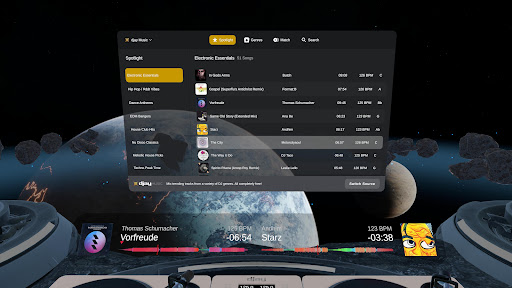
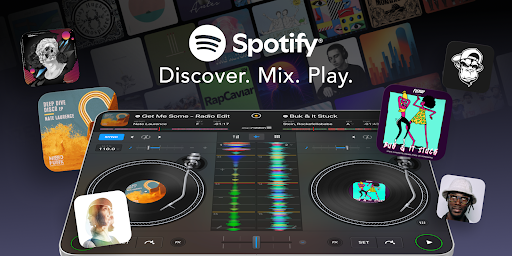
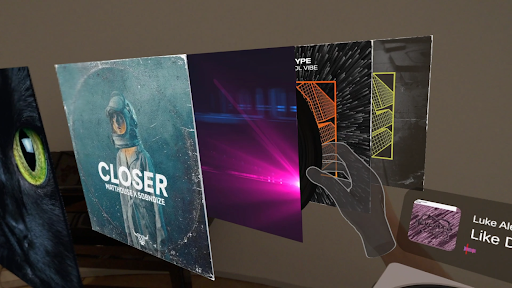
One of the key highlights of djay is its extensive music library support. The app includes thousands of DJ-ready tracks from top artists across various genres, available for free through djay Music. Users can also connect their personal music libraries stored locally on their device or access over 100 million tracks via prominent streaming services like Apple Music and TIDAL. Additionally, the app supports workloads from SoundCloud, Beatport, and Beatsource, giving users a vast selection of underground, electronic, and open-format tracks. This comprehensive library access ensures unlimited creative options whether you're into mainstream hits or niche underground tunes.
Automix & Neural Features for Effortless Mixing
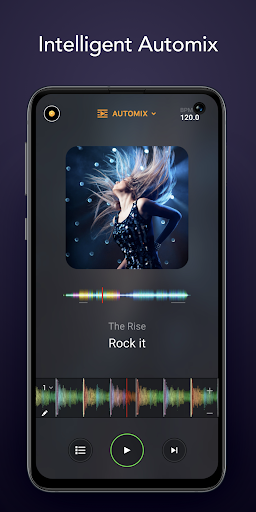
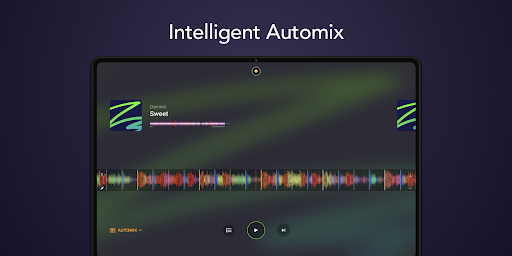
Experience automated DJ performance with Automix. The AI-powered feature intelligently identifies the rhythmic patterns and sections of songs, providing smooth beat-matched transitions without manual intervention. Sit back and enjoy a continuous, professionally blended playlist—perfect for casual listening or parties. For those looking to refine their mixes further, Neural Mix™ allows real-time isolation of vocals, drums, or instruments, offering endless remixing possibilities. This advanced stem separation feature unlocks new creative potential, enabling you to remix tracks on the fly or craft your own unique versions.
Creative Remix Tools & Live Performance Features
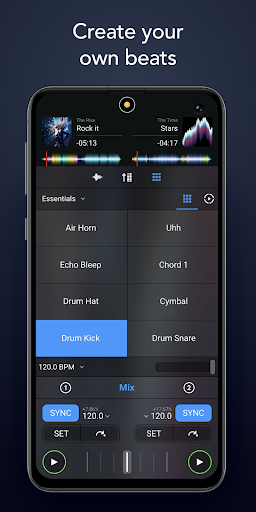
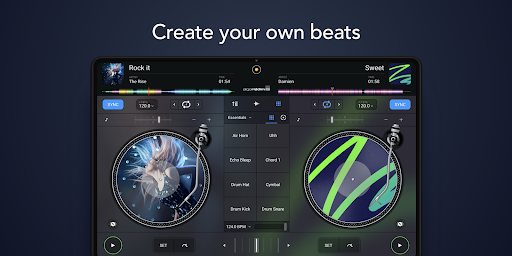
- Sequencer: Create beats over your music live, adding a personal touch to every set.
- Looper: Remix your songs with up to 48 loops, designing complex layered compositions.
- Beat-matched sequencing: Sync drums and samples for tight, professional-sounding blends.
- Extensive library of loops and samples to customize your performances.
Professional-Grade DJ Controls & Hardware Compatibility
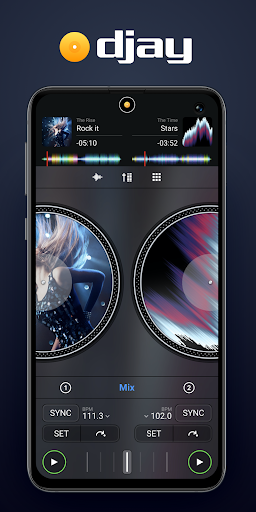
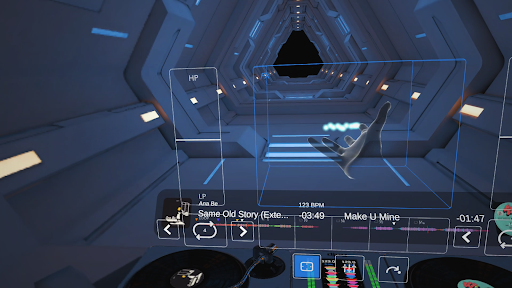
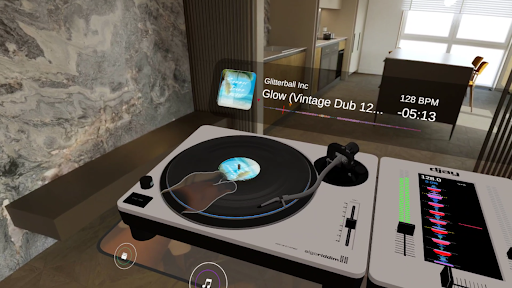
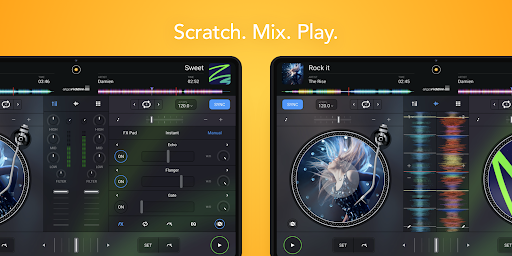
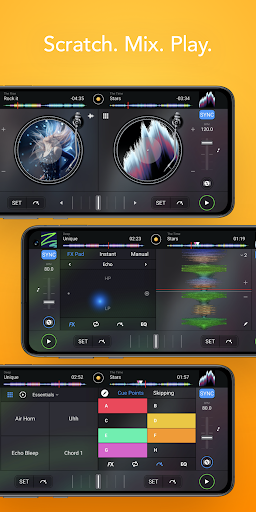
djay offers robust hardware integration capabilities. Connect external controllers via Bluetooth MIDI or USB MIDI from brands like Pioneer and Reloop. This compatibility facilitates a tactile DJing experience, whether you're using a dedicated controller or just your device. The app also supports essential advanced audio features including key lock, time-stretching, real-time stem separation, and various audio FX such as echo, flanger, and crush. These tools allow you to manipulate tracks in real time for creative, professional-grade performances.
Live Mixing, Pre-Cueing, & Customization
For live performances, prep your next track through pre-cueing using headphones with split output mode or external audio interfaces. Adjust EQ, filters, loop points, and set cue points to tailor your performance. Automatic beat detection, auto gain, and colored waveforms assist with precise mixing, making the app suitable for both beginner and professional DJs.
Subscription & Compatibility Notes
A PRO subscription unlocks all advanced features, including Neural Mix and access to over 1000 loops and samples, across all devices. Remember, streaming services require an active internet connection, and some features like Neural Mix may not be supported on older or certain Android devices. Always check device compatibility before diving into your remix sessions.
Why Choose djay – DJ App & Mixer
If you're passionate about music and want to unleash your inner DJ, djay offers an accessible yet powerful platform to do just that. Its blend of intuitive controls, extensive music library options, and pro-level features make it suitable for anyone eager to explore DJing—whether for casual fun, social gatherings, or professional performances. Download djay today and start mixing your way to DJ stardom!
Pros
- User-friendly interface suitable for beginners
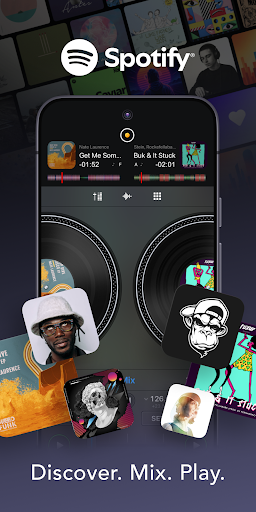
- Effortless integration with Spotify
- Supports a wide range of audio formats
- Provides real-time audio effects and looping capabilities
- Delivers high-quality sound output
Cons
- Full features require in-app purchases
- Free version has limited functionalities
- May consume significant device resources
- Some users experience occasional crashes
- No independent desktop version available











