
DJ Music mixer - DJ Mix Studio icon

DJ Music mixer - DJ Mix Studio

60.68K
4.5
Installs
0.05B
Version
2.6.2
Advertisement
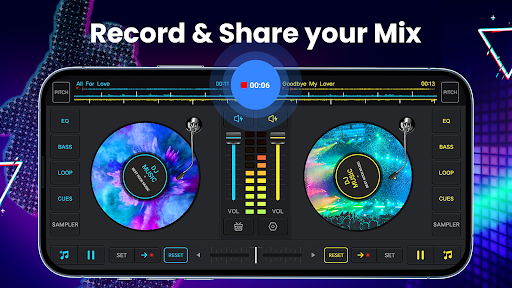
DJ Music mixer - DJ Mix Studio screenshot
Advertisement

Discover the Exciting World of DJ Music Mixer - DJ Mix Studio

Are you passionate about music and dream of creating your own DJ mixes with ease? Look no further than DJ Music Mixer - DJ Mix Studio, an innovative and feature-rich virtual DJ app designed to elevate your music experience. Whether you're a beginner stepping into the DJ scene or a professional looking for a portable mixing tool, this app offers everything you need to craft seamless mixes, add spectacular effects, and record your performances. Its intuitive interface and powerful features make it a must-have for music lovers who want to explore their creative potential on mobile devices.

Key Features of DJ Music Mixer - DJ Mix Studio

Professional-Grade Mixing Tools

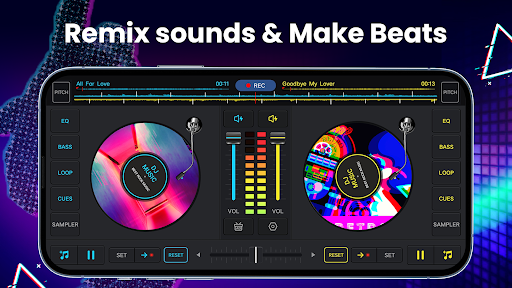
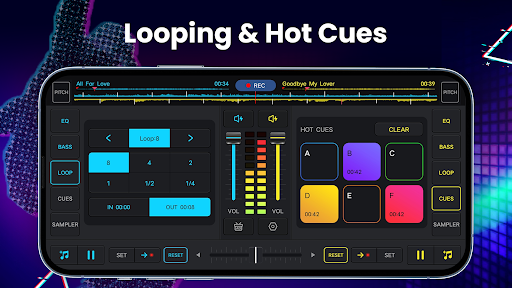
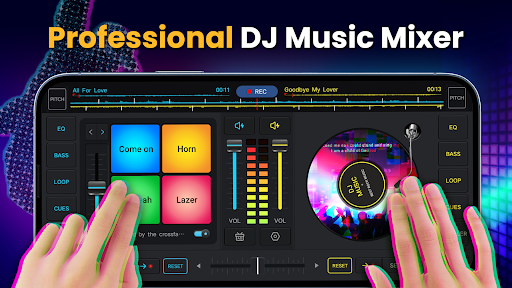
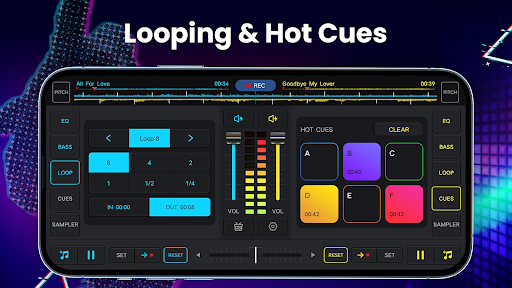
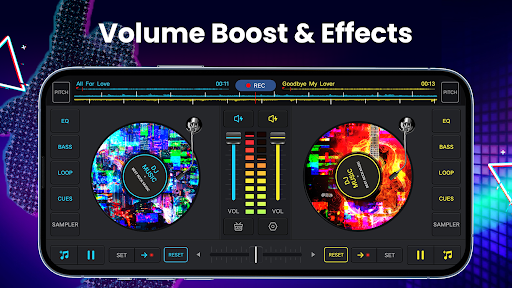
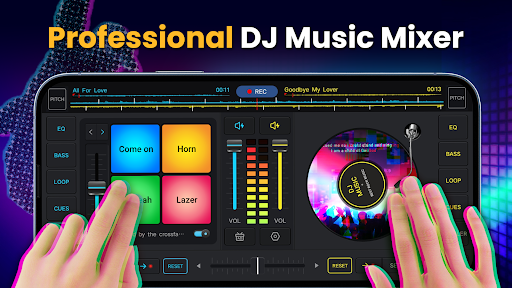
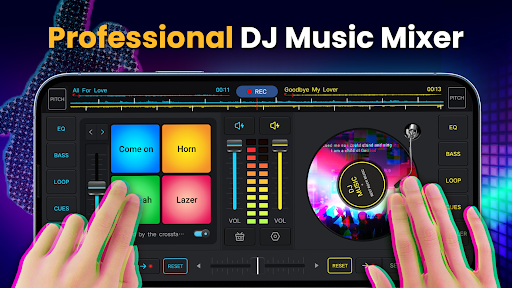
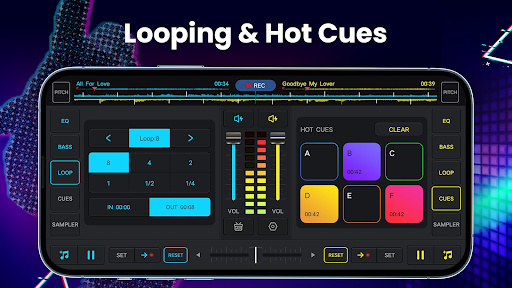
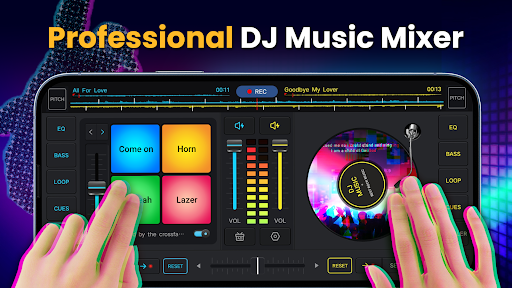
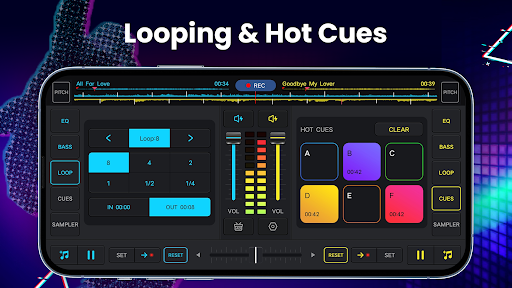
This app provides a comprehensive set of professional mixing tools, including a real crossfader with two virtual turntables. You can set up to 6 hot cues on each deck for quick access during live performances. The app supports loops ranging from 1/64 to 128, allowing precise beat matching and sound manipulation. Its intuitive interface ensures all essential features are just a tap away, making it ideal for both seasoned DJs and beginners.

Sound Effects and Remixes

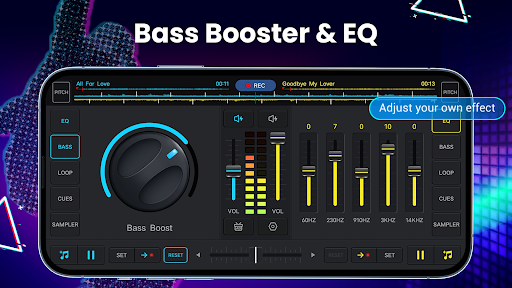
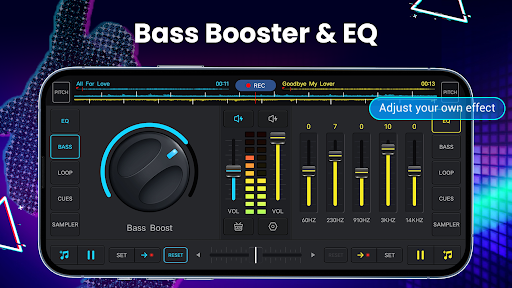
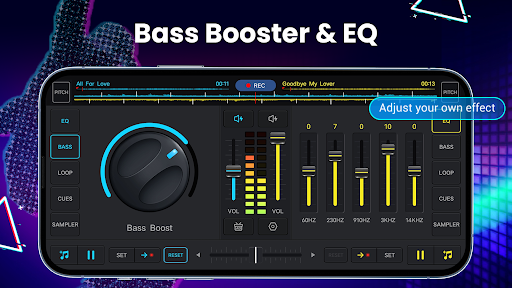
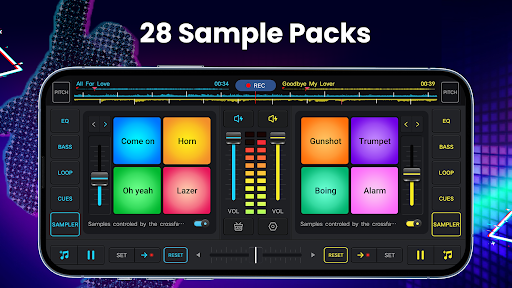
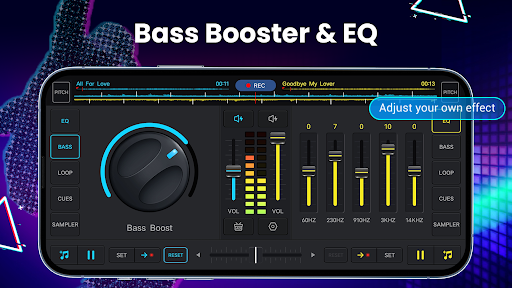
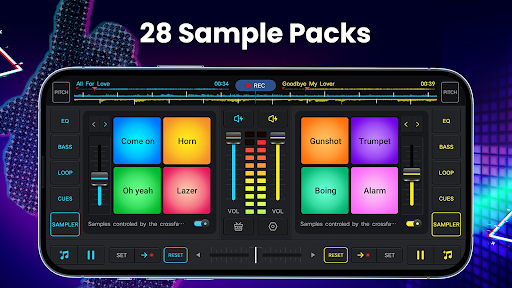
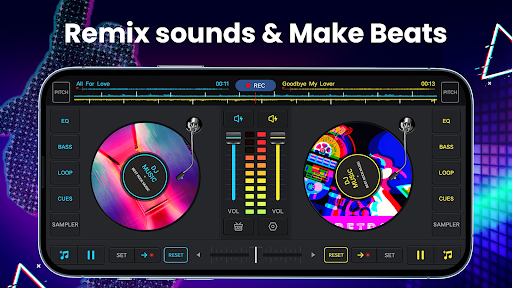
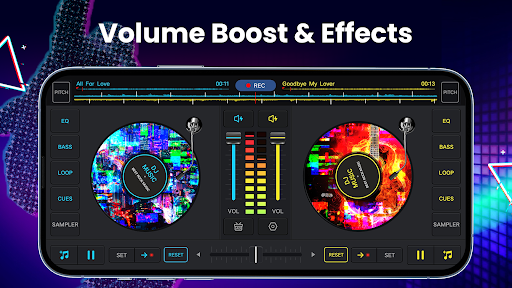
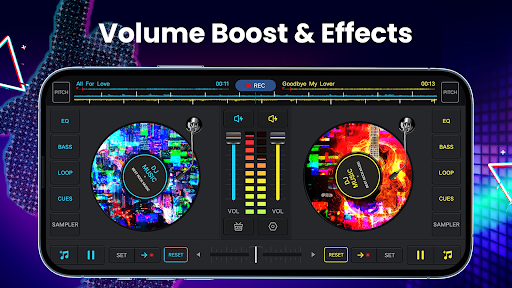
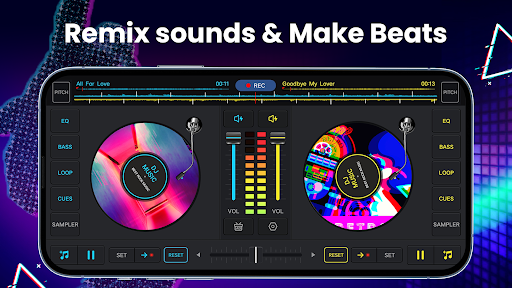
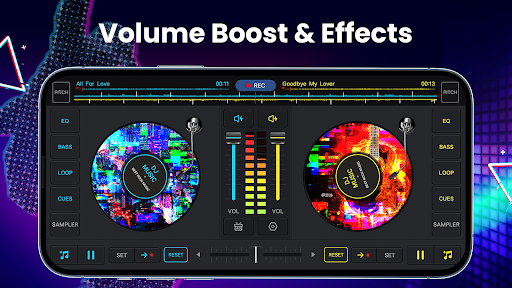
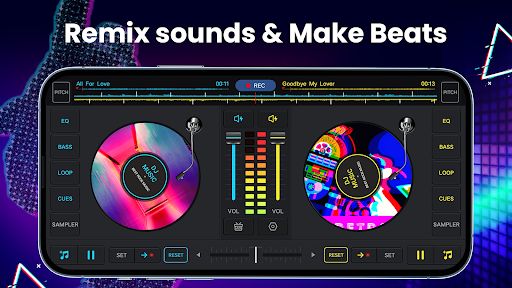
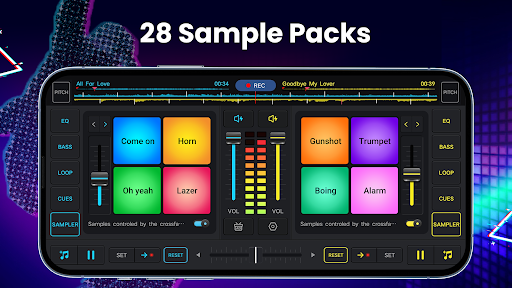
Unleash your creativity with a wide array of sound effects, such as reverb, echo, flanger, and more. The built-in sounds on remix pads and 28 free sample packs—including gunshots, scratches, and boings—add depth and excitement to your mixes. The app also features 3D remix sound effects, which help create immersive audio experiences. Adjust the equalizer with a five-band control and power up your bass with the Bass Boost feature.

Music Library Management

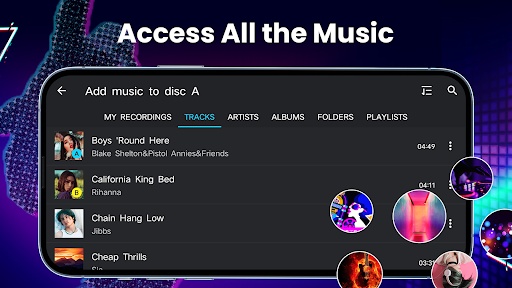
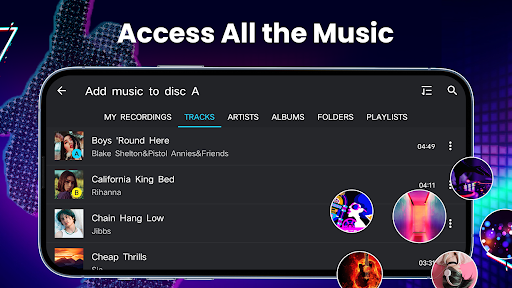
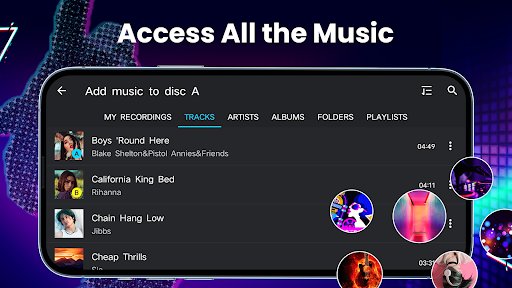
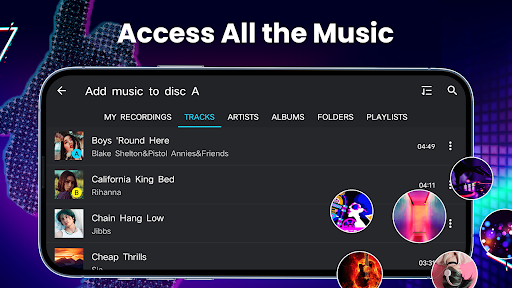
DJ Music Mixer - DJ Mix Studio allows seamless access to all music stored on your device, with organized sections by TRACKS, ARTISTS, ALBUMS, and FOLDERS. Easily import your favorite tracks into playlists for quick mixing, making your workflow smooth and efficient. Whether you're remixing house, EDM, hip-hop, or any genre, the app supports various audio formats for maximum flexibility.

High-Quality Recording and Playback

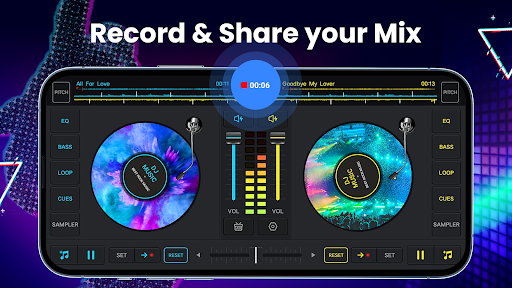
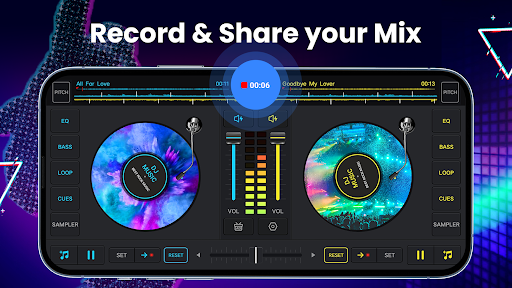
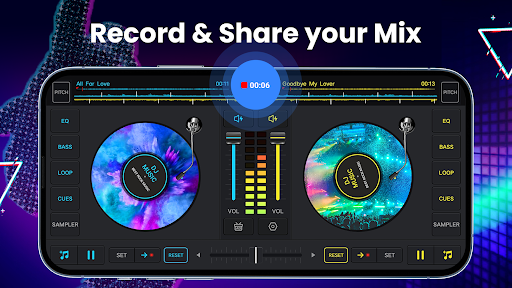
Capture your DJ routines with a high-quality HD recording feature, saving your mixes in .mp3 format. You can record using the microphone or the internal audio, especially on Android 10 devices, ensuring crystal-clear sound quality. Revisit your performances anytime or share your best mixes with friends or online audiences.

Easy to Use and Customizable

The app boasts an intuitive interface that enables quick access to all features. Rotate discs, play mixes backward or forward, and control effects with simple gestures. The adjustable volume and pitch controls let you customize your mixes exactly how you like, making every session feel professional.

Optimized for Mobile Devices

Designed for latest mobile devices, DJ Music Mixer - DJ Mix Studio ensures smooth, seamless performance across smartphones and tablets. Its lightweight design and optimized performance guarantee an uninterrupted DJing experience, whether you're practicing or performing live.

Why Choose DJ Music Mixer - DJ Mix Studio?

If you're seeking an amazing virtual DJ mixer that combines professional features with ease of use, this app is perfect for you. It provides a robust platform for beginners to learn and a powerful toolkit for experienced DJs to craft complex mixes. With its rich collection of effects, loops, and sound packs, you can experiment with different styles and genres, sharpening your skills step by step.

Creating impressive music mixes has never been easier. Whether you're preparing for a party, karaoke night, or just want to have fun mixing your favorite tracks, DJ Music Mixer - DJ Mix Studio offers a complete solution. Its ability to manipulate sounds, add effects, and record high-quality mixes makes it a standout choice for music enthusiasts and aspiring DJs alike.

Download the free version today and start making professional-sounding DJ mixes right from your mobile device. Unleash your creativity, master your DJing skills, and share your music with the world!

Pros

  • User-friendly interface suitable for beginners.
  • Offers a wide variety of sound effects.
  • Supports multiple audio formats.
  • Regularly updated with new features.
  • Low latency for real-time mixing.

Cons

  • Limited features in the free version.
  • Advertisements can be disruptive.
  • Requires internet connection for certain features.
  • Periodic app crashes have been reported.
  • Advanced functionalities require a premium subscription.

Download From Google Play
Advertisement

Frequently Asked Questions

What features does DJ Music Mixer - DJ Mix Studio offer?

DJ Music Mixer - DJ Mix Studio provides a comprehensive set of features for music enthusiasts and DJs, including real-time effects, pitch and tempo control, sample editing, loops, and crossfading between tracks. It supports various audio formats, enabling the creation of seamless mixes with high-quality sound. The app also offers an intuitive interface suitable for both beginners and professional DJs.

Is DJ Music Mixer - DJ Mix Studio suitable for beginners?

Yes, DJ Music Mixer - DJ Mix Studio is designed for both beginners and experienced DJs. It features an intuitive and user-friendly interface with simple controls, making it easy for newcomers to start mixing. Additionally, it provides tutorials and support resources to help users learn the basics of DJing and improve their skills over time.

Can I use DJ Music Mixer - DJ Mix Studio on both Android and iOS devices?

DJ Music Mixer - DJ Mix Studio is primarily available for Android devices, offering a robust platform for mobile DJs. While similar apps with comparable features are available for iOS, this specific app is optimized for Android, ensuring smooth performance and integration with Android devices.

Does DJ Music Mixer - DJ Mix Studio require an internet connection?

No, DJ Music Mixer - DJ Mix Studio does not require an internet connection for most features. Users can mix and edit tracks offline, making it convenient in environments without internet access. However, features like accessing online music libraries or updates might need connectivity.

Are there in-app purchases or subscription fees in DJ Music Mixer - DJ Mix Studio?

DJ Music Mixer - DJ Mix Studio offers a free version with basic features. To access premium features such as advanced effects, additional samples, and an ad-free experience, users may need to make in-app purchases or subscribe to a premium plan. These options provide enhanced capabilities for more professional mixing.

You May Like










