
Introduction to DJ Mixer Studio - DJ Music Mix
Want to bring the energy of a professional DJ into your pocket? DJ Mixer Studio - DJ Music Mix is the ultimate mobile application that transforms your device into a mini DJ console. Whether you're a beginner eager to learn or a seasoned music enthusiast looking for a portable mixing tool, this app offers comprehensive features designed to elevate your music mixing experience. With its intuitive design, professional-grade functionalities, and user-friendly interface, DJ Mixer Studio makes creating seamless mixes and stunning DJ effects accessible to everyone.
Main Features and Functionality
Realistic Virtual DJ Console
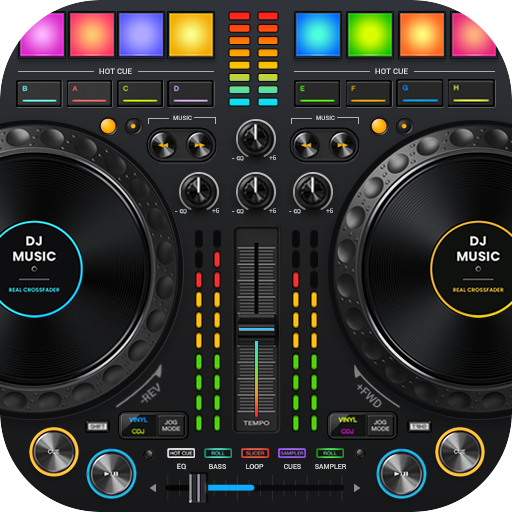
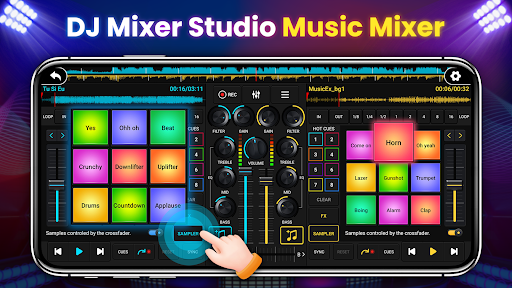
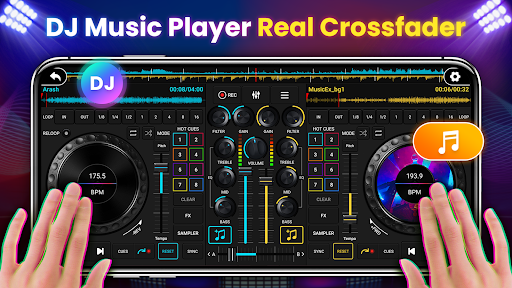
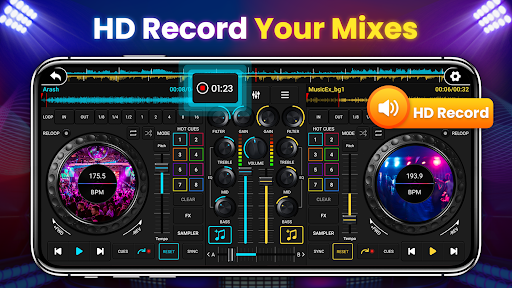
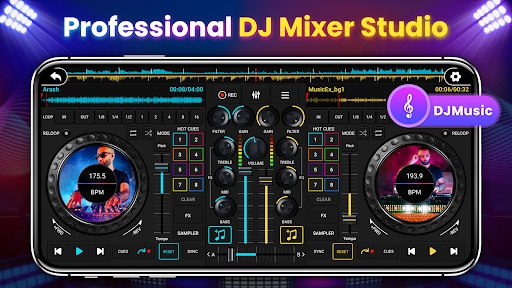
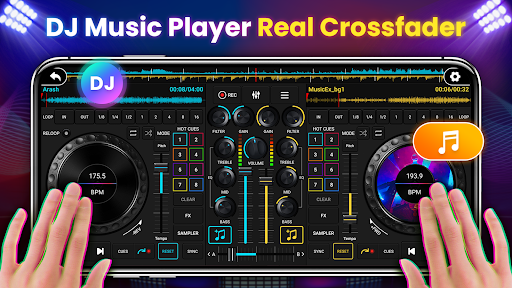
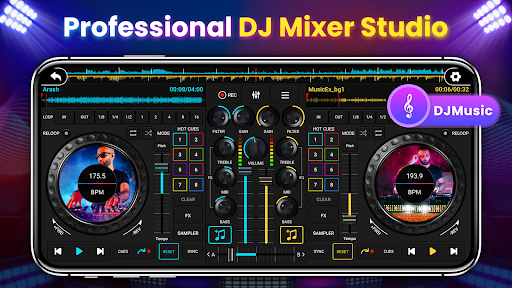
This app simulates a real DJ console, giving you a highly interactive experience. You can slide control bars, rotate knobs, and scrub discs back and forth—just like a real DJ mixing setup. The design is optimized for mobile screens with larger buttons and vibrant colors, ensuring effortless operation suitable for all age groups and experience levels.
Powerful Audio Processing Tools
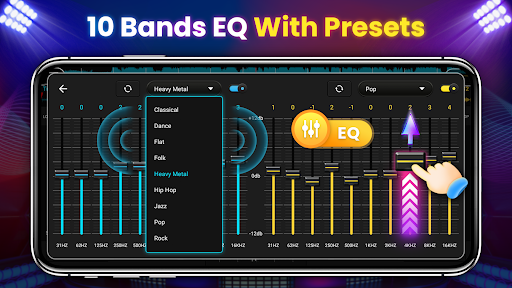
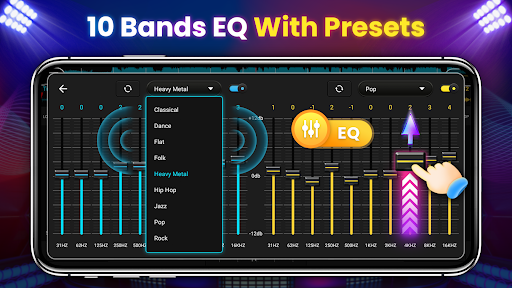
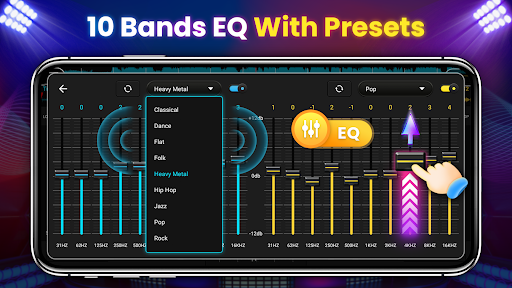
DJ Music Mixer is equipped with a comprehensive suite of professional tools including a 3-band EQ mixer, FX effects, 10 bands Equalizer, and a Bass Booster. These features allow for precise sound adjustments, enabling you to craft your perfect sound with clarity and depth. The app also supports high and low pass filters, BPM synchronization, segment cycles, and crossfading functions for smooth transitions.
Multiple Decks and Seamless Transition
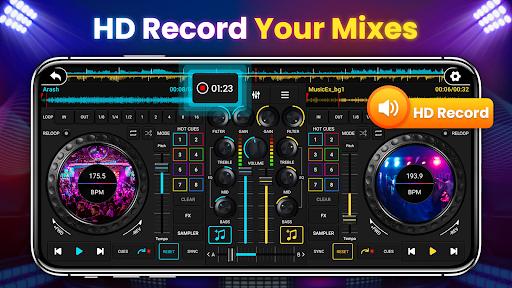
With support for two decks, you can mix music tracks simultaneously or alternate between them creatively. The crossfader helps control volume ratios, creating seamless fades and dynamic transitions that mimic a real DJ's workflow. The app also displays real-time BPM to help match tempos effortlessly, making your mixes sound more professional.
Sample Packages and Sound Effects
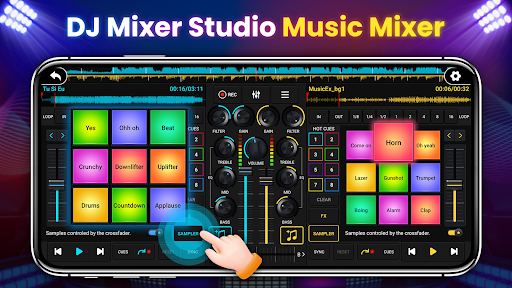
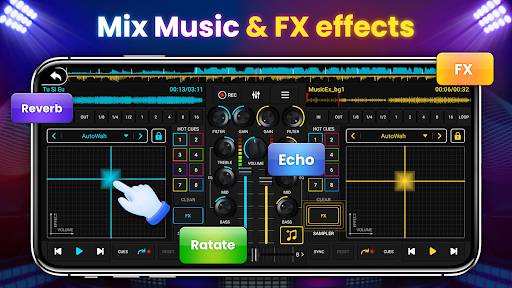
Enhance your mixes with 27 free sample packages featuring stunning sound effects. Whether adding reverbs, echoes, or chorus effects, these samples enable you to personalize your music and develop your own unique style.
Easy Operation and Learning Curve
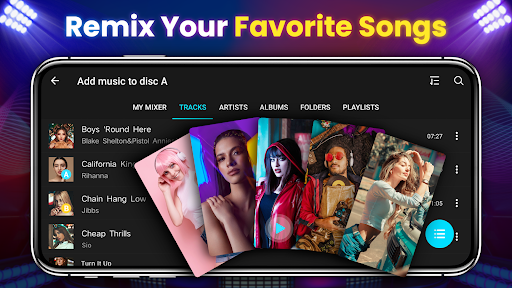
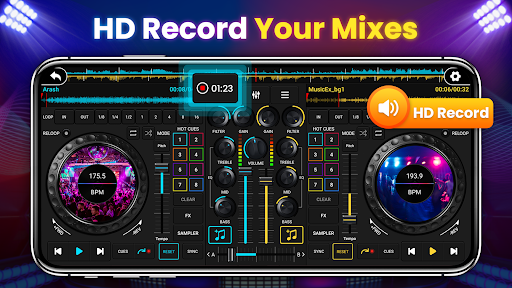
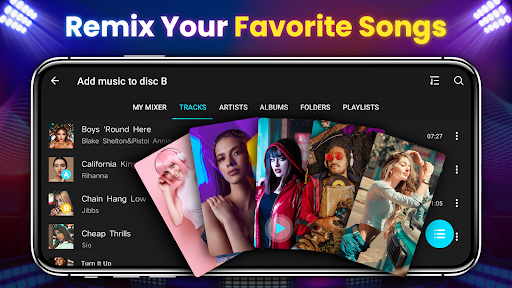
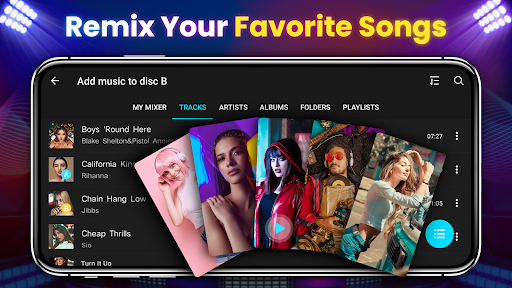
Suitable for all ages, the app includes beginner tutorials and a straightforward interface, so even novices can quickly grasp the basic operations. The app supports local song import, allowing you to sort and play your favorite tracks with ease. Recording your DJ sessions is simple, providing an excellent way to share your mixes or practice.
Advanced Professional Features
Customized Effects and Loops
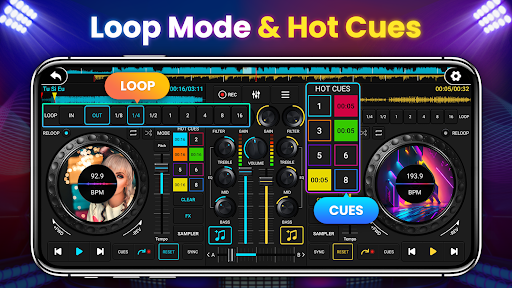
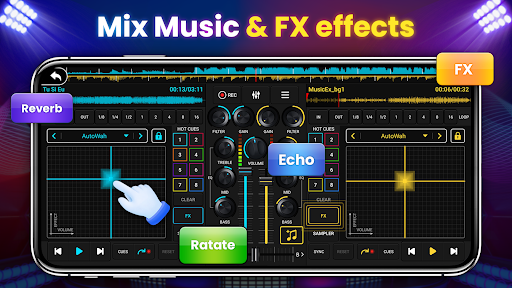
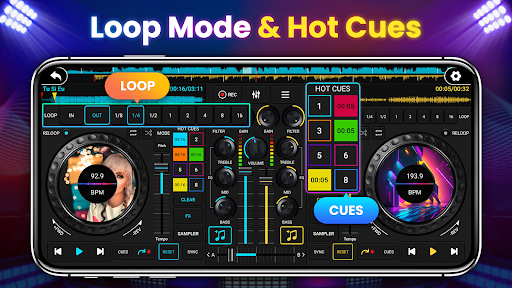
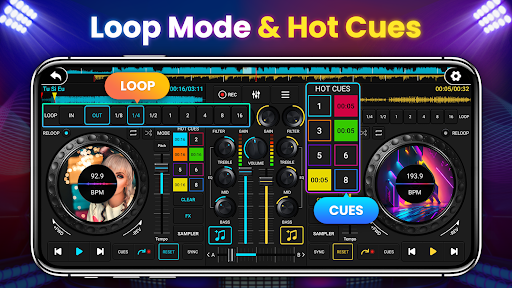
The app offers seven FX effects like AutoWah, Echo, Reverb, and Phaser, along with eight loop modes ranging from 1/8 to 16 beats. These tools give you extensive control over your sound design, perfect for creating dynamic build-ups or atmospheric effects.
High-Quality Sound Spectrum
The wide audio frequency spectrum ensures your transitions are clean and natural, with better coordination between tracks. The tone locking feature allows tempo adjustments without affecting pitch, keeping your music sounding consistent.
Professional-Level Mixing Capabilities
Designed with professional requirements in mind, DJ Mixer Studio supports various loop modes, Hotspot setting for cues, and precise adjustments that help users refine their skills. Whether practicing at home or performing live, you can rely on this app to deliver professional-grade results.
Why Choose DJ Mixer Studio - DJ Music Mix?
This high-simulation DJ app combines the ease of use for beginners with advanced features for experienced DJs. Its realistic interface and professional functions—such as BPM synchronization, multi-layer effects, and seamless crossfading—make it a versatile tool for learning, practicing, and performing. Plus, it is highly portable, so you can practice anywhere, anytime, or showcase your skills at parties or social gatherings. Dive into the inspiring world of DJing and experience the thrill of creating your own music with ease and confidence.
Pros
- User-friendly interface suitable for beginners.
- Extensive selection of sound effects.
- Supports various audio formats.
- Real-time audio mixing capabilities.
- Regular updates and improvements.
Cons
- Contains intrusive advertisements.
- Limited features in the free version.
- Requires internet connection for full functionality.
- Occasional application crashes.
- High power consumption on battery.











