
Discover the Ultimate DJ Mixer - DJ Music Remix App
If you're passionate about music and love to create, DJ Mixer - DJ Music Remix is the perfect app to turn your smartphone or tablet into a professional DJ booth. Whether you're a beginner eager to explore the world of beatmaking or a seasoned DJ looking for a portable mixing solution, this app provides a comprehensive suite of features to unleash your creativity and entertain your audience. With its intuitive interface and powerful tools, anyone can craft impressive remixes, perform live, and record their sets seamlessly.
Key Features that Make DJ Mixer - DJ Music Remix Stand Out
Easy-to-Use Interface
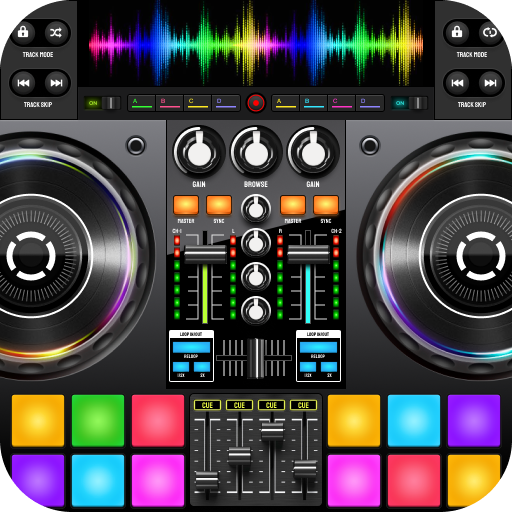
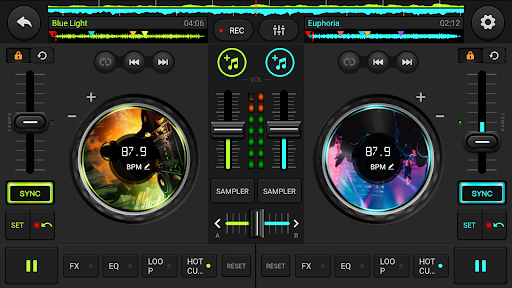
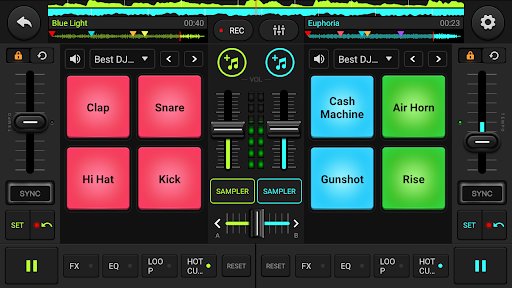
The app boasts a user-friendly layout designed to mimic a real DJ setup, making it accessible for users of all skill levels. The dual virtual turntables, mixer controls, and playlist section are intuitively arranged, allowing you to start mixing right away without a steep learning curve.
Virtual Turntables and Seamless Mixing
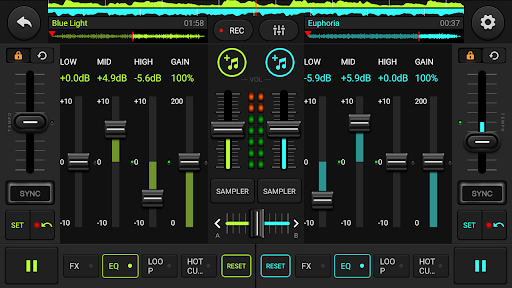
Feel the thrill of traditional DJing with virtual turntables that enable scratching, blending, and beatmatching. Transition smoothly between tracks using the crossfader and equalizer controls, creating professional-sounding mixes effortlessly.
Extensive Music Library Access
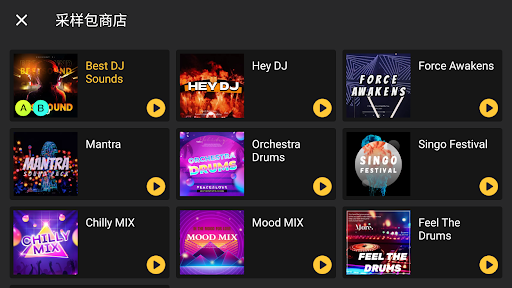
Import your own music or explore an extensive catalog of tracks from various online sources. Create playlists, organize your collection, and quickly access your favorite songs to keep the party going.
Advanced Effects and Filters
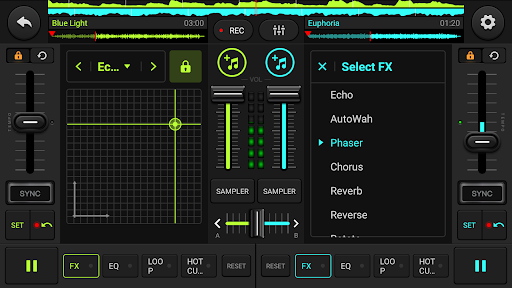
Elevate your DJ sets with a variety of built-in effects such as reverb, delay, and flanger. Manipulate sound with filters and add unique touches to your mixes, giving each performance a personal signature.
Looping and Remixing Capabilities
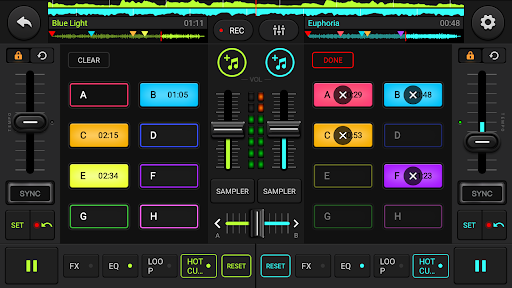
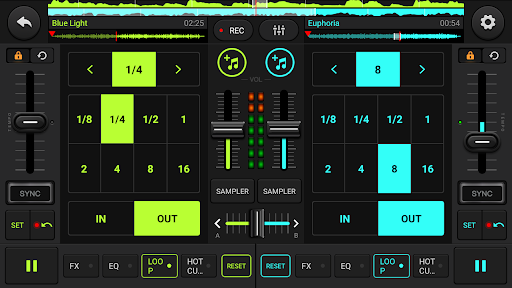
Experiment with loops and samples to craft custom remixes on the fly. Extend beats, add layers, and remix hits by merging different sounds and sections, all within the app.
Real-Time Recording
Capture your entire DJ session in high-quality audio. Save your mixes, share them with friends, or review your performance to improve your skills over time.
Live Performance Features
Connect to external speakers or headphones for a professional setup. Perform live at parties, events, or at home, and let your audience experience your talent firsthand.
Beat Making & Drum Pad Machine
Utilize a built-in drum pad machine to create beats and rhythms easily. Whether making a quick loop or producing a complex track, this feature supports your creative flow with just a few taps.
Music Trimmer, Merger & Mixer
Edit your tracks effortlessly by trimming, merging, or mixing multiple audio files. Bring together your favorite parts into one seamless masterpiece, perfect for personal projects or live sets.
Why Choose DJ Mixer - DJ Music Remix?
This app is designed to be versatile and powerful, catering to both budding DJs and experienced professionals. Its intuitive controls make mixing fun and accessible, while its advanced features support complex remixing and live performances. With high-quality sound effects, real-time recording, and seamless track management, DJ Mixer - DJ Music Remix empowers users to bring their musical visions to life anytime, anywhere.
Whether you're hosting a party, practicing your skills, or sharing your latest creation, this app provides everything you need for an immersive DJ experience. Its portability means you can perform and experiment wherever inspiration strikes, making it a must-have for music lovers and aspiring DJs alike.
Pros
- Intuitive interface suitable for beginners
- Extensive variety of sound effects
- Supports multiple audio formats
- Real-time remixing features
- Customizable DJ decks
Cons
- Limited tutorial resources
- Occasional app crashes
- Intrusive advertisements
- Limited features in the free version
- Requires a high-performance device











