
Decibel Meter: Sound Meter App - Precise and User-Friendly Sound Measurement Tool
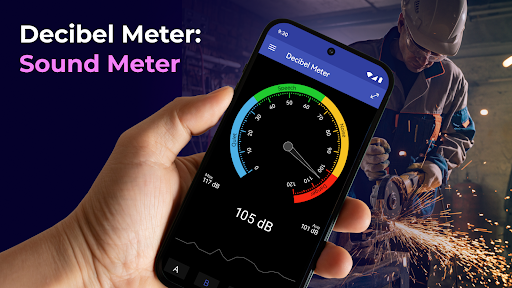
Are you looking for an accurate and easy way to measure sound levels in your environment? The Decibel Meter: Sound Meter App offers a comprehensive solution for monitoring noise pollution, checking music volume, or satisfying your curiosity about ambient sound levels. Designed with both professional users and casual enthusiasts in mind, this sound meter app combines precision, intuitive interface, and versatile features to deliver reliable real-time decibel measurements right on your mobile device.
Key Features of the Decibel Meter: Sound Meter App
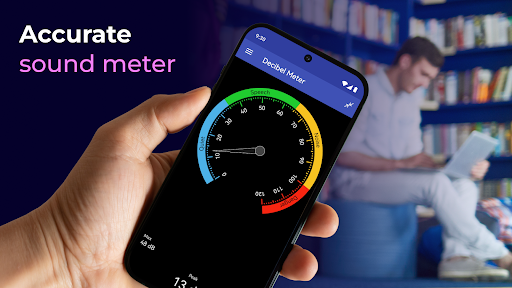
- • Accurate sound measurements: Utilize advanced technology to obtain precise sound level readings in decibels (dB). Whether you are checking environmental noise or audio equipment, this app ensures your measurements are trustworthy.
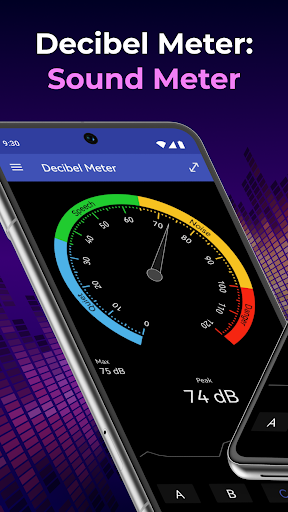
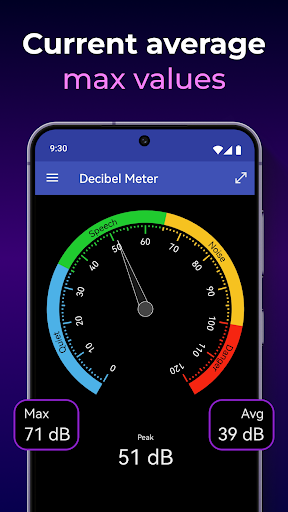
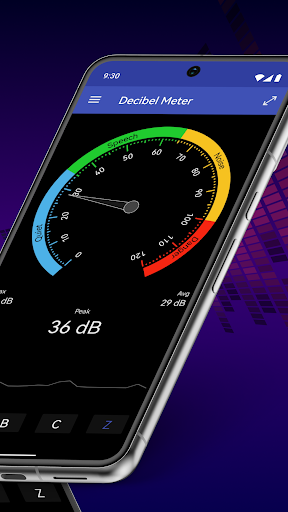
- • Real-time sound monitoring: The app instantly displays the current sound volume on your device’s screen, providing immediate feedback with clear explanations of the volume upper levels, making it easy to understand what the numbers truly indicate.
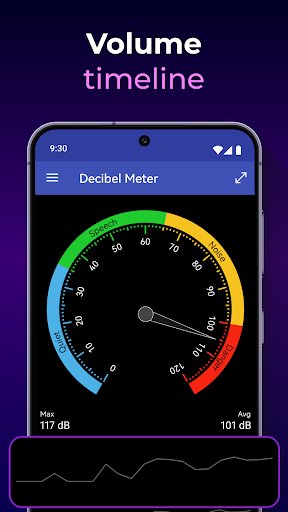
- • Volume timeline visualization: At the bottom of the interface, a visual timeline charts fluctuations in sound levels over time, helping you spot patterns or sustained noise sources in your surroundings.
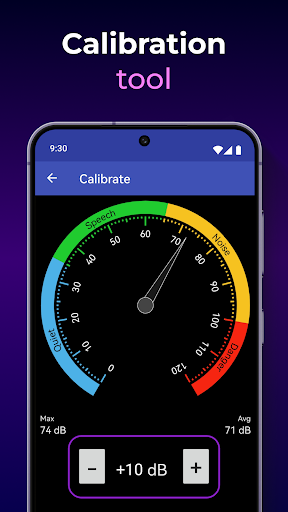
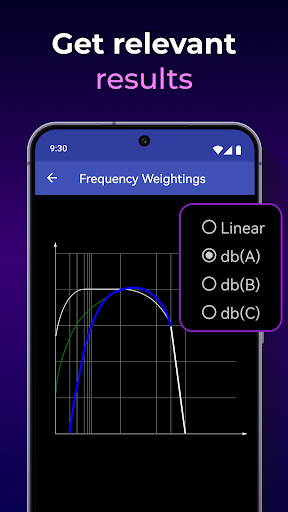
- • Custom calibration capabilities: Adjust measurements based on your microphone's characteristics using simple calibration settings, enhancing measurement accuracy tailored to your specific device.
- • User-friendly interface: Designed for all users, the app boasts a clutter-free, visually appealing layout, with large buttons and straightforward controls that simplify the sound measurement process.
How to Use the Decibel Meter: Sound Meter App
Getting started is quick and straightforward. Launch the app to immediately begin measuring sound levels. Observe the main indicator that displays the current decibel level, accompanied by helpful descriptions of the sound’s intensity. For professionals or enthusiasts seeking precision, the calibration feature ensures the measurements are tailored to your microphone’s specifications. You can also check the volume timeline at the bottom to monitor how noise levels change over time, making it easy to analyze environmental sound data or audio consistency.
Why Choose the Decibel Meter: Sound Meter App?
- • Reliable precision: Get highly accurate sound level readings that you can depend on for any application — whether it's monitoring noise pollution or checking microphone levels during recordings.
- • Easy calibration: Fine-tune the app with calibration settings to match your device’s microphone for optimal accuracy, ensuring your measurements reflect true sound levels.
- • Visual and intuitive design: The combination of real-time data, visual timelines, and simple explanations makes understanding sound volume straightforward, even for beginners.
- • Data export capability: Track and record your sound measurements over time, then export data for further analysis — a perfect feature for researchers or sound professionals.
Experience Sound Measurement at Your Fingertips
If you're ever wondering how loud that neighbor’s party is or curious about the noise environment at your favorite concert, the Decibel Meter: Sound Meter App provides the perfect solution. With its sleek interface, accurate results, and customizable calibration, this app makes monitoring sound levels simple and effective. Whether you're a professional audio engineer, a concerned citizen monitoring environmental noise, or just someone who loves to understand the sonic landscape around you, this app delivers dependable and precise data right to your mobile device.
Download Decibel Meter today and take control of your sound environment with confidence. Experience the convenience of real-time sound measurement, detailed sound trend analysis, and easy calibration — all designed to meet your acoustic measurement needs with accuracy and ease.
Pros
- Provides accurate measurements of sound levels.
- Offers an intuitive and easy-to-use interface.
- Enables real-time monitoring of noise levels.
- Allows customization of alert notifications.
- Free from intrusive advertising.
Cons
- Limited functionalities available in the free version.
- Requires additional purchases within the app.
- Needs microphone access to function properly.
- Can consume significant battery power.
- Not appropriate for professional-grade applications.











