Cubasis 3 - DAW & Music Studio: Your Portable Music Production Powerhouse
Are you a musician or producer looking for a versatile and professional-grade digital audio workstation (DAW) that fits right in your pocket? Look no further than Cubasis 3, a multi-award-winning mobile DAW designed to transform your smartphone, tablet, or Chromebook into a full-fledged music studio. Whether you're sketching out new ideas, recording vocal tracks, or producing complete songs, Cubasis 3 provides an intuitive interface combined with powerful features suitable for both beginners and seasoned professionals.
Overview of Cubasis 3: The Complete Music Creation App
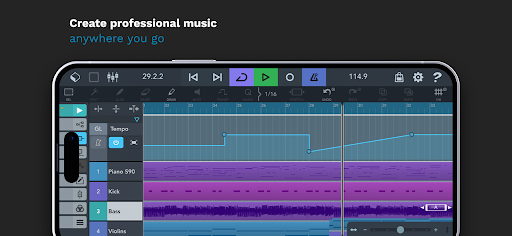
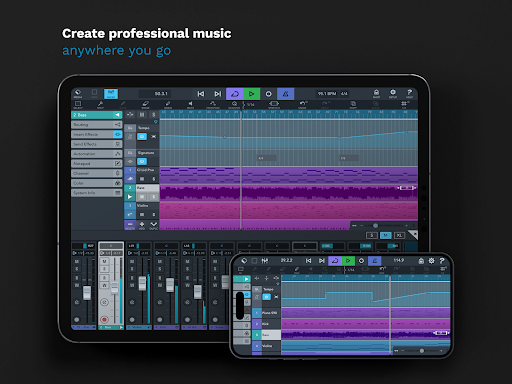
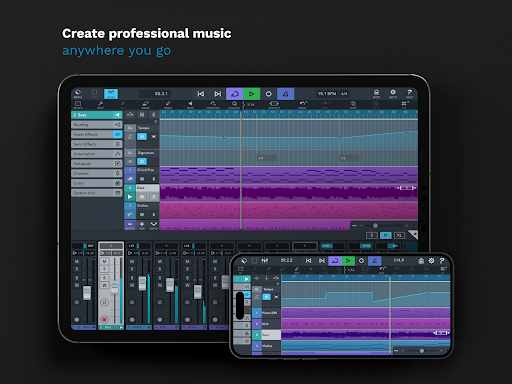
Cubasis 3 stands out as one of the most comprehensive music production apps available on Android and Chrome OS today. It combines a full multi-track recorder, MIDI editor, and a suite of high-quality instruments and effects, making it an ideal music studio for on-the-go creators. Thanks to its robust audio and MIDI editing capabilities, users can craft beats, melodies, and full arrangements seamlessly, whether they are in a quiet studio or a bustling café.
Key Features that Elevate Your Music Production
Cubasis 3 is loaded with professional features designed to enhance creativity and productivity:
- Unlimited audio and MIDI tracks allow for complex arrangements without limitations.
- The 32-bit floating-point audio engine ensures high fidelity sound recording and playback.
- Support for audio I/O resolution up to 24-bit/48 kHz maintains audio clarity for professional results.
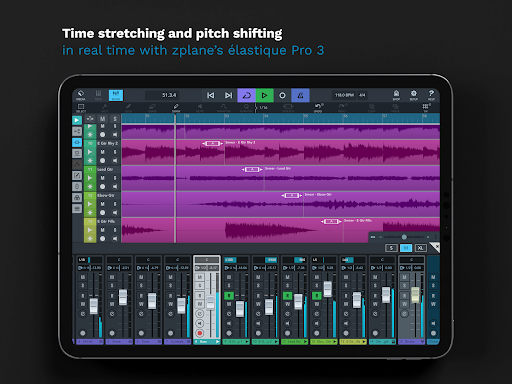
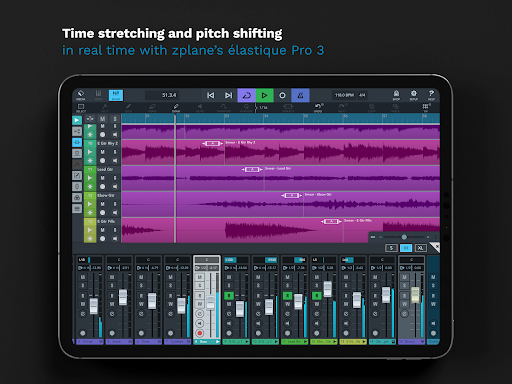
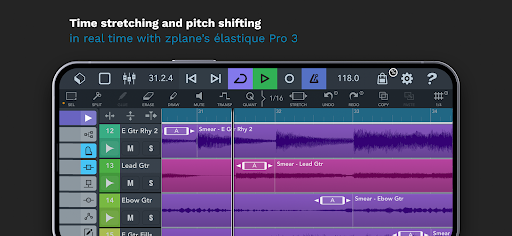
- Real-time time-stretching & pitch-shifting powered by zplane’s élastique 3 technology gives flexibility during composition.
- Wide support for tempo and signature changes accommodates various musical styles.
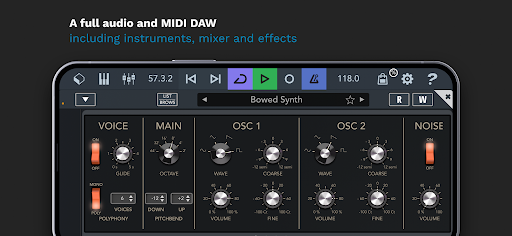
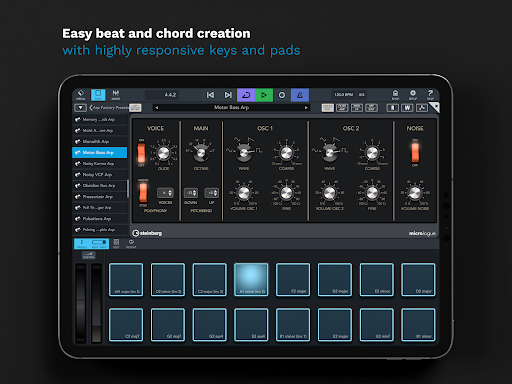
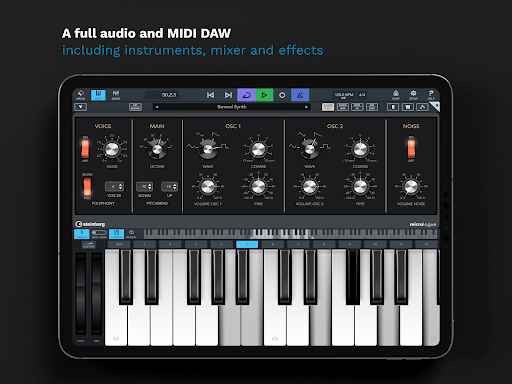
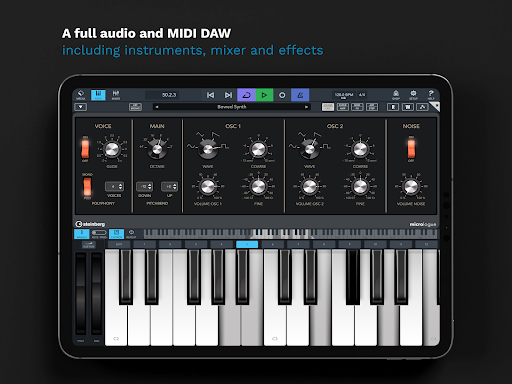
- The included Micrologue virtual synthesizer offers 126 presets, perfect for electronic soundscapes or experimental textures.
- MicroSonic features over 120 virtual instrument sounds—ranging from acoustic pianos to drums—ideal for layering your tracks.
- The MiniSampler allows you to create custom instruments with 20 factory sounds, providing endless sampling possibilities.
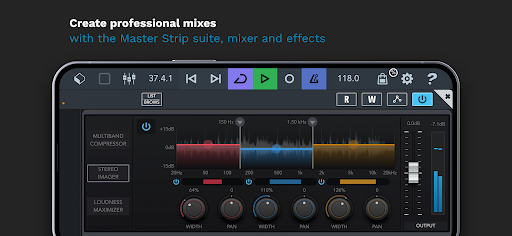
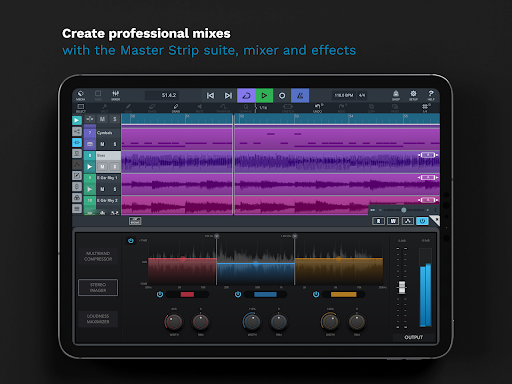
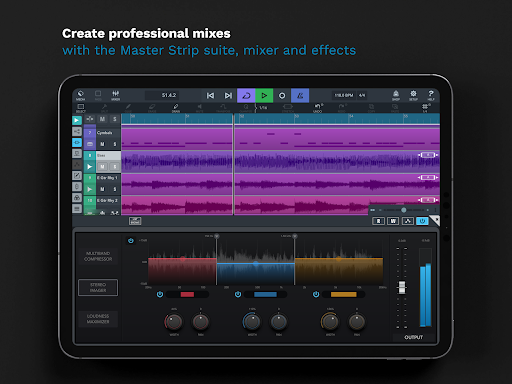
- An professional mixer with studio-grade channel strip and 17 effects processors empower you to craft polished mixes.
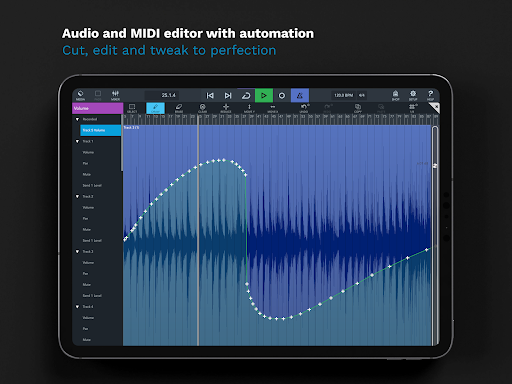
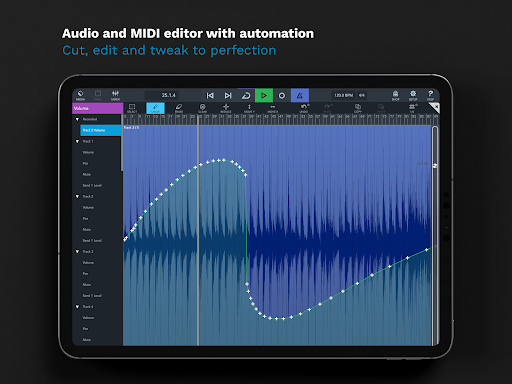
- Advanced features like sidechain support, automation, and MIDI CC give full control over your sound.
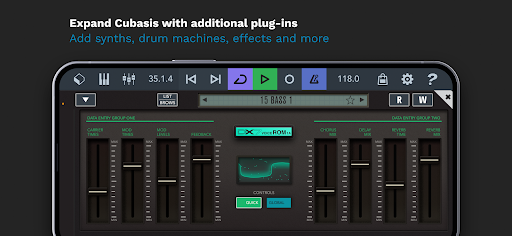
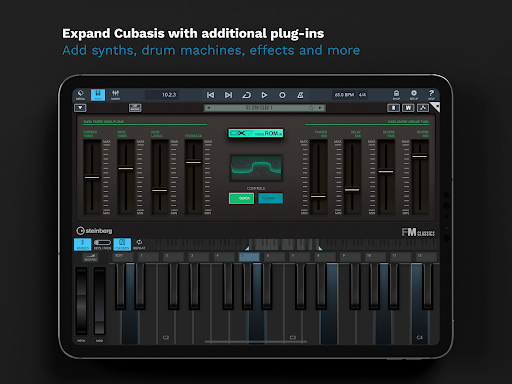
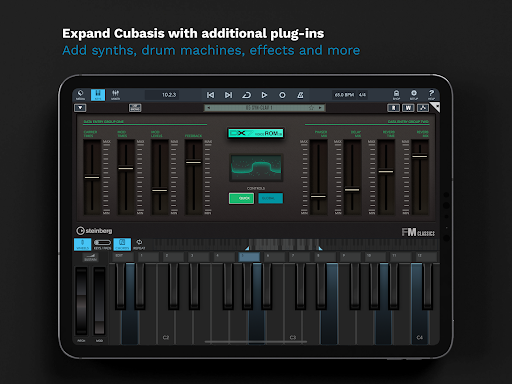
- Seamless integration with external hardware and third-party apps expands your creative setup.
- Support for MIDI Learn, Mackie Control (MCU), and HUI protocol enables hardware control surfaces.
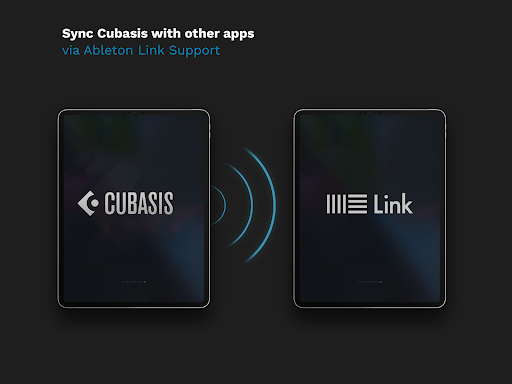
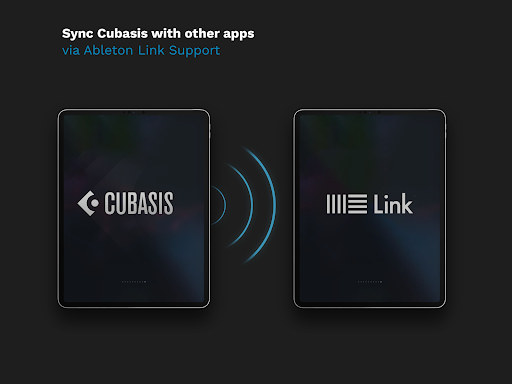
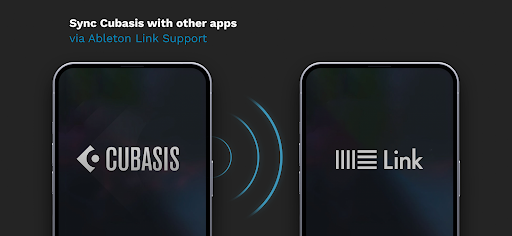
- The app offers collaboration tools like Ableton Link for syncing with other software or devices.
- Export options include Cubase, Google Drive, Dropbox, and wireless storage devices, making sharing your projects easy.
Pro-Level Editing and Workflow Efficiency
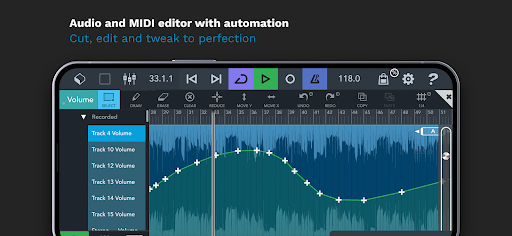
Cubasis 3 isn’t just about creating music; it also offers high-precision audio and MIDI editing suitable for professional production. Features like undo with history, flexible plug-in arrangement, and eight insert/effects slots per track streamline your workflow. The app supports multiple automation parameters such as volume, pan, MIDI CC, program change, and aftertouch.
Additional Highlights and Compatibility
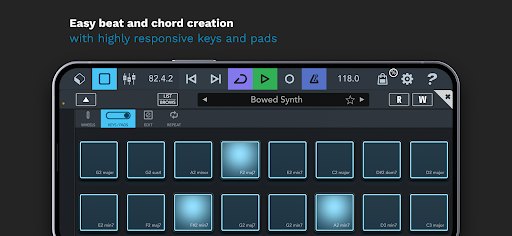
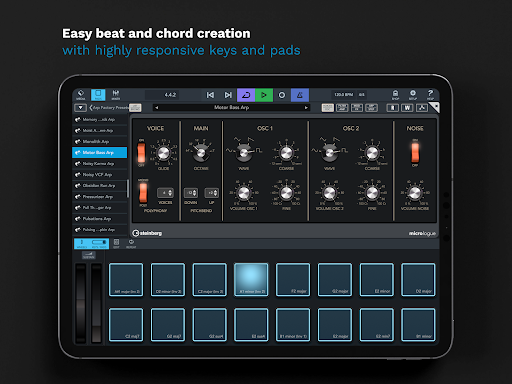
Designed for versatility, Cubasis 3 supports keyboard shortcuts, mouse control, and MIDI clock/thru. Its virtual keyboard with chord buttons, drum pads, note repeat, and intuitive gesture controls make music creation accessible and fun. Plus, its compatibility with various audio and MIDI hardware hardware ensures you can expand your studio setup as needed.
Why Musicians Love Cubasis 3
Users frequently praise Cubasis 3 for its professional sound quality and user-friendly interface. Many creatives use it for sketching ideas, recording demos, or even producing full albums directly from their mobile devices. Its seamless workflow, combined with a comprehensive feature set, makes it an indispensable tool for on-the-go music production. The app’s developers are also known for their responsive support, constantly improving the platform based on user feedback.
Conclusion: Your Mobile Studio Awaits
Whether you're a hobbyist musician or a professional producer, Cubasis 3 - DAW & Music Studio offers a wide range of tools to bring your musical ideas to life anytime, anywhere. Its combination of powerful features, high-quality instruments, and intuitive controls makes it a top choice for mobile music creators eager to record, edit, mix, and produce professional-sounding songs right from their device. With ongoing sales and updates, now’s the perfect time to unlock your full musical potential with this exceptional mobile DAW.
Pros
- User-friendly interface suitable for beginners.
- Includes a broad selection of virtual instruments.
- Delivers high-quality audio output.
- Supports multiple audio formats.
- Receives regular updates with new features.
Cons
- Limited features in the free version.
- Needs a powerful device for optimal performance.
- Occasional bugs and crashes can occur.
- Lacks direct integration with PC.
- Steep learning curve for advanced functionalities.