

Compose Material Catalog: The Ultimate Guide to Material Design in Jetpack Compose
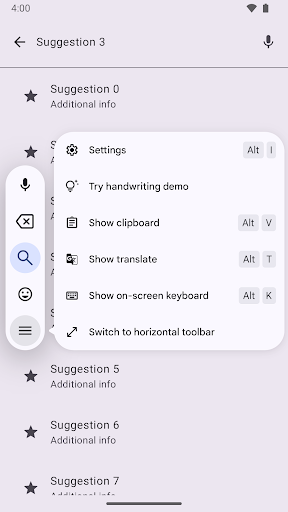
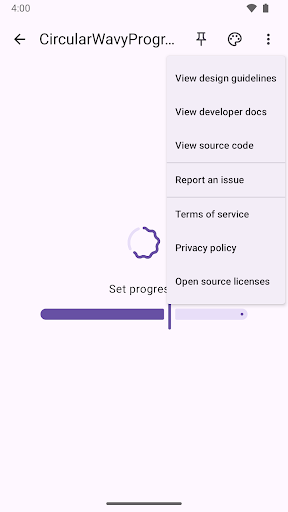
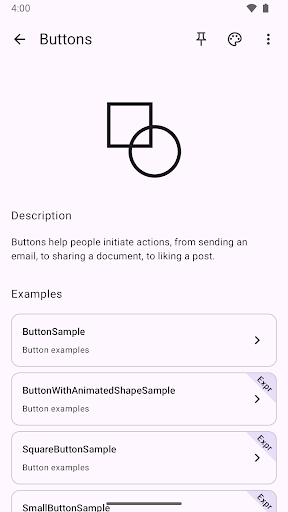
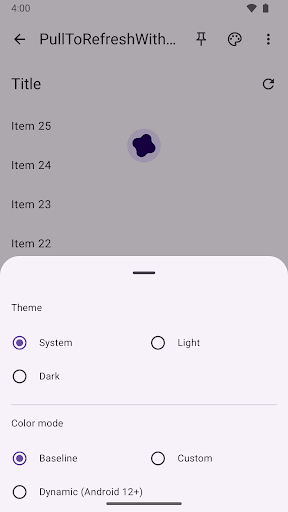
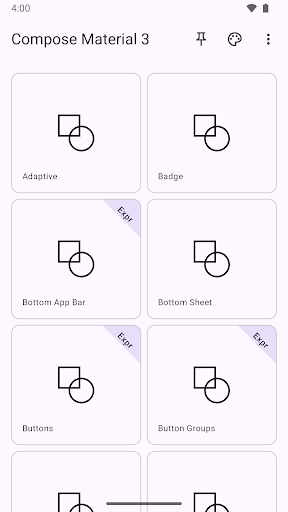
The Compose Material Catalog serves as a comprehensive canonical reference for Material Design components, theming options, dark mode support, and implementation techniques within Jetpack Compose. Designed to streamline the development process, this app features three primary screens: the home screen, component screen, and example screen. At any point, users can easily access the theme picker or the “more” menu via the top app bar, making customization and exploration effortless. Built with modern design principles, the Compose Material Catalog is an essential tool for developers eager to create sleek, visually appealing, and highly functional Android applications.
Key Features of the Compose Material Catalog
This app is more than just a showcase; it is a versatile designer’s toolbox that offers in-depth insights into Material Design components, colors, typography, and layout elements. The interface is thoughtfully designed for ease of navigation, providing a clear overview of available UI elements such as buttons, cards, and navigation drawers. The dark theme support is seamlessly integrated, allowing users to toggle between light and dark modes—perfect for testing visual consistency across different user environments.
Why Developers and Design Enthusiasts Will Love It
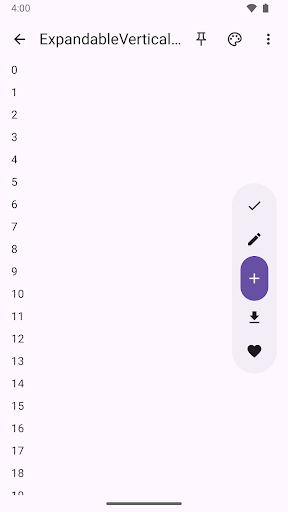
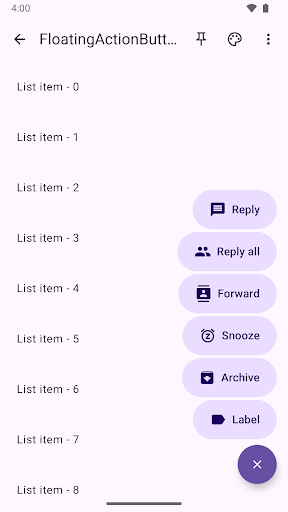
If you are passionate about modern UI design and want to incorporate robust functionality into your Android apps, the Compose Material Catalog is a game-changer. It not only displays available components but also enables hands-on experimentation. Want to see how a floating action button interacts with various backgrounds? It’s just a tap away. The app also provides code snippets for each component, making integration into your projects straightforward. This eliminates the need for extensive research or sifting through documentation, saving valuable development time.
Enhanced Aesthetic and Design Insights
Design is as important as functionality, and the Compose Material Catalog excels in delivering both. Its clean and visually appealing layout combines minimalism with vibrant colors, demonstrating how thoughtful design enhances user experience. The app offers a range of color palettes and typography options, giving users a preview of various styling possibilities. It’s like a condensed design seminar in your pocket—where you can see theory in action; inspiring developers to craft beautiful, cohesive app interfaces.
Final Thoughts: A Must-Have Tool for Every Developer
In conclusion, the Compose Material Catalog is an invaluable toolkit that empowers Android developers and designers to build more beautiful and more functional apps. Whether you are a seasoned professional or a beginner, the app offers essential insights into Material Design principles, enabling you to implement them with confidence. Its combination of practical components, aesthetic demonstrations, and customization options makes it an ideal resource for elevating your app development game. If you’re serious about creating engaging, user-friendly Android applications, the Compose Material Catalog is a resource you don’t want to miss.
Pros
- User-friendly interface design.
- Wide range of components available.
- Regular updates and support.
- Compatible across multiple platforms.
- Highly customizable options.
Cons
- Steep learning curve for new users.
- Few features available offline.
- Requires latest Android systems.
- Sometimes experiences performance issues.
- Can be difficult for beginners to use.











