
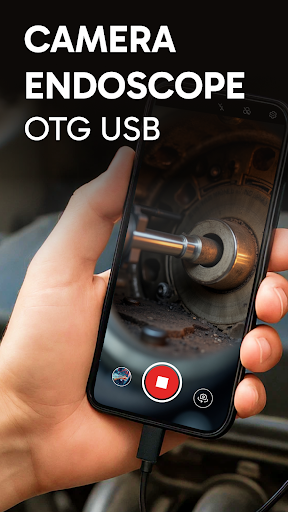
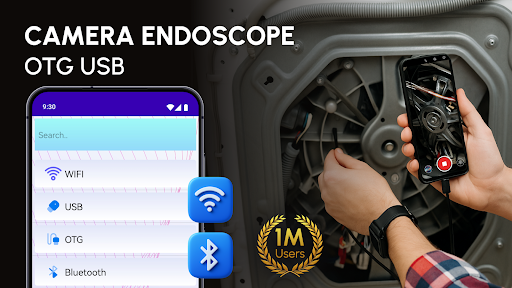
Camera Endoscope / OTG USB App: Your Pocket Inspection Toolkit
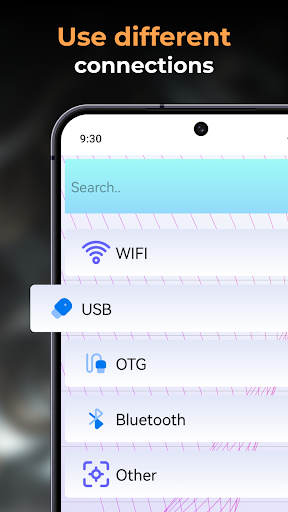
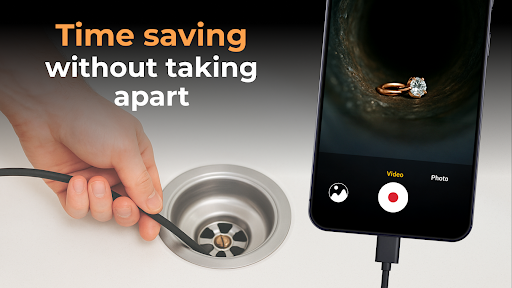
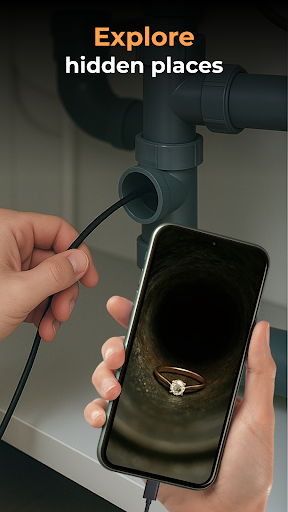
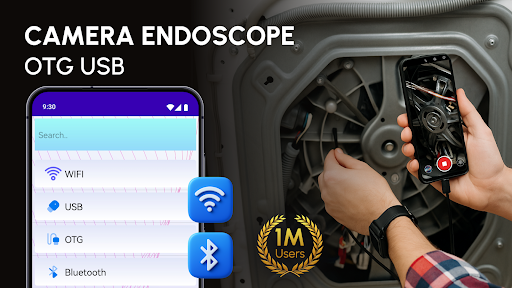
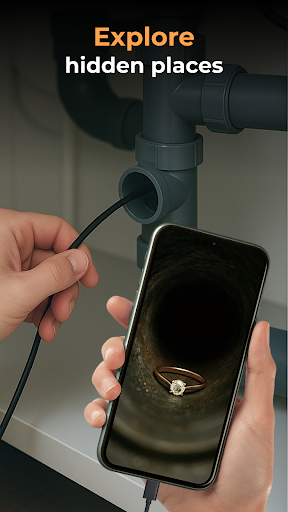
This blog-style description explores how the Camera Endoscope / OTG USB app turns your Android smartphone into a capable inspection tool. With USB OTG support, you can connect external cameras such as borescopes, microscopes, and other inspection devices, and view live video directly on your device. Built for DIY enthusiasts, technicians, and curious explorers, this app makes it easy to inspect hard-to-reach spaces—from clogged pipes to tiny internal components—without specialized gear. The built-in media gallery stores high-quality videos and images, and the streamlined media management helps you organize your library. Whether you’re checking plumbing under a sink or peering into the inside of a machine, this app enhances your smartphone’s capability with a reliable plug-and-play experience.
Designed to work with the Smart Endoscope Tool For Android, the Camera Endoscope / OTG USB app supports a range of external cameras, including borescopes and microscopy attachments. It’s optimized for Android devices and emphasizes real-time viewing, easy setup, and practical usefulness across everyday tasks and professional projects alike.
What It Is and How It Works
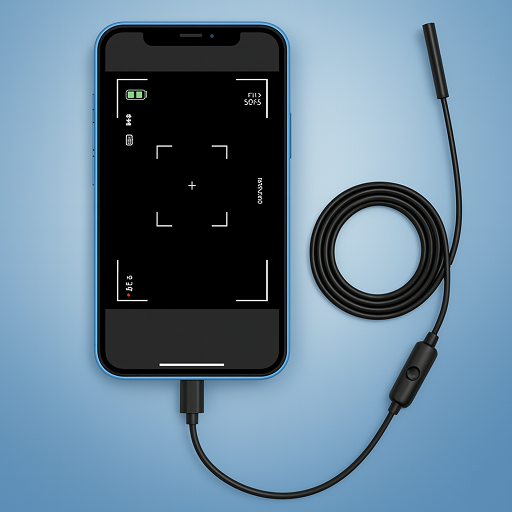
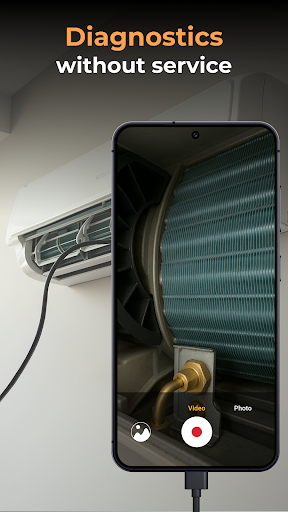
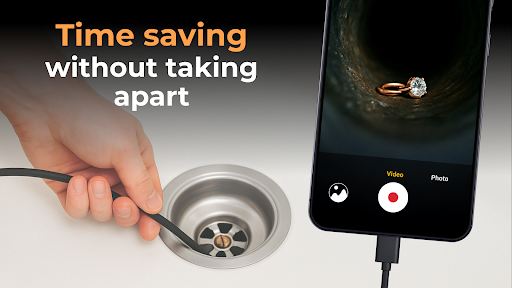
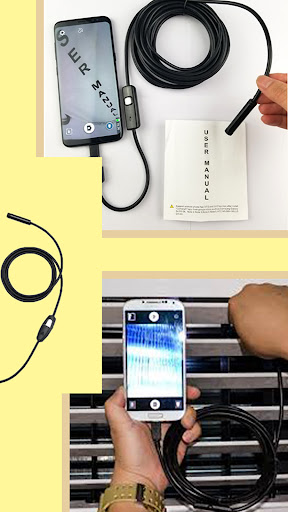
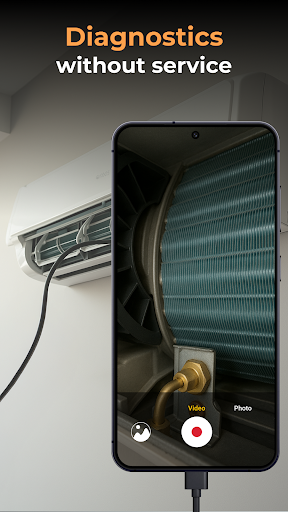
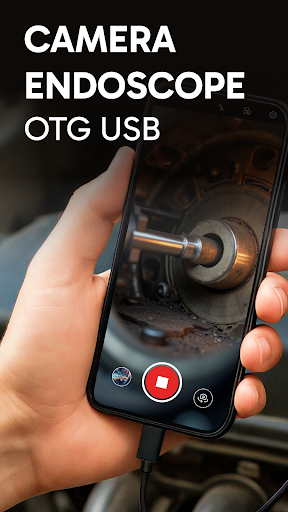
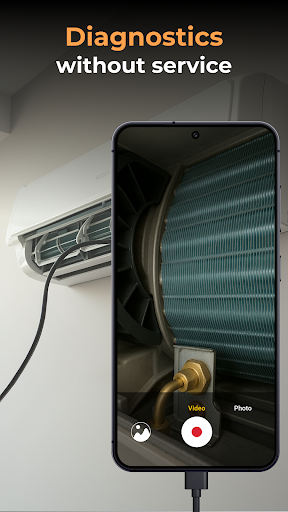
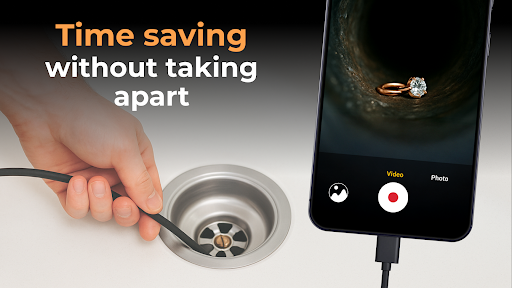
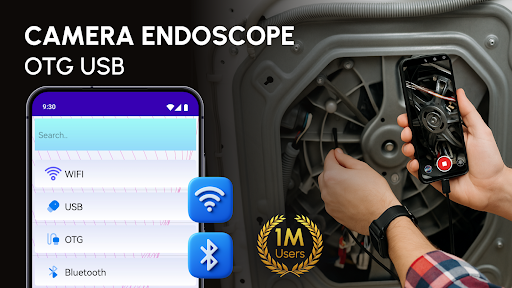
The Camera Endoscope / OTG USB concept is simple: connect a compatible USB OTG camera to your Android phone, load the app, and switch to live view for immediate inspection. This setup lets you explore narrow crevices, inspect machinery, and capture detailed visuals without disassembling equipment. The app supports video image capture in real time and works with Camera Endoscope: OTG USB devices and other external tools, turning your phone into a portable inspection station.
Key Features and Easy Setup
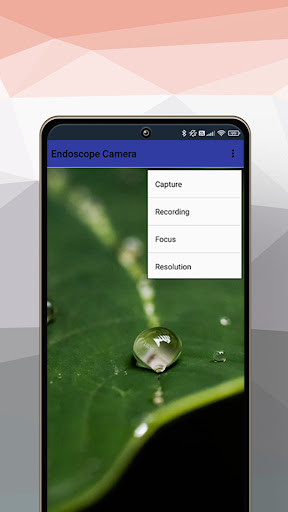
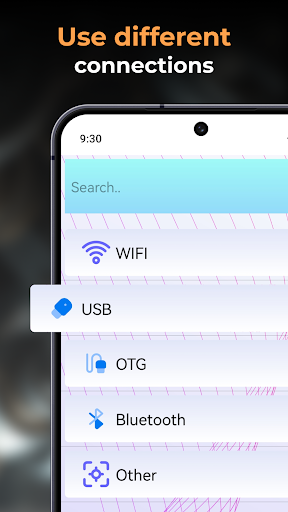
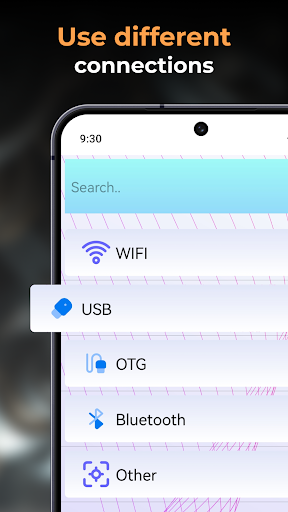
Important features include real-time video capture with USB OTG camera support, compatibility with Endoscope USB OTG cameras and other external devices, and a straightforward setup using the OTG Connector Software for Android. You can record high-quality videos and images and store them in a built-in gallery, with simple media management functions like delete, view, and share. The app is optimized for Android users and offers plug-and-play compatibility with endoscopes, borescopes, and microscopes, plus seamless support with Endscopetool: OTG Connector Software for Android.
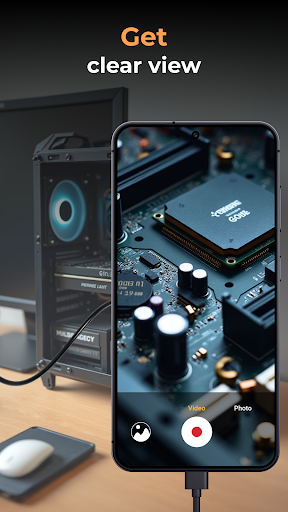
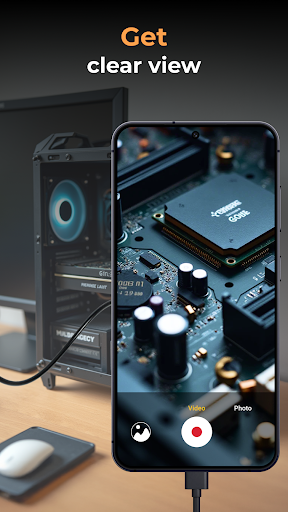
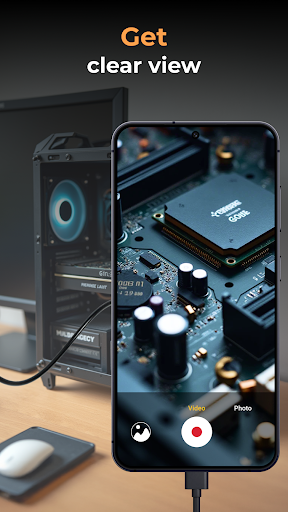
The live view is stable and fast, enabling practical use in pipe inspections, electronics diagnostics, and close-up observations. The intuitive interface keeps distractions minimal while maximizing the capability of your external camera hardware.
Getting Started: Quick Setup and Live View
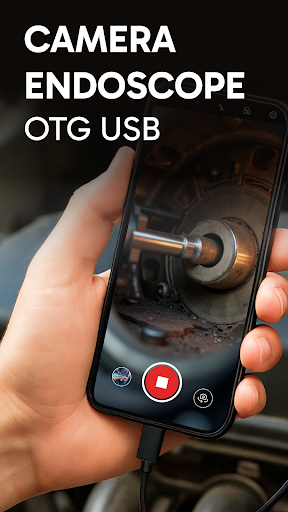
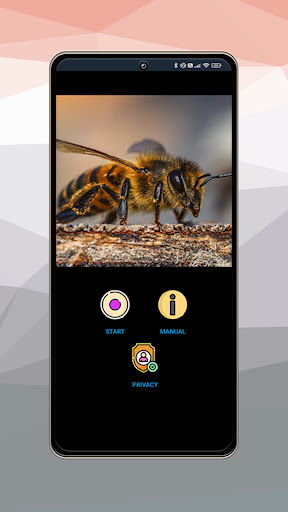
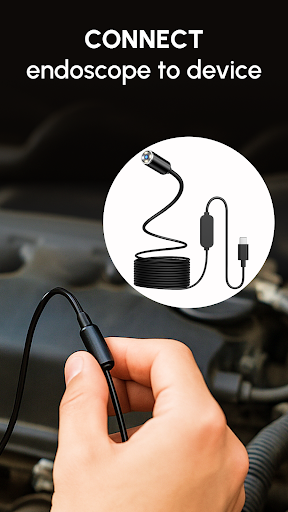
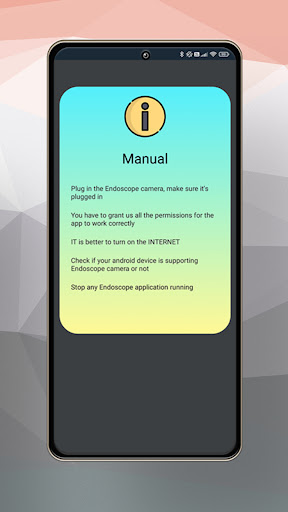
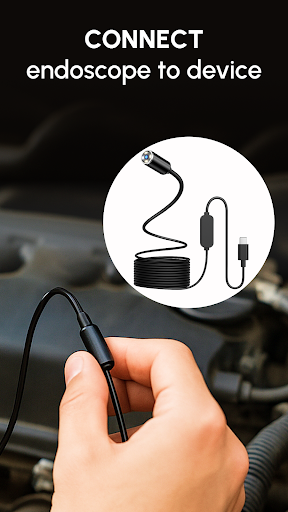
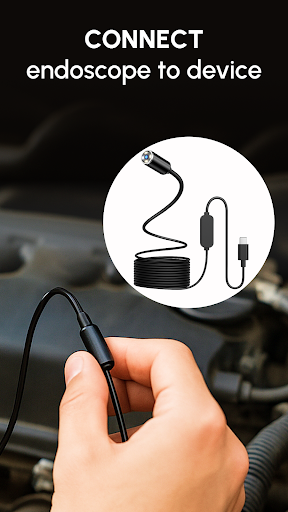
Getting started is straightforward: use a compatible device with a USB OTG cable, load the Camera Endoscope app, and tap the camera icon to begin a live view. The setup is simple, and the app maintains stable connections whether you’re using a pipe-inspection camera, a microscope attachment, or other OTG-enabled tools. This makes it accessible for DIY projects, home maintenance, car repairs, electronics diagnostics, and general exploratory work.
Real-World Scenarios and Practical Use
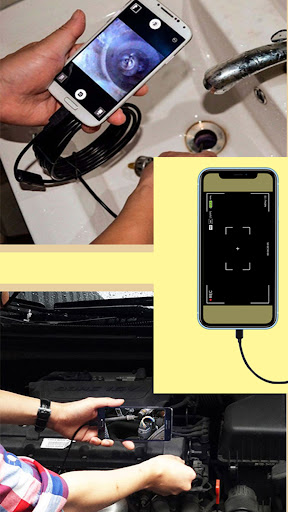
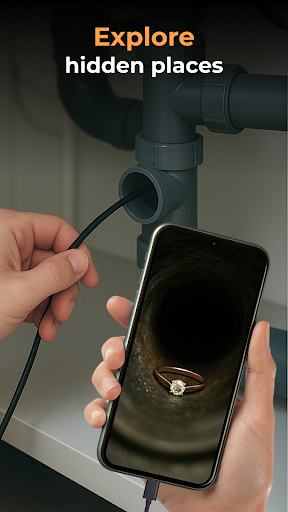
In real-world scenarios, the Camera Endoscope / OTG USB shines across a variety of tasks. Attachments such as hooks and magnets extend its usefulness for retrieving small items or exploring hard-to-reach spaces inside engines and appliances. The camera quality is surprisingly solid for its compact size, with adjustable LED lights that ensure visibility in dark corners and a waterproof build that handles damp environments like drains or under-sink areas. Depending on the model, cable length can extend several meters, granting access to places you’d normally never reach.
Users report flexible, creative applications—from checking the interior of musical instruments to examining tiny electronic components. The live video stream helps you navigate tight spaces, reducing guesswork and speeding up maintenance or repair tasks. It’s like having a portable inspection system that fits in your pocket and works with a broad range of devices.
Why It Stands Out for Your Toolkit
For DIY lovers, technicians, and practical problem-solvers, this app offers an affordable, easy-to-use solution that adds professional-grade inspection capabilities to your smartphone. It supports multiple Android devices and integrates with Endscopetool: OTG Connector Software for a seamless experience. The combination of real-time viewing, reliable connectivity, and convenient media management makes it a valuable addition to your gadget arsenal, empowering you to capture details and make informed decisions quickly.
In short, the Camera Endoscope / OTG USB app unlocks new perspectives, letting you discover what’s hiding in crevices and behind panels without disassembly. Embrace this versatile tool to enhance maintenance, diagnostics, and creative exploration—right from your pocket.
Pros
- Easy connectivity with OTG support.
- High-quality image resolution.
- Compact and portable design.
- Compatible with most Android devices.
- User-friendly interface.
Cons
- Limited compatibility with iOS devices.
- Short cable length for some uses.
- Requires additional app for full functionality.
- No built-in battery
- relies on device power.
- May overheat with prolonged use.











