




Discover the Power of the Bose App
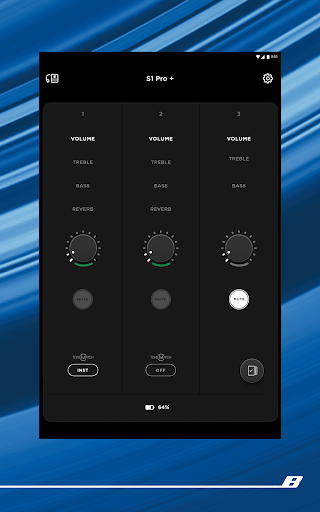
The Bose app is an essential tool for anyone looking to elevate their auditory experience. Formerly known as the Bose Music app, it offers a centralized platform to manage all Bose products, including speakers, soundbars, amplifiers, headphones, earbuds, OpenAudio devices, and portable PA systems. Whether you're a casual listener or an audiophile, the Bose app is designed to seamlessly connect and optimize your devices, providing a richer, more personalized listening environment.
Key Features That Enhance Your Listening Experience
Seamless Control of Bose Devices
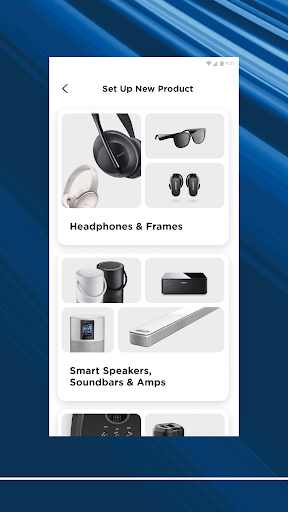
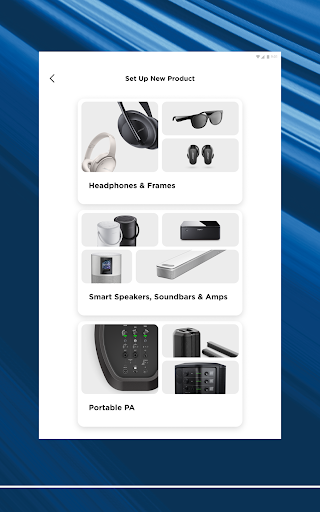
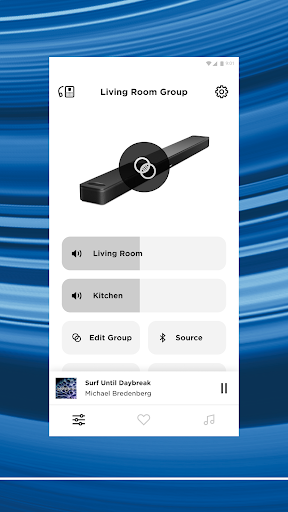
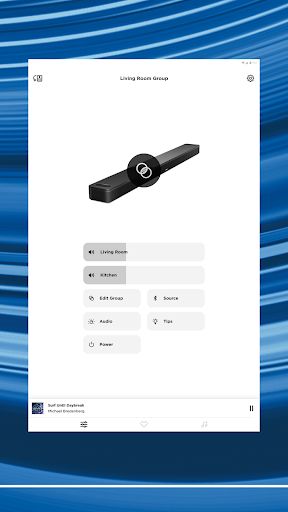
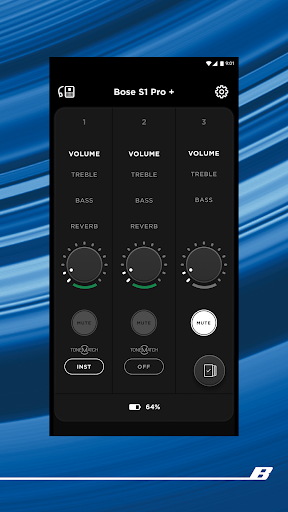
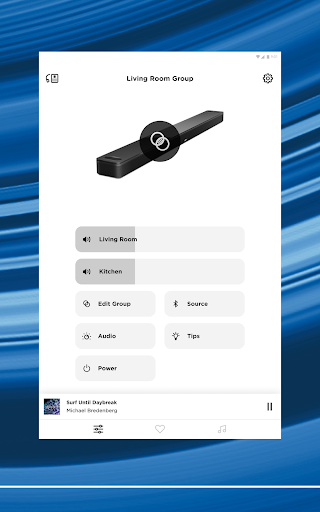
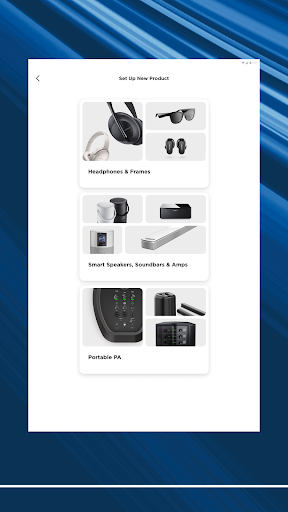
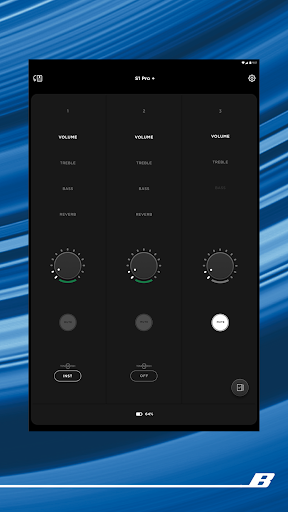
With the Bose app, controlling your entire range of Bose products is simple and intuitive. The app supports a variety of devices, allowing you to adjust settings, switch between modes, and customize your audio experience—all from a single interface. This means you can effortlessly play the same music throughout your home or enjoy different content in various rooms, thanks to flexible multi-room control. The app's straightforward setup process ensures that connecting new devices is quick and hassle-free, so you can start enjoying your favorite tunes without delay.
Personalized Sound and Noise Cancellation
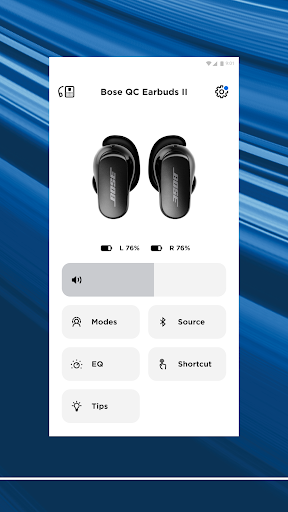
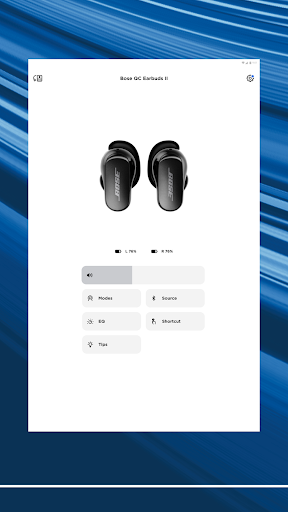
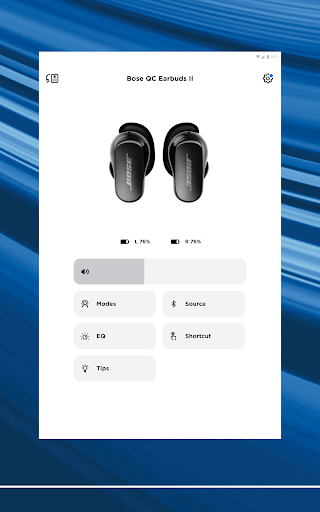
One of the standout features of the Bose app is its ability to personalize sound settings. You can fine-tune audio output by adjusting the EQ settings, enabling bass-heavy or balanced sound profiles according to your preferences. Additionally, for users with QuietComfort headphones and earbuds, the app offers controllable noise cancellation features. You can choose Quiet Mode for complete noise cancellation, ideal for focus or travel, or Aware Mode to stay aware of your surroundings while still enjoying your music. Some products incorporate ActiveSense technology to lower surrounding sounds to comfortable levels, creating an immersive yet balanced audio experience.
Custom Shortcuts and Quick Access
The Bose app also allows you to fully customize your listening experience by selecting on-device shortcuts and managing your favorite presets. Setting your preferred playlists or radio stations as presets means a single tap is all it takes to get your music playing. Whether you prefer using the app, the speaker buttons, or remote controls, the process remains seamless, giving you effortless access to your preferred audio content.
Effortless Setup and Control
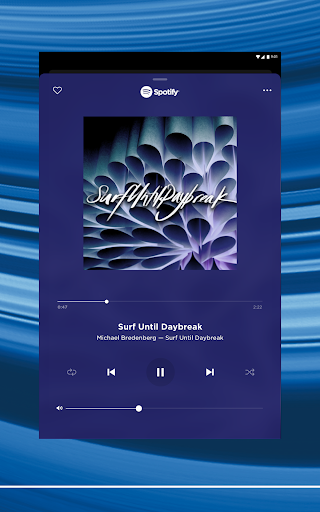
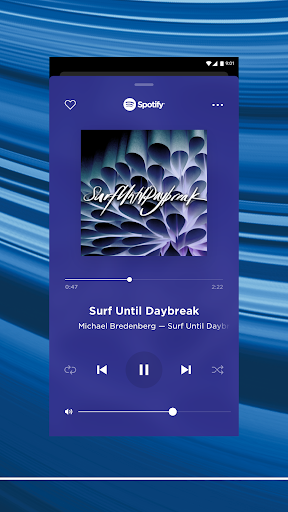
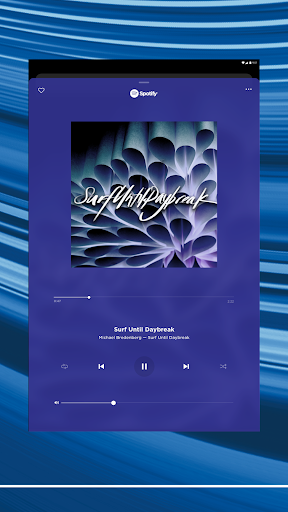
Getting started with the Bose app is straightforward. Available for both Android and iOS devices, it guides you step-by-step through device pairing, ensuring even less tech-savvy users can connect their products easily. Once connected, you gain full control over your audio system, enabling you to browse and play music from popular streaming services such as Spotify, Pandora, Amazon Music, SiriusXM, IHeartRadio, and TuneIn. The app consolidates all your favorite music sources, making it faster and more convenient to find and enjoy your preferred content.
Enhanced Connectivity and Performance
The Bose app is engineered to provide a seamless, reliable connection with your devices. Firmware updates are handled automatically within the app, ensuring your products stay current with the latest features. The stability of the connection minimizes lag and dropouts—crucial during critical listening moments. This ensures uninterrupted enjoyment whether you're relaxing at home or using portable audio gear on the go.
Why You Should Use the Bose App
In conclusion, the Bose app is more than just a control center; it’s your portal to an enriched audio world. Its ability to personalize sound, manage multiple devices, and simplify setup makes it a must-have for any Bose product user. With quick access to favorite playlists, advanced noise cancellation controls, and seamless multi-room playback, the app enhances every aspect of your listening environment. Whether you're tuning out distractions with noise cancellation or sharing music during social gatherings, the Bose app empowers you to make the most out of your audio devices. For anyone eager to maximize their Bose experience, downloading this app is a smart move toward a more immersive and enjoyable sound journey.
Pros
- High-quality sound experience
- User-friendly interface
- Customizable settings
- Robust noise cancellation
- Reliable Bluetooth connectivity
Cons
- Expensive compared to competitors
- Limited battery life
- Heavy and bulky design
- Complex setup process
- Incompatibility with some devices











