

Introduction to the Bose Connect App
The Bose Connect app is a powerful companion designed to enhance your experience with Bose headphones and speakers. With this innovative mobile application, users gain effortless control over their wireless audio devices, making daily use simpler and more enjoyable. Whether you're managing multiple devices, sharing music with friends, or customizing your listening environment, Bose Connect offers a range of features that elevate your audio experience to new heights. This app is particularly beneficial for those who value seamless connectivity, personalized settings, and easy firmware updates—all from the convenience of their smartphone.
Main Features of the Bose Connect App
Effortless Access and Management
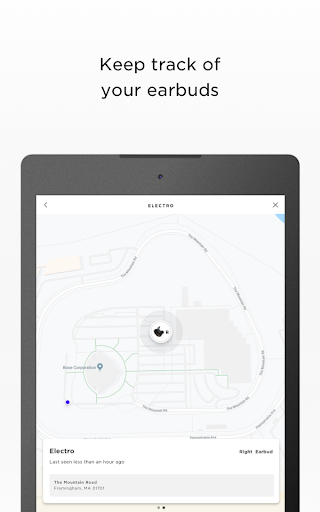
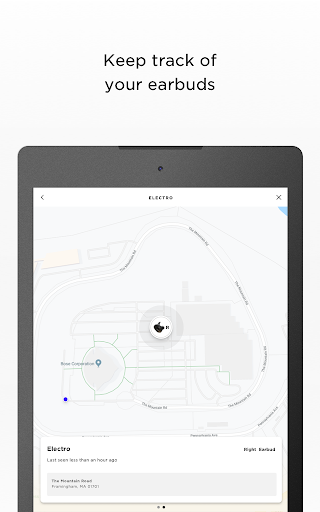
One of the standout capabilities of the Bose Connect app is its •EASY ACCESS TO EVERYTHING. It enables quick and simple control of key features such as auto-off timer, volume control, and battery readings. Additionally, managing multiple Bluetooth connections is streamlined through the app, eliminating the hassle of pairing and switching devices manually. This makes it ideal for users who utilize a variety of Bose products across different platforms.
Music Sharing and Party Modes
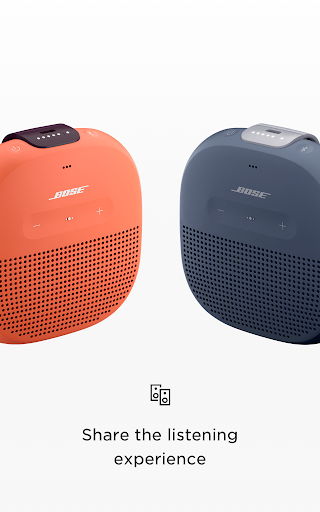
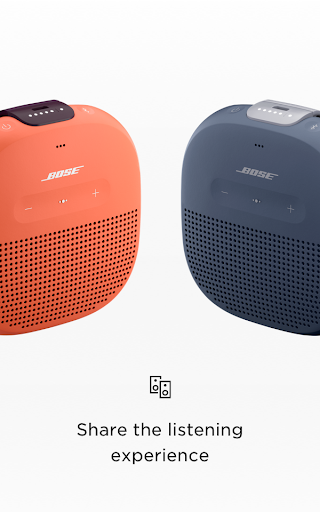
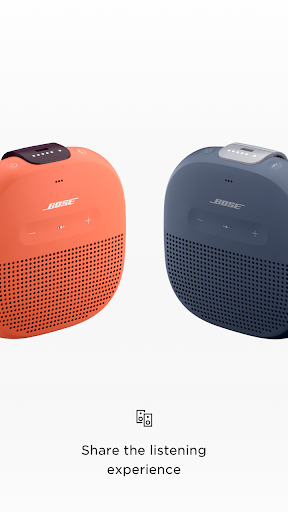
The app introduces innovative ways to enjoy music with others. The •SHARE THE MUSIC feature allows two pairs of Bose wireless headphones to synchronize and share the same music in real time. Plus, the exclusive Party Mode feature lets you connect two Bose SoundLink speakers to double your audio output, perfect for parties or outdoor gatherings. For an immersive stereo sound experience, the app supports Stereo Mode, which separates audio into left and right channels across two connected speakers—bringing concert-quality sound to your space.
Enhanced Noise Cancellation and Health Tracking
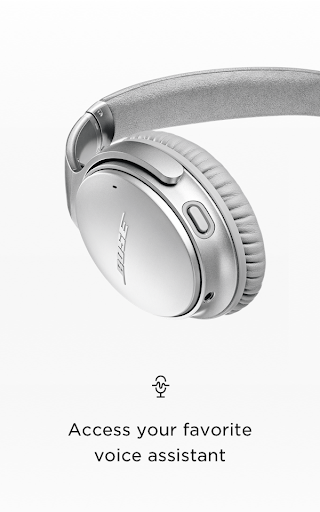
Personalize your listening environment with controllable noise cancellation on compatible headphones like the QC®30. Adjust the level of ambient sound suppression directly within the app, tailoring your experience whether you're in a noisy café or in quiet surroundings. Additionally, for the SoundSport® Pulse headphones, the app displays your heart rate, turning your headphones into a basic health tracking device, which is especially helpful during workouts.
Device Updates and Personalization
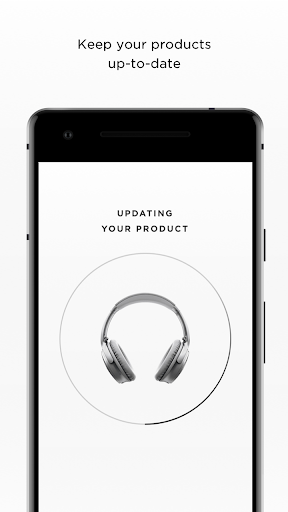
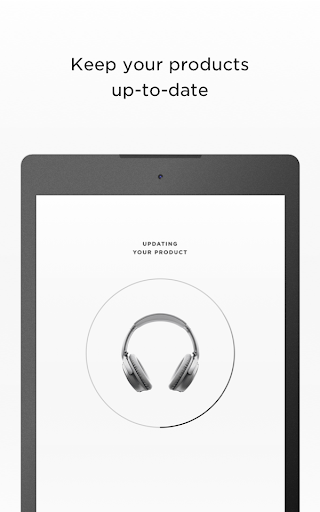
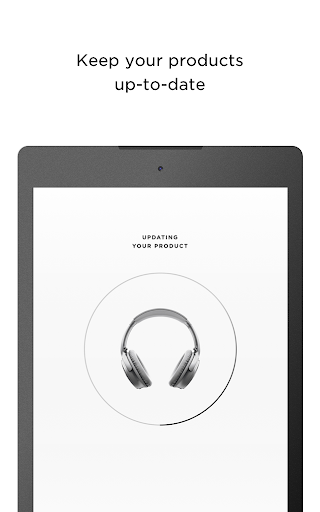
Keeping your Bose devices up to date is effortless with the Bose Connect app. It notifies you of available firmware updates and allows easy installation, ensuring your products always operate at peak performance. The app also offers access to detailed product information and personalized settings, so you can customize your audio preferences and save them for future use. Background updates run smoothly without disrupting your listening experience.
Compatibility and Additional Features
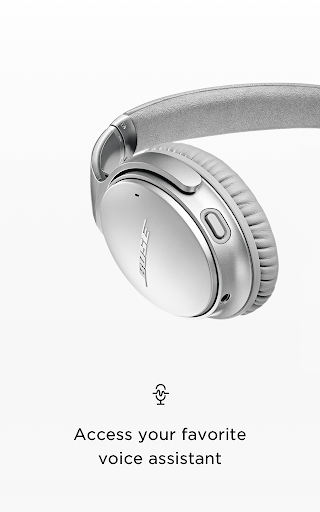
The Bose Connect app works seamlessly with various Bose products, including Frames, QC®35, SoundSport®, QuietControl™ 30, SoundLink series, ProFlight® headphones, and several speakers like SoundWear Companion, SoundLink® Color II, Revolve, Micro, and S1 Pro®. Each feature is designed to optimize your experience, though some functionalities may vary depending on device compatibility. The app leverages Bluetooth® technology to ensure robust and reliable connections, simplifying your multimedia management.
Why Choose the Bose Connect App?
In summary, the Bose Connect app is an essential tool for anyone who owns Bose wireless headphones or speakers. It transforms your smartphone into a central hub for managing, customizing, and enhancing your audio devices. With features like effortless pairing, intuitive controls, music sharing, and firmware updates, it makes using Bose products more convenient and enjoyable. Whether you're a casual listener or an audiophile, this app helps you unlock the full potential of your Bose gear, ensuring you get the best sound quality and user experience possible. Once you start using the Bose Connect app, you'll wonder how you ever managed without it.
Pros
- Easy to connect and pair devices
- User-friendly interface with smooth navigation
- Regular updates improve performance
- Allow customization of sound settings
- Enhanced noise cancellation features
Cons
- Limited compatibility with older devices
- Occasional connectivity problems
- App size is relatively large
- Battery drains during extended use
- Requires internet connection for full features











