
Enhance Your Music Experience with the Bass Booster & Equalizer App
Are you a music enthusiast seeking a way to make your audio sound more vibrant and powerful? Look no further than the Bass Booster & Equalizer app—a feature-rich tool designed to elevate the sound quality of your Android device. Whether you're enjoying your favorite tunes, streaming videos, or watching movies, this app provides extensive customization options to deliver a personalized, immersive listening experience. Its user-friendly interface combined with powerful effects makes it an essential addition for anyone who loves superior sound quality on the go.
Key Features that Transform Your Audio
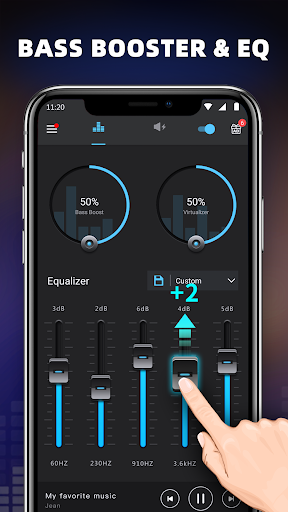
The Bass Booster & Equalizer app includes a variety of features aimed at improving audio clarity and depth. The app's core functionalities focus on enhancing bass, volume, and surround sound effects to make your media sound like never before. Here are some standout features:
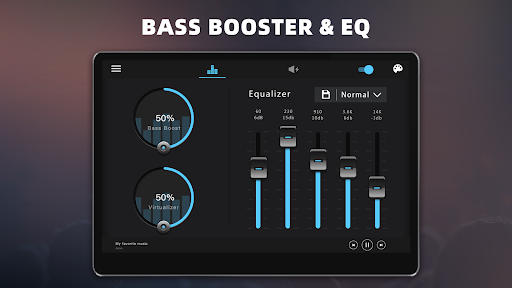
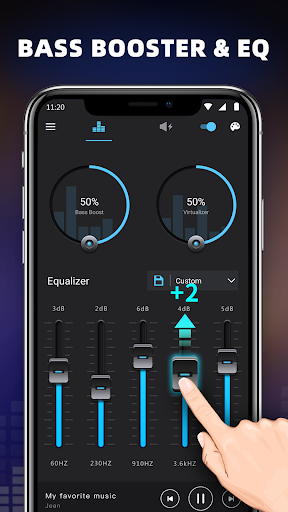
- Bass Boost effect: Intensify the low frequencies to give your music a thick, punchy bass.
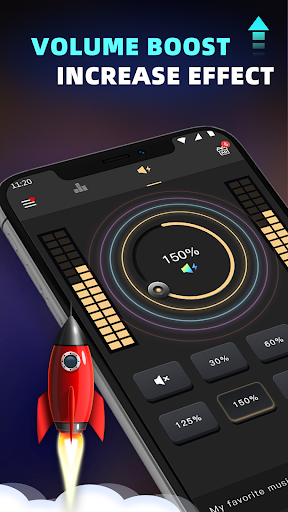
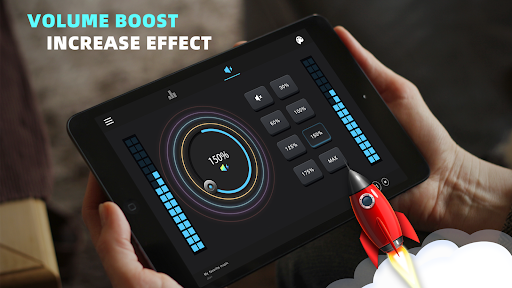
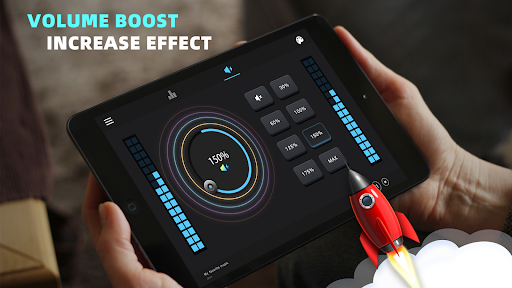
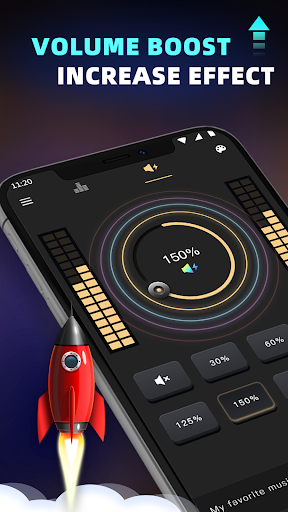
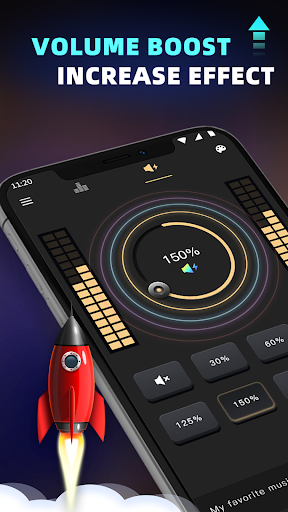
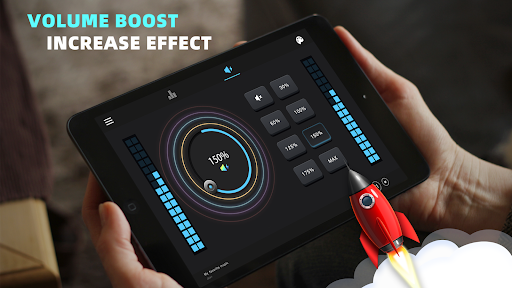
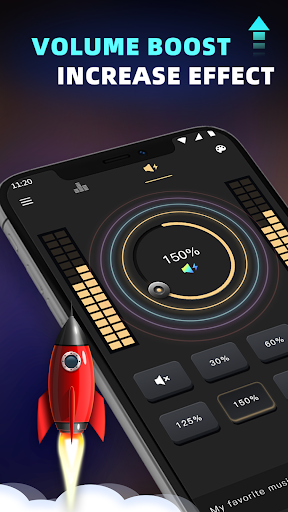
- Volume Boost effect: Amplify your device’s sound output for louder playback without distortion.
- Stereo surround sound effect: Create a spacious, immersive sound environment.
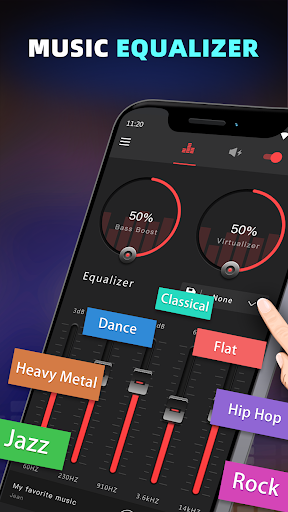
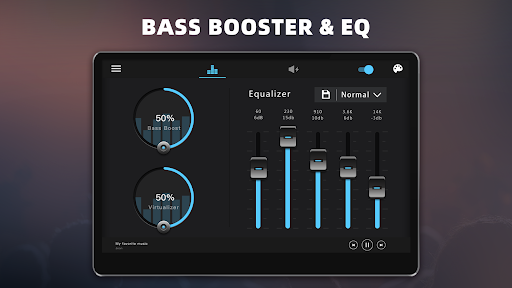
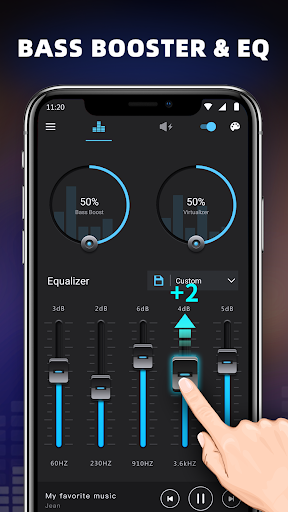
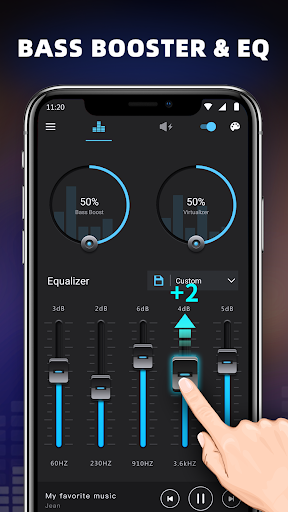
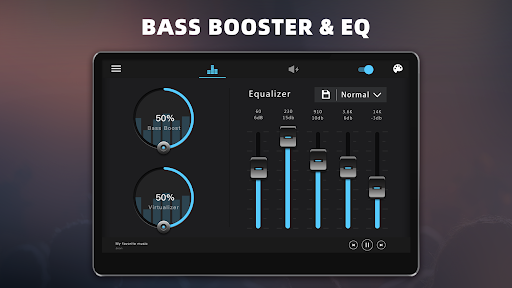
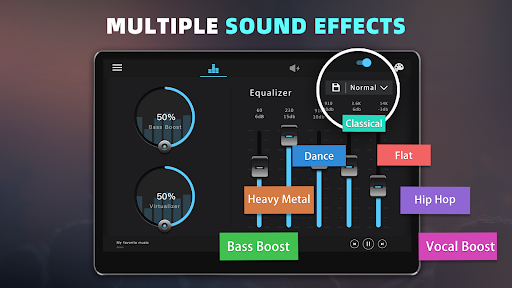
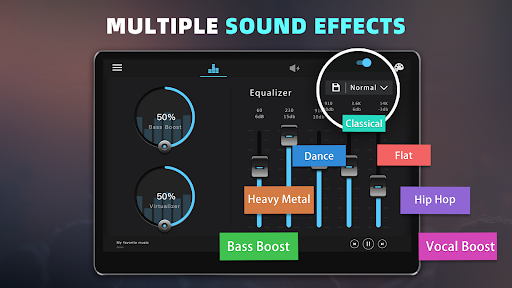
- Five bands Equalizer: Fine-tune different frequency ranges for optimal sound customization.
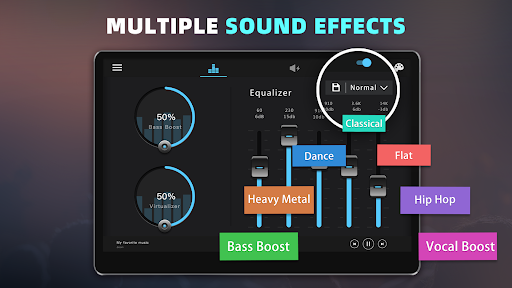
- Ten preset equalizations: Easily switch between settings such as Normal, Classic, Dance, Flat, Folk, Heavy Metal, Hip Hop, Jazz, Pop, and Rock.
- Customizable preset: Adjust and save your preferred sound profiles.
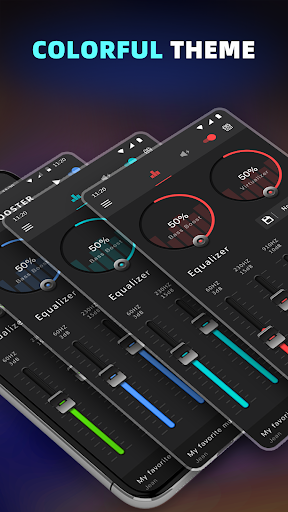
- Colorful themes: Choose from 16 vibrant themes to match your style.
- Notification control: Manage the app's effects directly from the notification bar for convenience.
- Cool spectrum visualization: Visual effects synchronize with your music for an engaging experience.
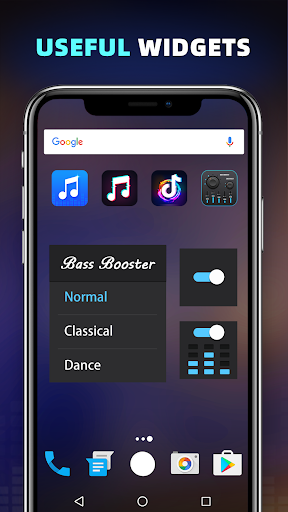
- Widgets: Utilize 1x1 and 2x2 widgets to quickly access and control sound enhancements.
Simple Setup for Immediate Results
Getting started with the Bass Booster & Equalizer app is straightforward. To enhance your music or audio experience, follow these simple steps:
- Open your preferred music player and start playing your favorite tracks.
- Launch the Bass Booster app and adjust the sound levels and frequencies to suit your preference.
- Activate the Volume Booster to amplify the output volume effectively.
- For optimal sound clarity, consider using headphones during adjustments.
- When finished, simply close the app or remove it from the notification bar to exit.
Why Choose the Bass Booster & Equalizer? A Music Lover’s Dream
Have you ever wished your music could deliver more impactful bass or clearer highs? The Bass Booster & Equalizer app makes that possible. Once installed, you’ll immediately notice how your music feels more alive, with richer low frequencies and balanced sound. The app’s intuitive interface means you don’t need technical expertise—just a few taps are enough to customize your audio to perfection.Beyond bass enhancement, the app’s customizable equalizer presets empower you to shape your listening experience. Whether you prefer the energetic punch of Dance mode or the warm tones of Folk, there's a setting to suit every mood. The Rock preset, for instance, adds edge to guitar-heavy tracks, revitalizing your playlist.
Immersive Surround Sound and Visual Effects
In addition to traditional sound adjustments, the app offers a Virtualizer effect, creating a surround sound experience that transforms how you perceive your media. This effect immerses you in cinematic soundtracks or live recordings, making every listening session feel like a concert.The app also features a cool spectrum visualization that adds a dynamic visual component, syncing with your music and enhancing the overall experience. Multiple themes and widgets allow you to personalize your interface further, ensuring that your sound adjustments are always just a tap away.
Compatibility and Usage Tips
The Bass Booster & Equalizer app works seamlessly with most music and video players, providing a versatile solution whether you're streaming music from platforms like Spotify or watching videos in your gallery. Its straightforward installation process makes setup quick and hassle-free.To get the best results, using headphones is recommended, especially when fine-tuning bass and balance levels. Keep in mind that running the app continuously may lead to increased battery consumption—so plan your usage accordingly during long outings.
Final Thoughts: A Must-Have for Audio Enthusiasts
Overall, the Bass Booster & Equalizer app is a powerful, user-friendly tool that elevates your Android device’s sound output. Its comprehensive features cater to both casual listeners and audiophiles, delivering customizable sound enhancement at your fingertips. From boosting bass to creating surround sound effects, this app transforms ordinary media playback into an extraordinary auditory journey. If you're passionate about immersive music experiences and want control over your device's audio settings, this app is an excellent choice that could soon become an indispensable part of your mobile media routine.
Pros
- Improves audio quality effectively.
- Intuitive and easy-to-use interface.
- Allows customization of sound profiles.
- Supports compatibility with various music applications.
- Consumes minimal battery power.
Cons
- Contains advertisements in the free version.
- Certain features are exclusively available in premium version.
- May experience occasional crashes.
- Offers limited options for advanced customization.
- Requires Android version 4.3 or higher.











