

Discover the Power of the Audyssey MultEQ Editor App
If you're a true audio enthusiast or someone who demands the best sound quality from their home theater system, the Audyssey MultEQ Editor app is an essential tool that can elevate your listening experience. Compatible with both Android and iOS devices, this innovative application offers you the ability to fine-tune your home audio system with precision – a level of customization that usually reserved for professional-grade equipment. Imagine having the power to exactly tailor your sound setup right from your smartphone, transforming your living room into a personalized audio sanctuary.
Unleash Advanced Calibration Capabilities
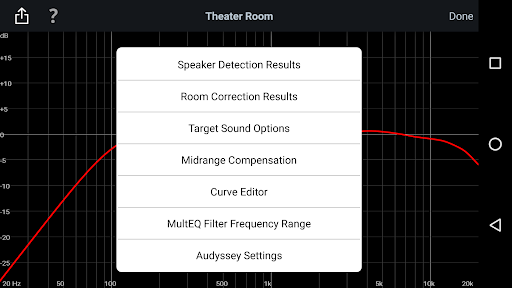
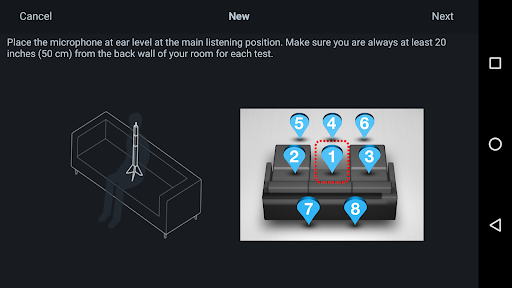
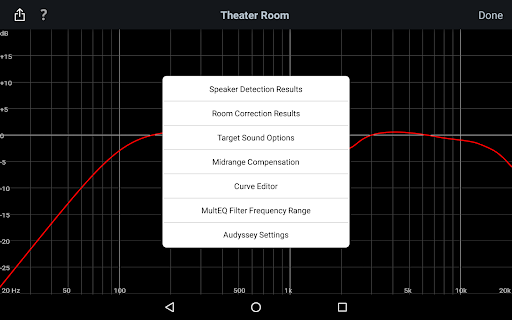
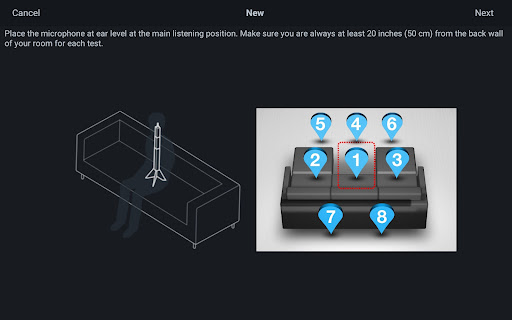
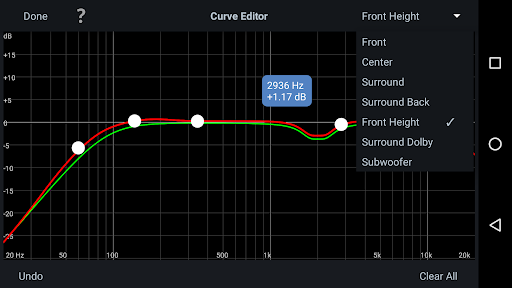
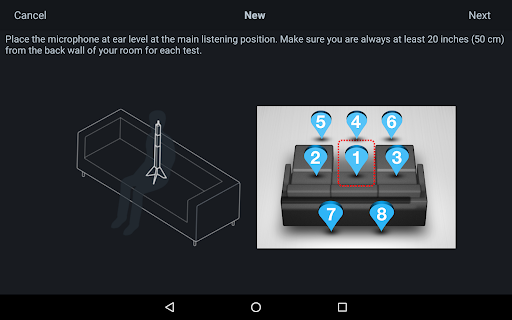
The Audyssey MultEQ Editor app unlocks a new realm of audio calibration by providing detailed control over your system's sound profile. After a straightforward setup process, you gain access to a comprehensive interface where you can visualize and adjust your system’s frequency response. This approach goes far beyond basic setup, allowing you to suggest specific adjustments for each speaker or channel to correct room acoustics and address sound issues that generic calibration might not fully resolve.
Key Features of the Audyssey MultEQ Editor App
This app offers an array of powerful features designed to put total control over your home theater sound in your hands:
• Visualize Speaker Detection Results
Ensure your speakers are correctly installed by reviewing detection results, giving you peace of mind in your calibration process.
• Compare Calibration Results
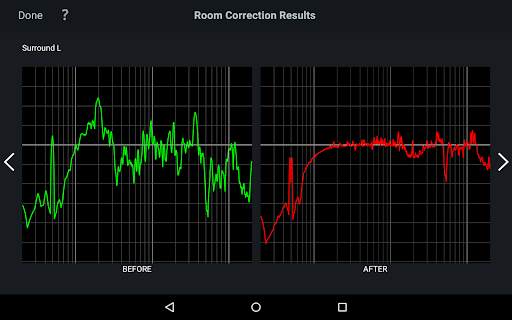
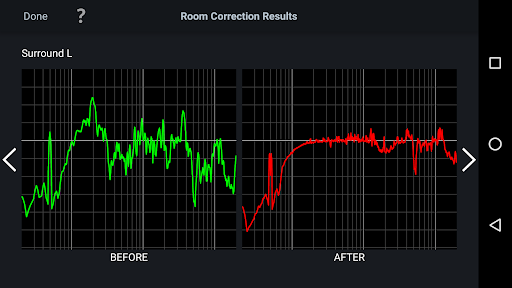
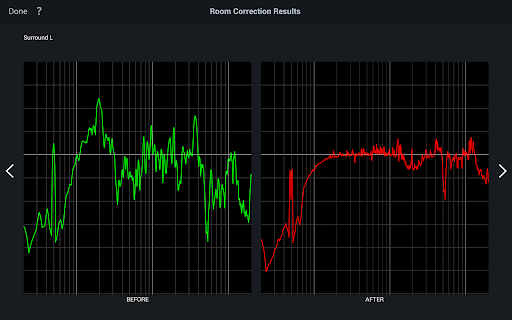
View before and after calibration results to easily identify and understand how room acoustics affect sound quality, and what improvements have been made.
• Customize Target Curves
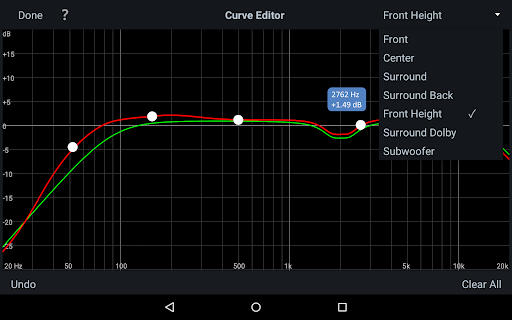
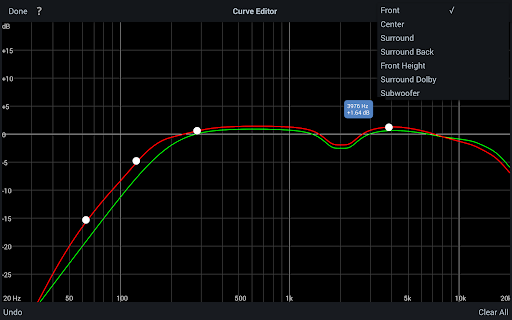
Adjust the target curve for each speaker pair, enabling you to tailor the sound signature to your personal preferences or specific room acoustics.
• Fine-tune Frequency Rolloff
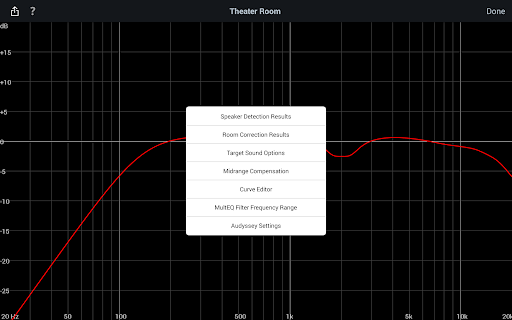
Modify the overall EQ and choose between two high-frequency rolloff curves to enhance brightness or smoothness of the audio output.
• Midrange Compensation
Activate or deactivate midrange compensation to balance clarity or warmth in the sound, making it brighter or more mellow based on your liking.
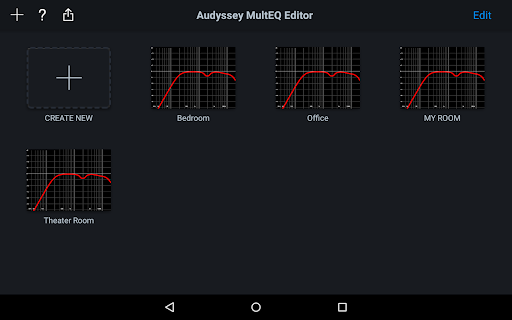
• Save & Load Profiles
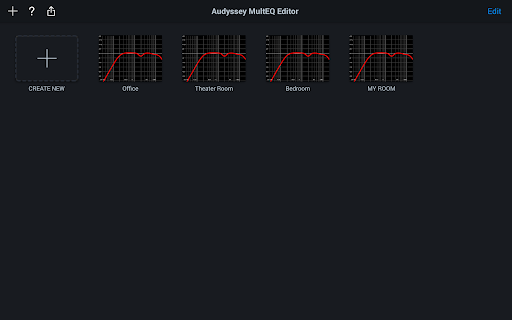
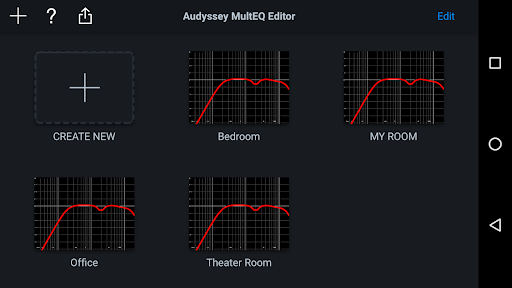
Store your favorite calibration settings as profiles, allowing quick switching between different listening modes, whether for movies, music, or gaming.
Hardware Compatibility & Support
The Audyssey MultEQ Editor app requires compatible hardware in your Denon or Marantz AV receivers. Before purchasing, verify that your model is supported from the official list, ensuring seamless integration. The app supports a wide range of models, including high-end AV receivers like the AVR-X8500H, AV8805, and SR8015, among others. Additionally, it offers multi-language support including English, French, German, Spanish, and more, automatically detecting your device’s language settings where available.
Why the Audyssey MultEQ Editor App Is a Must-Have
If you’re passionate about delivering optimal sound performance, then this app is an invaluable addition to your home audio toolkit. It bridges the gap between basic calibration and professional audio tuning, empowering you to customize your sound profile in ways previously inaccessible without specialized equipment. The user-friendly interface combined with advanced features makes it accessible for casual listeners while offering depth enough for audio purists.With the ability to adjust parameters such as EQ frequency, gain, and Q factor in real time, you can craft a listening environment tailored precisely to your room’s acoustics. Whether you prefer a brighter, livelier sound or a warmer, smoother output, the Audyssey MultEQ Editor app gives you the control to achieve your desired audio signature effortlessly.
Conclusion: Elevate Your Listening Experience
The Audyssey MultEQ Editor app is a powerful, intuitive, and versatile tool designed for anyone serious about their home theater sound. It transforms complicated calibration procedures into a simple and engaging process, allowing you to fine-tune every aspect of your audio setup. As an audiophile or a dedicated home theater enthusiast, using this app can significantly enhance your sound quality and provide a more immersive, personalized experience. So, if you’re ready to take your audio calibration to the next level, give the Audyssey MultEQ Editor app a try and enjoy the difference in sound clarity and precision.
Pros
- Customizable sound profiles
- Improves audio calibration
- User-friendly interface
- Provides real-time sound adjustments
- Supports multiple devices
Cons
- Limited to certain AV brands
- Requires technical knowledge
- Paid application without a free trial
- Sometimes experiences connectivity problems
- Setup can be complex for new users











