
Introducing the AudioLab Audio Editor Recorder: The Ultimate Audio Editing Solution
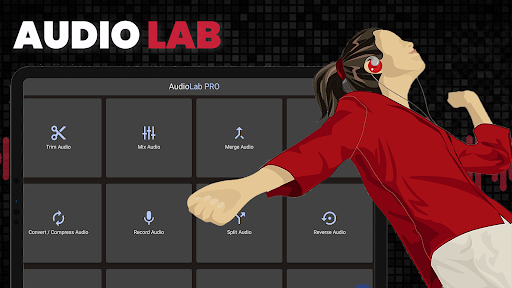
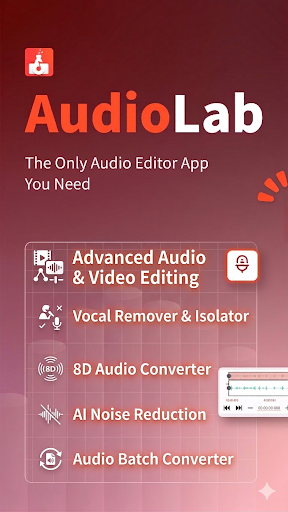
Imagine having a professional-grade audio editing studio right on your Android device. Whether you want to create music, podcasts, or ringtones, AudioLab makes it possible with its all-in-one platform. Designed for musicians, podcasters, and casual users alike, this audio editor and recorder combines a suite of powerful features that allow you to craft, enhance, and personalize audio content effortlessly. With a user-friendly interface and a rich set of tools, AudioLab turns your smartphone into a versatile audio workshop. Its capabilities extend from basic trimming to complex remixing, format conversion, and even video-to-audio extraction, making it a must-have app for anyone serious about sound editing.
Key Features That Make AudioLab Stand Out
Comprehensive Audio Editing Tools
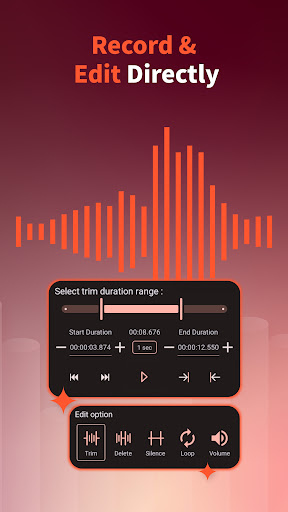
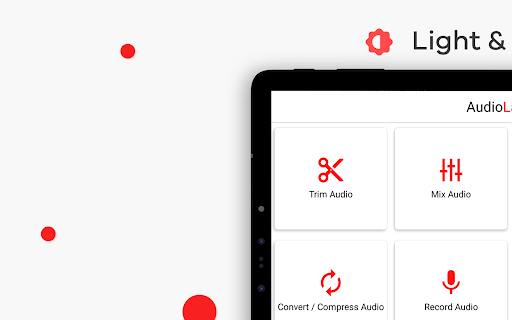
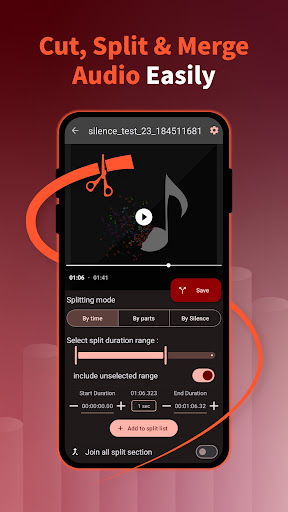
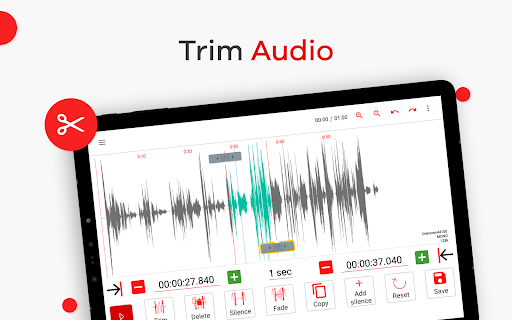
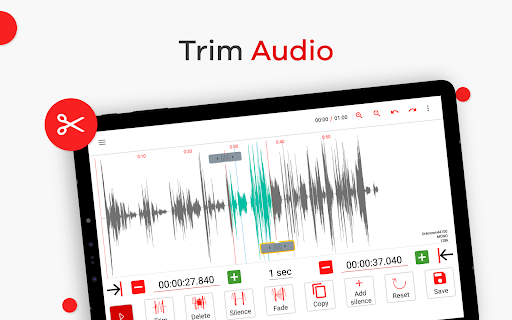
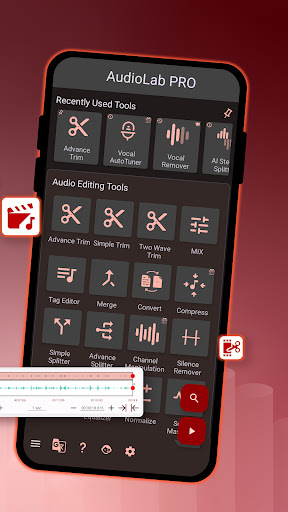
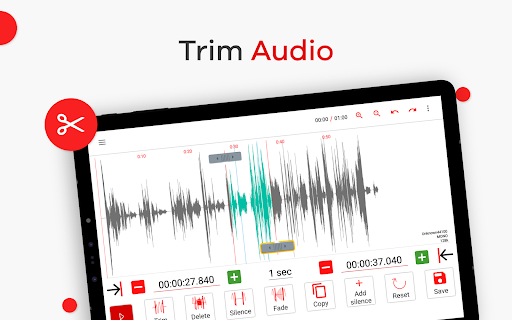
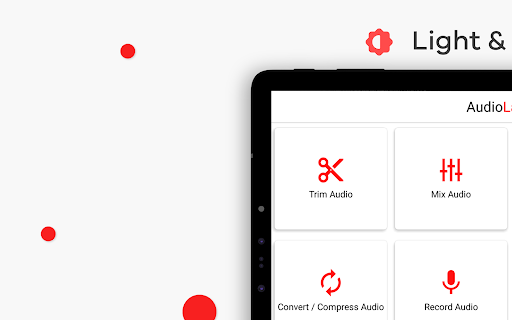
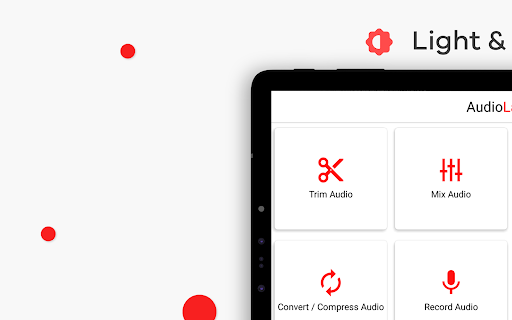
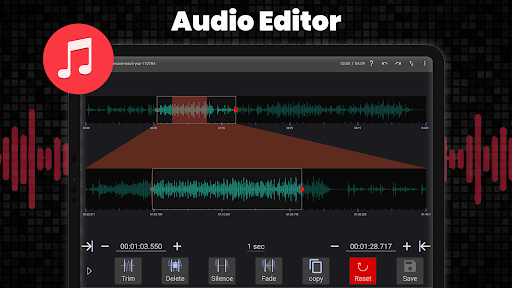
At the heart of AudioLab are its extensive editing tools. Whether you're looking to trim podcasts, cut songs, or edit music tracks, the app offers a precise audio cutter and song editor supporting all major formats. The intuitive drag-and-drop interface makes editing straightforward—perfect for beginners and pros alike. The MP3 cutter and song trimmer allow you to extract your favorite parts seamlessly and save them as ringtones, alarms, or notification sounds.
Creative Mixing and Merging
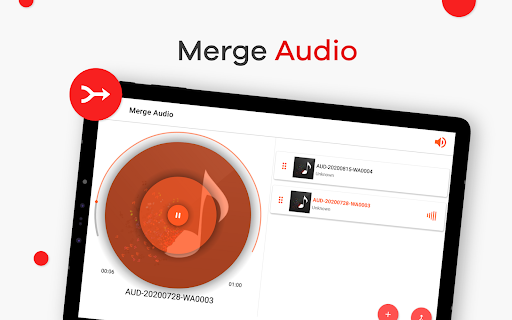
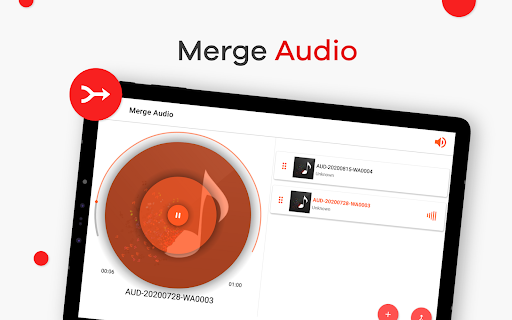
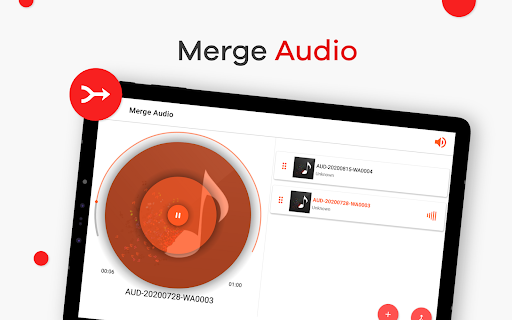
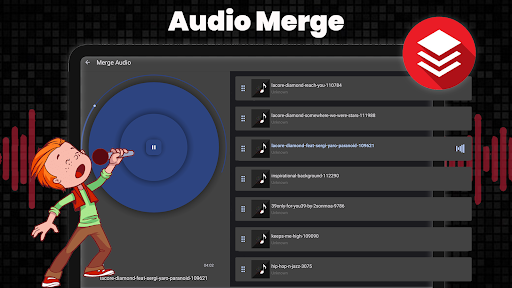
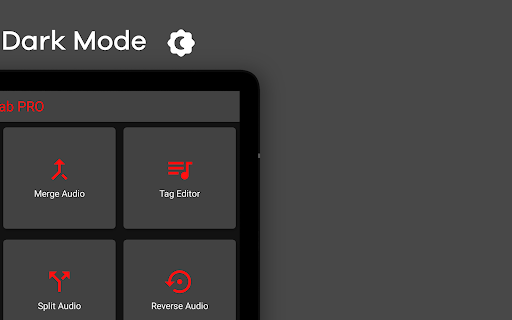
Unleash your creativity with the music mixer and audio merger features. You can blend multiple tracks to produce remixes or combine various audio clips into a single file without quality loss. The app supports mixing up to four different audio tracks, providing endless possibilities for music creation and editing projects.
Format Conversion and Compression
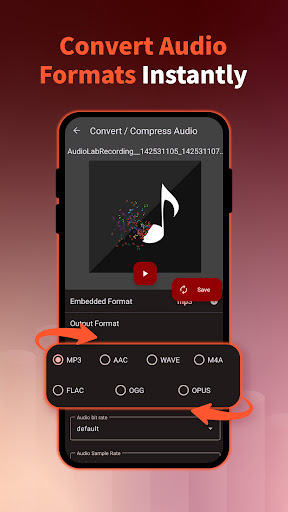
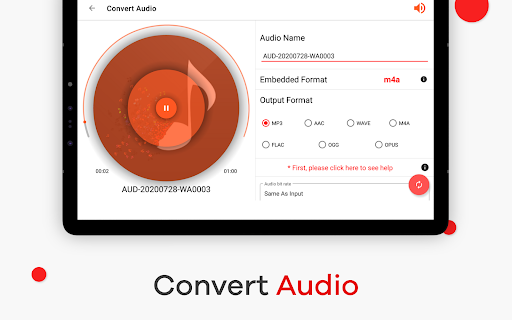
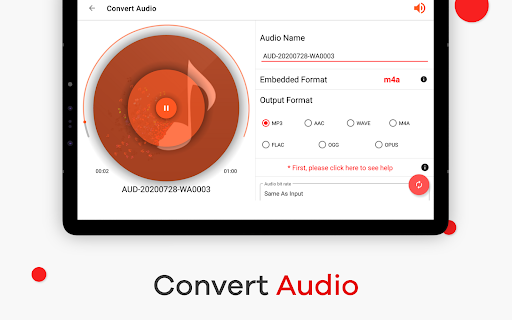
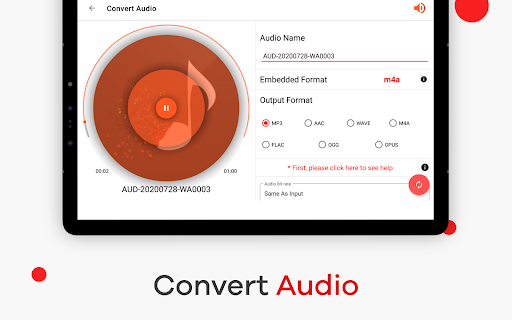
Need to convert audio files from one format to another? AudioLab includes an audio converter feature that handles format change efficiently. Additionally, its audio compressor reduces file sizes without compromising quality, making it easy to manage storage and share large files effortlessly.
Advanced Recording and Effects
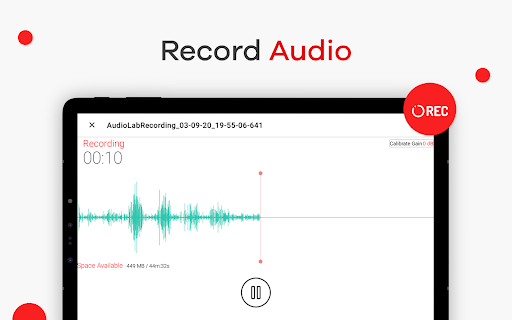
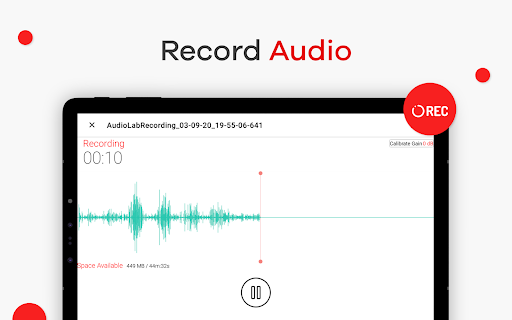
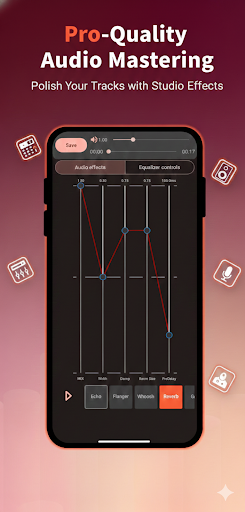
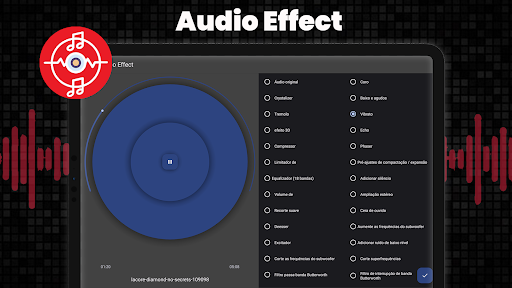
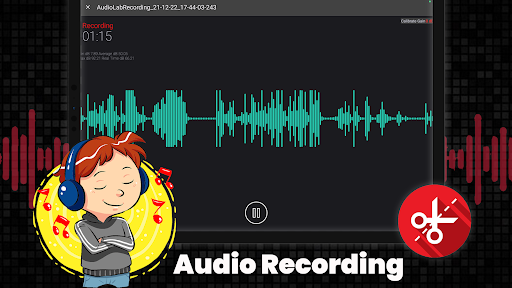
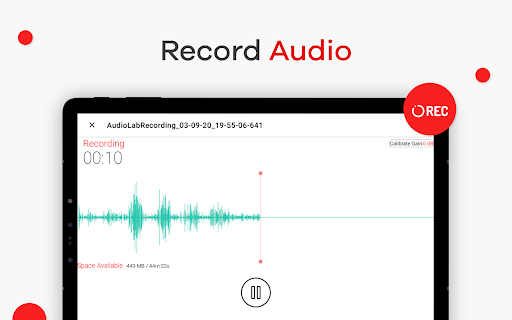
Capture high-quality sound with the built-in audio recorder. Whether recording vocals, music, or ideas, the app ensures crystal-clear recording with noise reduction features to eliminate background disturbances. Real-time audio effects, such as echo, reverb, and pitch adjustments, allow you to experiment during the recording process, enhancing your creative workflow.
Video to Audio Conversion and More
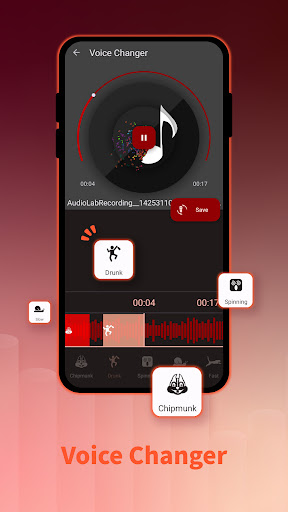
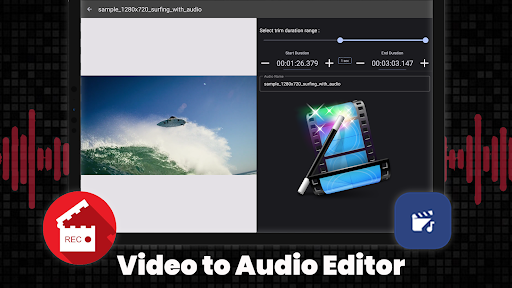
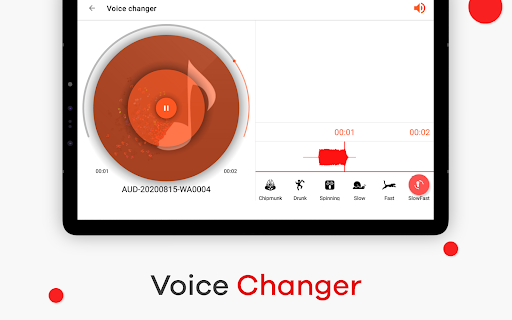
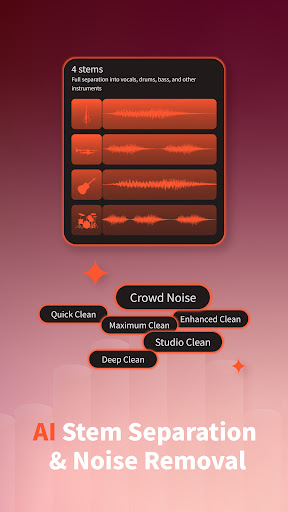
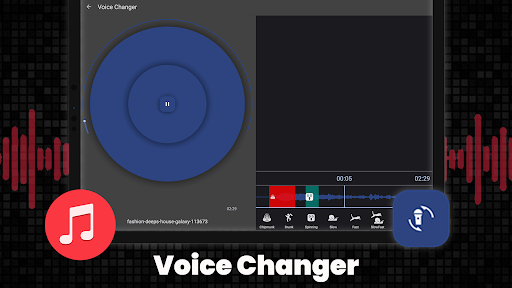
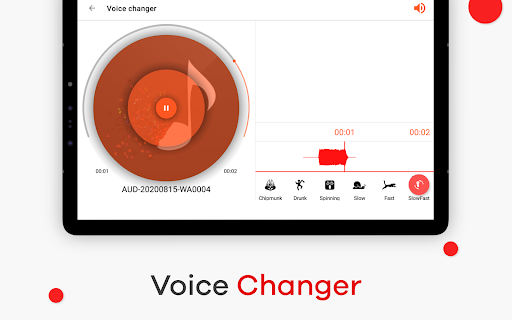
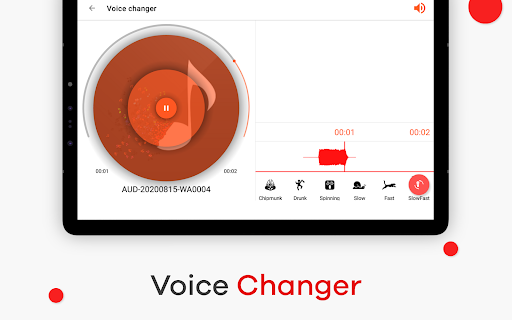
Transform your videos into audio tracks using the video to MP3 converter. This feature extracts the audio from video files, enabling you to repurpose content easily. Additionally, you can create voice changers, apply noise removal, and use a suite of other tools like speed changer, equalizer, volume booster, and even generate 3D music.
Extra Features for Holistic Audio Editing
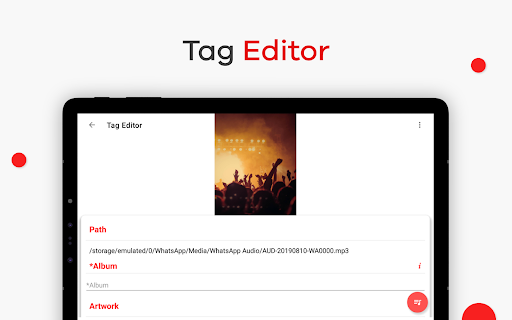
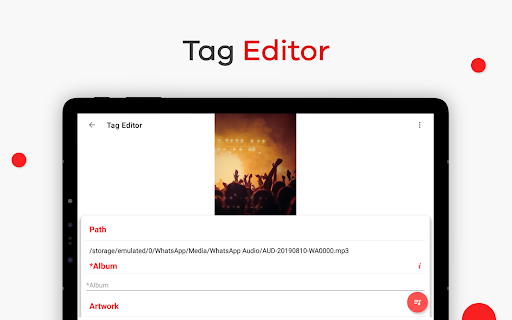
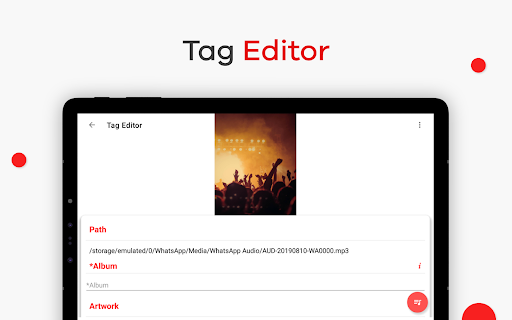
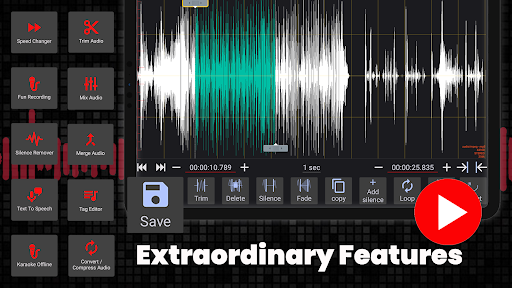
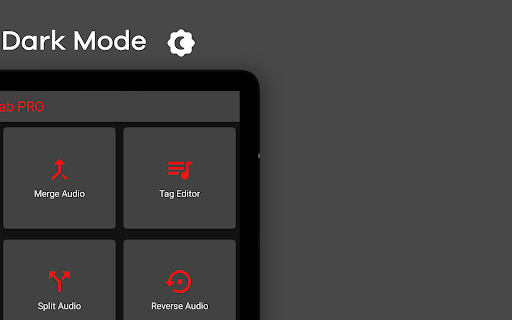
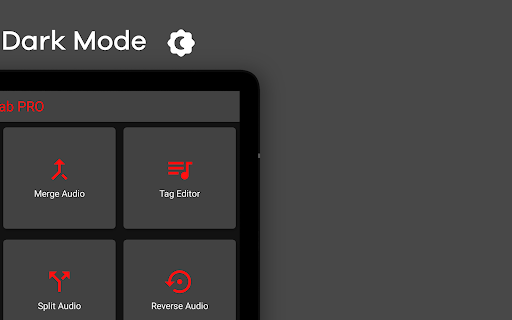
AudioLab's versatility shines through with features like text-to-speech, speech-to-text, music background remover (karaoke), and audio tag editing. For voice enthusiasts, it provides voice changer, voice editor, and MP3 tag editing, making it perfect for song creation and customization. The app's robust tools ensure you can craft your perfect audio project from start to finish.
Why Choose AudioLab? A Better Audio Editing Experience
Using AudioLab is like having a mini studio in your pocket. Its straightforward setup, coupled with an extensive feature set, reduces the learning curve for new users while offering sophisticated options for seasoned audio editors. Whether you’re trimming tracks for a ringtone, remixing music, recording a podcast, or converting video content into audio, this app provides a seamless experience. The ability to process a wide range of formats ensures compatibility with your existing library, and the high-quality output guarantees professional results. Plus, the capacity to share your finished projects directly within the app streamlines your creative workflow.
Final Thoughts
AudioLab Audio Editor Recorder has established itself as a comprehensive, easy-to-use solution for all your audio editing needs. Its collection of tools—ranging from straightforward audio trimming to complex effects and format conversions—makes it a standout choice for both amateurs and professionals. Whether you're creating ringtones, editing podcasts, or experimenting with sound effects, this versatile app empowers you to bring your ideas to life effortlessly. Download AudioLab today and elevate your audio projects to the next level with a powerful, feature-rich mobile editing platform.
Pros
- User-friendly interface
- Wide range of editing tools
- Supports multiple formats
- High-quality audio output
- Real-time editing features
Cons
- Can be resource-intensive
- Limited free version features
- Occasional ads disruptions
- Requires internet for some features
- Some advanced tools need purchase











