
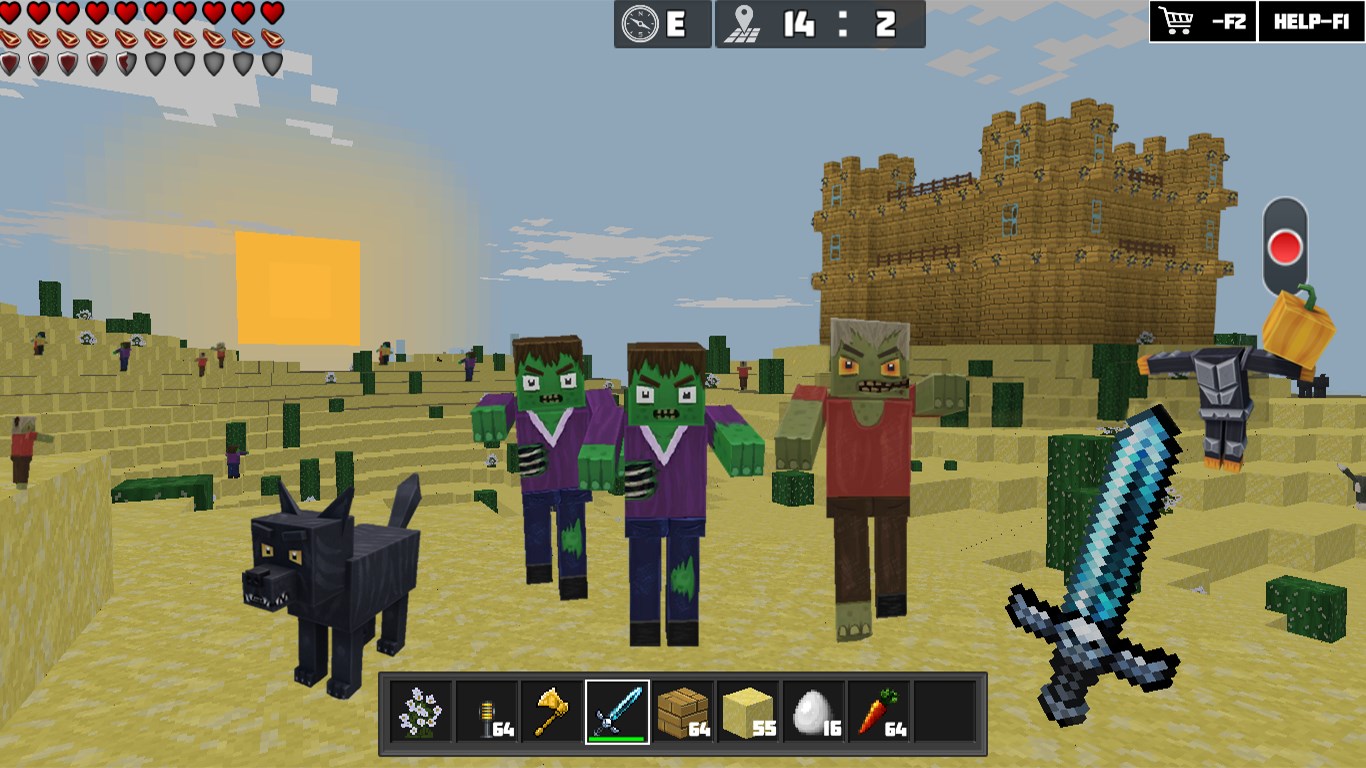
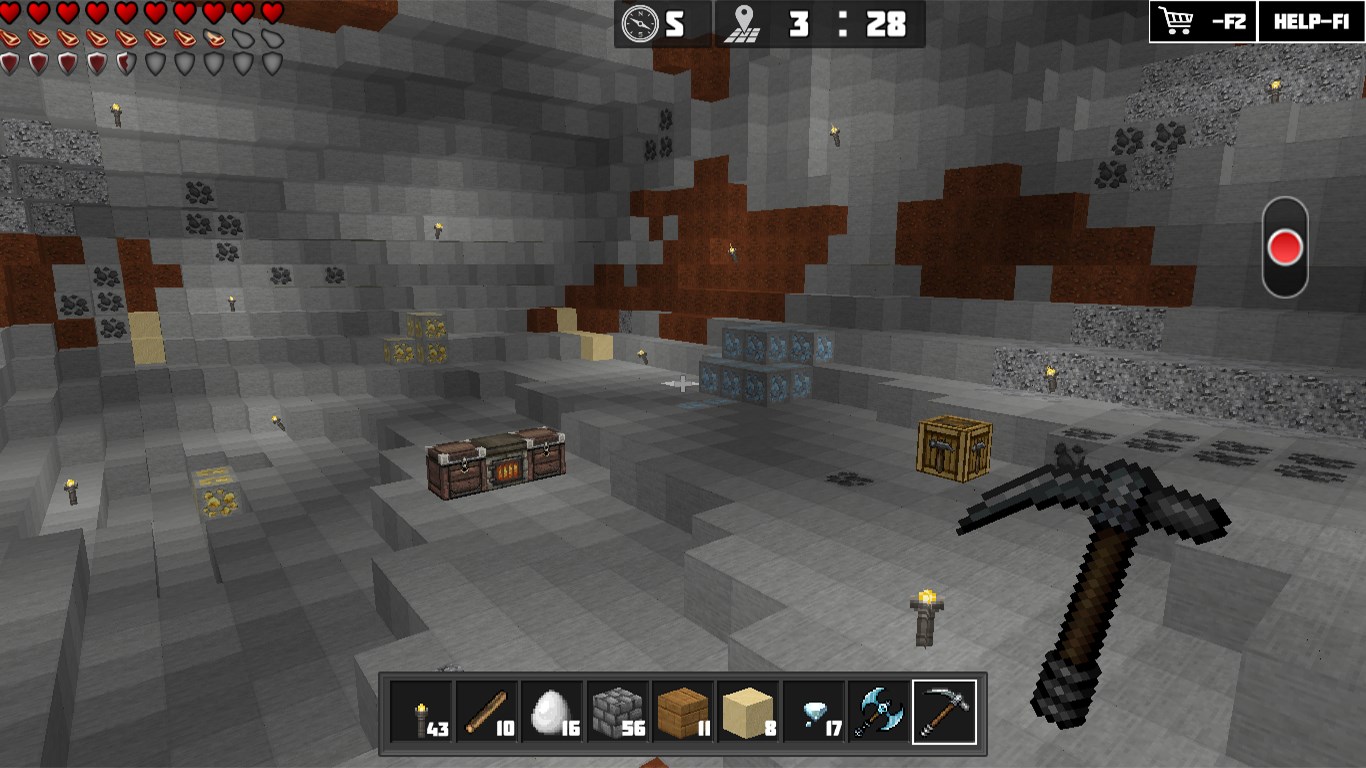
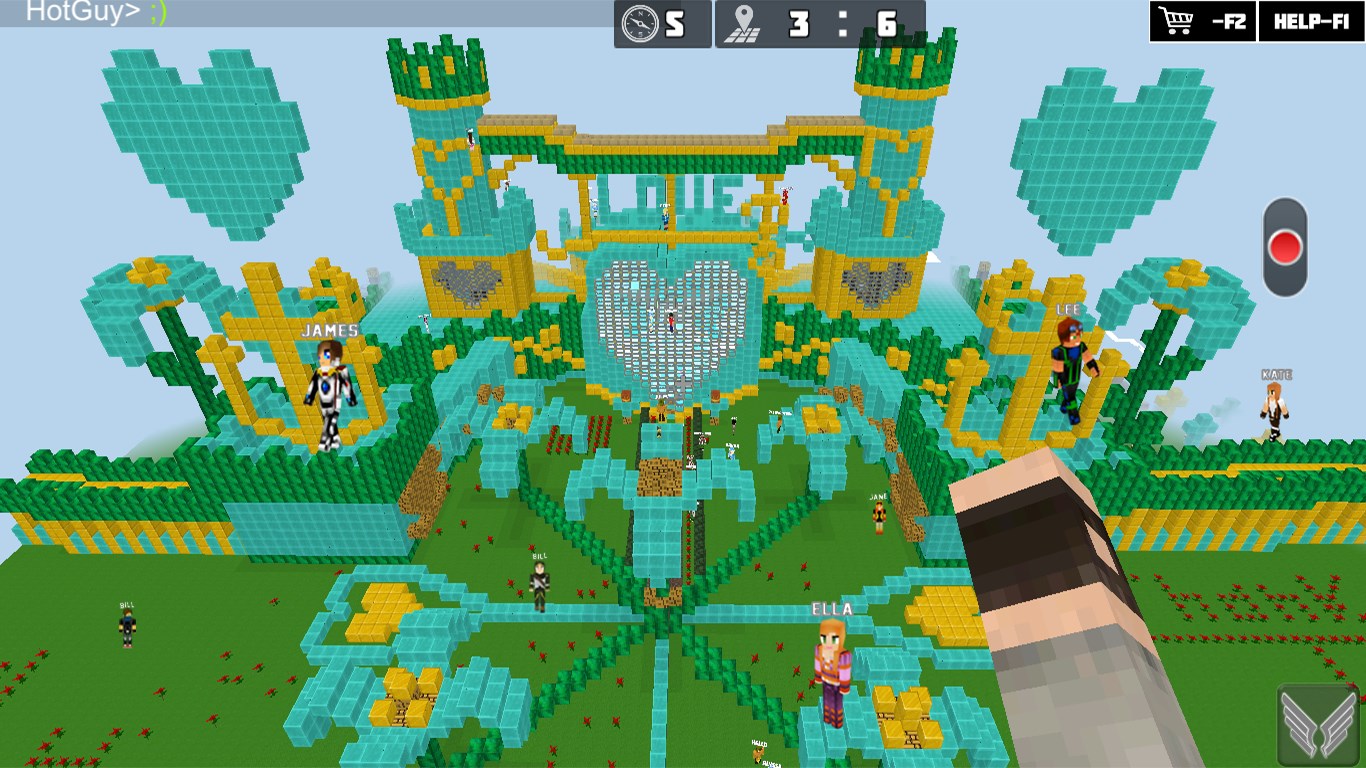
- Name WorldCraft: 3D Build & Block Craft
- Category Action & adventure
- Available on PC, Mobile, Surface Hub, HoloLens
- OS Windows 10 version 10240.0 or higher
- DirectX Version 10
- Keyboard Not specified
- Mouse Not specified
- languages English (United States)
A Creative Sandbox Adventure on Your Windows Device
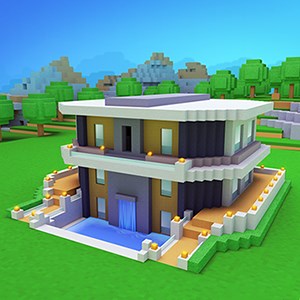
WorldCraft: 3D Build & Block Craft by Playlabs offers an engaging virtual environment where users can unleash their creativity through building and exploring in a block-based world. Designed to resemble popular sandbox games, it provides a simplified yet stimulating experience for both casual gamers and creative enthusiasts alike.
About the App: Basic Information
WorldCraft aims to bring the joy of block-based creativity to Windows users through an easy-to-navigate platform that emphasizes intuitive building and exploration. Developed by Playlabs, a team dedicated to creating engaging mobile and desktop gaming experiences, the app boasts several standout features that make it accessible and enjoyable.
- Main Features: Imaginative 3D building environment, numerous block types and customization options, multiplayer capabilities for social creativity, and a seamless crafting interface.
- Target Audience: Children, teenagers, and casual adults seeking a creative outlet, education-focused users interested in STEM concepts, and fans of sandbox universe-building who prefer a straightforward, chill experience.
An Inviting World of Creativity
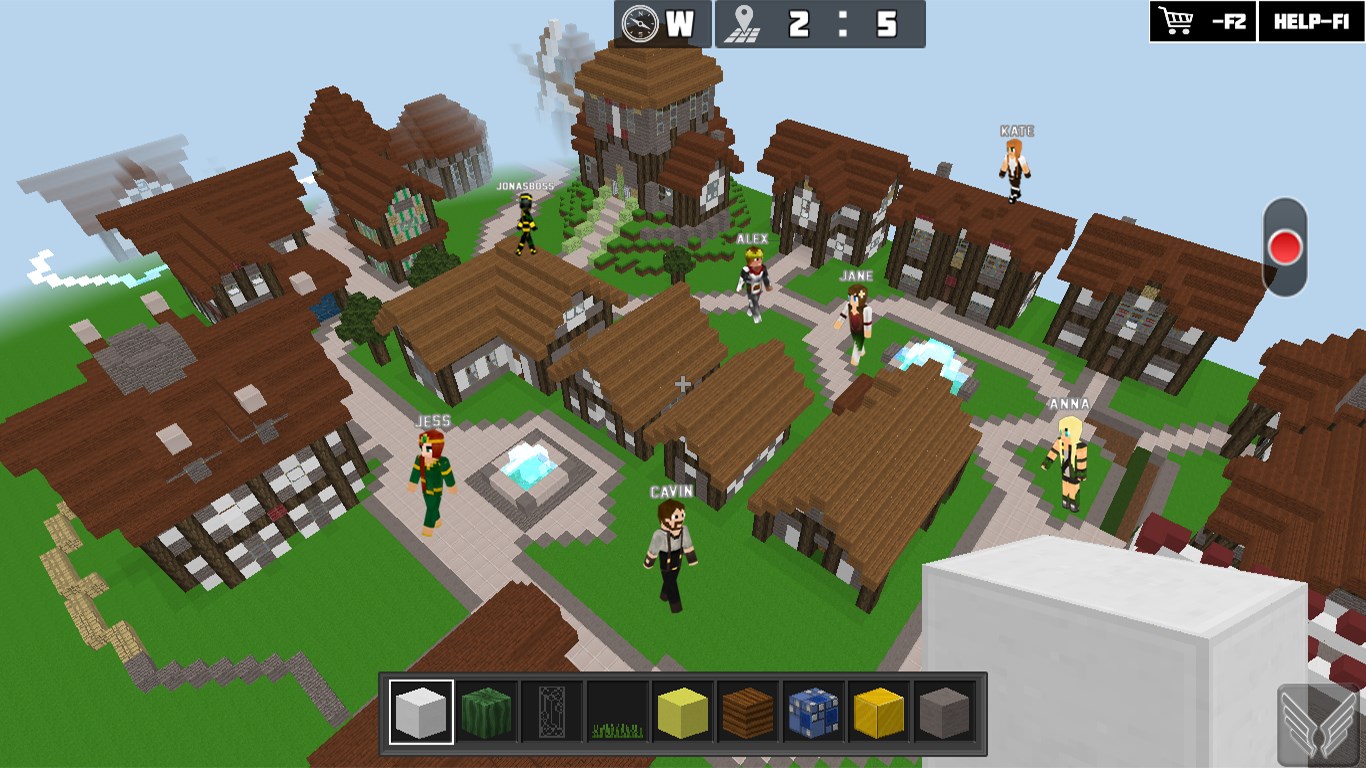
Picture yourself entering a vast, colorful sandbox with endless possibilities—this is exactly what WorldCraft feels like. Its interface invites you to pick up blocks, shape landscapes, or design structures with a few taps. Whether you're meticulously designing a medieval castle or casually adding trees to a landscape, the app feels like a digital playground where your imagination is the only limit.
Core Functionality: Construct, Customize, and Collaborate
Building and Designing in 3D
The heart of WorldCraft lies in its intuitive building system. Users can browse an array of block types—from basic cubes to detailed decorative elements—and place them in a 3D space. The controls are straightforward, with touch-friendly gestures that allow for smooth placement, rotation, and removal of blocks. The overall experience is akin to working with digital Lego bricks, making complex structures accessible even to beginners. The app's camera system supports easy navigation, enabling users to view their creations from multiple angles, which adds depth to the building process.
Customization and Personalization Options
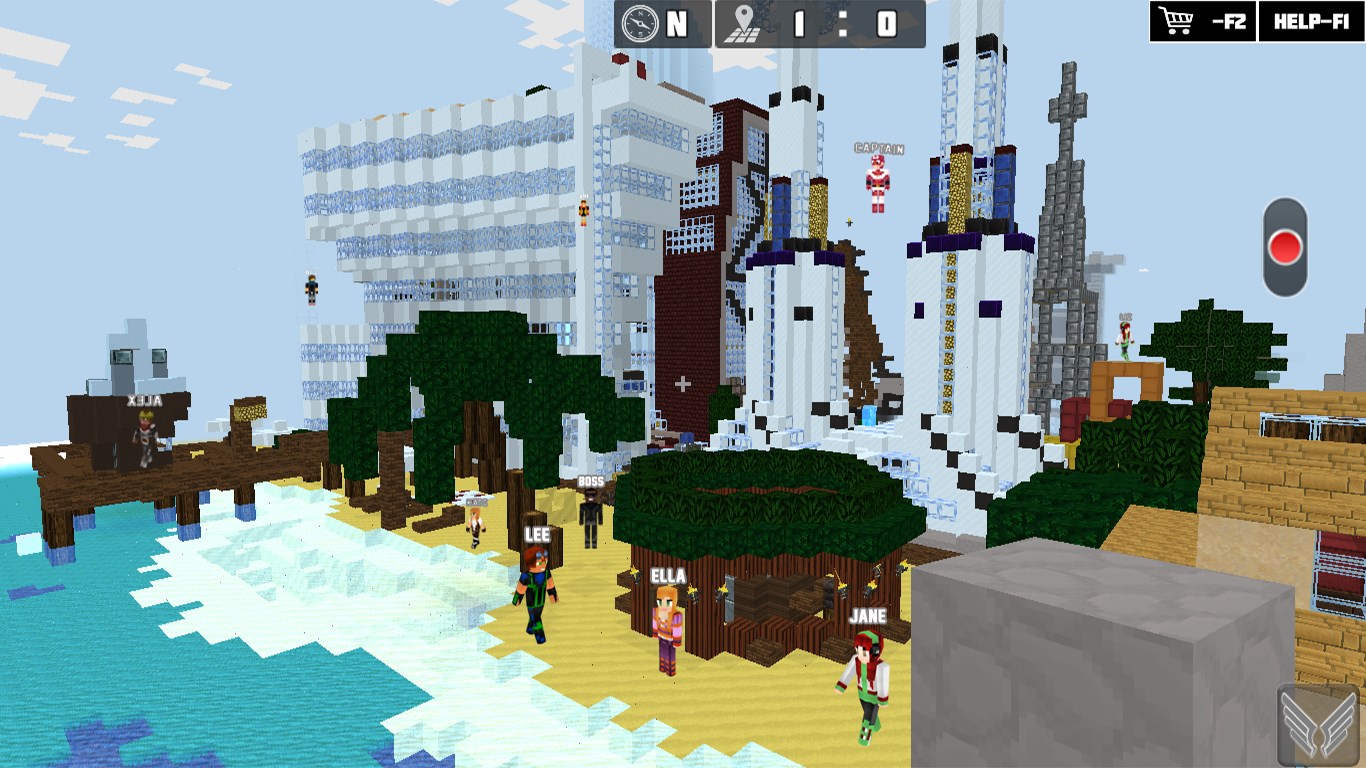
Beyond basic construction, WorldCraft shines with its variety of customization features. Users can change block textures, add decorative items, and create themed environments. The app also offers simple tools for editing terrain—raising mountains, digging valleys, or planting trees—all from an easy-to-understand toolbar. This flexibility allows for personalized creations, whether it's a cozy cottage or an elaborate cityscape, providing a sense of ownership and pride in what you build.
Multiplayer and Social Engagement
One of this app's standout traits is its multiplayer functionality. Users can connect with friends or other players to collaborate on projects or showcase their worlds. Think of it as a shared digital art studio, where multiple creators can contribute and exchange ideas. The social aspect not only boosts motivation but also introduces a fun, communal element to the creative process, setting it apart from more solitary sandbox games.
User Experience and Unique Selling Points
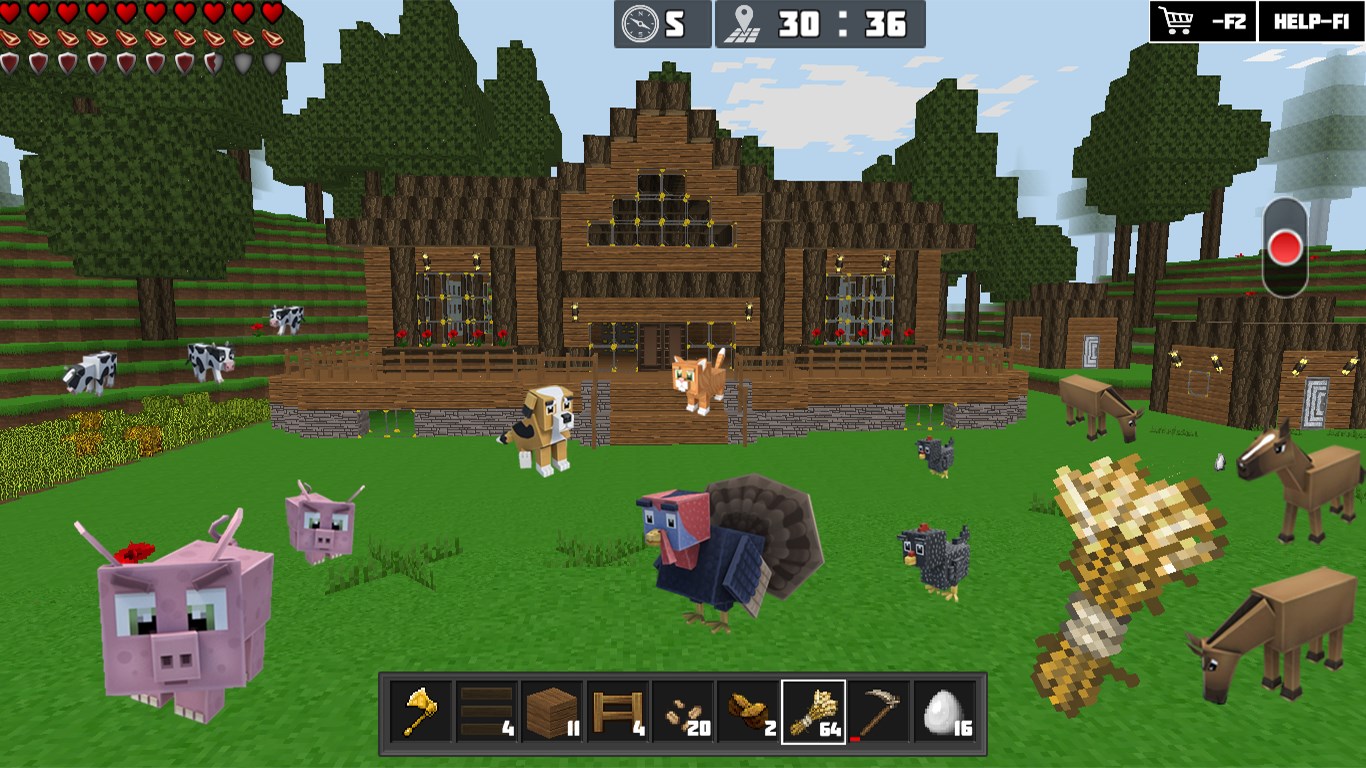
From a usability perspective, WorldCraft impresses with its clean interface and responsive controls. Navigating the app feels natural, much like flipping through a well-organized craft store. Learning the basics takes only a few minutes, making it accessible even for young children or those new to sandbox environments. The game's graphics are colorful and inviting—though not hyper-realistic—setting a friendly tone that encourages playful exploration.
Compared to other similar apps, WorldCraft's key unique advantage is its balance between simplicity and depth. While many sandbox games excel at complex feature sets, they often come with steeper learning curves or resource demands. Here, the focus on streamlined tools and multiplayer collaboration offers a distinctive, approachable experience that remains engaging over time.
Recommendation and Usage Tips
If you're looking for a creative outlet that's easy to pick up and fun to share, WorldCraft is worth exploring. It works well for casual creators, young learners, or anyone wanting a relaxing digital craft session. For best results, start with small projects to get familiar with the controls, then gradually experiment with terrain editing and multiplayer collaborations. While it may not have the depth of more advanced building simulators, its colorful presentation and social features make it a noteworthy choice for lighthearted, collaborative creativity.
In conclusion, WorldCraft offers a friendly, accessible, and engaging environment for building and exploring. Its standout features—particularly the user-friendly modeling tools and multiplayer interaction—make it a compelling option within the casual sandbox genre. Whether you're a budding block architect or just looking for a chilled-out creative space, this app deserves a spot on your Windows device.
Pros
- Intuitive 3D Building Interface
- Extensive Block Selection
- High-Quality Graphics
- Regular Updates and New Content
- Multiplayer Mode Support
Cons
- Limited Free Content
- Occasional App Crashes
- Lack of In-Game Tutorials for Beginners
- Performance Issues on Older Devices
- Limited Customization Options for Textures











