



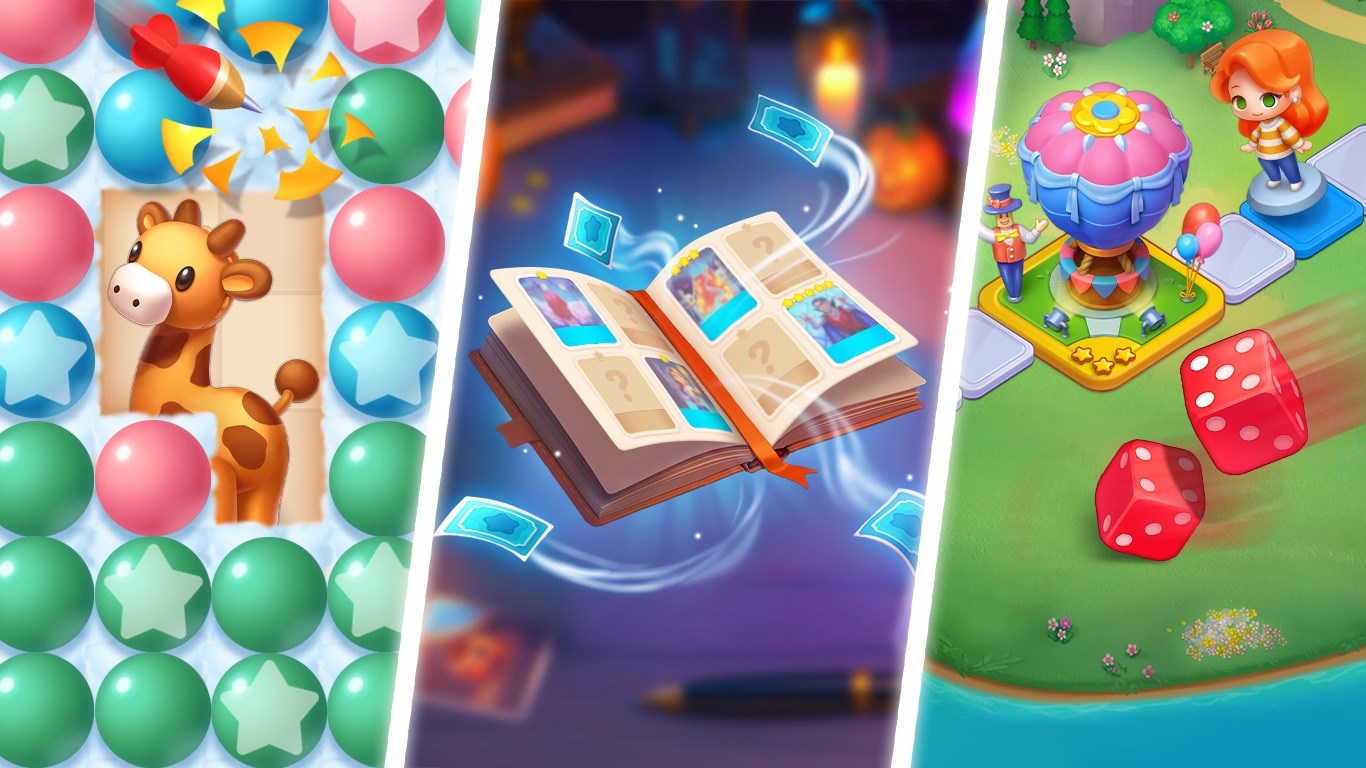
- Name DesignVille: Merge & Design
- Category Action & adventure
- Developer TAPCLAP
- Available on PC, Mobile, Surface Hub, HoloLens
- OS Windows 10 version 17763.0 or higher
- Mouse Integrated Mouse
- languages Chinese (Simplified), Chinese (Traditional Chinese), English, English (United States), French, German, Greek, Italian, Japanese, Korean, Portuguese (Brazil), Russian, Spanish, Turkish
DesignVille: Merge & Design - Where Creativity Meets Digital Playground
DesignVille: Merge & Design for Windows is a captivating puzzle and design game that invites players into a vibrant world of merging, building, and creative expression. Developed by TAPCLAP, this app combines addictive gameplay with artistic customization, making it an ideal escape for fans of both puzzles and design simulations.
Innovative Design by TAPCLAP
Created by TAPCLAP, a studio known for engaging and family-friendly casual games, DesignVille seeks to blend the satisfaction of merging objects with the joy of customizing your own virtual universe. The app's core lies in transforming simple elements into elaborate scenes, fostering both strategic thinking and artistic flair.
The Game's Brightest Features
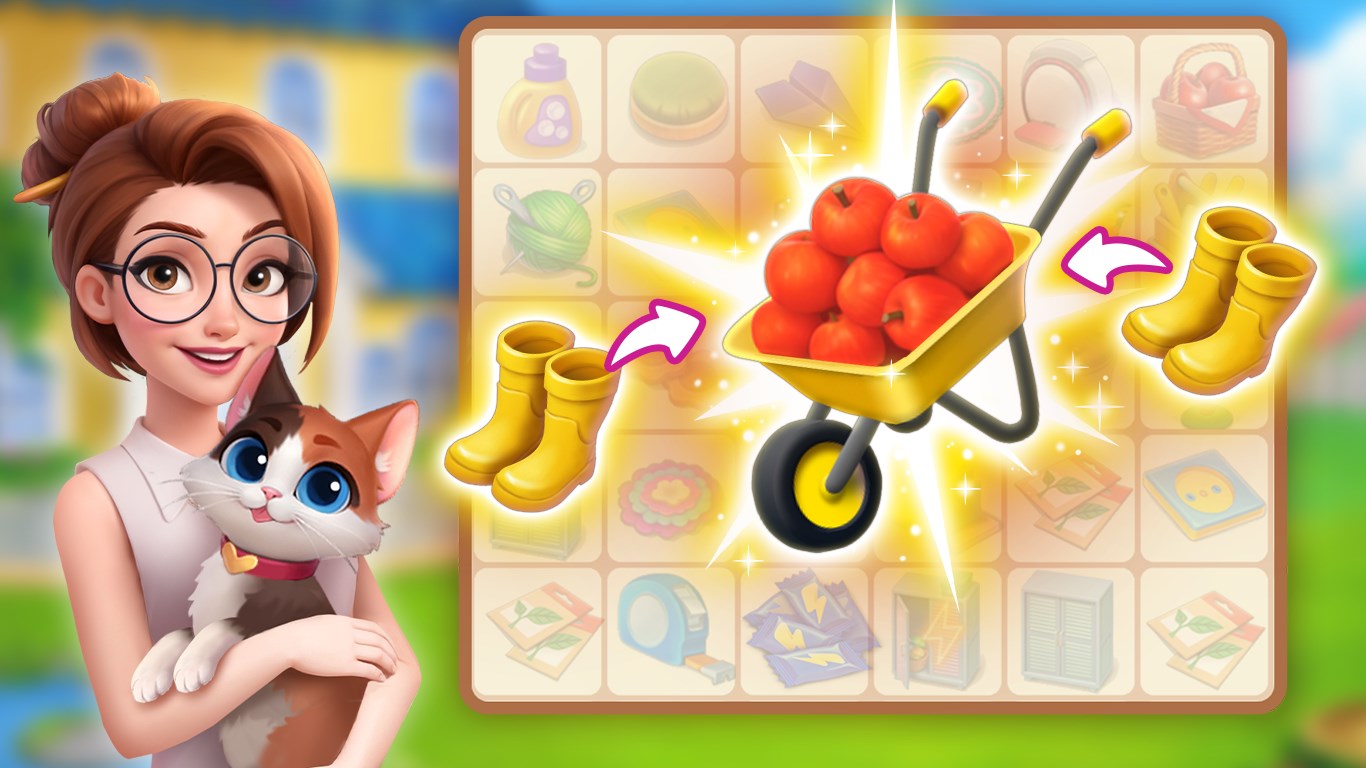
- Unique Merge Mechanics: Combine similar objects to unlock new items and progress through increasingly intricate levels, akin to a digital puzzle maze that keeps players hooked.
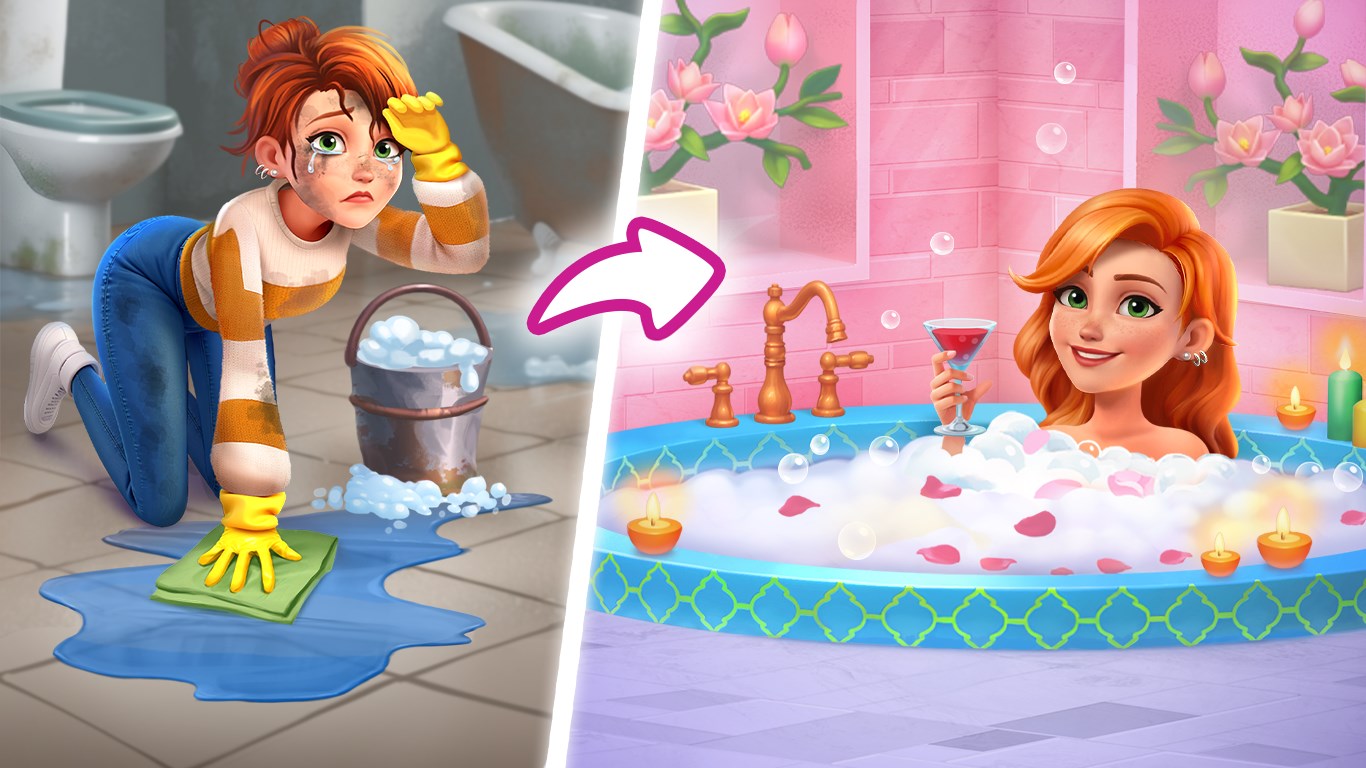
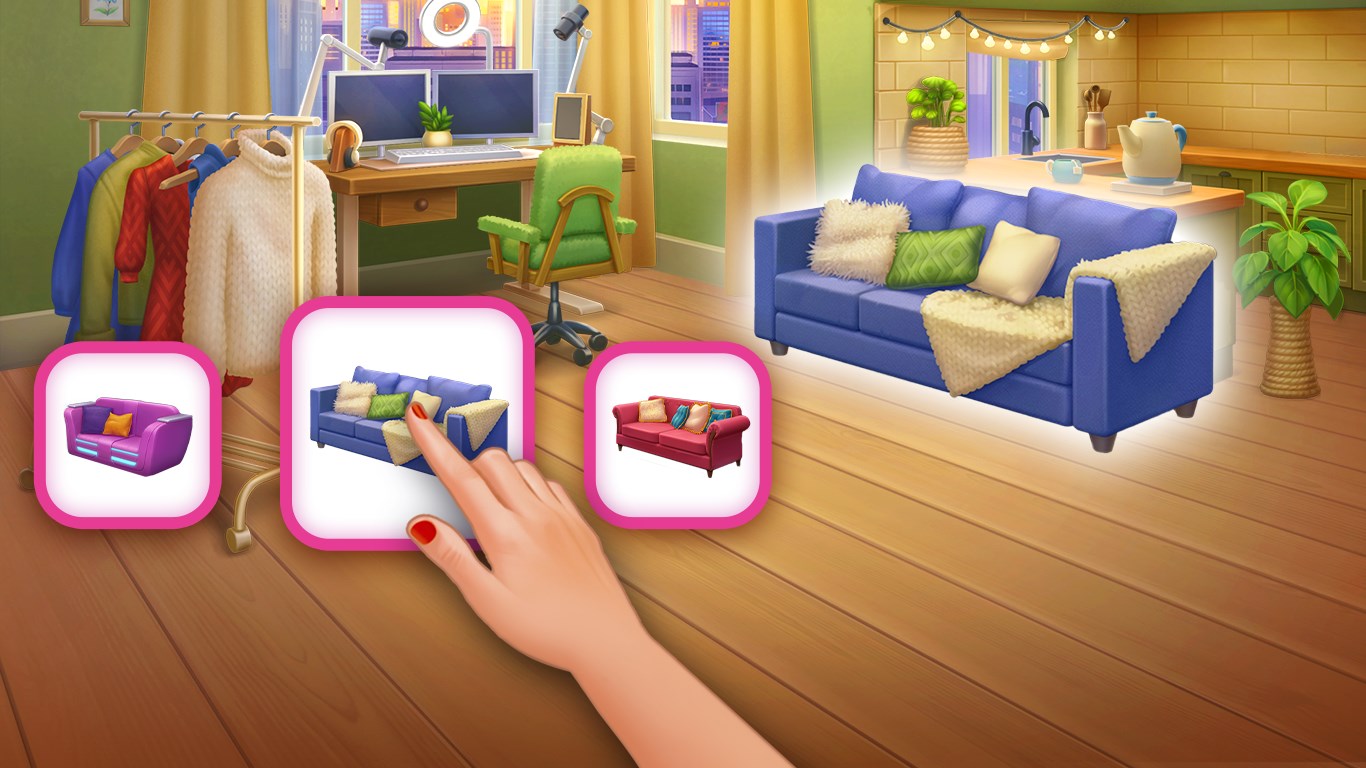
- Creative Design Studio: After merging, players can decorate and customize their town with a rich palette of themes, buildings, and accessories—turning a mere game into a digital art canvas.
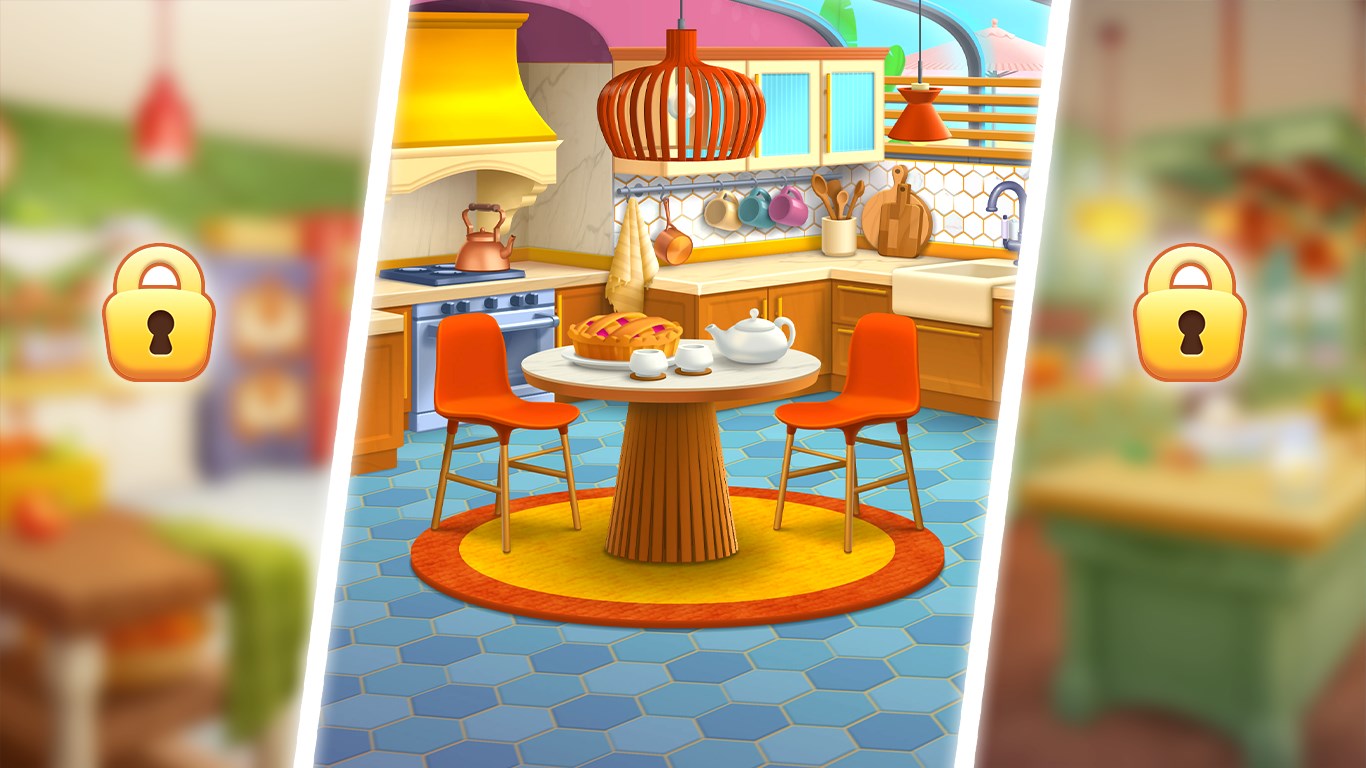
- Engaging Progression System: From humble beginnings to a bustling metropolis, the app rewards strategic merges and invites players to craft their personalized paradise.
- Event-based Challenges: Regular updates and thematic events introduce new items and special missions, enhancing replayability and community engagement.
Immersive User Experience
DesignVille boasts a bright, colorful interface that immediately draws players into its lively world. The intuitive layout ensures that even newcomers can quickly get a handle on merging and designing without frustration. The controls are smooth—dragging and dropping elements feel natural—and the app transitions seamlessly from one task to another, maintaining fluid gameplay. The learning curve is gentle; players learn core mechanics gradually while being encouraged to experiment with new styles and combinations. This approachable design makes the game suitable for a wide demographic, from casual gamers to creative enthusiasts.
What Sets DesignVille Apart?
Compared to other puzzle or city-building apps, DesignVille's signature lies in its dual focus: merging mechanics combined with extensive customization. Unlike typical match-3 games where the emphasis is solely on puzzles, DesignVille offers a rewarding blend of puzzle-solving with creative expression. Its most distinctive feature is the “Merge & Decor” core—merging items unlocks new decorative assets, transforming gameplay into a sandbox of endless possibilities. This integration of merging logic with artistic freedom lends it a unique charm, positioning it as more than just a casual game but as a platform for creative exploration.
Recommendation & Usage Tips
If you enjoy puzzle games that reward strategic thinking and crave a sandbox environment to showcase your design talent, DesignVille is a solid choice. Its user-friendly interface and steady progression system make it suitable for players of all ages, especially those who appreciate a relaxed, creative experience. For best results, dive into the game with an open mind—don't rush through levels; instead, enjoy the process of merging and decorating. The regular events and updates also offer an incentive to keep returning, ensuring that the virtual town keeps evolving and engaging.
In summary, DesignVille: Merge & Design stands out with its innovative merging mechanics paired with extensive customization options. Whether you're looking for a casual puzzle to unwind or a creative outlet to build your dream town, this app offers a refreshing blend of both worlds. It's a worthy addition to any casual gamer's collection, promising hours of fun and artistic satisfaction without any need for intense competition or complex controls.
Pros
- Intuitive Merge & Design Mechanics
- Wide Variety of Design Elements
- Engaging Puzzle-based Gameplay
- Regular Content Updates
- Beautiful Visuals and Sound Effects
Cons
- Limited Guidance for New Players
- Performance Issues on Some Devices
- In-App Purchase Prompts Are Frequent
- Limited Social Features
- Repetitive Level Design










