
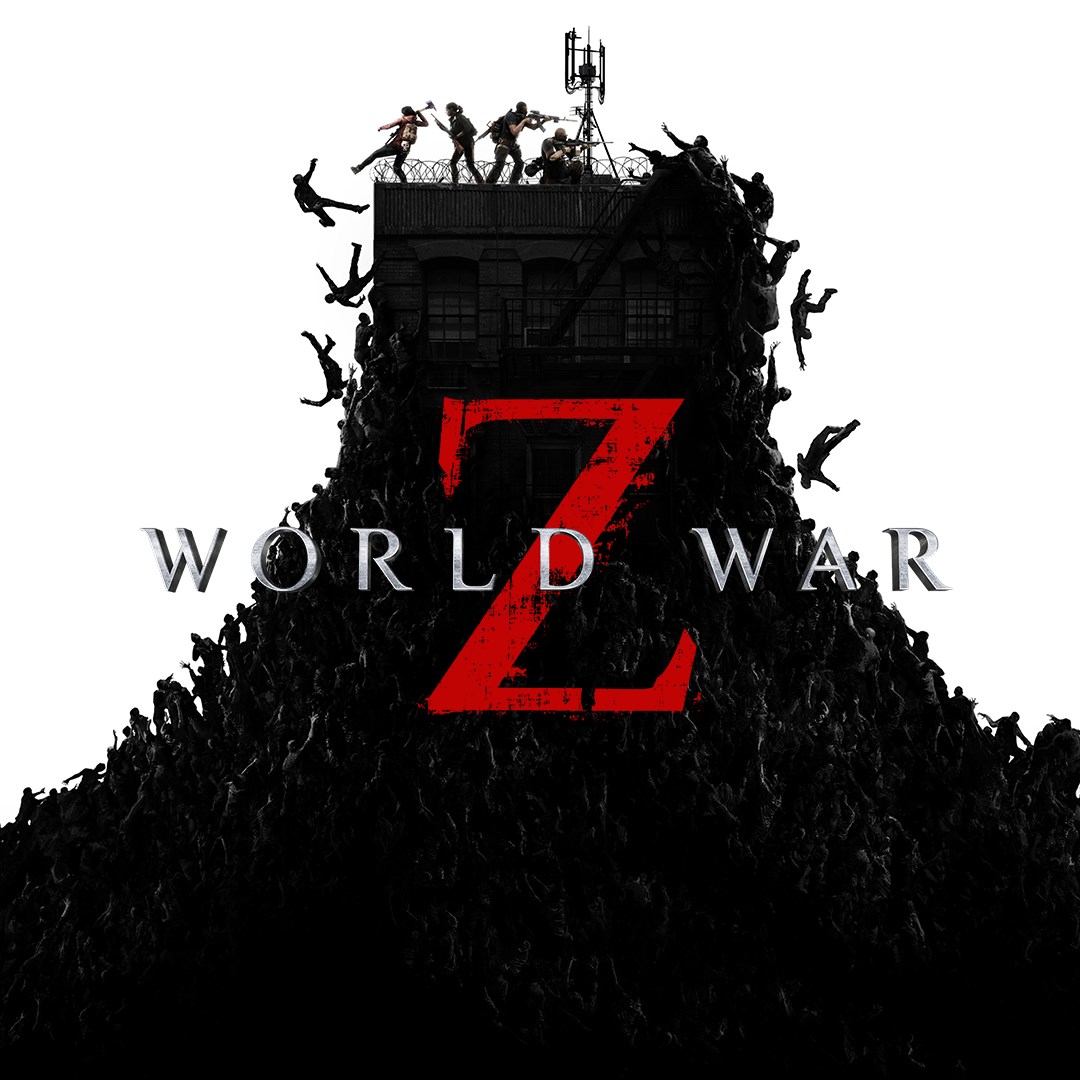
- Name World War Z
- Category Action & adventure
World War Z for Windows: A Heart-Pounding Cooperative Zombie Survival Experience
World War Z, developed by Saber Interactive Inc., immerses players in a frantic struggle against waves of relentless zombies, delivering a multiplayer-focused survival adventure that seeks to keep you on the edge of your seat. Perfect for fans of cooperative combat and intense action sequences, this game offers a fresh take on the zombie genre, emphasizing teamwork and strategy amid chaos.
A Comprehensive Overview of World War Z
Set in a post-apocalyptic world ravaged by a deadly zombie pandemic, World War Z stands out as a multiplayer-focused third-person shooter that emphasizes cooperative gameplay. Developed by Saber Interactive Inc., the game brings cinematic zombie hordes to life with impressive AI and dynamic wave mechanics. Its primary features include large-scale cooperative battles, diverse character classes, and a wide array of weaponry. Designed for gamers who enjoy intense tactics and team coordination, World War Z appeals to players looking for a cooperative adventure with high replayability.
Immersive and Dynamic Zombie Combat
One of the game's most captivating aspects is its large-scale wave system, where players team up to fend off escalating hordes of zombies that surge with relentless fury. The game smartly escalates the difficulty, making every wave feel like a fresh challenge. The AI-driven zombies behave unpredictably, forcing players to adjust their strategies on the fly. This dynamic combat environment ensures each session remains unpredictable and adrenaline-pumping, turning a simple shoot-em-up into a tactical clash of wits and reflexes.
Diverse Player Classes and Strategic Teamplay
World War Z offers a variety of character classes—each with unique skills, weapons, and playstyles—which encourage players to adopt complementary roles. Whether wielding a powerful shotgun as the "Gunslinger" or setting up defensive positions as the "Medic," players can customize their approach to survive waves of the undead. The emphasis on teamwork means coordinating movements, sharing resources, and planning ambushes, transforming the game into a collaborative quest. This strategic depth adds a layer of engagement that sets it apart from more straightforward shooters and keeps players returning for new tactics and cooperative fun.
Intuitive Interface and User Experience
The game boasts a straightforward, easy-to-navigate interface that guides newcomers without overwhelming them. Controls are responsive and fluid, allowing quick aiming, shooting, and maneuvering during intense firefights. The learning curve is gentle enough for beginners to pick up and play, yet layered with enough complexity to challenge veteran gamers. Visually, the game balances detailed character models and environmental design without sacrificing performance, providing smooth gameplay even in chaos-filled moments. From menu navigation to gameplay mechanics, World War Z offers a polished user experience that facilitates immersion rather than frustration.
Standing Out in a Crowded Genre
Compared to other action and adventure titles, World War Z's most distinctive trait lies in its large-scale, wave-based zombie hordes, which simulate the feeling of being overwhelmed in a survival scenario. Its seamless cooperative multiplayer system, combined with varied class options, provides a depth of team-based strategy less common in similar titles. Unlike typical shooter games that focus on individual heroics, World War Z emphasizes collective effort and tactical positioning against almost insurmountable odds, making each victory rewarding and every failure a lesson in coordination.
Final Verdict and Recommendations
All in all, World War Z for Windows offers a compelling, adrenaline-fueled zombie survival experience rooted in teamwork and strategic combat. Its dynamic wave mechanics and diverse character classes set it apart within the crowded action genre. If you're a fan of cooperative gameplay, intense combat scenarios, and tactical planning, this game is well worth adding to your library. Beginners can quickly dive into the action thanks to its approachable interface, while seasoned players will appreciate the strategic depth and challenge.
My suggestion? Gather a few friends, pick your classes, and dive into the chaos—just be ready to work together to survive the apocalypse. World War Z isn't just a game; it's a test of teamwork and nerves, making every victory all the more satisfying.
Pros
- Engaging Gameplay with Stunning Graphics
- Variety of Game Modes
- Smooth Performance on Most Devices
- Regular Content Updates
- Intuitive Controls
Cons
- High Battery Consumption
- Occasional Network Lag
- Limited Customization Options
- In-App Purchases Can Be Steep
- Initial Download Size is Large











