
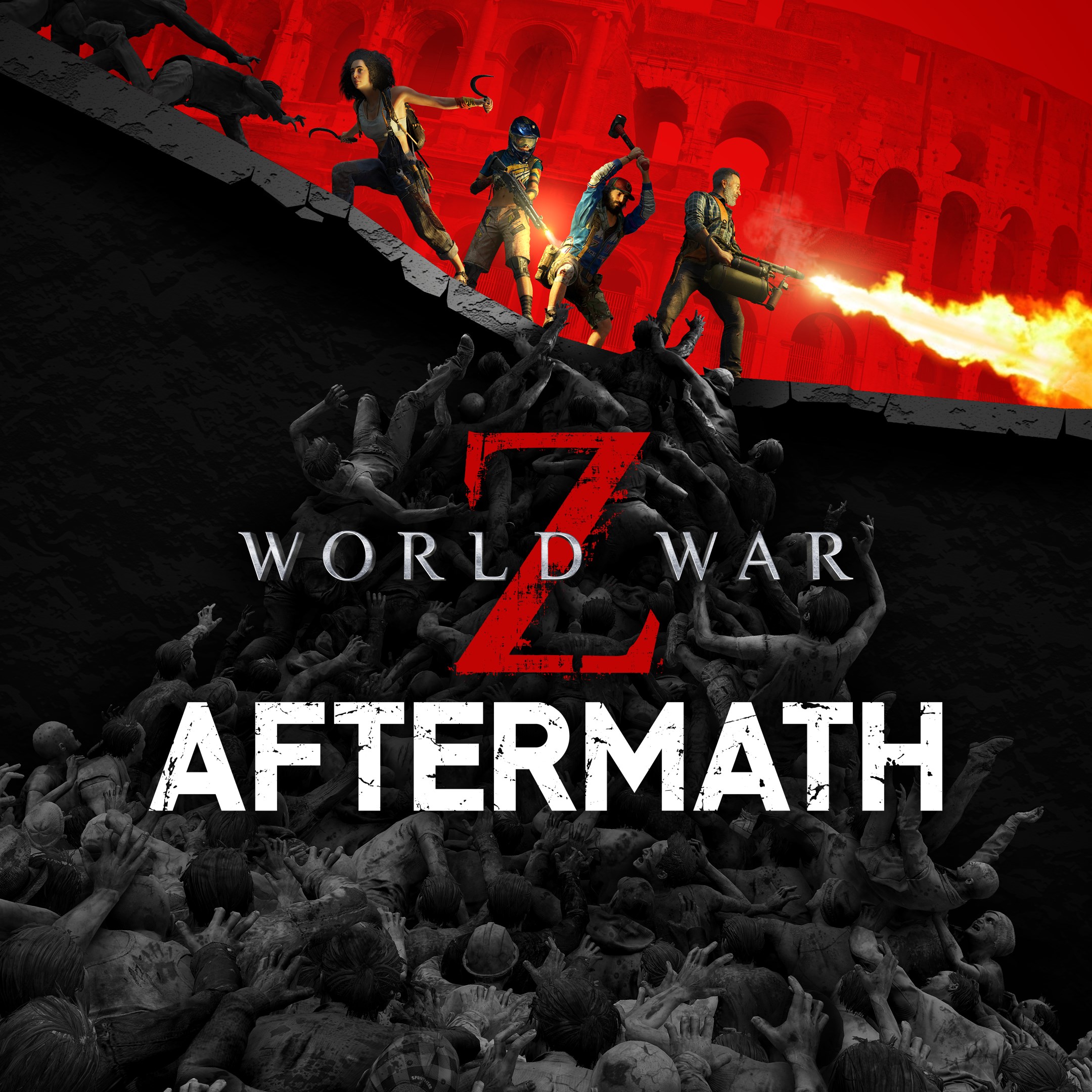
- Name World War Z: Aftermath
- Category Action & adventure
World War Z: Aftermath – A Hauntingly Intense Cooperative Zombie Warzone
World War Z: Aftermath for Windows immerses players in a visceral, fast-paced zombie survival experience replete with cooperative gameplay, dynamic combat, and an atmospheric post-apocalyptic setting. It's a title that invites gamers to face overwhelming hordes and strategize with friends amidst the chaos of a world torn apart by the undead.
About the Game: Core Information
Developed by Saber Interactive Inc., World War Z: Aftermath is an action-packed third-person shooter set in a relentless zombie universe. The game emphasizes co-op multiplayer, making teamwork essential to surviving waves of zombies and completing missions across global maps.
- Main features include:
- Intense cooperative gameplay supporting up to four players, encouraging teamwork and shared strategy.
- A diverse arsenal of weapons and customizable loadouts, giving players rich options to adapt their fighting style.
- Dynamic zombie hordes equipped with advanced AI, creating unpredictable and challenging encounters.
- Multiple expansive levels spanning different environments—urban ruins, jungles, and snowy landscapes—each with unique challenges.
- Target audience: This title is ideal for gamers who enjoy cooperative action, tactical shooting, and horror-themed survival scenarios, especially those who appreciate detailed environments and team-based gameplay dynamics.
An Engaging Zombie Thriller Worth Exploring
Stepping into World War Z: Aftermath feels akin to jumping into a cinematic disaster movie—adrenaline surges as hordes of undead surge from all directions. The game's relentless pace keeps players on edge, with each wave demanding quick reflexes and sharp coordination. Its atmosphere effectively combines apocalyptic dread with the thrill of battle, making every firefight an adrenaline rush. It's a perfect choice for fans who crave that adrenaline-pumping experience where teamwork is the only way to survive.
Core Gameplay Mechanics: Cooperation and Combat
Seamless Co-op Action with a Strategic Edge
The game's standout feature is its cooperative multiplayer mode, allowing four players to team up seamlessly both online and locally. The platform's matchmaking system is intuitive, matching players into balanced squads. When facing enormous zombie hordes, coordinated flanking, covering fire, and synchronized movements turn the tide of battle. The communication and teamwork elements foster a camaraderie reminiscent of a well-rehearsed squad in a combat zone. This focus on multiplayer cooperation distinguishes Aftermath from many single-player zombie shooters, elevating it to a community-driven experience.
Diverse Combat Arsenal and Customization
Players have access to a vast array of weapons—shotguns that roar like thunder, silencers for stealthy takedowns, and explosive devices that turn the battlefield into chaos. The loadout customization allows for a personalized approach to combat, whether you prefer a stealthy sniper or a heavy-weapon enthusiast. The game's weapon upgrade system and character progression provide a satisfying sense of growth. This depth of customization offers an engaging strategic layer, encouraging players to experiment with different tactics against the undead armies.
Dynamically Challenging Zombie AI
The zombies in Aftermath aren't mindless shamblers; they're intelligent, aggressive, and capable of coordinating attacks. Special infected, such as fast runners or tank-like behemoths, require players to adapt on the fly. The AI's unpredictable behaviors keep encounters fresh and tense, compelling teams to remain vigilant. This makes each wave a memorable challenge, setting Aftermath apart from more static zombie shooters with less dynamic enemy behaviors.
Design, Usability, and Unique Advantages
The user interface is clean and accessible, with intuitive controls that ease players into the fast-paced action without overwhelming complexity. The graphics effectively portray a hauntingly destroyed world—decayed cityscapes, abandoned vehicles, and ominous backgrounds that heighten immersion. Movement feels fluid, and combat mechanics are responsive, ensuring a smooth user experience even amidst chaos.
Compared to other action-adventure titles, Aftermath's **dynamic AI-driven hordes** and *robust co-op features* stand out. It fosters a true sense of solidarity and strategic teamwork, elevating it beyond standard shooter fare. The game's multiple environmental terrains and weather effects offer visual variety and tactical implications, enriching gameplay depth.
Final Thoughts and Recommendations
World War Z: Aftermath is a well-crafted zombie shooter that excels in delivering adrenaline-fueled cooperative survival. Its most striking qualities are the intense multiplayer experience and the adaptive AI of enemy hordes, which together create a compelling challenge for teams. If you enjoy games that demand coordination, tactical thinking, and immersive atmospheric horror, this title warrants serious consideration.
While it boasts a steep learning curve for newcomers and requires an internet connection for multiplayer, these are minor trade-offs for the rich, engaging gameplay on offer. I'd recommend it to players who value teamwork, strategic combat, and atmospheric storytelling in their action games. Whether you're teaming up with friends or seeking a challenging co-op adventure, World War Z: Aftermath offers a vivid, adrenaline-pumping zombie survival experience that's worth diving into.
Pros
- Engaging multiplayer gameplay
- Detailed and immersive graphics
- Variety of weapons and customization options
- Well-designed storyline
- Regular updates and new content
Cons
- Occasional lag and performance issues
- In-game purchases can be tempting
- Limited tutorials for new players
- Battery consumption is relatively high
- Some bugs reported in multiplayer matchmaking











