

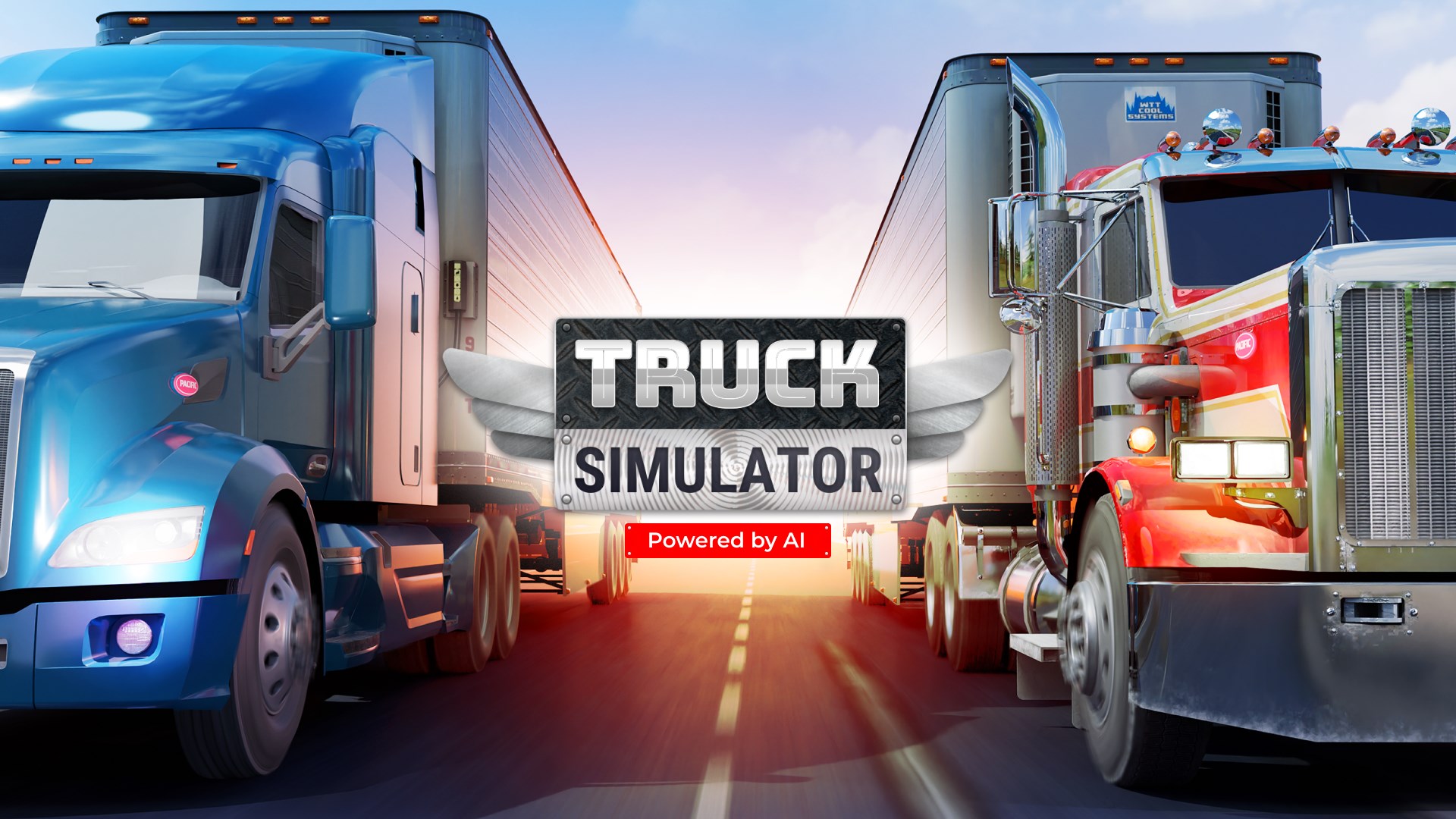
- Name Truck Simulator - Car Parking & Driving
- Category Action & adventure
- Available on PC, Mobile
- OS Windows 10 version 19041.0 or higher
- DirectX Version 10
- languages Chinese (Simplified), English (United States), French, German, Italian, Japanese
Introduction to Truck Simulator - Car Parking & Driving
Imagine stepping into a virtual world where you can hone your parking skills, test your driving patience, and experience the thrill of maneuvering massive trucks—in the comfort of your own digital garage. Truck Simulator - Car Parking & Driving for Windows, developed by Pulsar Studio, LLP, offers a compelling simulation experience tailored for both aspiring drivers and casual gaming fans alike. Whether you're looking to practice tight parking or simply enjoy the sensation of controlling large vehicles, this app attempts to combine practicality with entertainment.
Core Features That Drive the Experience
Realistic Truck Handling and Driving Mechanics
At the heart of the app lies its commitment to mimic the nuances of real truck driving. The game employs physics-based controls that replicate the weight, turning radius, and braking dynamics of genuine trucks. This feature isn't just eye candy; it challenges players to master the art of gentle acceleration and precise steering, making each successful delivery feel genuinely rewarding. For those who dream of sliding behind the wheel of a massive rig, this simulation offers a satisfying and immersive experience.
Varied Parking Scenarios and Challenges
The game boasts a wide variety of parking missions, from simple dockside loads to tight city center deliveries. Each scenario invites players to navigate narrow alleyways or park within marked spaces under time constraints, testing their spatial awareness and precision. The diverse environments keep the gameplay fresh, ensuring you're constantly adapting to new challenges, much like a professional driver adjusting to different cargo and urban landscapes.
Intuitive User Interface and Controls
Ease of use is a standout feature here. The interface is clean and straightforward, offering effortlessly accessible controls that cater to both novice and experienced players. The game supports touch gestures that feel natural—swiping to steer, tapping brakes, or accelerating—making the learning curve gentle. Smooth responsiveness ensures a seamless experience, which is crucial for maintaining immersion as you focus on perfecting your parking skills without frustration.
Design, Experience, and Competitive Edge
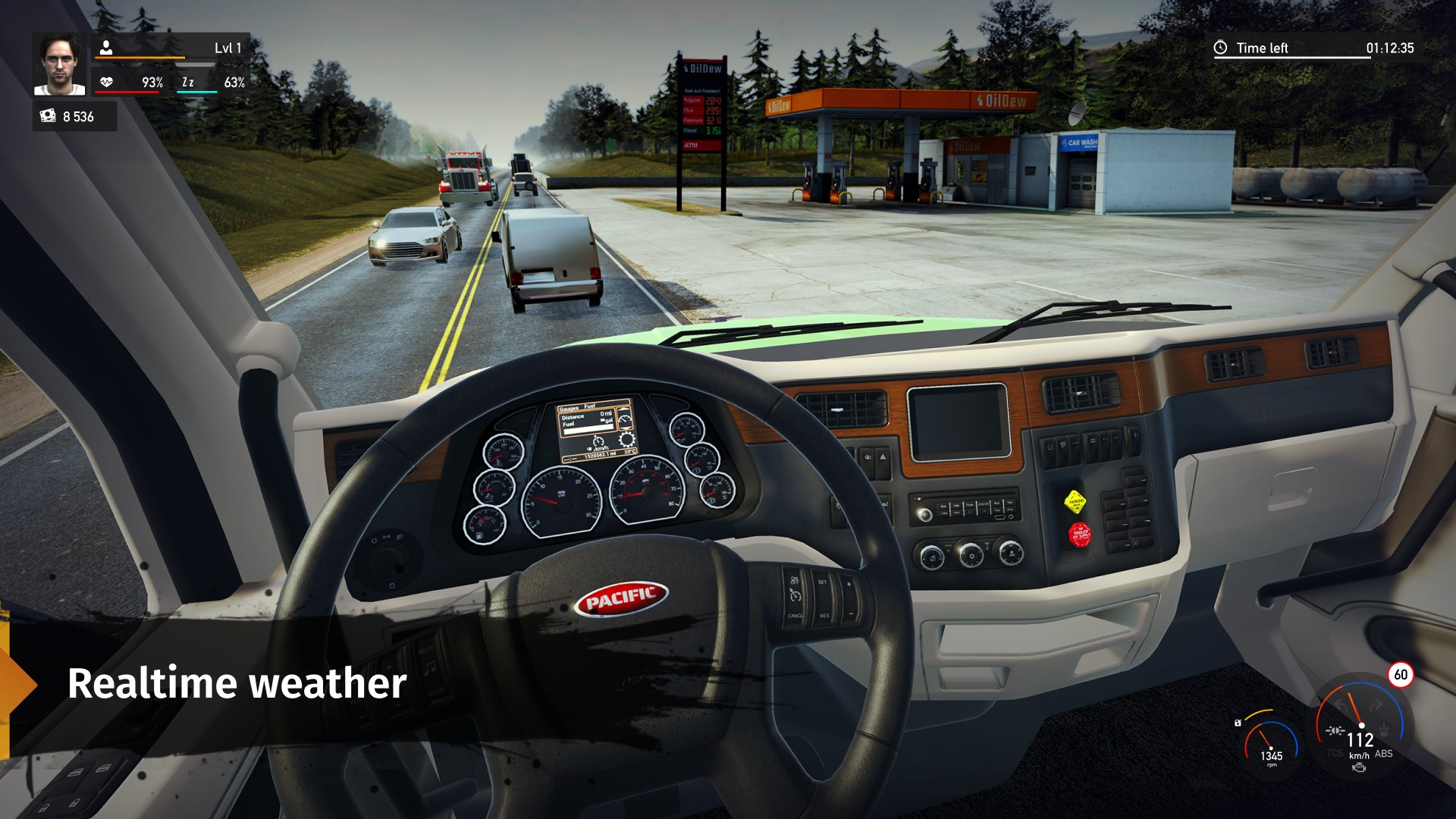
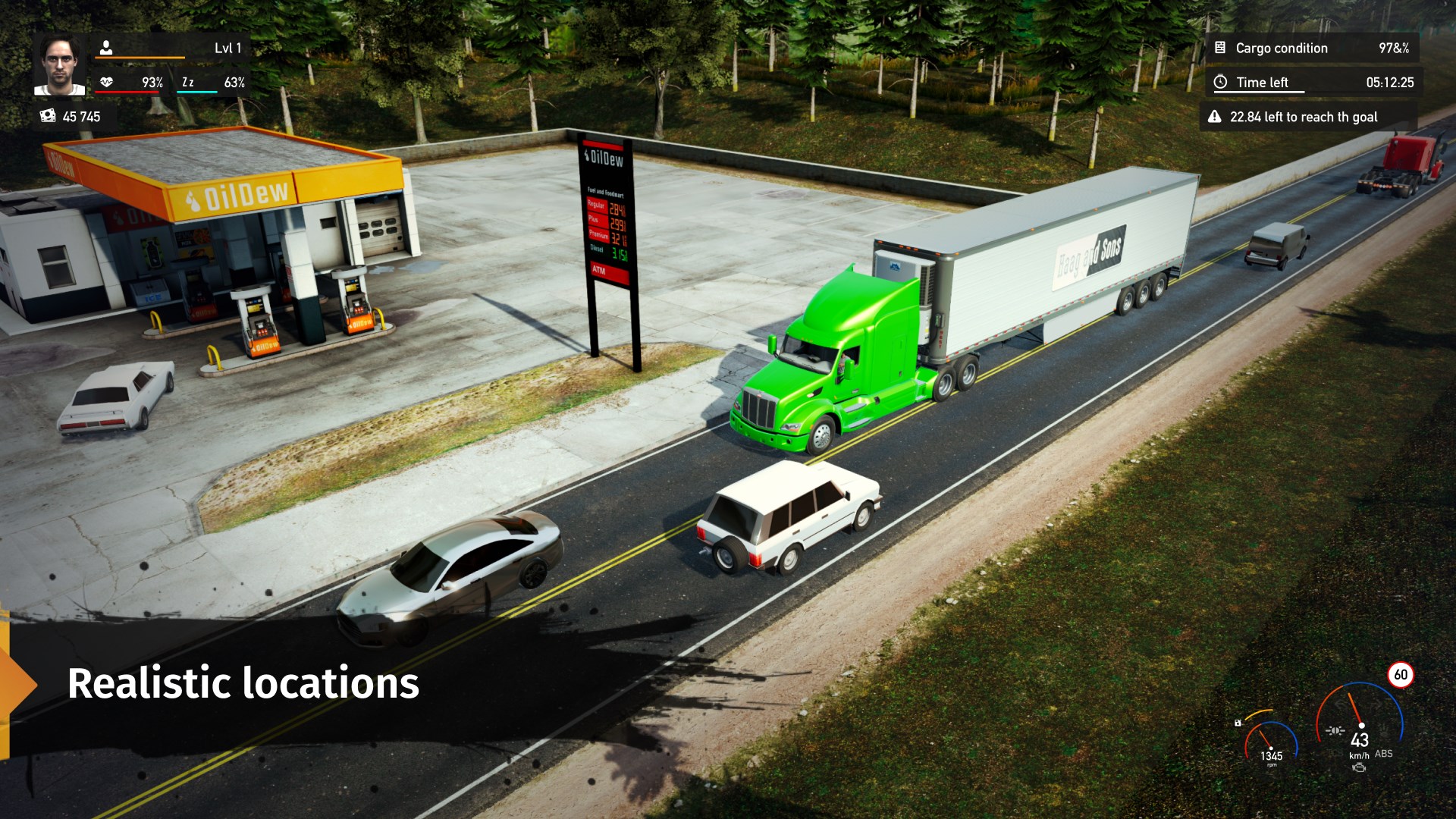
Visually, the game adopts a clean and functional aesthetic, resembling real-world truck cockpits and cityscapes. While it doesn't strive for hyper-realistic graphics, the visuals effectively communicate the scale of the vehicles and environments, adding to the overall authenticity. The gameplay runs smoothly on most Windows devices, thanks to well-optimized performance that minimizes lag or crashes. This reliability fosters confidence for players wanting to spend extended sessions practicing different scenarios.
Compared to other action and adventure titles that emphasize frantic sequences or story-driven narratives, Truck Simulator emphasizes a calm, skill-based experience. Its unique selling point is the simulation focus blended with accessible gameplay, making it stand out for those seeking to develop real-world driving skills or enjoy a relaxing yet engaging activity. Its core strengths lie in the realistic physics and the diverse set of parking challenges, which collectively provide a meaningful simulation experience rather than just arcade fun.
Final Thoughts and Recommendations
I would recommend Truck Simulator - Car Parking & Driving to anyone interested in vehicle simulations, especially if you enjoy precise control and spatial challenges. It's ideal for beginners looking to dip their toes into driving games or even seasoned enthusiasts wanting to sharpen their parking techniques. Although it's more of a simulation than an action-packed game, its realistic handling and varied scenarios make it a worthwhile addition to any digital driving collection. For players craving a relaxed yet skillful experience that feels both educational and entertaining, this app offers a dependable and approachable platform to hit the road virtually.
Pros
- Realistic truck driving experience
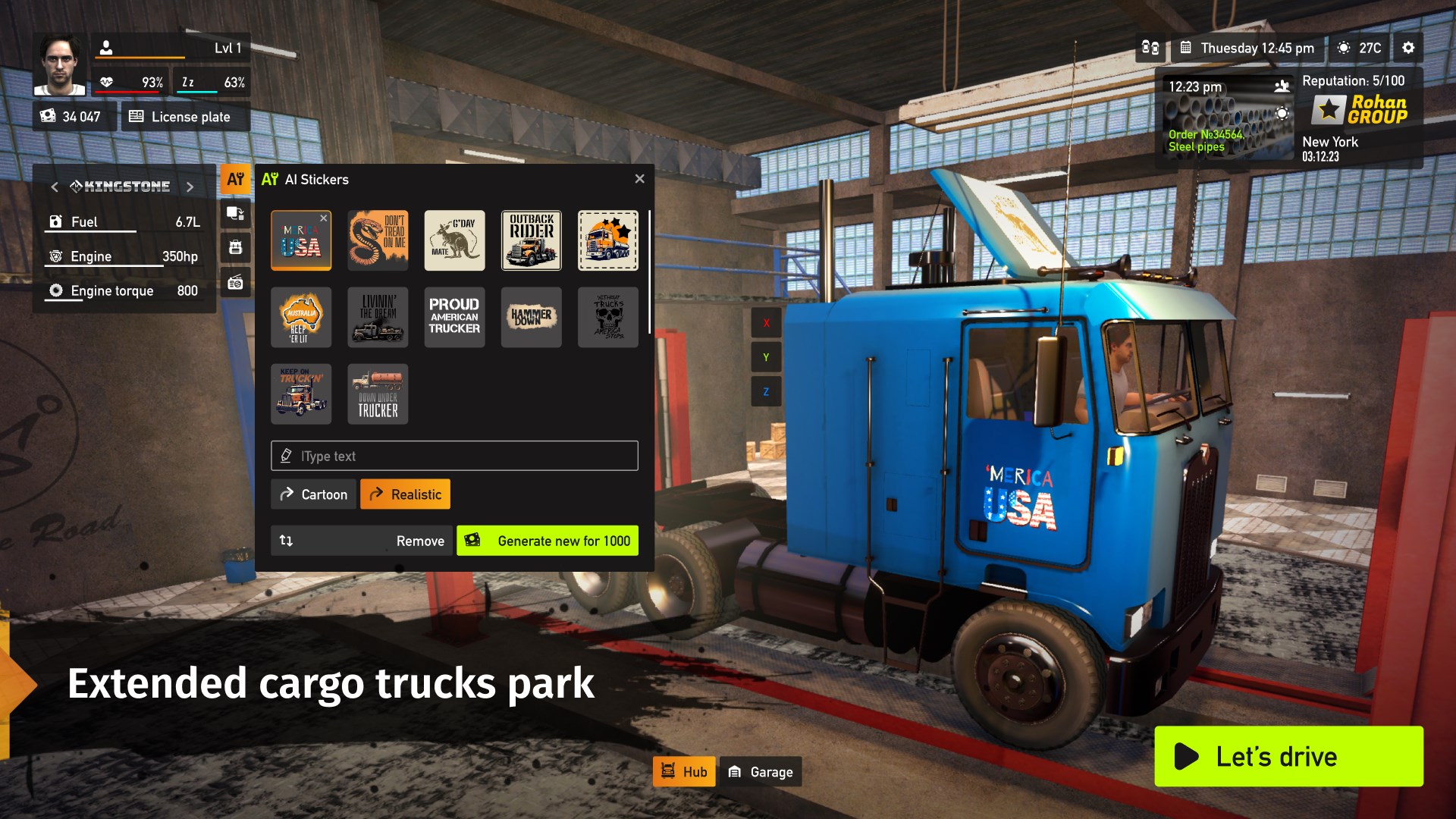
- Wide variety of trucks and customization options
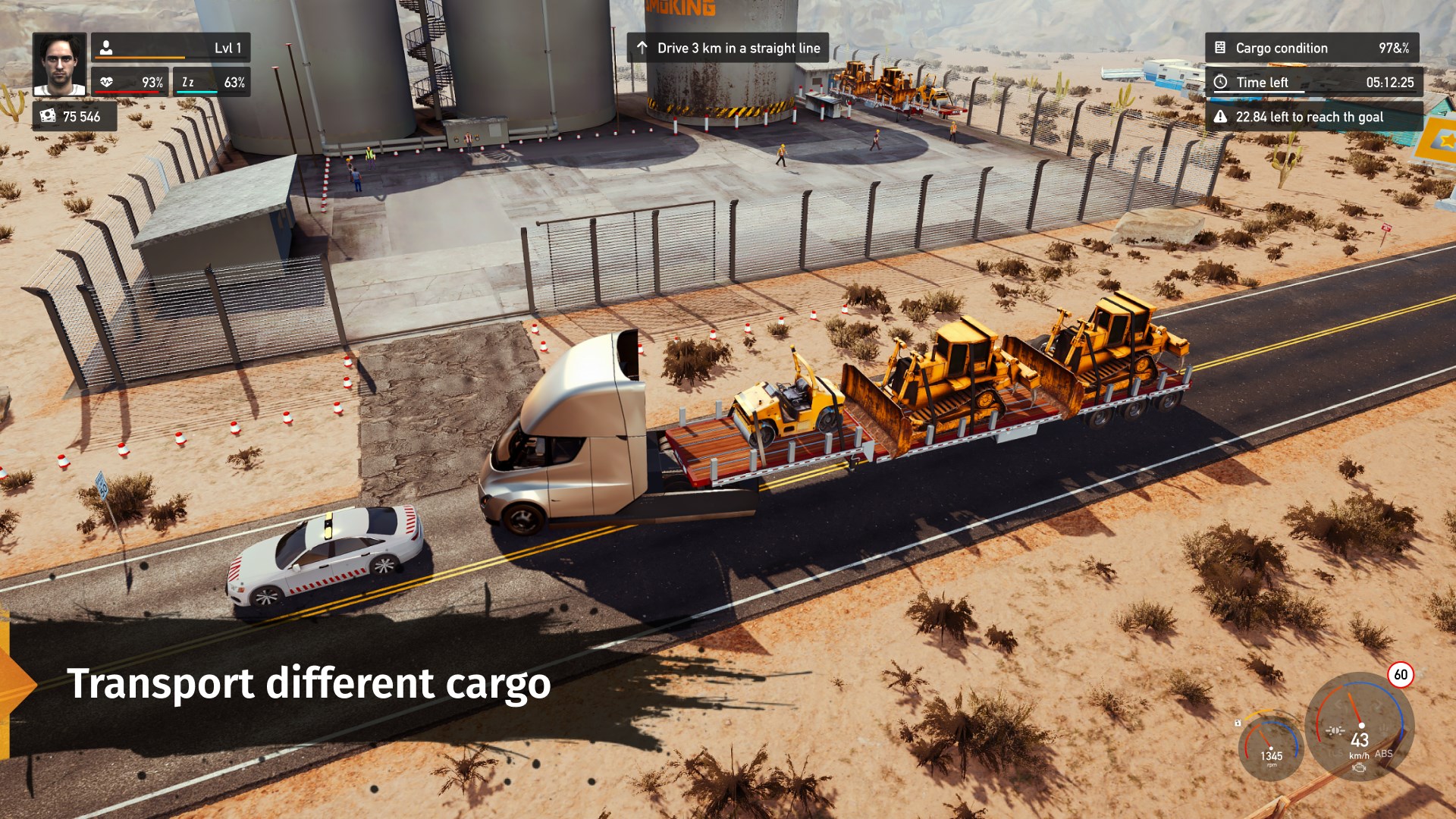
- Engaging cargo delivery missions
- Intuitive controls and user interface
- Regular updates adding new content
Cons
- Occasional graphics glitches
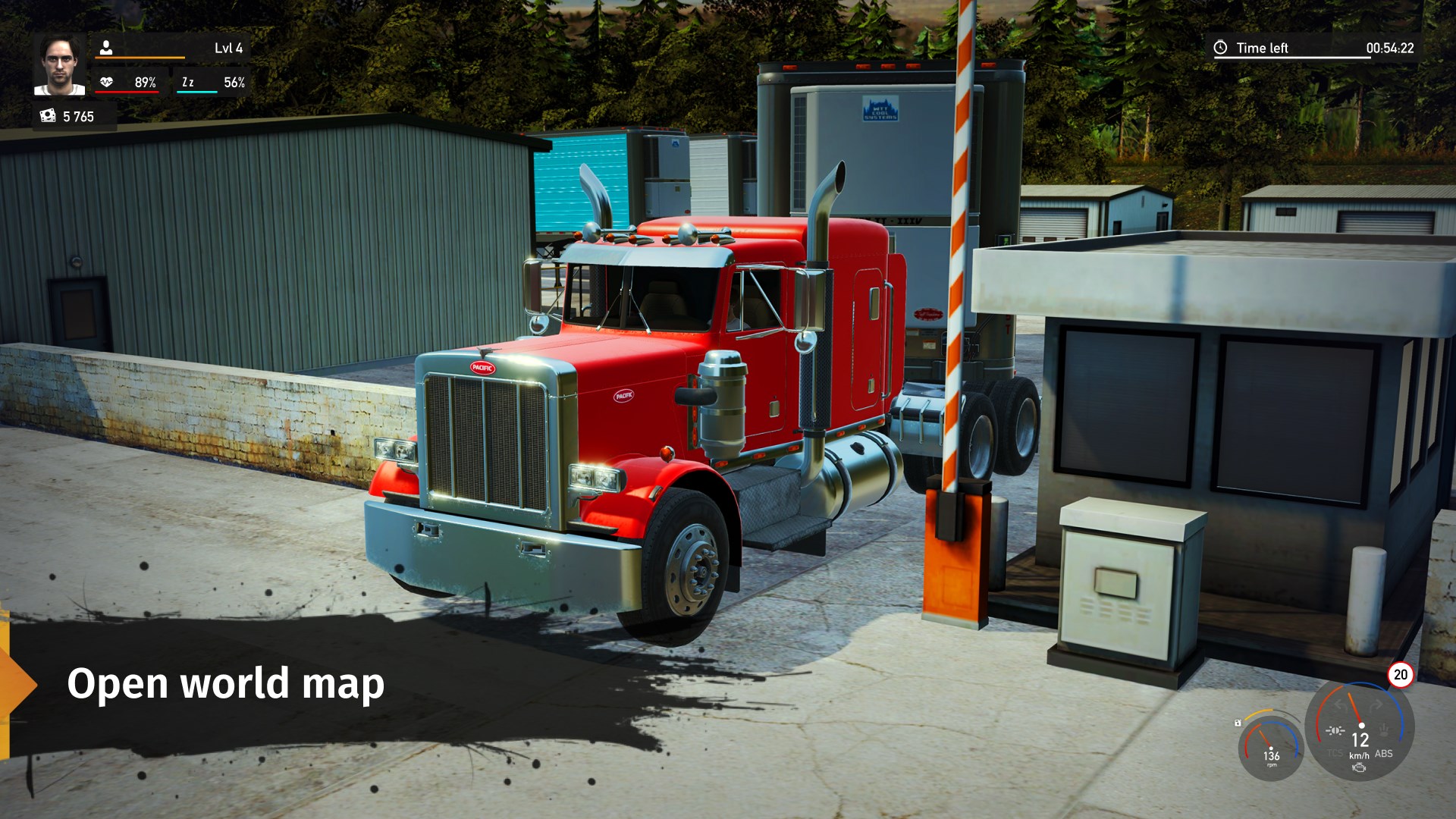
- Limited map diversity in current version
- Vehicular physics can feel inconsistent at times
- In-app purchases can be intrusive
- Sound effects occasionally repetitive











