
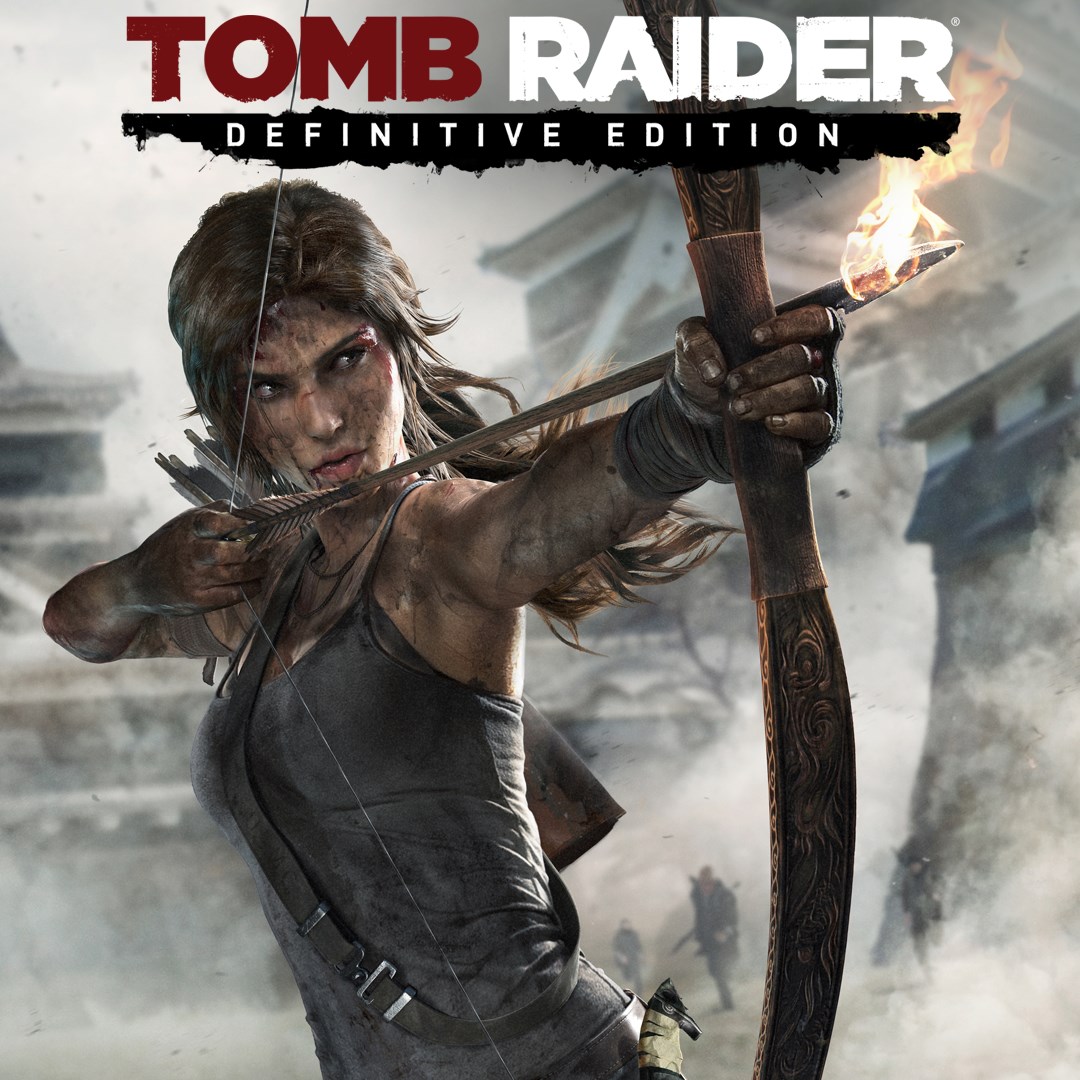
- Name Tomb Raider: Definitive Edition
- Category Action & adventure
Introduction: A Modern Rebirth of an Epic Adventure
Tomb Raider: Definitive Edition for Windows offers players a polished and immersive iteration of the legendary action-adventure saga. This game isn't just a port; it's a lovingly remastered experience that invites players to step into Lara Croft's rugged boots and uncover ancient secrets amid breathtaking landscapes. Whether you're new to the series or a longtime fan, this edition promises an enhanced journey packed with visual upgrades and refined gameplay elements.
Core Highlights: Visuals, Gameplay & Immersive Experience
Stunning Visual and Audio Enhancements
The Definitive Edition elevates the original graphics significantly—think of it as shifting from a well-worn, charming sketch to a vibrant, photorealistic painting. Textures are crisper, environments more detailed, and character models exhibit subtle nuances that bring Lara's world to life. The sound design complements this beautifully, with atmospheric sounds and an immersive score that make you feel genuinely transported to the wilds of Yamatai. These enhancements not only look great but also deepen the sense of tension and exploration.
Refined Gameplay Mechanics and Combat
At its core, Tomb Raider: Definitive Edition refines the puzzle-solving and combat mechanics that made the original so engaging. The controls are smoothly responsive, allowing fluid movement and precise aiming, akin to a well-choreographed dance. The skillful mixture of stealth and action offers players flexibility—deciding whether to sneak past enemies or confront them head-on. The game introduces intuitive traversal mechanics—climbing, jumping, and vaulting—that feel natural and satisfying, reducing frustration during complex sequences.
Rich Narrative and Exploration
The game's storytelling stands out as a highlight. Lara's character development feels genuine—her transformation from a cautious explorer to a resilient survivor unfolds through well-paced cinematic cutscenes and in-game interactions. The expansive environment invites hours of exploration, from hidden tombs to vendor camps, all designed with intricate details that reward curious players. This layered storytelling, combined with the varied landscapes, ensures each step feels like uncovering a new piece of an ancient puzzle.
User Experience & Unique Selling Points
Interface and Learning Curve
The interface is clean and user-friendly, with menus that are easy to navigate even for newcomers. The on-screen prompts and tutorials smoothly introduce gameplay mechanics without overwhelming, maintaining a gentle learning curve. The game performs well on a wide range of PCs, with minimal lag or loading times, thanks to optimized settings tailored for a seamless experience.
What Sets It Apart from Other Action-Adventure Titles
One of the most distinctive features of Tomb Raider: Definitive Edition is its focus on realistic survival elements woven into cinematic storytelling. Unlike many action-adventure games that rely heavily on fast-paced combat, this version emphasizes stealth, environmental puzzles, and exploration, offering a more immersive experience. Additionally, the high-quality remastering provides visual fidelity comparable to modern AAA titles, making every shot of sunlight or rain-drenched jungle feel tangible—this attention to realism helps it stand out among many games in the genre.
Recommendation & Usage Suggestions
If you appreciate meticulously crafted worlds, compelling storytelling, and refined mechanics, this game comes highly recommended. It's suitable for players who enjoy exploration-based gameplay with a mix of action and puzzle-solving. Given its visual upgrades and smooth performance, it's also a great choice for those looking to experience the Tomb Raider reboot in its best form on Windows. Newcomers should prepare for a moderate learning curve, but the game's intuitive design will help you get into the action quickly. Conversely, seasoned fans will appreciate the further polished presentation and immersive environments.
Pros
- Stunning Graphics and Visual Fidelity
- Enhanced Performance and Stability
- Comprehensive Content and Replayability
- Improved Controls and User Interface
- Excellent Sound Design and Voice Acting
Cons
- Large Download Size
- Occasional Frame Rate Drops on Lower-End Devices
- Login and Licensing Verification Delays
- Minor Graphics Glitches in Some Scenes
- Lack of Native Support for Certain Controllers











