



- Name Sherlock: Detective Hidden Object & Match 3 Game
- Category Action & adventure
- Available on PC
- OS Windows 10 version 16299.0 or higher
- languages Chinese (Simplified), Chinese (Traditional Chinese), Dutch, English, French, German, Italian, Japanese, Korean, Russian, Spanish, Spanish (Spain)
A Closer Look at Sherlock: Detective Hidden Object & Match 3 Game for Windows
Imagine stepping into the shoes of a sharp-eyed detective, unraveling mysteries through intricate hidden object scenes and engaging match-3 puzzles. Sherlock: Detective Hidden Object & Match 3 Game offers players a compelling blend of classic puzzle elements and immersive detective storytelling, making it a standout choice for puzzle enthusiasts on Windows.
About the App: The Essentials
Developed by G5 Entertainment AB, a well-established name in casual gaming, Sherlock: Detective combines two beloved puzzle genres—hidden object searches and match-3 gameplay—into a seamless experience.
Major features include:
- Exciting narrative-driven gameplay where players solve mysteries by investigating scenes.
- Richly detailed hidden object scenes that challenge observation skills.
- Varied match-3 puzzles that add a layer of strategic thinking.
- Chapter-based progression with unlocking new cases, keeping the experience fresh.
This game is primarily designed for casual puzzle fans, mystery lovers, and players who enjoy story-rich casual gaming on PC with an affinity for detective themes.
A Love Letter to Curious Minds: The Gameplay Experience
Stepping into Sherlock's shoes feels like opening the pages of a riveting detective novel—each scene is a fresh enigma, and your sharp eyes are the only tools to crack the case. The game combines the thrill of unearthing hidden objects with the satisfying puzzle of match-3, creating a dual-layered experience that keeps players hooked without feeling overwhelming.
Unraveling Mysteries with Hidden Object Scenes
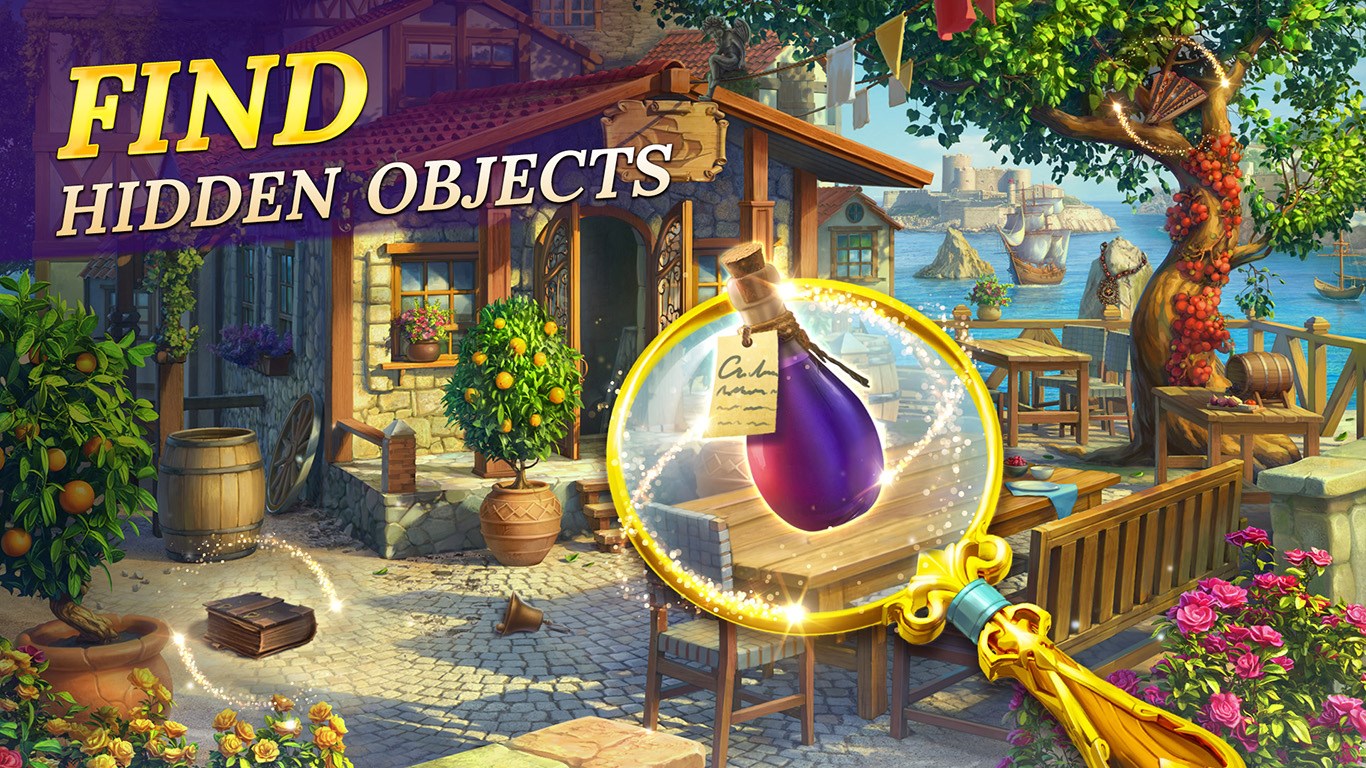
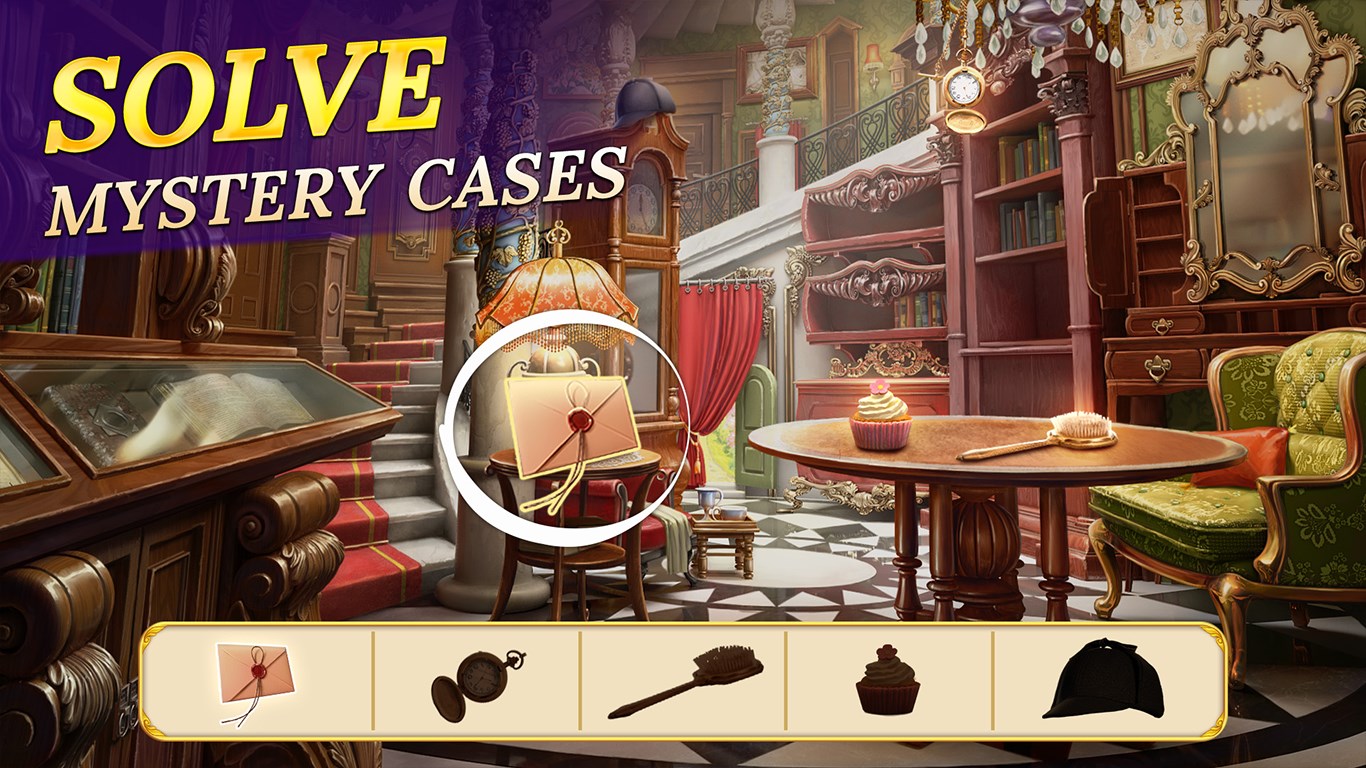
The core of the game revolves around browsing beautifully crafted scenes packed with minute details. Think of it as a virtual where's-waldo, but with a Sherlock twist—each scene feels like entering into a Victorian detective's study, with objects scattered and waiting for keen observation. The interface is intuitive: simply tap on items when you find them, and the game rewards your accuracy and speed. The scenes are varied enough to maintain interest, from cluttered detective offices to crowded street scenes. The visual design balances realism and artistic flair, aiding both casual and dedicated players in quickly identifying key objects.
Engaging Match-3 Puzzles with a Detective Edge
Beyond searching for items, players are encouraged to partake in match-3 mini-games that serve as brain teasers to unlock clues or progress the story. The match-3 mechanics are accessible yet engaging—think of them as puzzle mini-bonds that advance your investigation while providing a welcome mental refresh. The game introduces strategic elements like limited moves or special power-ups tied into the narrative, elevating the traditional match-3 fun with story-driven objectives.
User Interface and Overall Experience
The game boasts a clean, intuitive interface that allows seamless switching between scenes and mini-games. Navigation is smooth, with responsive touch controls and logical menu layouts that newcomers can pick up quickly. The game's learning curve is moderate—tutorial prompts and visual cues help players understand mechanics without frustration. The aesthetic design evokes a classic detective atmosphere, but with enough modern polish to appeal broadly. Loading times are brief, and the overall performance remains steady on various Windows configurations, making for a pleasant unbroken experience.
What Sets Sherlock Apart? Unique Features and Differentiation
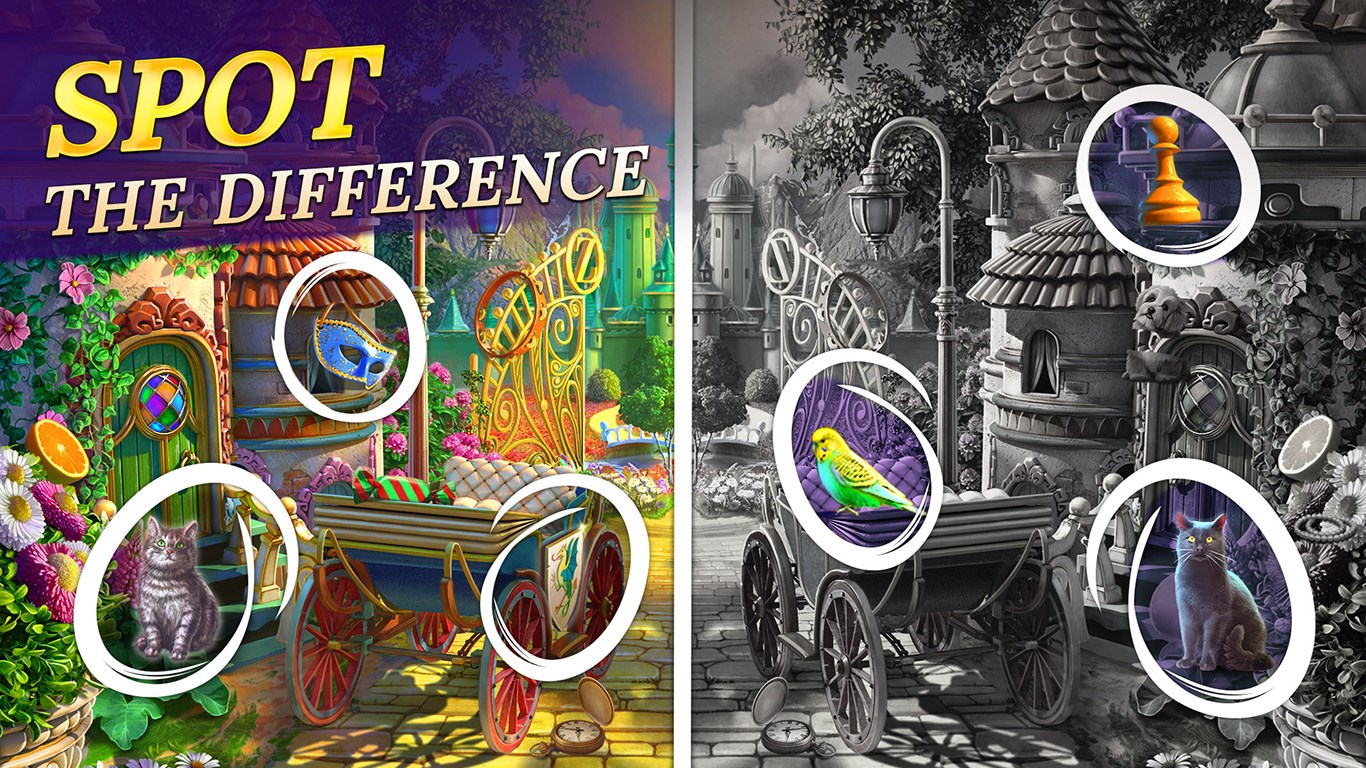
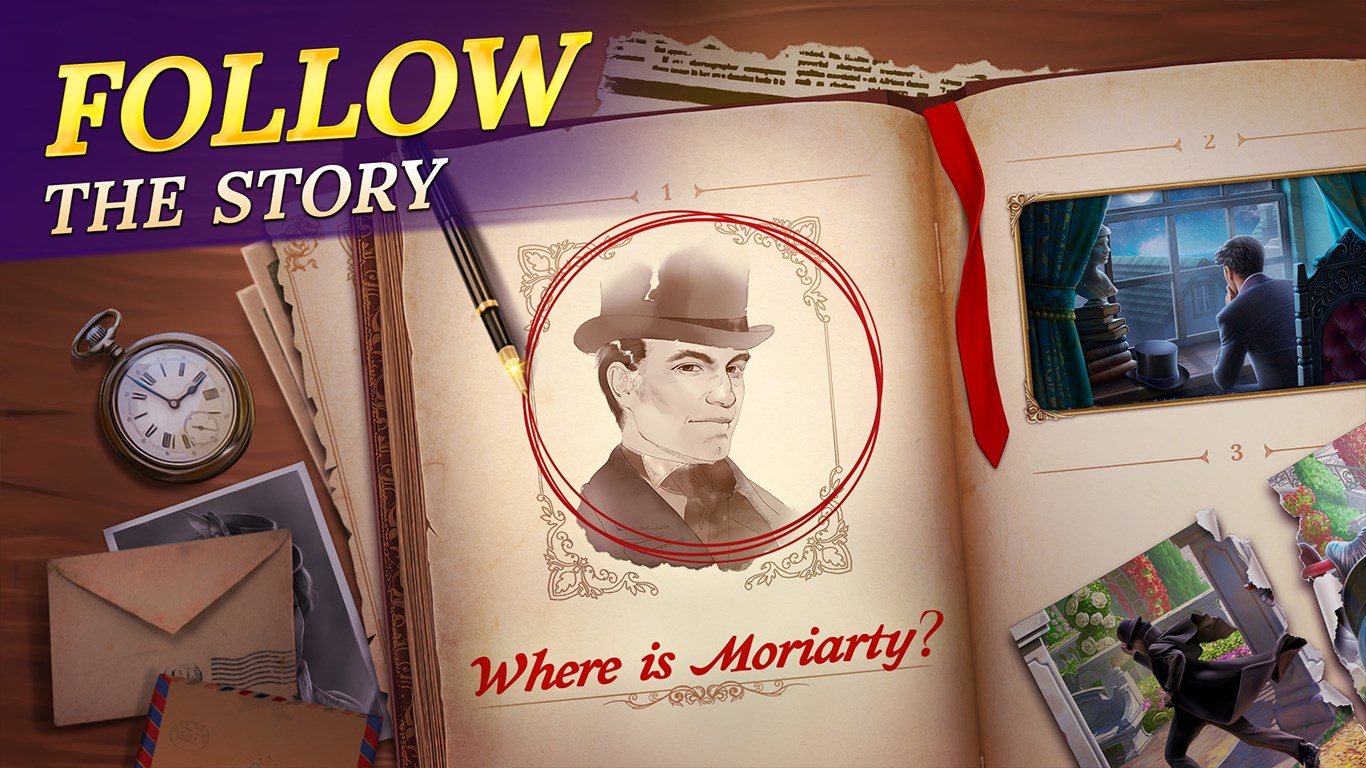
Compared to other casual puzzle games, Sherlock's standout trait is how it weaves together multiple puzzle genres within a detective narrative framework. The game's storytelling approach—delivering a serialized mystery with each case akin to a detective novel—offers a richer, more immersive experience than typical standalone hidden object titles or match-3 games. Additionally, the thematic coherence ensures Puzzle enthusiasts don't just enjoy fragmented gameplay but feel like participating in an unfolding investigation. This fusion of storytelling and dual-gameplay mechanics creates a distinctive niche, appealing to players who appreciate depth alongside casual fun.
Recommendations and Final Verdict
I would recommend Sherlock: Detective for players who enjoy puzzle games with a narrative twist, especially those who savor detective themes or enjoy multitasking their puzzle-solving skills. The game strikes a good balance—challenging yet accessible, visually appealing, and thematically engaging. Its unique combination of hidden object scenes and match-3 puzzles set it apart from many casual titles, making it a commendable choice for both casual gamers and puzzle aficionados looking for a story-driven experience.
In conclusion, Sherlock offers a polished, distinctive puzzle journey into the world of mysteries—perfect for players seeking an intellectually stimulating yet relaxed gaming adventure on Windows. Whether you're piecing together clues or matching tiles, this game promises compelling gameplay wrapped in an intriguing detective narrative. A worthy addition to your casual gaming library—just keep your detective hat ready!
Pros
- Engaging Gameplay with Diverse Levels
- High-Quality Graphics and Sound Effects
- User-Friendly Interface
- Free-to-Play Model with Optional In-App Purchases
- Regular Updates and New Content Introduced
Cons
- Occasional Ads Interrupt Gameplay
- Limited Tutorial for Beginners
- Repetitive Puzzle Design
- Performance Variability on Older Devices
- Inconsistent Reward System











