

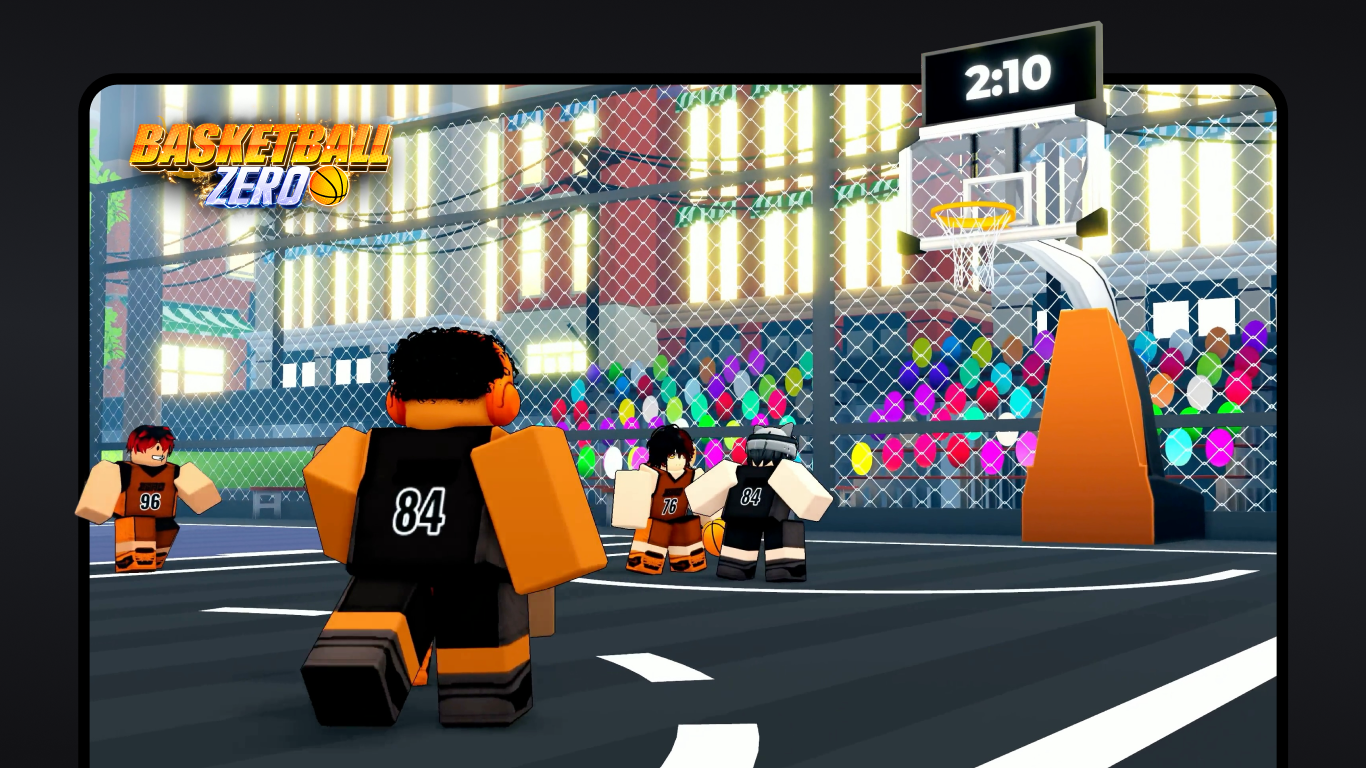
- Name Roblox - Windows
- Category Action & adventure
- Available on PC
- OS Windows 10 version 18362.0 or higher
- languages English (United States)
Roblox for Windows: A Creative Universe at Your Fingertips
Roblox for Windows is a vibrant platform that transforms gaming into a canvas for imagination, offering players an expansive universe filled with diverse user-generated experiences. Whether you're a seasoned gamer or a curious newcomer, Roblox aims to blend endless entertainment with opportunities for creativity and social interaction.
Who Created Roblox for Windows?
Developed by Roblox Corporation, the platform underscores their dedication to creating a shared, user-driven virtual environment. The company's mission revolves around enabling users to design, share, and explore immersive worlds across multiple devices, fostering a global community of creators and players alike.
Core Features That Make Roblox Stand Out
- Create and Share Custom Games: Roblox empowers users to craft their own games and experiences using its intuitive development tools, welcoming a wide range of creative ideas from simple obstacle courses to complex role-playing worlds.
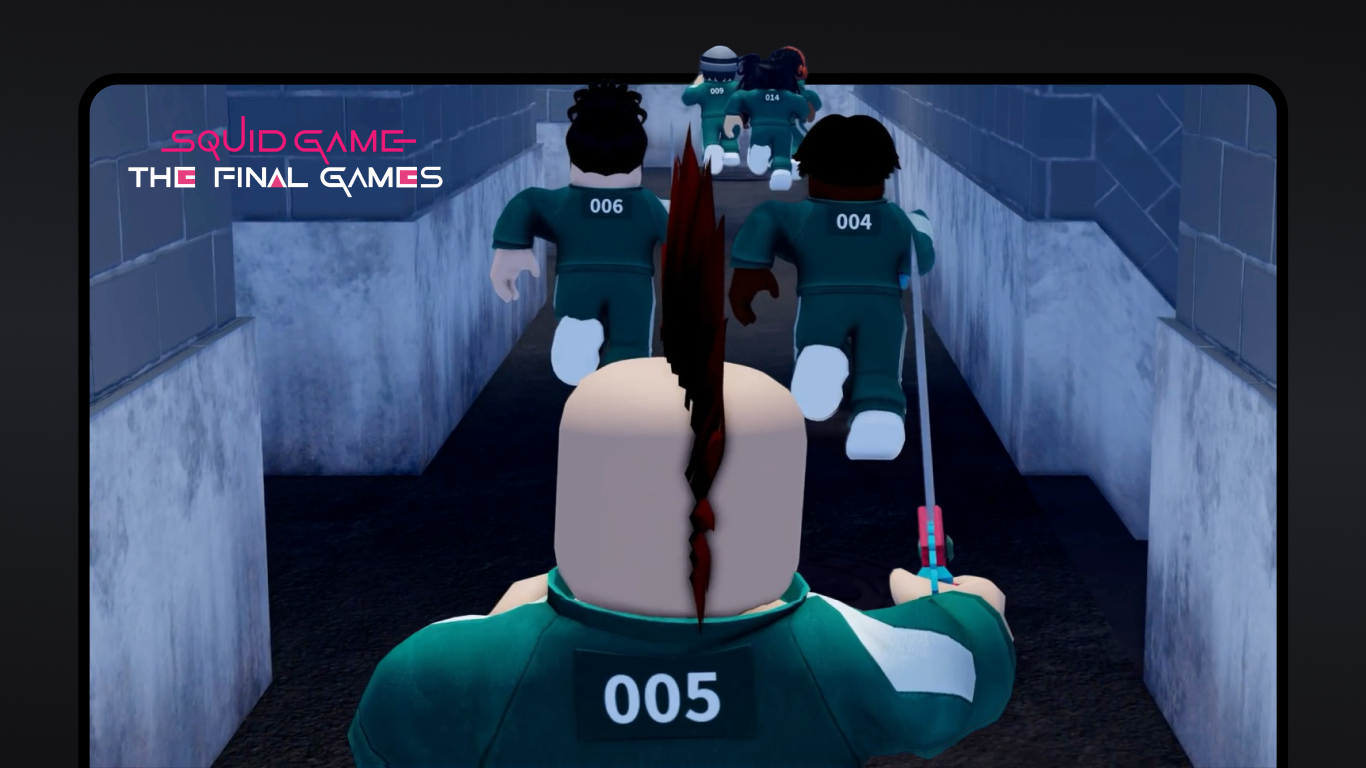
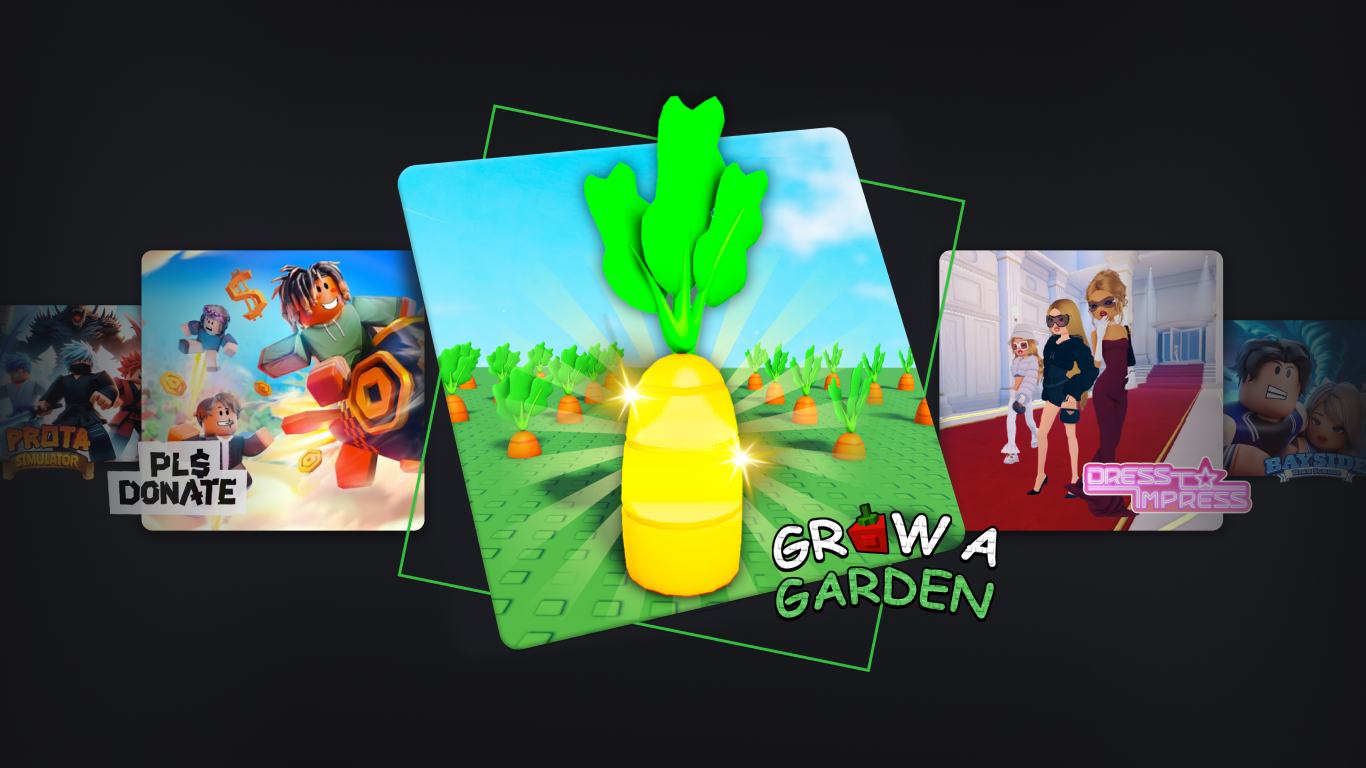
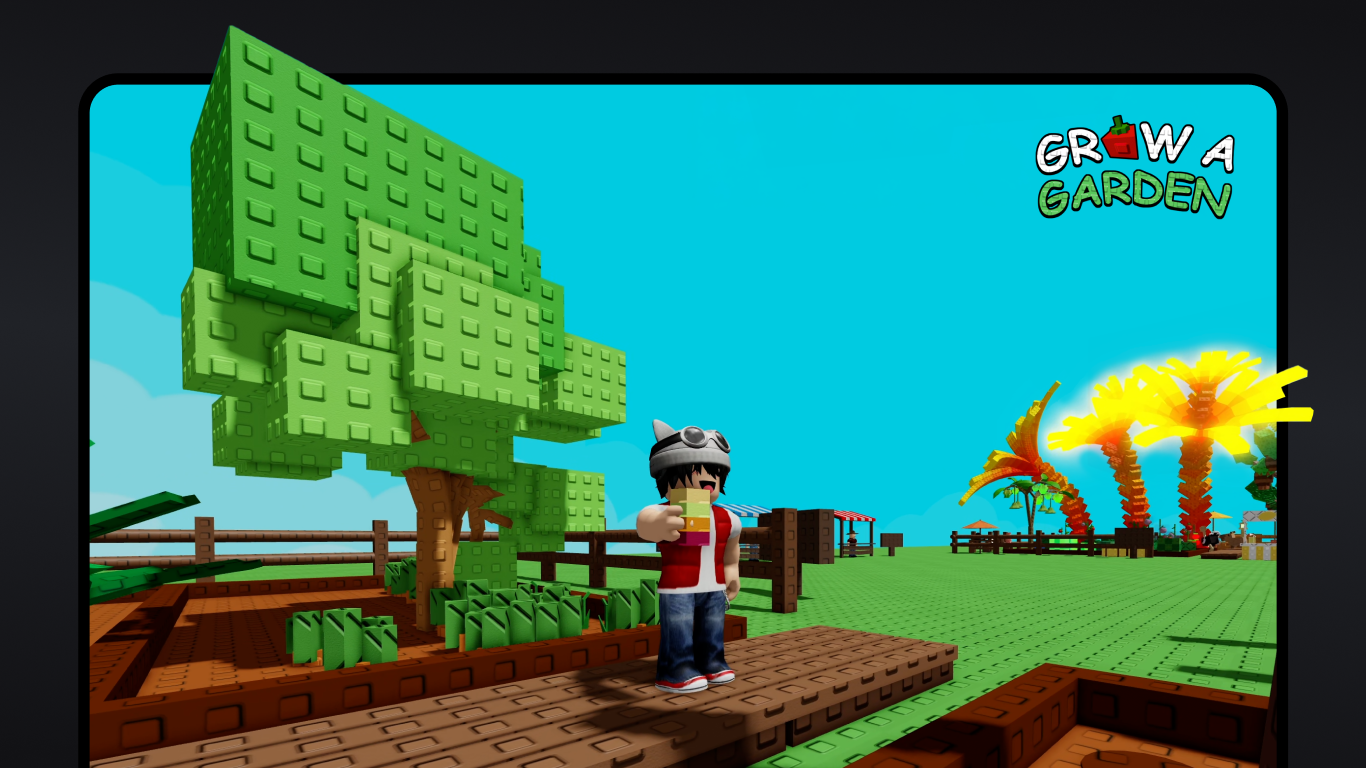
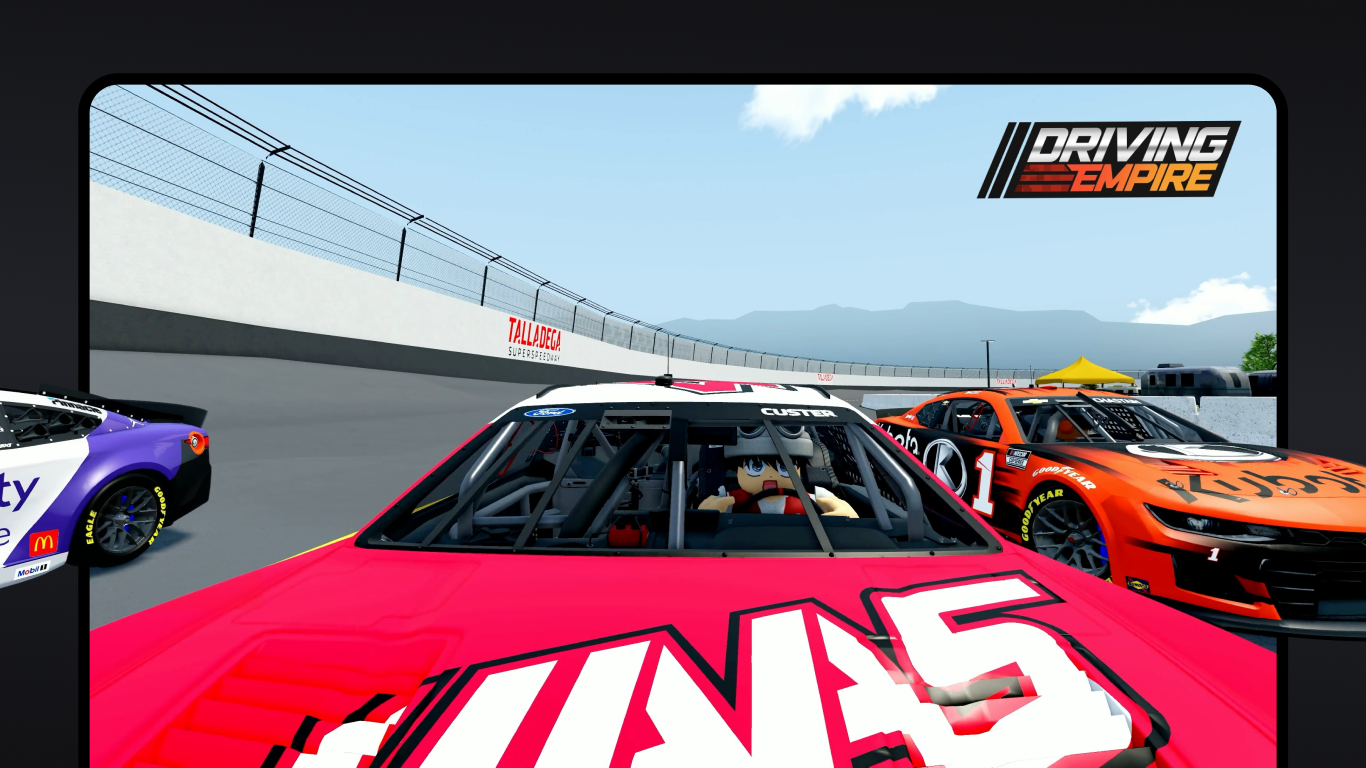
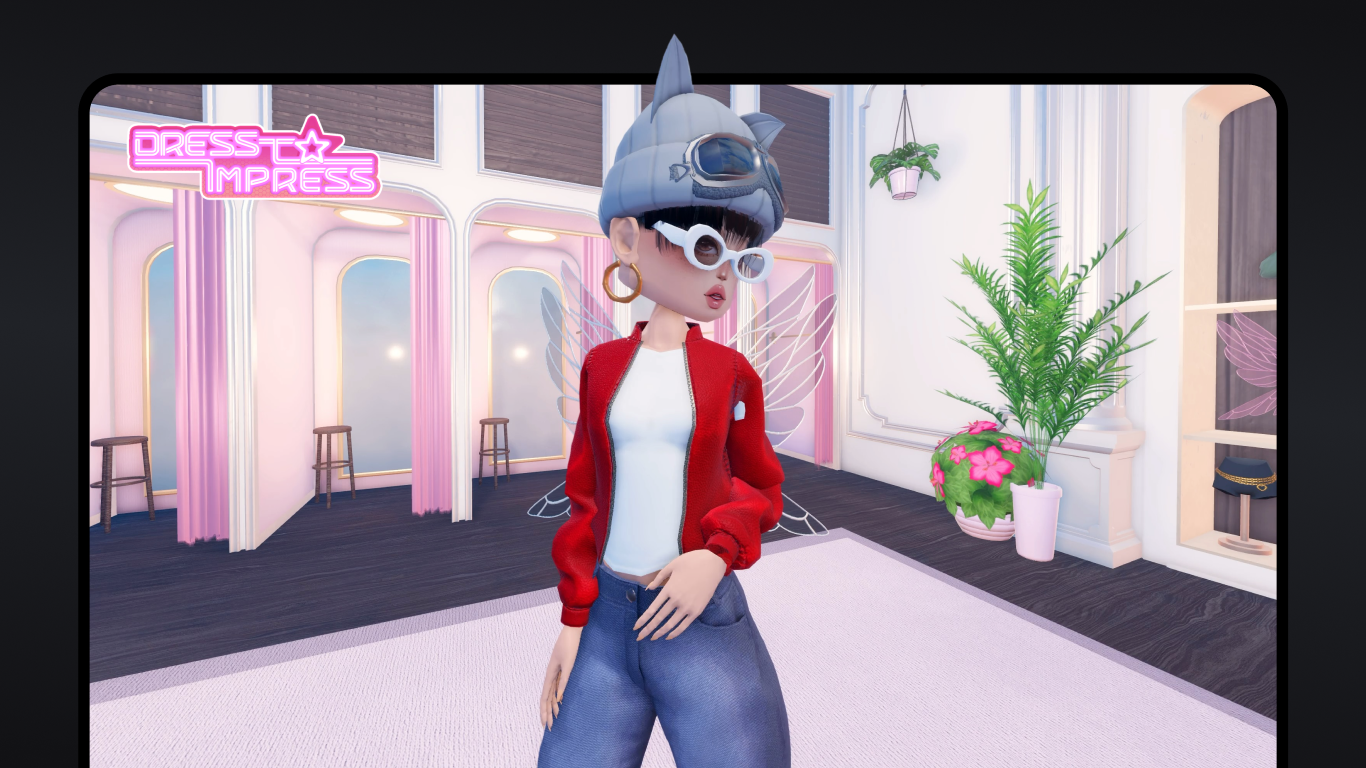
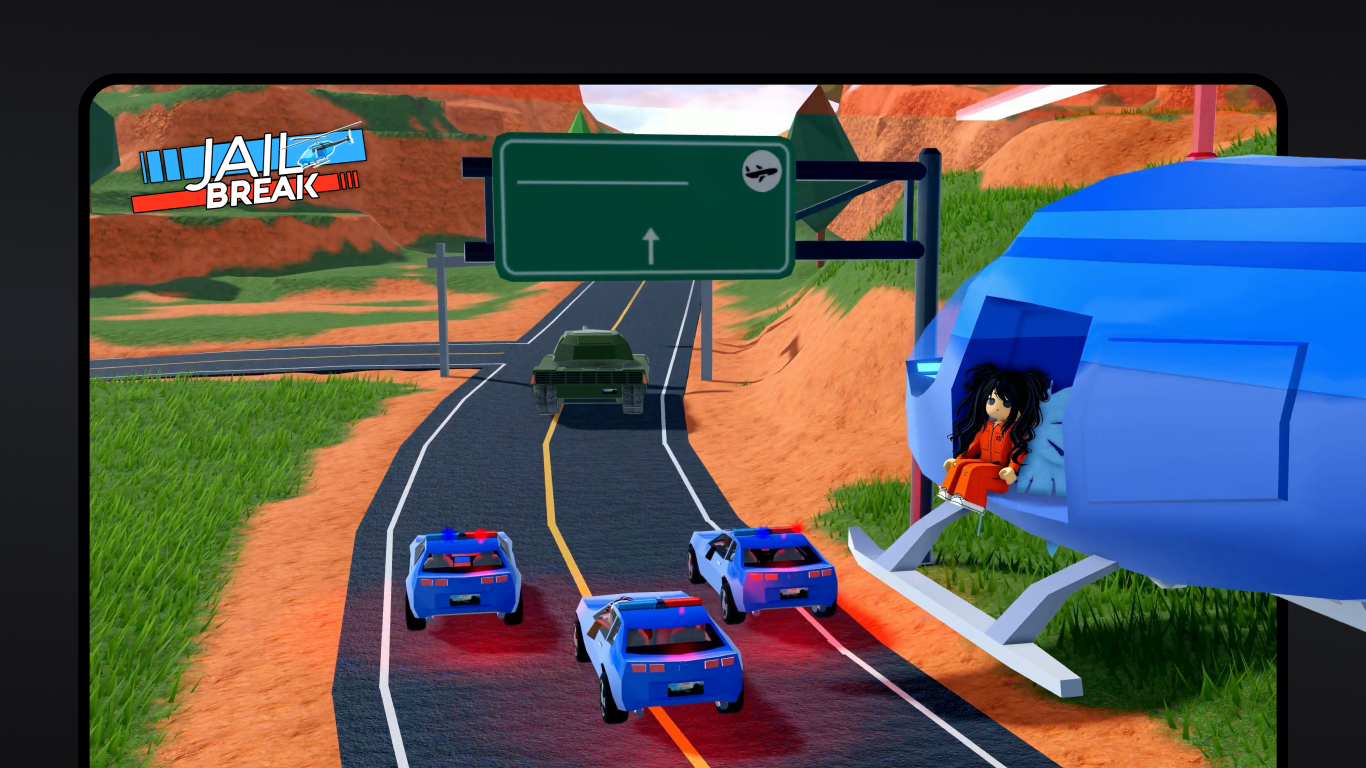
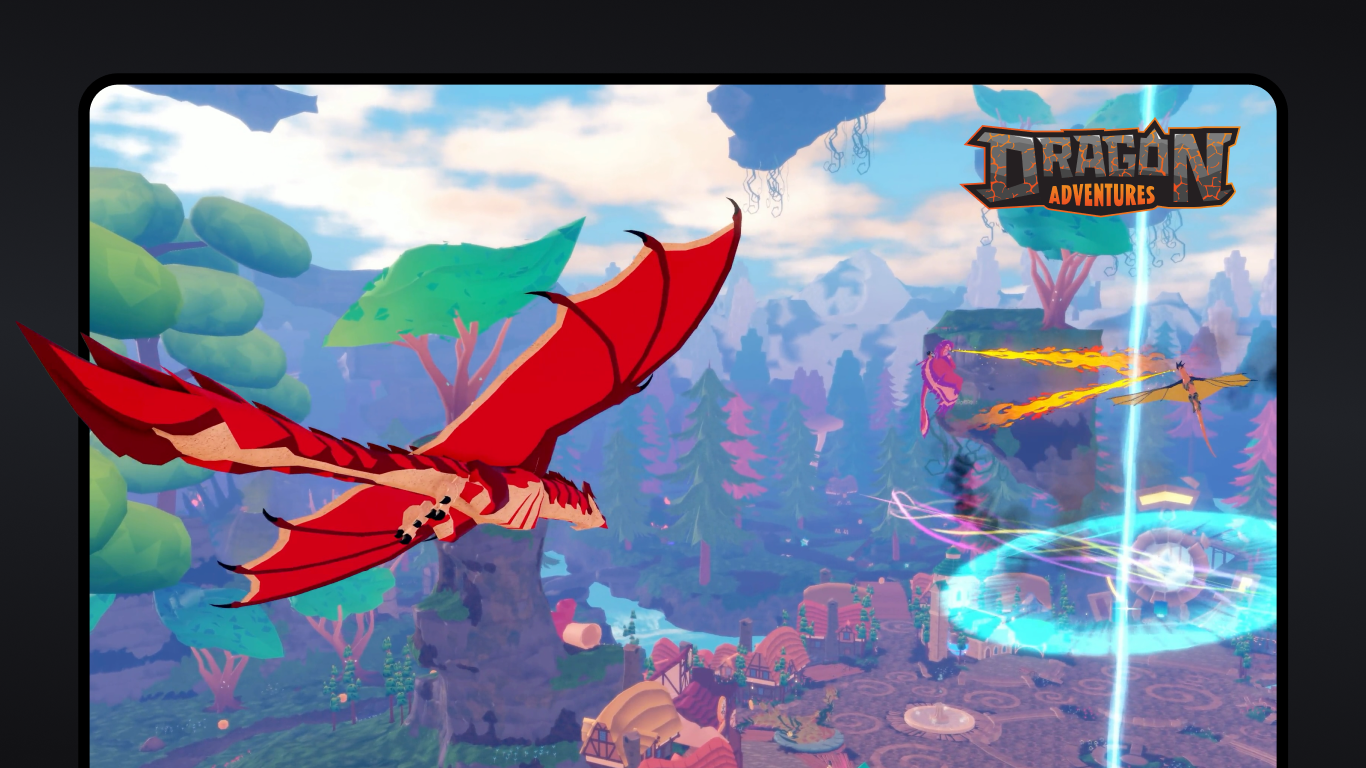
- Vast Library of User-Generated Content: With millions of games and assets, the platform offers endless variety. This rich library ensures that there's always something new to explore, no matter your gaming preferences.
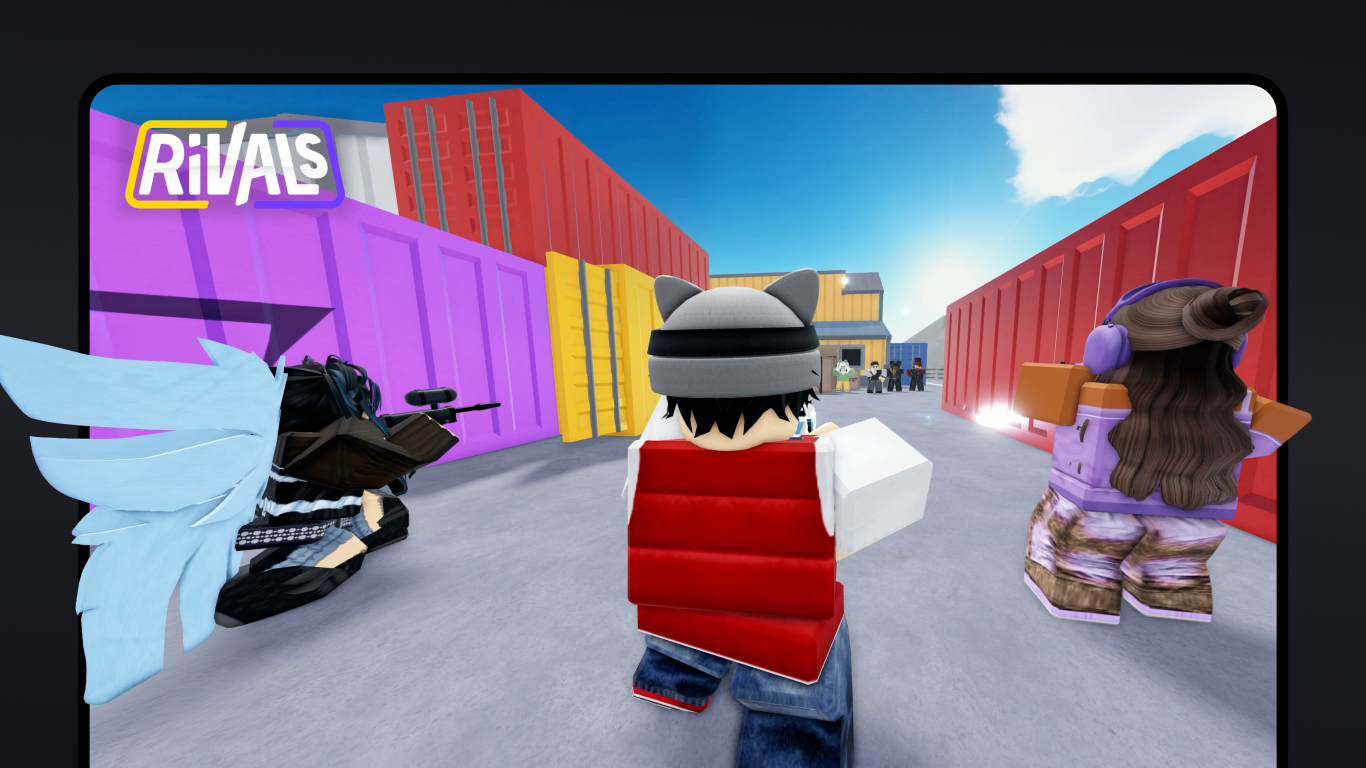
- Social and Multiplayer Interaction: Roblox emphasizes community, allowing players to connect with friends or meet new ones within shared virtual spaces, making gaming a social hobby rather than a solo pursuit.
- Cross-Platform Compatibility: From PC to mobile devices, Roblox ensures that your virtual adventures stay seamless across different screens, encouraging spontaneous play anytime and anywhere.
Immersive Gameplay and User Experience
Stepping into Roblox's world feels like opening a door to a bustling playground filled with endless possibilities. The interface presents a colorful, organized hub that beckons users to jump right into games or create their own. The design strikes a balance between playful charm and functional clarity, making navigation surprisingly straightforward even for first-timers.
Intuitive Design and Smooth Operation
Playing Roblox on Windows is akin to gliding smoothly over well-laid tracks; the platform boasts responsive controls and seamless loading times that keep the adventure flowing without frustrating interruptions. The learning curve is gentle—players can spend a few minutes figuring out the interface, then quickly dive into complex game-building or social interactions. The app's responsiveness optimizes performance, ensuring that even graphically intensive worlds run smoothly on mid-range PCs, enhancing user satisfaction.
The Two Most Unique Strengths of Roblox
- User-Generated Content Ecosystem: Unlike many gaming platforms, Roblox's core strength lies in its community-driven content creation. Users are not just players but also (sometimes) developers, which fosters an ever-evolving universe rich with originality. This creates a unique ecosystem where the platform itself is a portrait of its community's creativity.
- Endless Personalization and Customization: Roblox provides powerful tools for users to craft personalized avatars and environments, making each experience uniquely theirs. This high level of customization transforms gameplay into a form of personal expression, differentiating Roblox from more static, traditional action games.
Is Roblox Worth Your Time?
Absolutely. For casual gamers seeking social fun and creators eager to experiment, Roblox offers an inspiring sandbox environment. Its unique focus on community, combined with accessible creation tools and cross-platform play, makes it a compelling choice. While there is some learning involved—especially if you want to develop your own games—the overall experience remains friendly and approachable.
In summary, Roblox for Windows stands out as a platform that marries gaming, creativity, and social interaction in a lively, user-driven universe. Whether you're here to enjoy games or craft new ones, it's a space that invites exploration and personal expression. I recommend giving it a try, especially if you're keen on being part of a dynamic community creating the future of virtual entertainment.
Pros
- User-friendly interface
- Seamless Windows integration
- Regular updates and improvements
- Access to a vast game library
- Cross-device compatibility
Cons
- Initial installation can be slow
- Occasional download glitches
- Limited parental control settings
- Inconsistent performance on lower-end PCs
- Notification overload during updates











