

- Name Recipe Keeper Pro
- Category Food & dining
- Available on PC
- OS Windows 10 version 17763.0 or higher
- languages Chinese (Simplified), Chinese (Traditional Chinese), Danish, Dutch, English, English (United States), Finnish, French, German, Italian, Japanese, Korean, Norwegian (Bokmål), Portuguese, Spanish, Swedish
A Fresh Take on Kitchen Organization: Introducing Recipe Keeper Pro for Windows
If you've ever dreamed of a digital kitchen assistant that keeps your recipes tidy, accessible, and beautifully organized, Recipe Keeper Pro might just be the app you've been searching for. Developed by Tudorspan Limited, this Windows application promises to streamline your cooking adventures with a user-friendly interface and innovative features. Whether you're a seasoned chef or a home cook looking to digitize your recipe collection, Recipe Keeper Pro aims to be your reliable culinary companion.
Innovation Meets Simplicity: Core Highlights of Recipe Keeper Pro
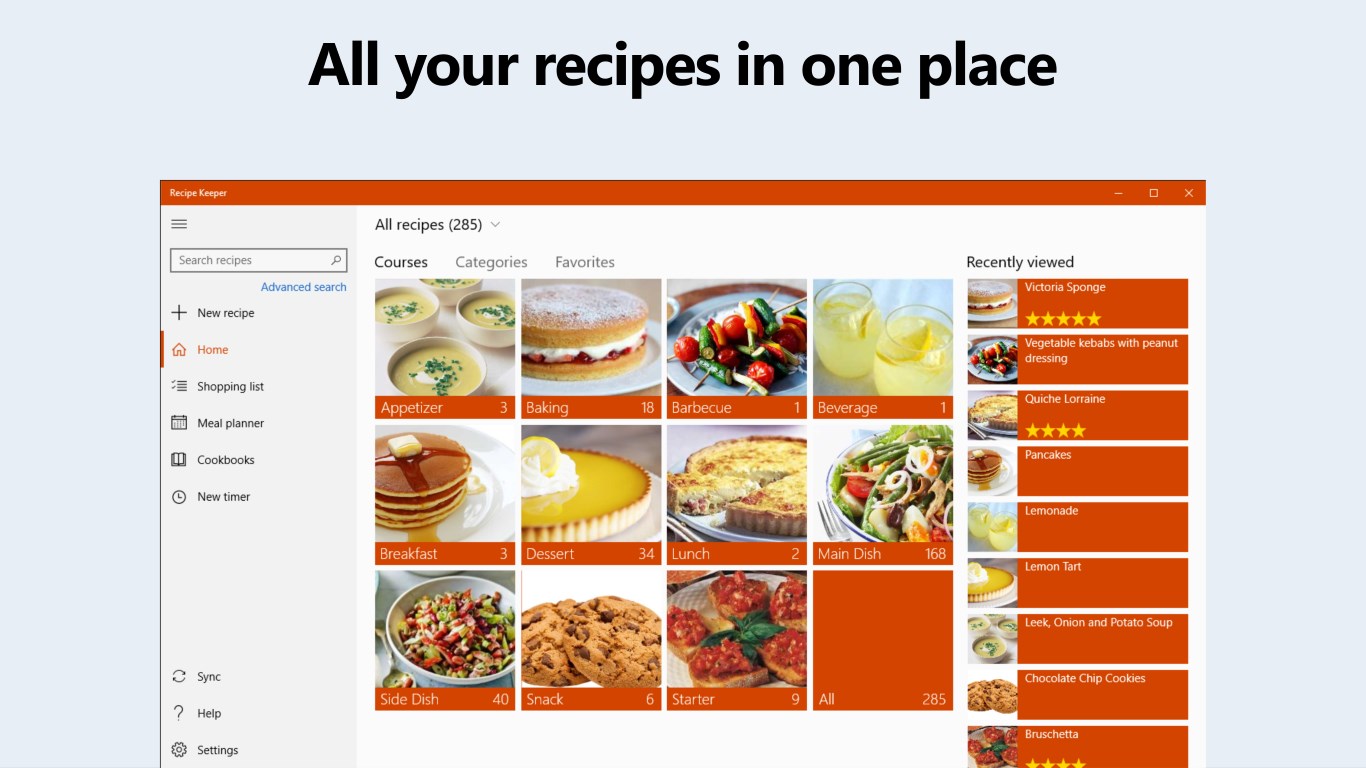
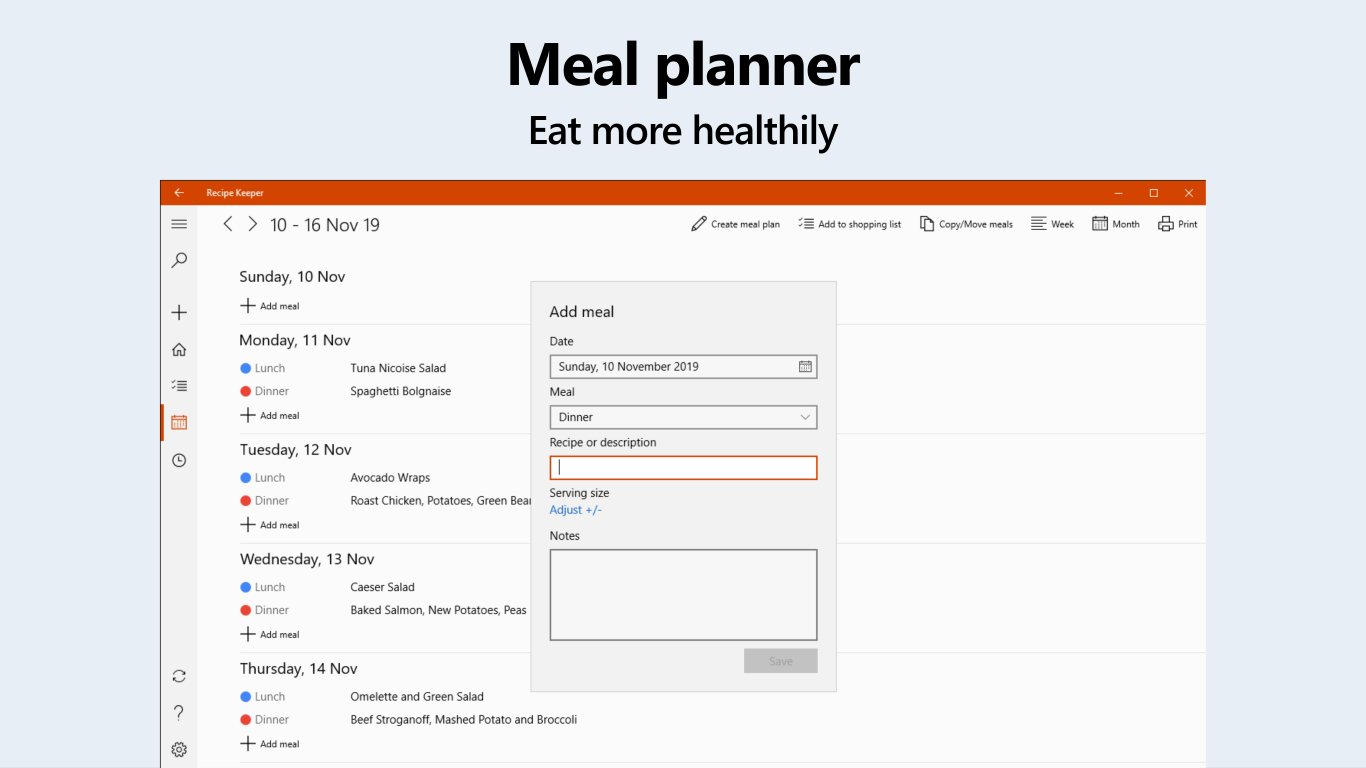
At its core, Recipe Keeper Pro is designed to transform the chaos of handwritten recipes and scattered digital notes into a centralized, easily navigable database. The app's standout features include a rich media recipe import tool, an intuitive search and categorization system, and a meal planning module that bridges gaps between planning and execution. Its primary goal: to make your cooking process smoother and more enjoyable.
Smart Recipe Management with Rich Media Support
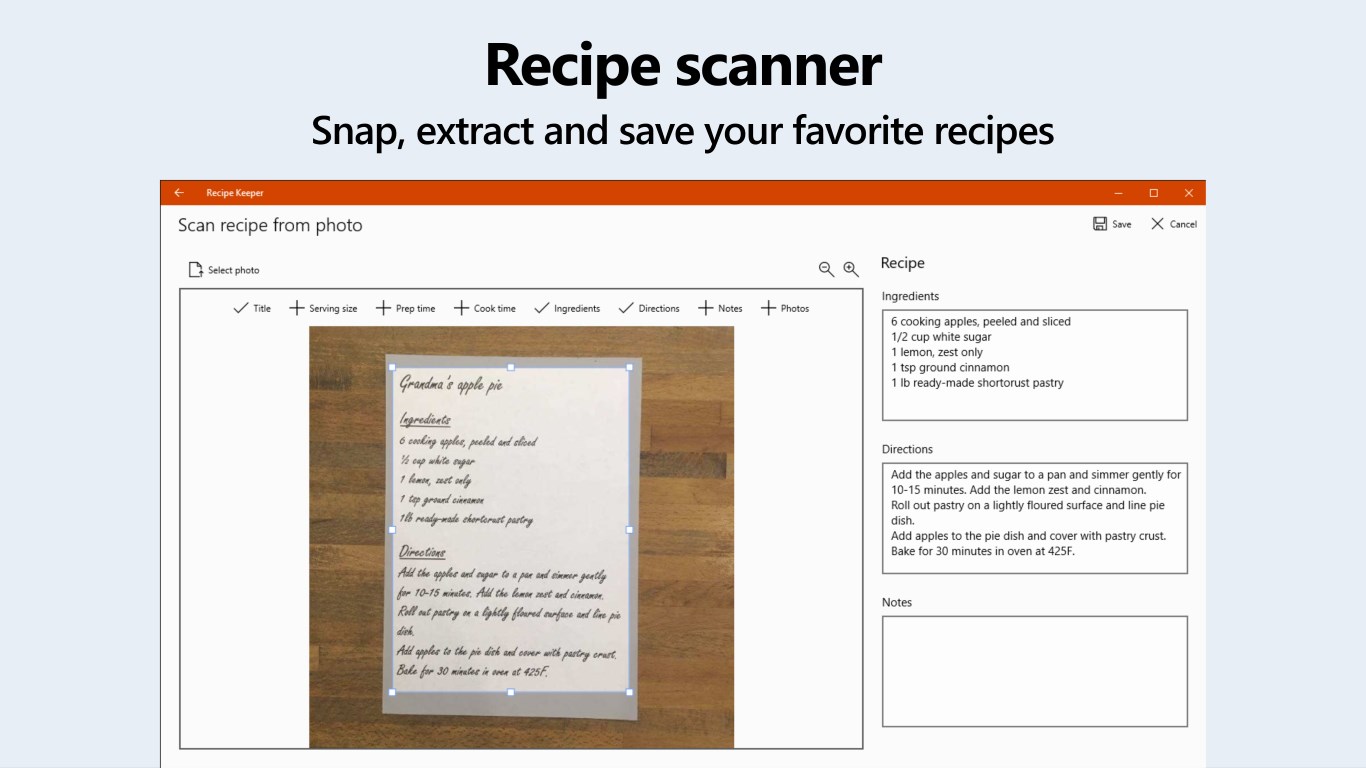
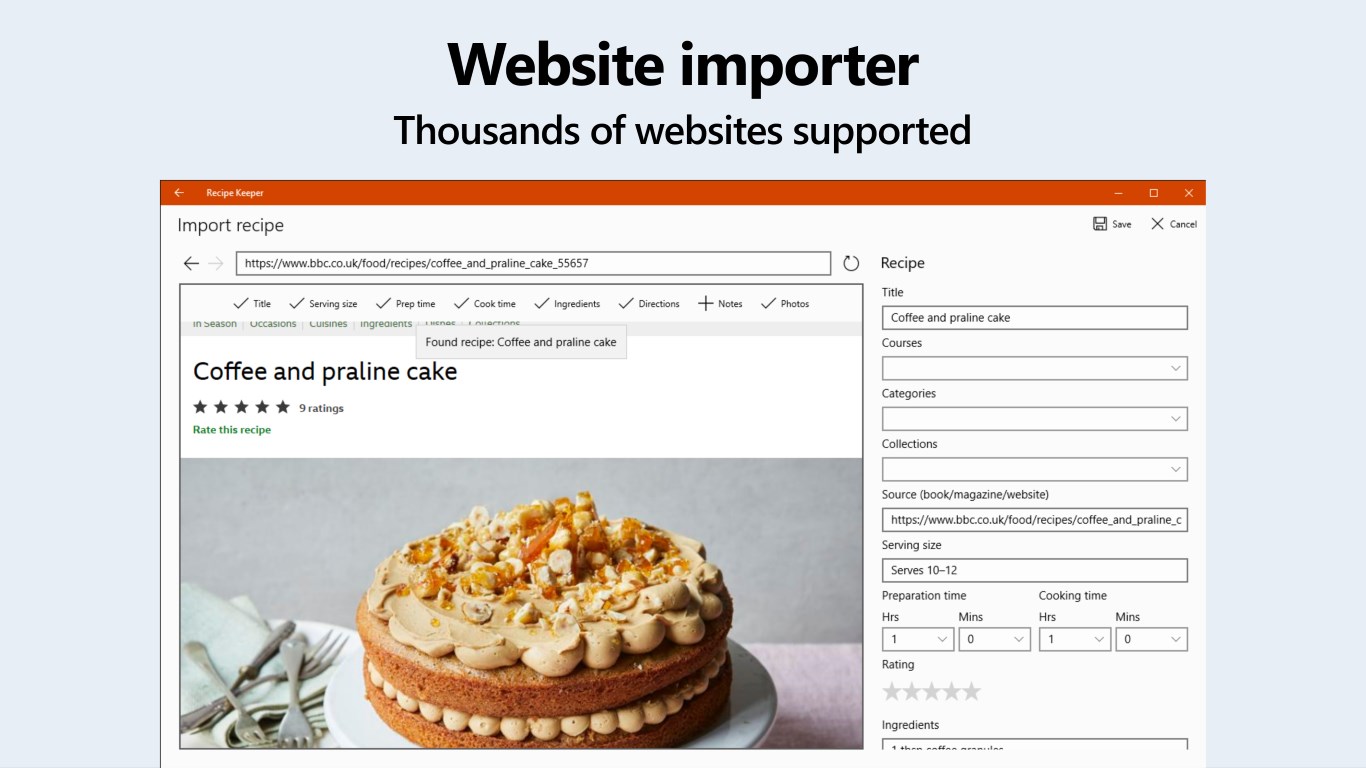
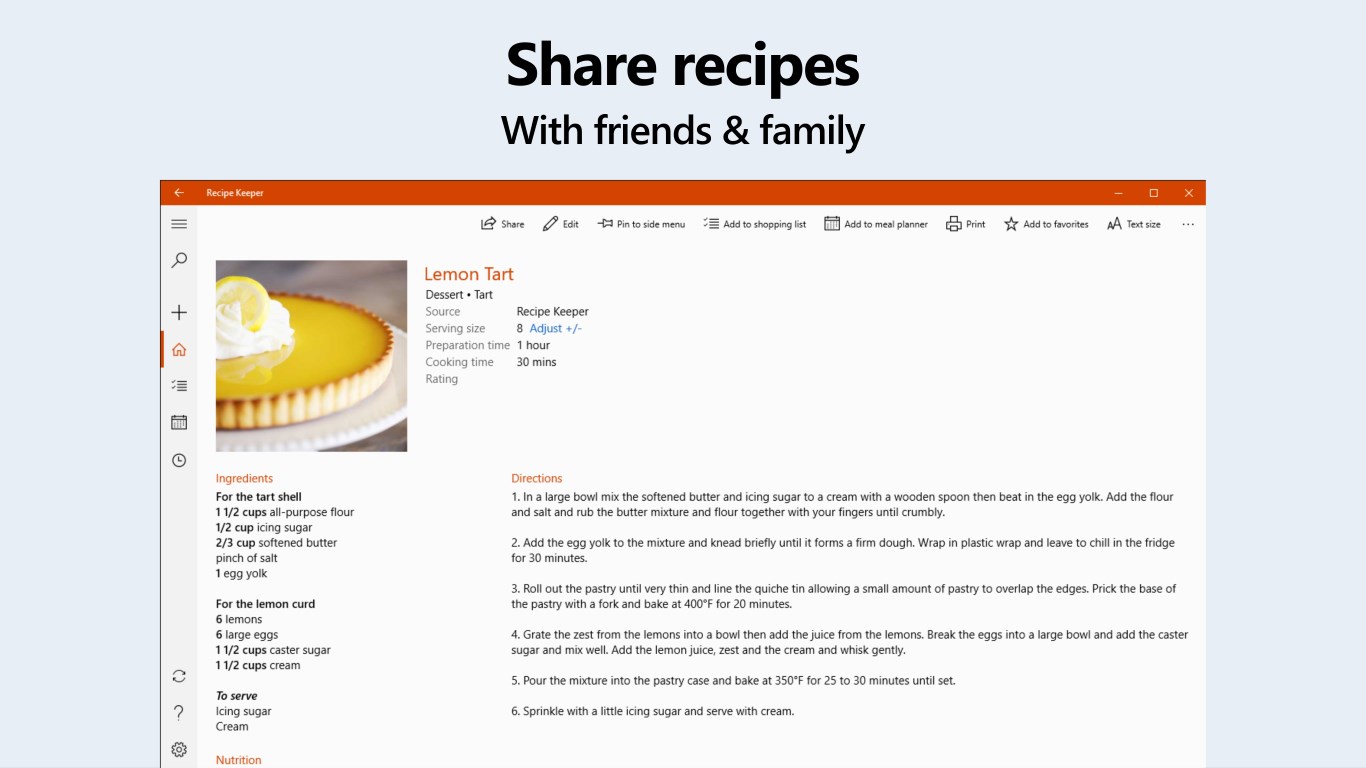
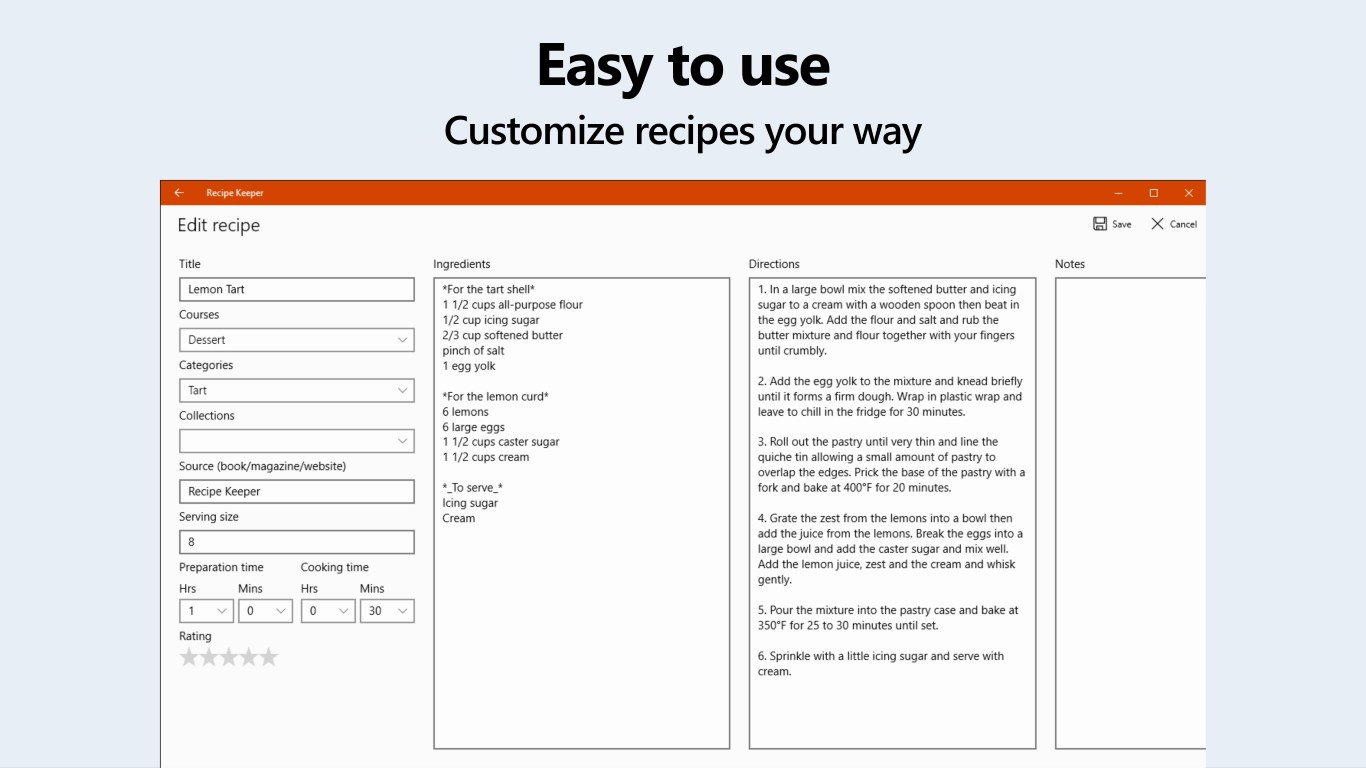
One of the most compelling features of Recipe Keeper Pro is its ability to import recipes from various sources—be it text, images, or even scanned handwritten notes. Imagine taking out an old family recipe card and effortlessly digitizing it within seconds. The app also supports embedding photos, videos, and custom notes directly within each recipe entry, turning your collection into a multimedia cookbook. This makes browsing and recalling recipes more engaging, especially when visual cues or step-by-step videos are handy during cooking.
Intelligent Search, Categorization, and Customization
Finding the right recipe at a glance can sometimes be akin to locating a needle in a haystack. Recipe Keeper Pro excels here with its powerful search capabilities—filter by ingredients, cooking time, difficulty level, or custom tags. It also allows users to organize recipes into folders or meal categories, facilitating meal prep for the week. The interface's clean design ensures that you're not overwhelmed by options, inviting exploration without confusion. This level of organization makes meal planning less stressful and more strategic.
Seamless User Experience and Unique Differentiators
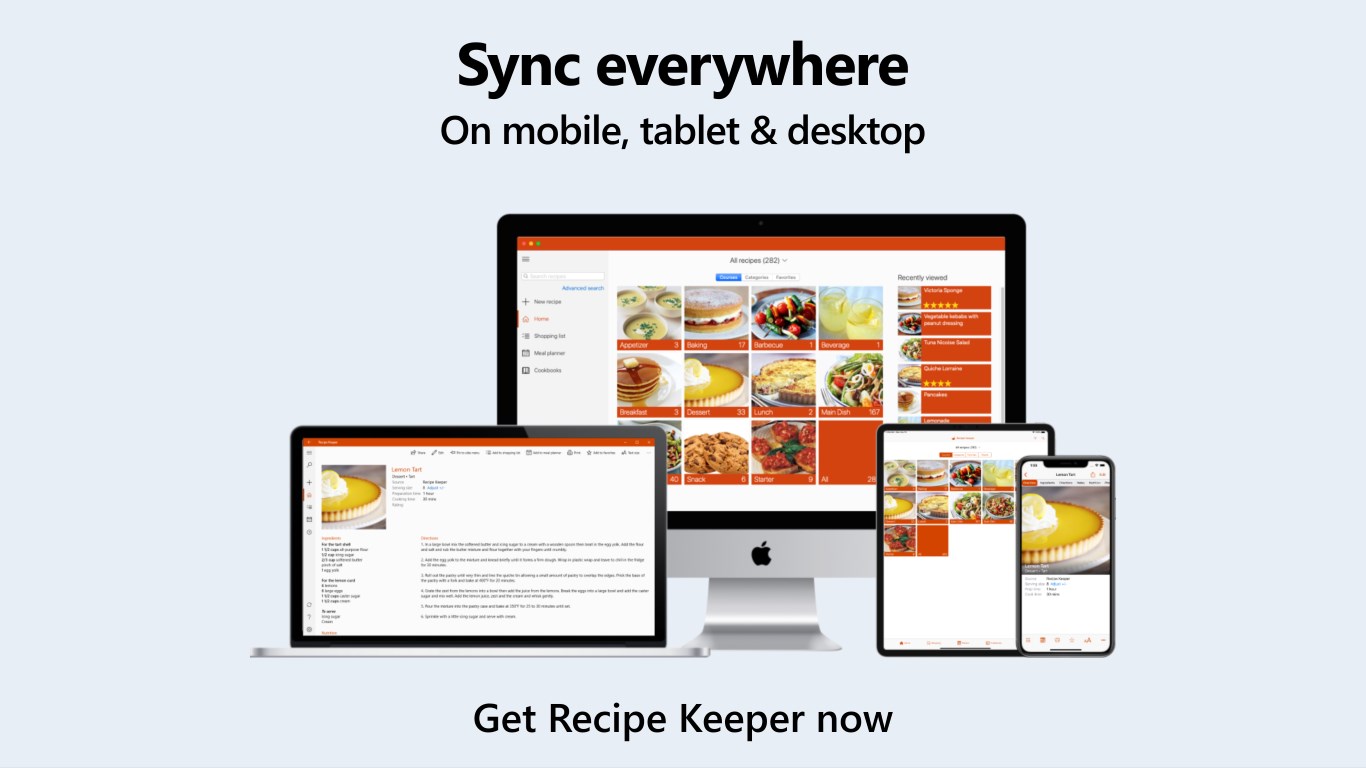
The application offers a smooth and responsive experience, with a setup that's easy to grasp even for first-time users. Its layout feels like a well-organized kitchen drawer—everything in its place, ready to serve your culinary needs. Compared to other Food & Dining apps, Recipe Keeper Pro's hallmark lies in its multimedia integration and advanced search functions, setting it apart from simple text-based recipe managers. It's particularly well-suited for users who have amassed numerous recipes in various formats and want an all-encompassing, customizable solution.
Final Remarks: Is Recipe Keeper Pro Worth Your Time?
Considering its features and user-centric design, I would recommend Recipe Keeper Pro to anyone looking to elevate their recipe management game. Its ability to handle multimedia content and its robust organization tools make it particularly appealing for passionate home cooks and even small culinary enthusiasts who want a reliable digital cookbook. While the learning curve is gentle, newcomers will find that the interface quickly becomes second nature after a few explorations. Overall, it's a solid app with unique strengths that justify its place in your digital kitchen toolkit.
Pros
- User-friendly interface
- Comprehensive recipe organization
- Rich customization options
- Offline access
- Regular updates and support
Cons
- Limited free features
- Occasional sync issues across devices
- Search function could be improved
- Lack of barcode scanning feature
- Appearance customization options are basic