
- Name PlanetCraft: Block Craft Games
- Category Action & adventure
- Developer Playlabs, LLC
- Available on PC, Mobile, Surface Hub, HoloLens
- OS Windows 10 version 10240.0 or higher
- DirectX Version 10
- Keyboard Integrated Keyboard
- Mouse Integrated Mouse
- languages English (United States)
Discover a Creative Playground with PlanetCraft: Block Craft Games for Windows
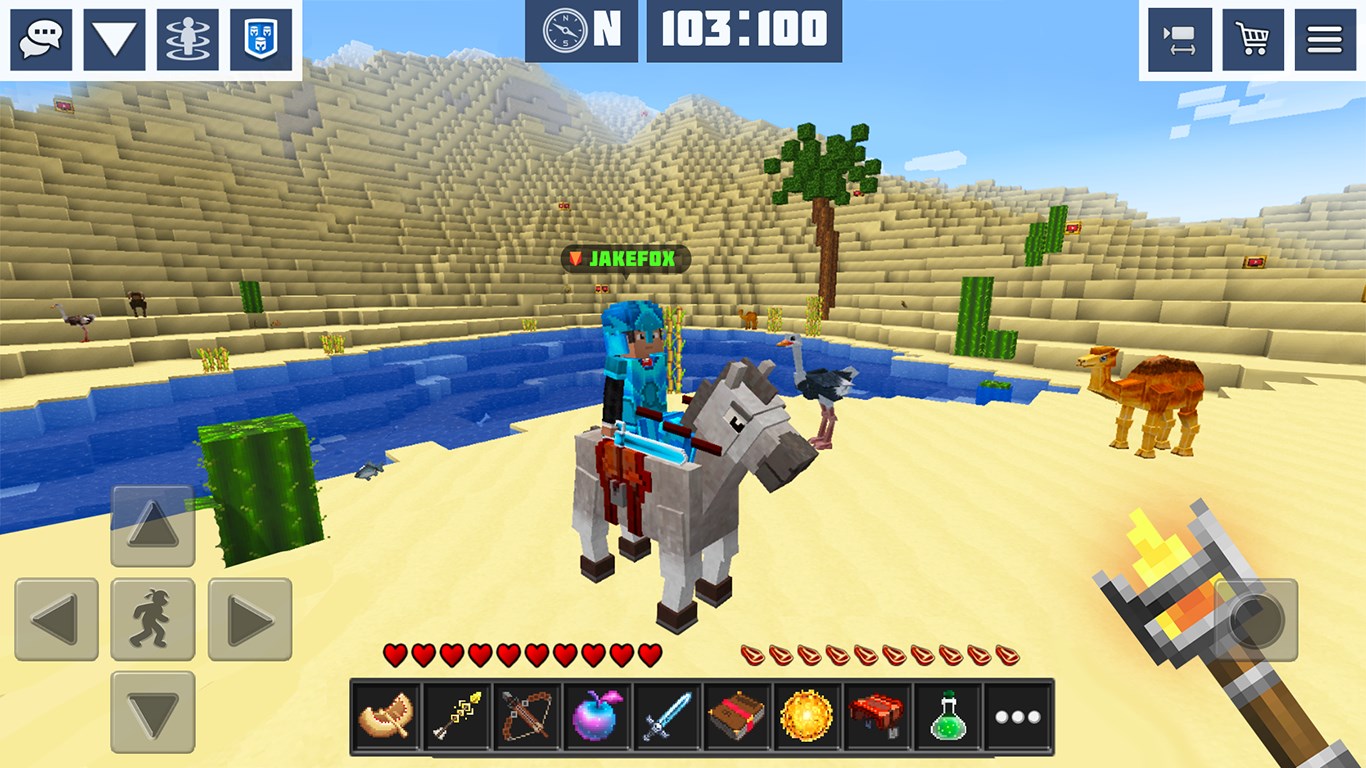
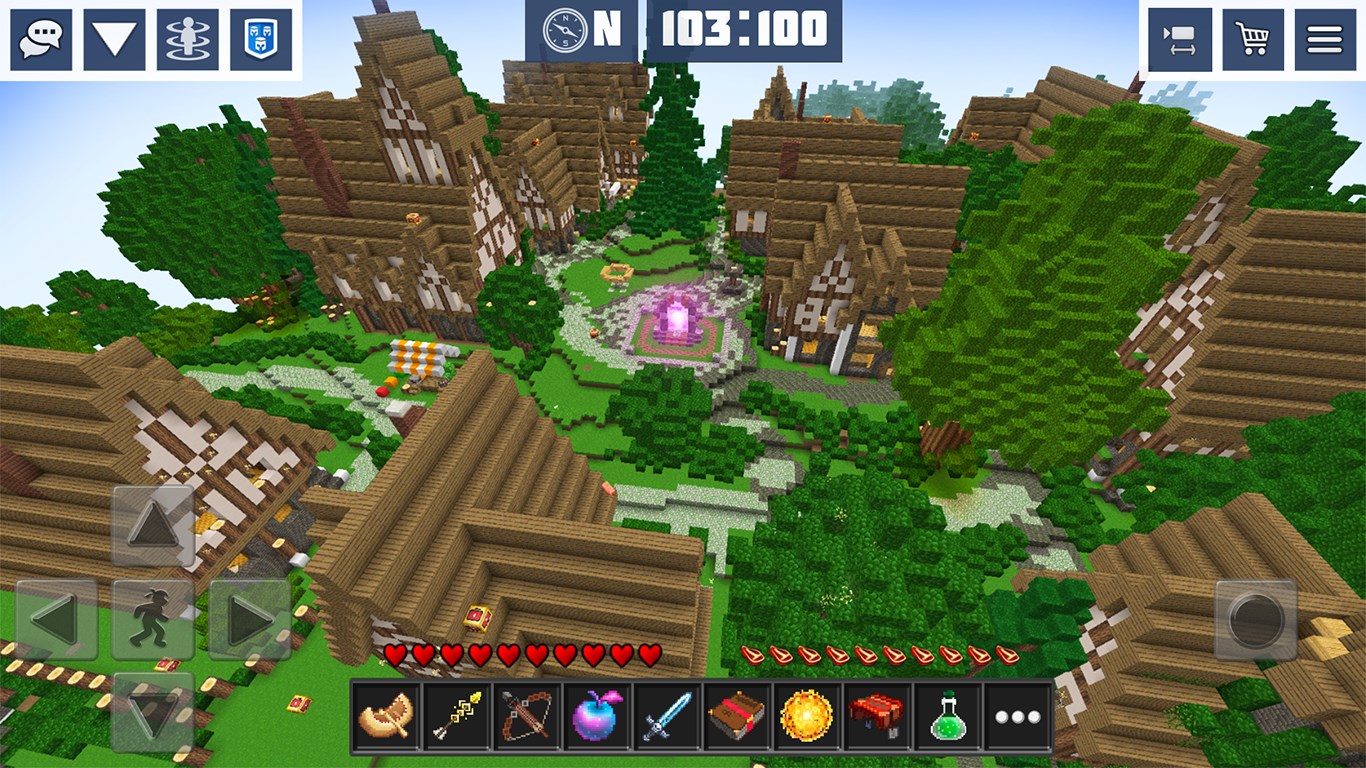
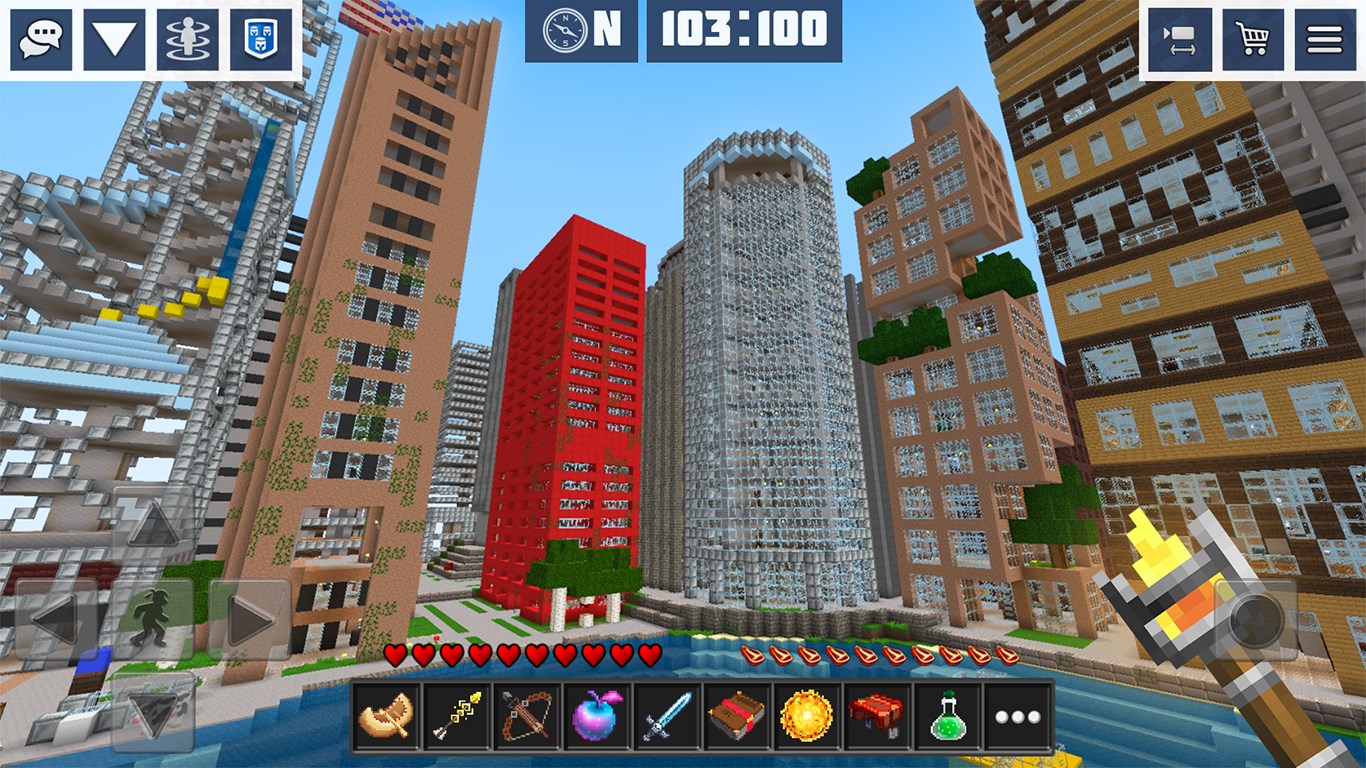
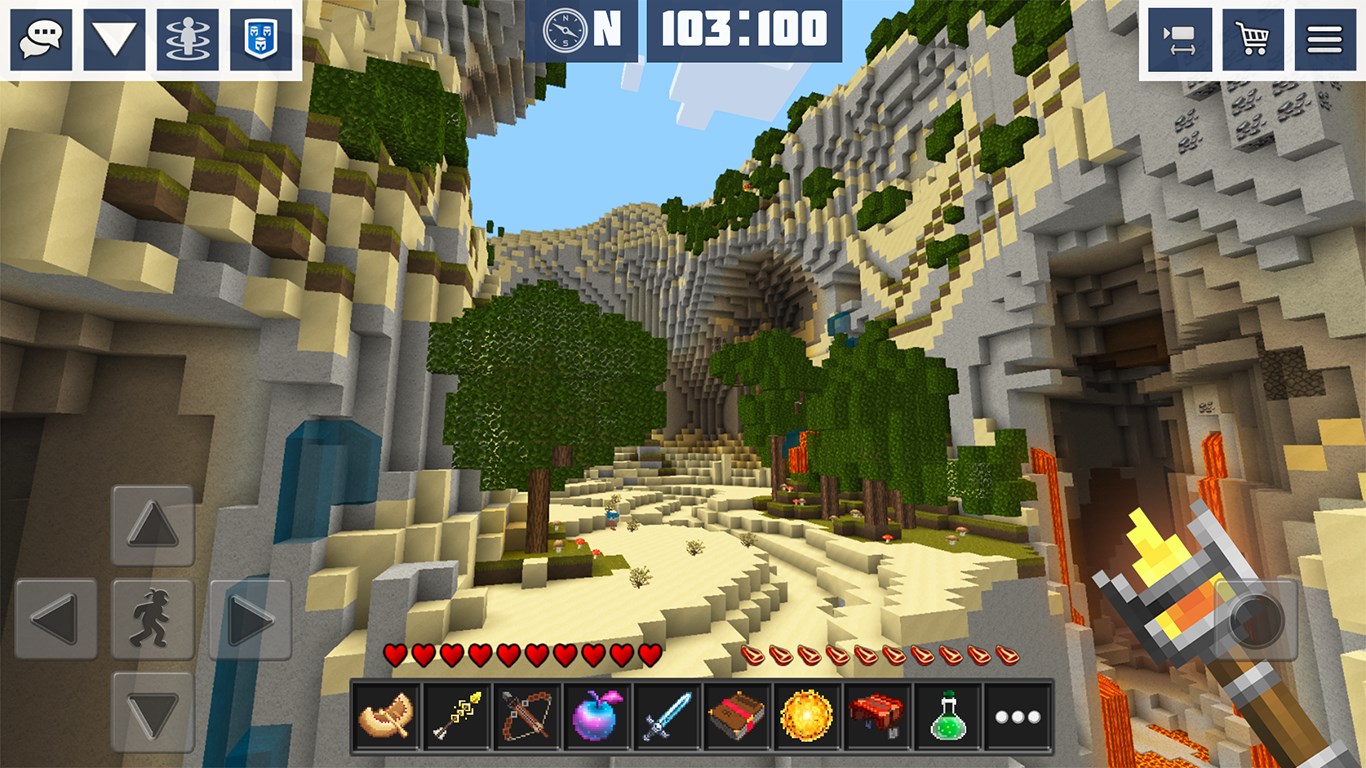
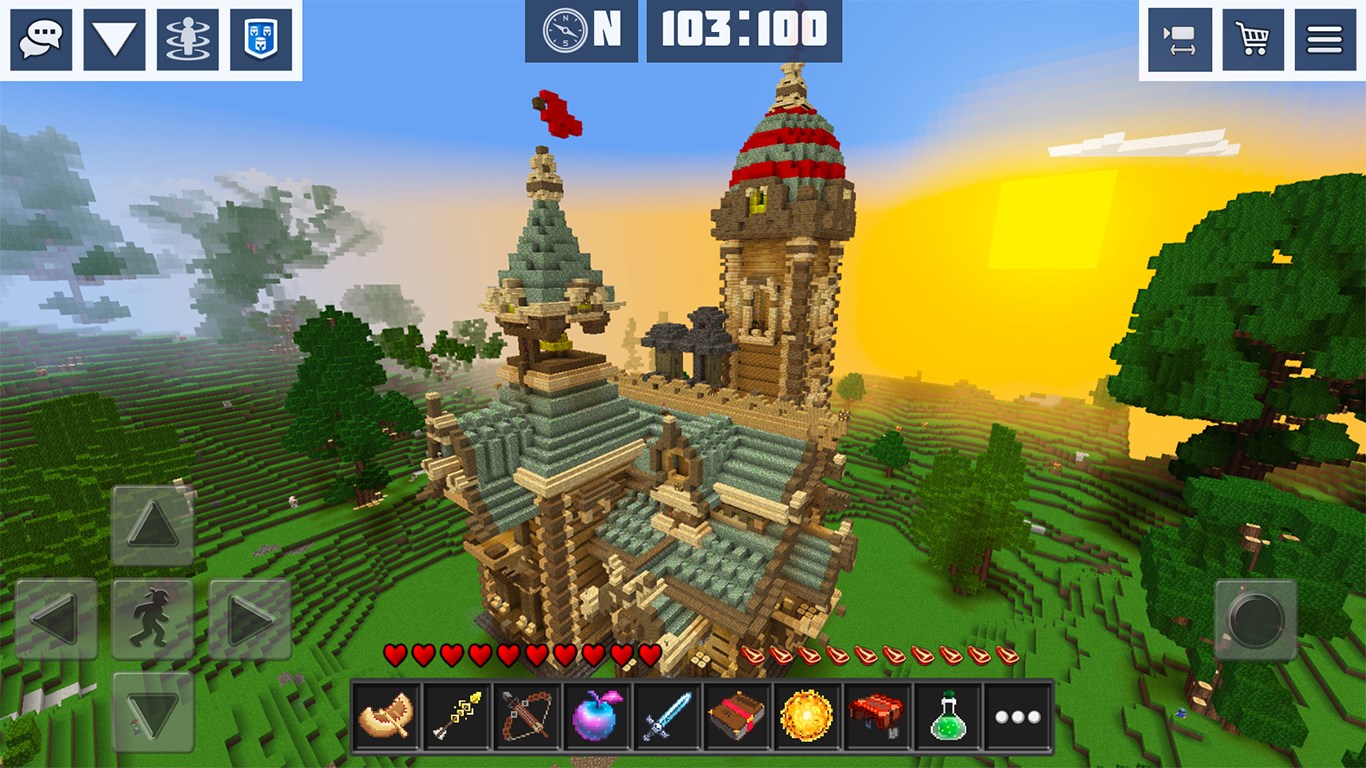
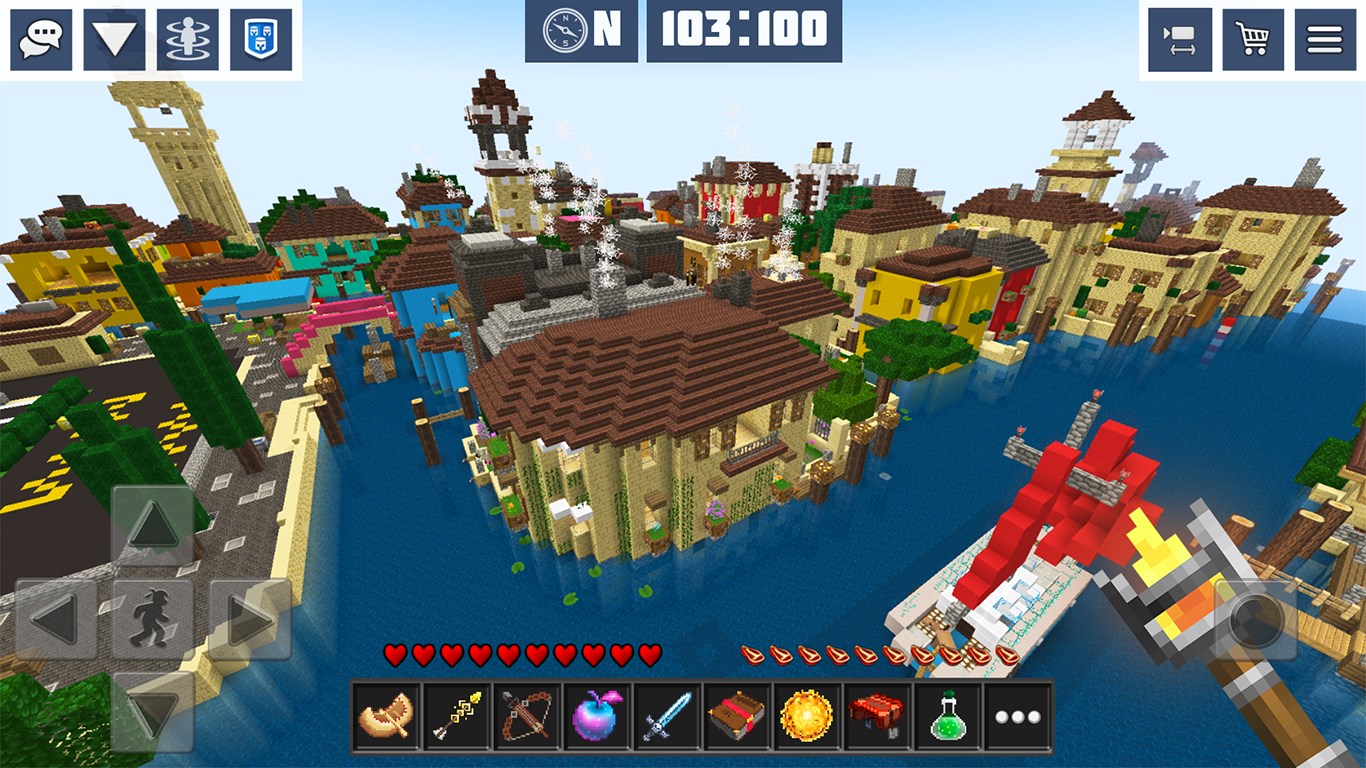
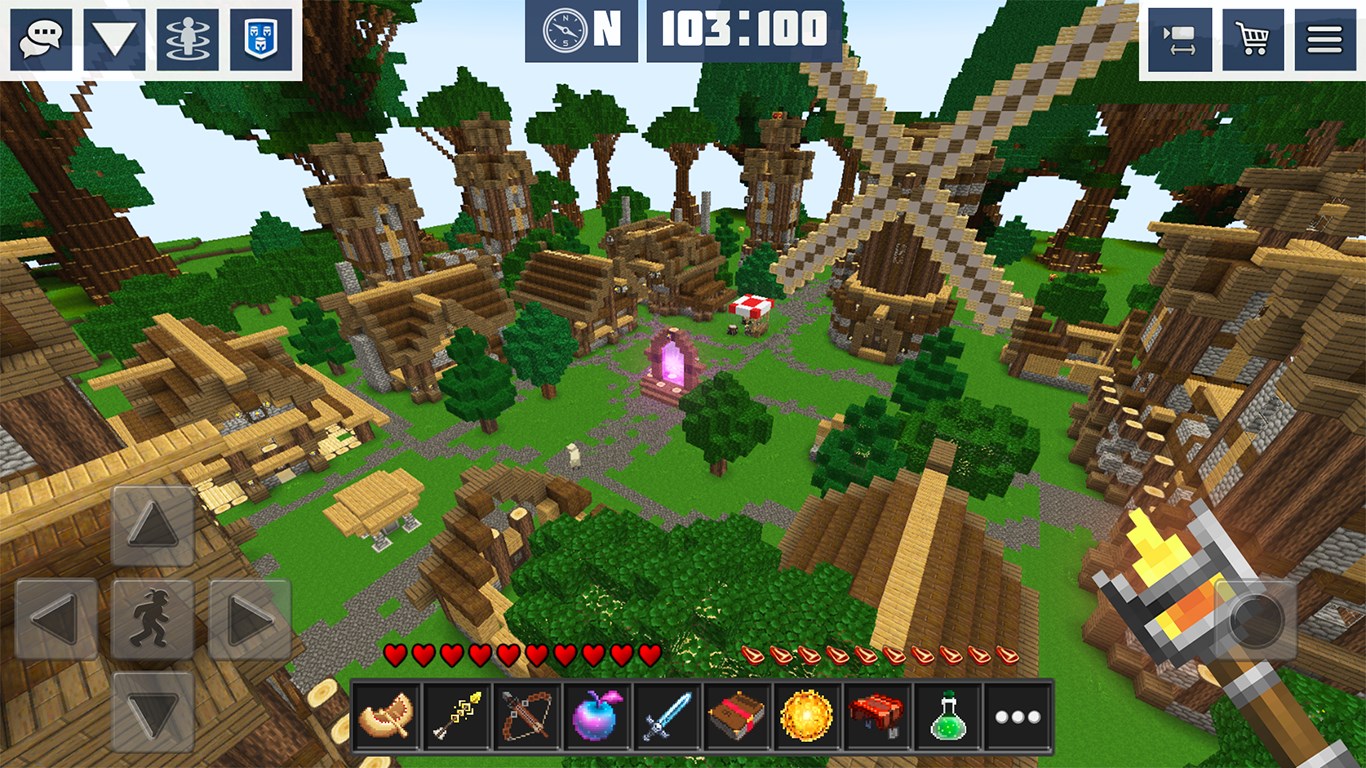
Imagine stepping into a limitless world where your imagination runs wild, building everything from tiny homes to sprawling cities—welcome to PlanetCraft: Block Craft Games. With its charming voxel-style graphics and sandbox freedom, this game provides a delightful escape for creative minds of all ages.
About the Developer and Core Features
Developed and published by Playlabs, LLC, PlanetCraft is designed to bring the joy of block-based creation to Windows users. Its primary appeal lies in three standout features:
- Extensive Building Tools: A wide array of blocks and assets that enable detailed and diverse construction projects.
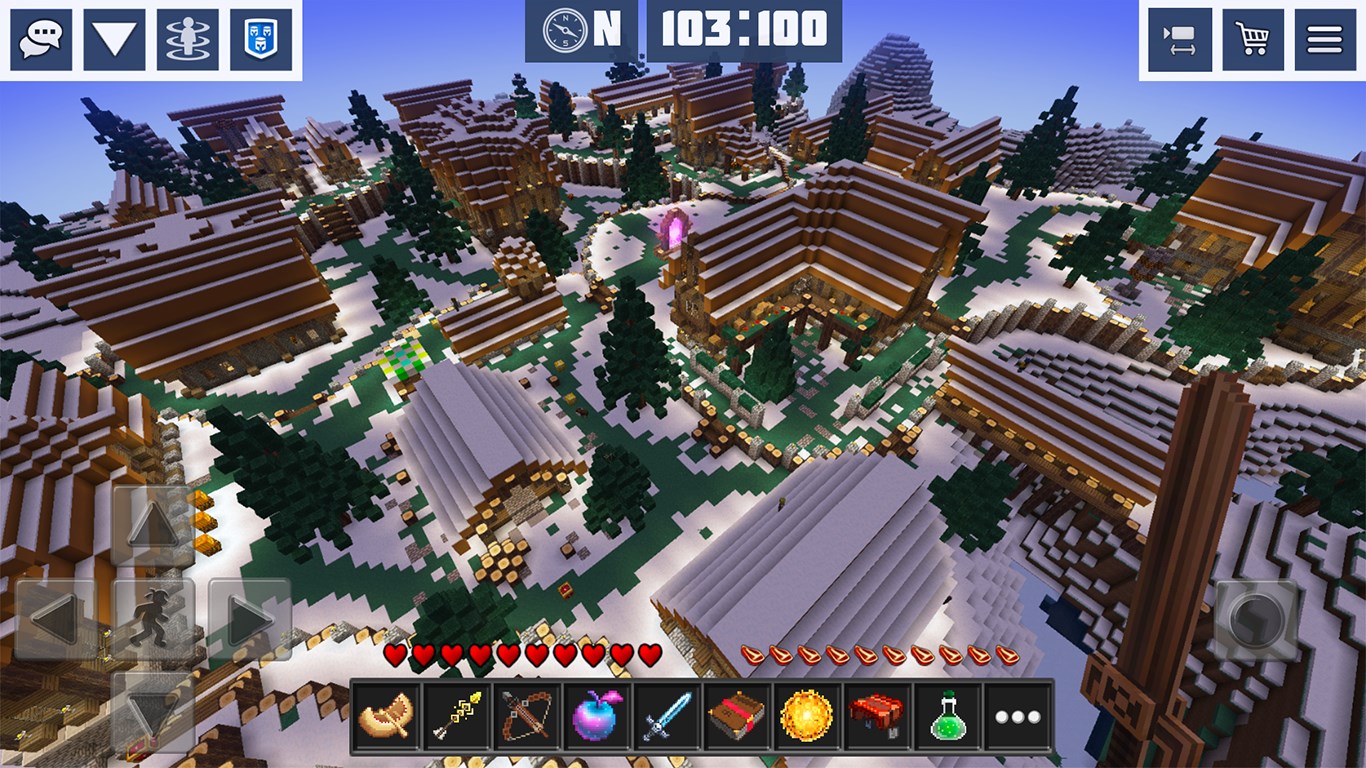
- Interactive Environment: Dynamic elements such as weather effects and animated NPCs bring the world to life.
- Community Sharing: An integrated platform for players to showcase their creations and explore others' works, fostering a vibrant creative community.
Immersive Creativity and User Experience
A Vibrant World in the Palm of Your Hand
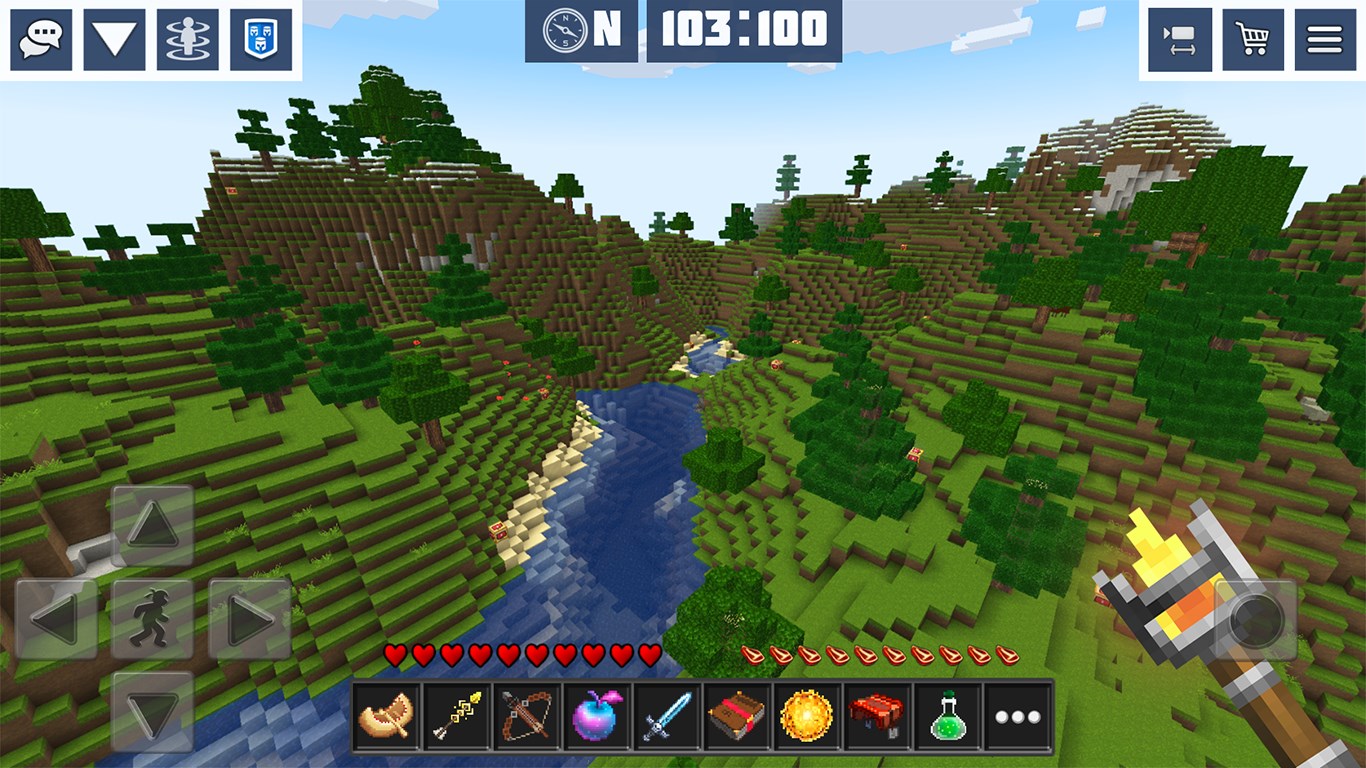
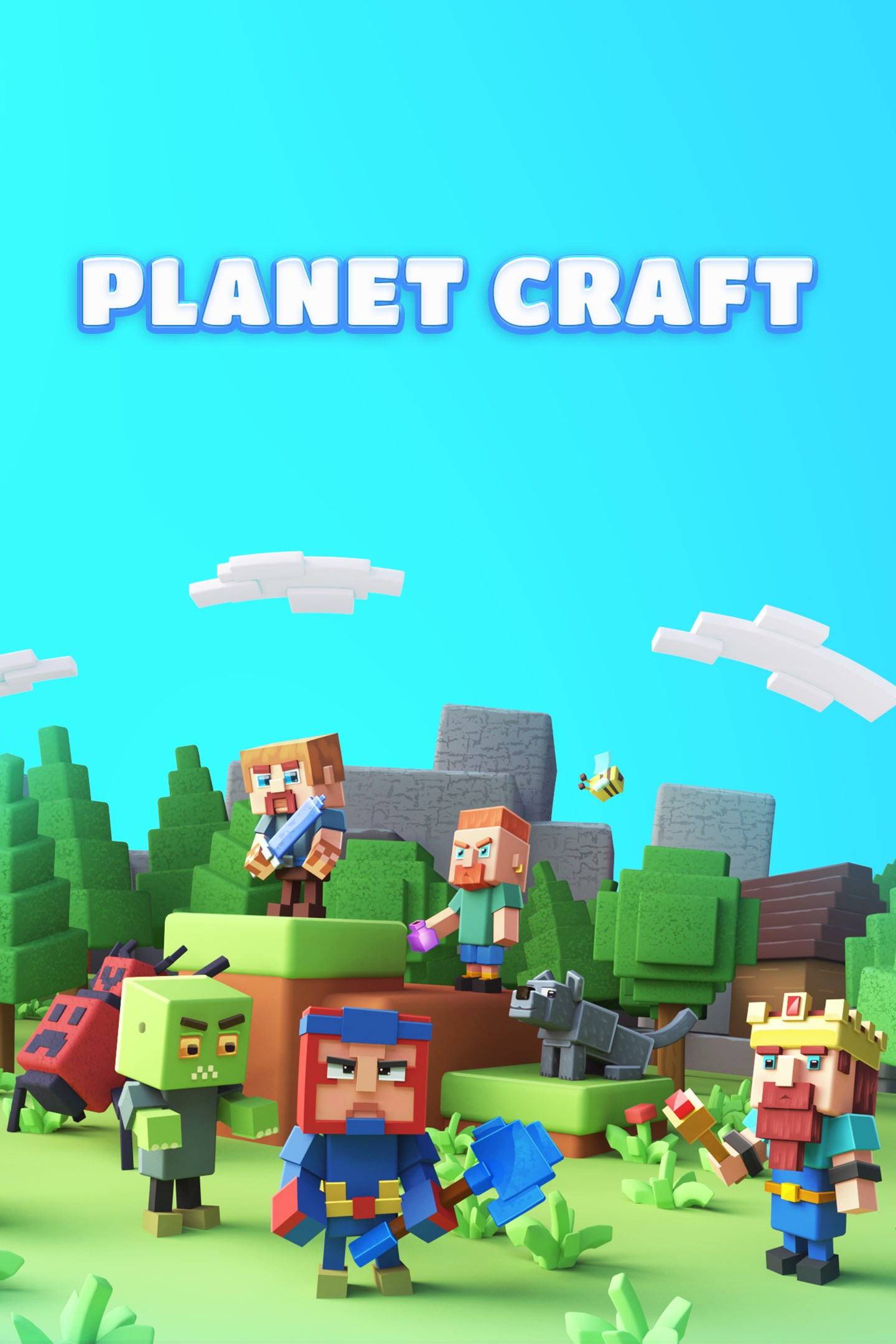
From the moment you launch PlanetCraft, you're welcomed into a colorful, pixelated universe reminiscent of childhood Lego sets or Minecraft's early days. The interface is intuitive and approachable, with a user-friendly layout that makes navigation effortless—even for beginners. The visual design employs cheerful, blocky aesthetics that are both nostalgic and appealing, making the creative process feel like playing with digital Lego bricks.
Smooth Operation and Designing Flow
Building masterpieces feels like stirring a pot of colorful ingredients—once you get the hang of the controls, the process is fluid and satisfying. The game runs smoothly on a variety of hardware, with minimal lag or glitches, thanks to optimized performance by Playlabs. The learning curve is gentle; a few minutes of exploration reveal all the essential controls, allowing users to jump right into constructing.
What Sets It Apart: An Emphasis on Community and Dynamic Environments
Compared to similar sandbox games, PlanetCraft truly shines in its emphasis on community engagement and environmental liveliness. Unlike many competitors that restrict users to solo play, PlanetCraft's ecosystem encourages sharing and collaboration—imagine posting your castle, then seeing it appreciated and improved upon by others worldwide. Additionally, its dynamic elements such as weather cycles and animated NPCs give your creations a sense of living vitality, making the virtual world feel more immersive than static block landscapes.
Final Verdict: A Strong Choice for Creative Souls
If you're seeking a friendly, accessible, and engaging sandbox experience on Windows, PlanetCraft offers a compelling option. Its core strengths—robust building tools and a thriving community—make it more than just a crafting game; it's a digital canvas where your imagination can truly flourish. While it may not have the same depth as some elaborate simulation games, it provides enough richness to keep casual and dedicated creators engaged.
We recommend PlanetCraft for users of all ages who enjoy creative building, especially those interested in sharing their work and exploring others' creations. Whether you're an aspiring architect, a puzzle lover, or simply someone who enjoys designing worlds, this app promises hours of creative exploration without overwhelming complexity.
Pros
- Intuitive building mechanics
- Wide variety of blocks and resources
- Regular content updates
- Multi-player mode availability
- Offline mode support
Cons
- Limited multiplayer stability
- In-app purchase reliance for premium items
- Graphics quality could be improved on older devices
- Limited tutorial guidance for beginners
- Occasional bugs in new updates











