


- Name Mystery Manor: hidden objects
- Category Action & adventure
- Available on PC, Mobile, Surface Hub, HoloLens
- OS Windows 10 version 17763.0 or higher
- Memory 300 MB
- languages English, French, German, Italian, Japanese, Korean, Russian, Spanish
Discover Mystery Manor: A Hidden Object Adventure for Windows
Mystery Manor offers players an immersive journey into a richly detailed detective story, combining classic hidden object gameplay with captivating storytelling—all optimized for Windows devices.
About the App
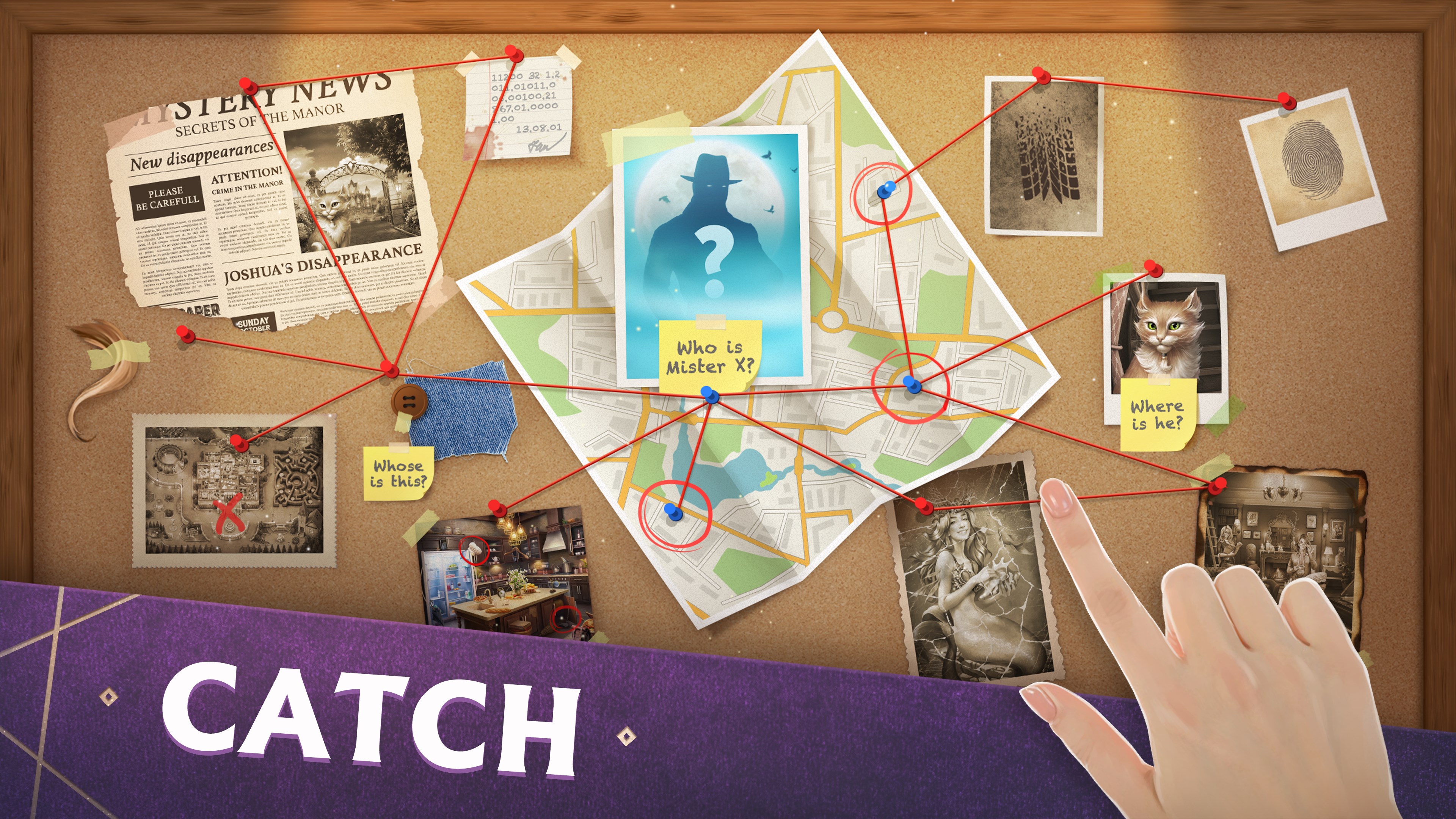
Developed by GAME INSIGHT UAB, Mystery Manor is a casual puzzle game that immerses players in a detective-themed adventure filled with mysterious homes and intriguing secrets. Its primary highlights include elaborate scene explorations, diverse puzzles and mini-games, and a compelling storyline that encourages long-term engagement. The application is designed mainly for casual gamers, puzzle enthusiasts, and those who enjoy story-driven gaming experiences—perfect for players seeking a relaxing yet challenging pastime.
Immersive and Engaging Visual Experience
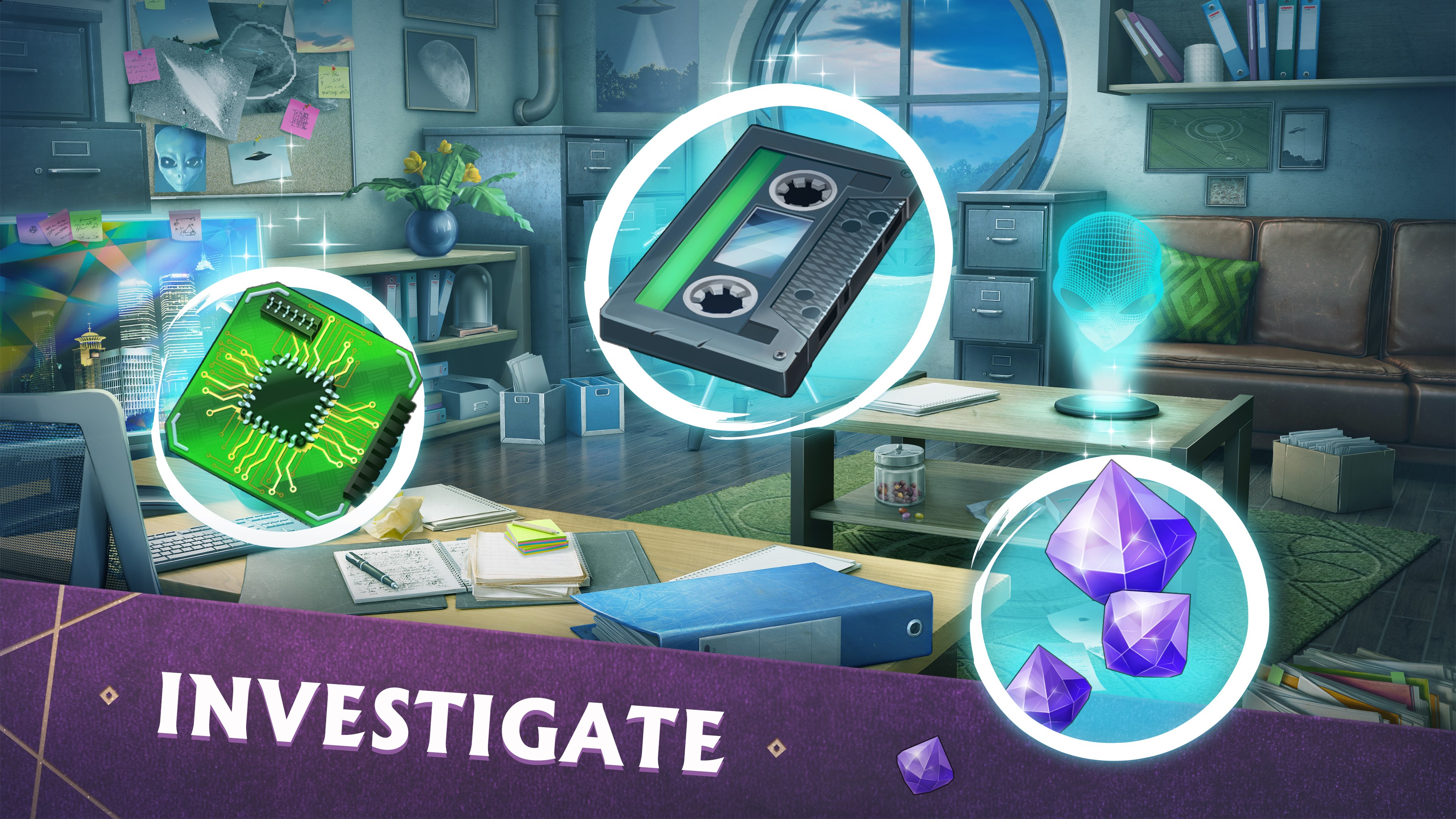
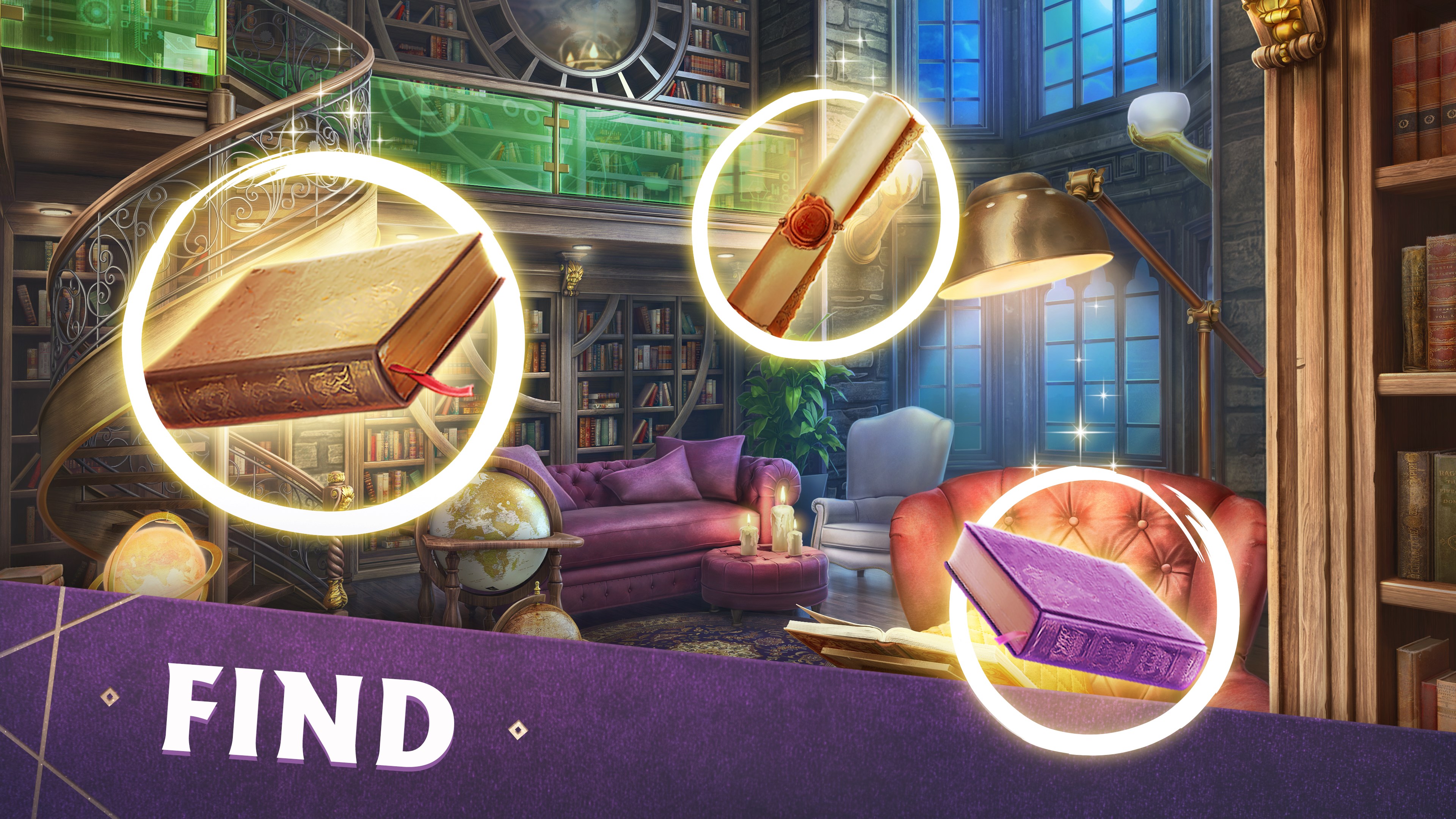
Starting with a bright, inviting interface, Mystery Manor's visual design is both charming and detailed. Each scene is a window into a mysterious mansion, filled with meticulously crafted objects and atmospheric lighting that sets a suspenseful yet cozy tone. Navigation is intuitive, with drag-and-tap controls that flow smoothly across various devices. The game's visuals not only serve aesthetic appeal but also aid in gameplay by ensuring objects are distinguishable without creating visual clutter. Coupled with fluid animations and thoughtful sound effects, the interface creates an absorbing environment, making players feel like they're exploring a real haunted estate rather than just tapping on a screen.
Core Gameplay Mechanics and Features
Hidden Object Challenges — The Heart of the Game
The game's core revolves around finding cleverly hidden items in richly detailed scenes. Unlike many generic hidden object games, Mystery Manor employs cleverly camouflaged objects that require keen eyes and strategic scanning. Each scene offers multiple items to discover, with some puzzles embedding clues crucial for progressing in the story. This balancing act between visual search and puzzle solving keeps players engaged, promoting both attention to detail and critical thinking.
Puzzle and Mini-Games — Layers of Mystery
Beyond hidden objects, players encounter various mini-games designed to unlock new parts of the mansion or reveal hidden secrets. These include matching puzzles, deciphering ciphers, and logic riddles, each variety carefully crafted to challenge different cognitive skills. One standout feature is the “Mystery Card Collection,” which encourages exploration and replayability by discovering tokens that unlock stories about characters and the mansion's history. The diversity and quality of mini-games elevate the experience from mere object hunting to a multifaceted detective adventure.
User Experience and Unique Selling Points
The intuitive user interface ensures that even newcomers can quickly pick up gameplay without a steep learning curve. Controls are responsive, with subtle tutorials guiding players through new features seamlessly. The scenes' clarity strikes a good balance—neither too cluttered for novices nor too sparse for seasoned players. The game's design emphasizes exploration and storytelling, distinguishing it from other more action-oriented hidden object apps. Its most unique feature is the narrative-driven approach—players are not just searching objects, but uncovering a story step by step, making every discovery meaningful.
Recommendation and Usage Tips
Overall, Mystery Manor merits a solid recommendation for puzzle lovers and anyone seeking a relaxing, story-rich game. Its engaging visuals and storyline make it suitable for casual players who enjoy detailed exploration. For an optimal experience, I suggest dedicating some quiet time to truly appreciate the scene details and immerse yourself deeply in the unfolding mystery. Although the game is quite accessible, patience pays off—some hidden objects and puzzles require a keen eye and thinking outside the box. Given its charming presentation and unique storytelling focus, Mystery Manor is a delightful addition to the hidden object genre for Windows users.
Pros
- Engaging Hidden Object Gameplay
- High-Quality Graphics and Artwork
- User-Friendly Interface
- Regular Content Updates
- In-App Rewards and Bonuses
Cons
- Limited Free Content
- Occasional Glitches in Object Search
- Long Loading Times on Some Devices
- Repetitive Scenes Over Time
- Limited Hint System in Free Version











