





- Name Mystery Files: Hidden Objects
- Category Action & adventure
- Developer Do Games Limited
- Available on PC
- OS Windows 10 version 10240.0 or higher
- Keyboard Integrated Keyboard
- Mouse Integrated Mouse
- DirectX Version 9
- Memory 2 GB
- languages English (United States), French, German, Russian, Spanish (Spain)
Discover Hidden Treasures with Mystery Files: Hidden Objects for Windows
Embark on a captivating journey into a world of mystery and exploration with Mystery Files: Hidden Objects. Designed to challenge your observational skills while providing an immersive experience, this game stands out as a compelling pick for casual puzzle enthusiasts looking for a blend of relaxation and mental stimulation.
About the App: A Brief Overview
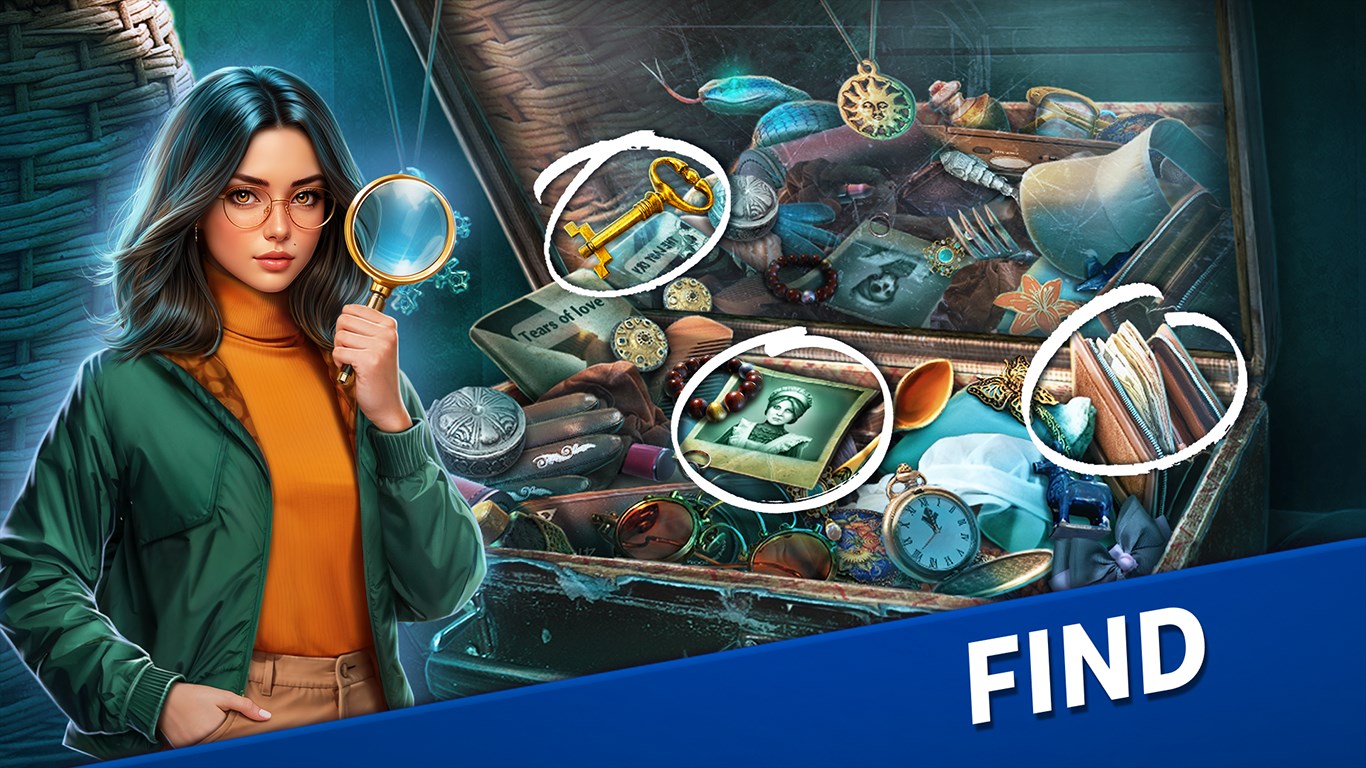
Developed and published by Do Games Limited, Mystery Files: Hidden Objects is a casual hidden object game available on the Microsoft Store. Its primary appeal lies in offering engaging scenes packed with intricately hidden items, where players are tasked with locating specific objects within detailed illustrations. The game suits players of all ages who enjoy gentle, story-driven puzzles that stimulate their attention to detail.
- Main Features Highlights:
- Richly detailed and diverse scene designs that keep gameplay fresh and inviting.
- Progressive difficulty levels, from easy to challenging, catering to casual and seasoned players alike.
- Story-driven gameplay elements that add context and motivation to object hunting.
- Accessible controls and an intuitive interface, ideal for quick pick-up-and-play sessions.
- Target Audience: Casual puzzle fans, older children, and anyone seeking a relaxing, visually engaging pastime that sharpens observation skills.
Immersive and Engaging Visuals
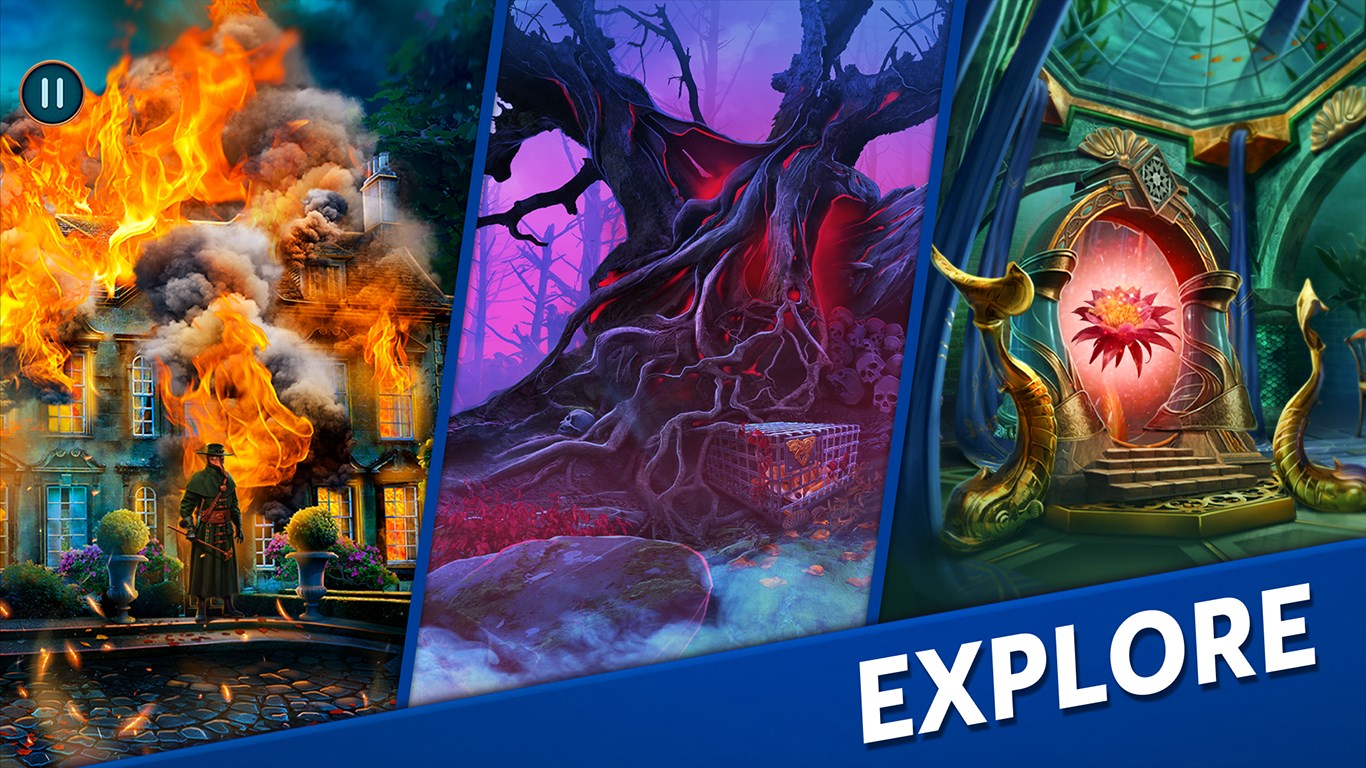
Right from the moment you launch Mystery Files, you're greeted by a medley of beautifully crafted scenes reminiscent of a detective's investigation board or an explorer's treasure map. The visuals employ a warm palette and detailed artwork that invite players to slowly scan each scene, seeking hidden clues. Unlike many hidden object games that rely heavily on repetitive patterns, Mystery Files offers a variety of themes—from mysterious mansions to ancient ruins—each with its own aesthetic charm.
The interface is clean and well-organized, ensuring players are never overwhelmed. The interactive elements respond smoothly to clicks or taps, which is vital for maintaining immersion. The game's design strikes a good balance, presenting enough visual complexity to challenge without causing frustration, making the experience enjoyable for both casual gamers and more dedicated puzzle solvers.
Core Gameplay Mechanics: Search, Discover, and Solve
Object Search with Purpose
The heart of Mystery Files lies in its core mechanic: finding hidden objects within cluttered scenes. The game offers a broad array of items to locate—each carefully concealed behind layers and within contextual backgrounds. One of the standout features is the dynamic hint system, which provides subtle nudges if players find themselves stuck, ensuring a frustration-free experience. This feature particularly shines for casual players, making it less of a test of raw patience and more of a guided exploration.
Progression and Narrative Integration
What makes Mystery Files distinctive is its integration of brief narrative snippets that unfold between levels. These stories give context to each scene, transforming a straightforward search into a quest with purpose. For example, recovering a lost artifact or uncovering a secret passage adds a layer of intrigue that elevates the experience beyond simple clicking. The progression encourages players to complete all scenes in each chapter to piece together a larger story, which maintains engagement through a sense of purpose.
User Experience: Intuitive and Relaxing
The game boasts a user interface that is both visually appealing and easy to learn. Controls are responsive, and the game's flow—from scene to scene—is smooth, with minimal loading times. The learning curve is gentle, making it accessible to newcomers, yet the increasing complexity of scenes challenges even seasoned players. For players new to hidden object games, this design ensures they won't feel overwhelmed and can gradually build their skills.
What Sets Mystery Files Apart?
Compared to other action and adventure applications, Mystery Files shines with its smart combination of calming visuals and story-backed gameplay. While many titles focus solely on fast-paced or puzzle-only mechanics, this game offers a soothing experience reminiscent of flipping through a storybook with puzzles embedded within. Its particular strength is the way it makes object searching feel both meaningful and relaxing—not just a test of eyesight but an adventure that invites you to explore and uncover stories within each scene.
Furthermore, the game's emphasis on scene diversity and narrative snippets provides a freshness that many similar apps lack. These design choices help keep players engaged over extended sessions, turning what could be repetitive into a series of mini-adventures.
Final Verdict: Recommended for Casual Puzzle Lovers
Overall, Mystery Files: Hidden Objects is a well-crafted hidden object game that offers a delightful blend of visuals, storytelling, and gameplay mechanics. Its intuitive interface, coupled with the engaging scene design and narrative integration, makes it a solid choice for anyone wanting a relaxing yet stimulating experience. If you enjoy leisurely puzzles that combine artistic depth with story elements, this game merits a prominent spot on your Windows device.
While it may not satisfy hardcore gamers seeking fast-paced action, its unique strengths lie in providing a calming environment for exploration and discovery. I recommend giving it a try, especially if you appreciate games that combine visual storytelling with gentle puzzle-solving—it's a delightful companion for quiet afternoons or commutes.
Pros
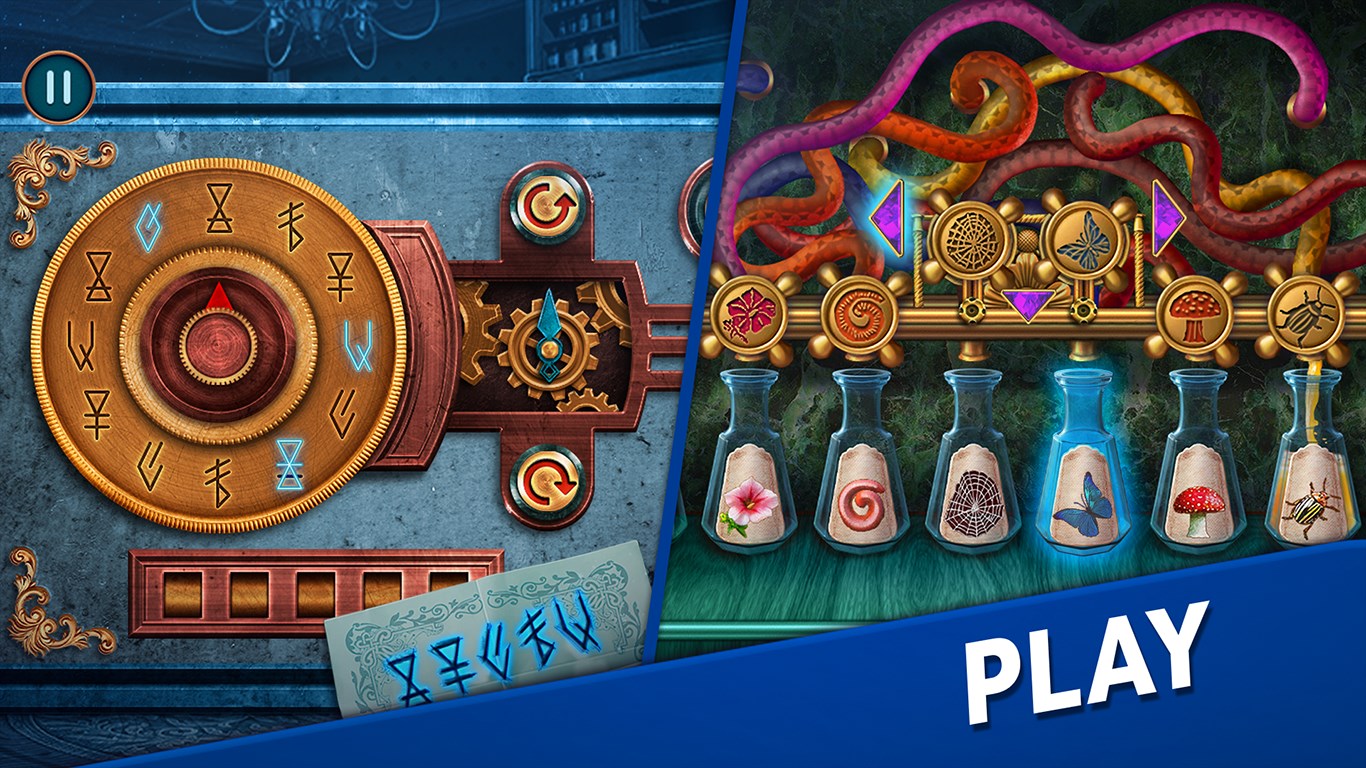
- Engaging Hidden Object Gameplay
- High-Quality Graphics and Sound
- Diverse Puzzle Types
- Progressive Difficulty Levels
- User-Friendly Interface
Cons
- Limited Hint System
- Repetitive Scene Themes
- Occasional Glitches in Object Detection
- No Multi-Language Support
- In-App Purchases Can Be Intrusive











