
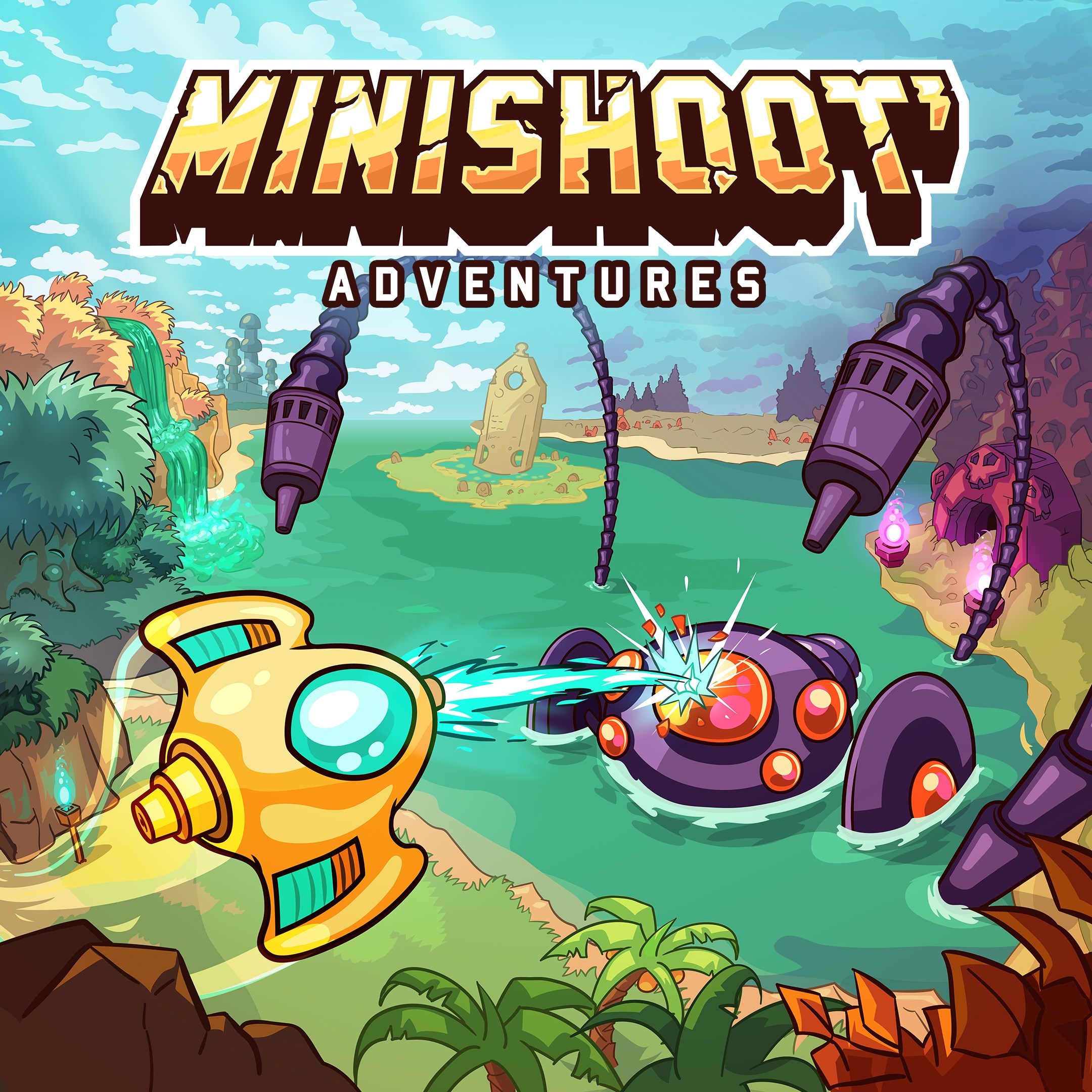
- Name Minishoot' Adventures
- Category Action & adventure
- Developer SoulGame Studio, Headbang Club
- Available on PC, Xbox console
- OS Windows 10 version 18362.0 or higher
- Memory 8 GB
- languages English (United States)
Minishoot's Adventures: A Fresh Take on Action & Adventure Gaming
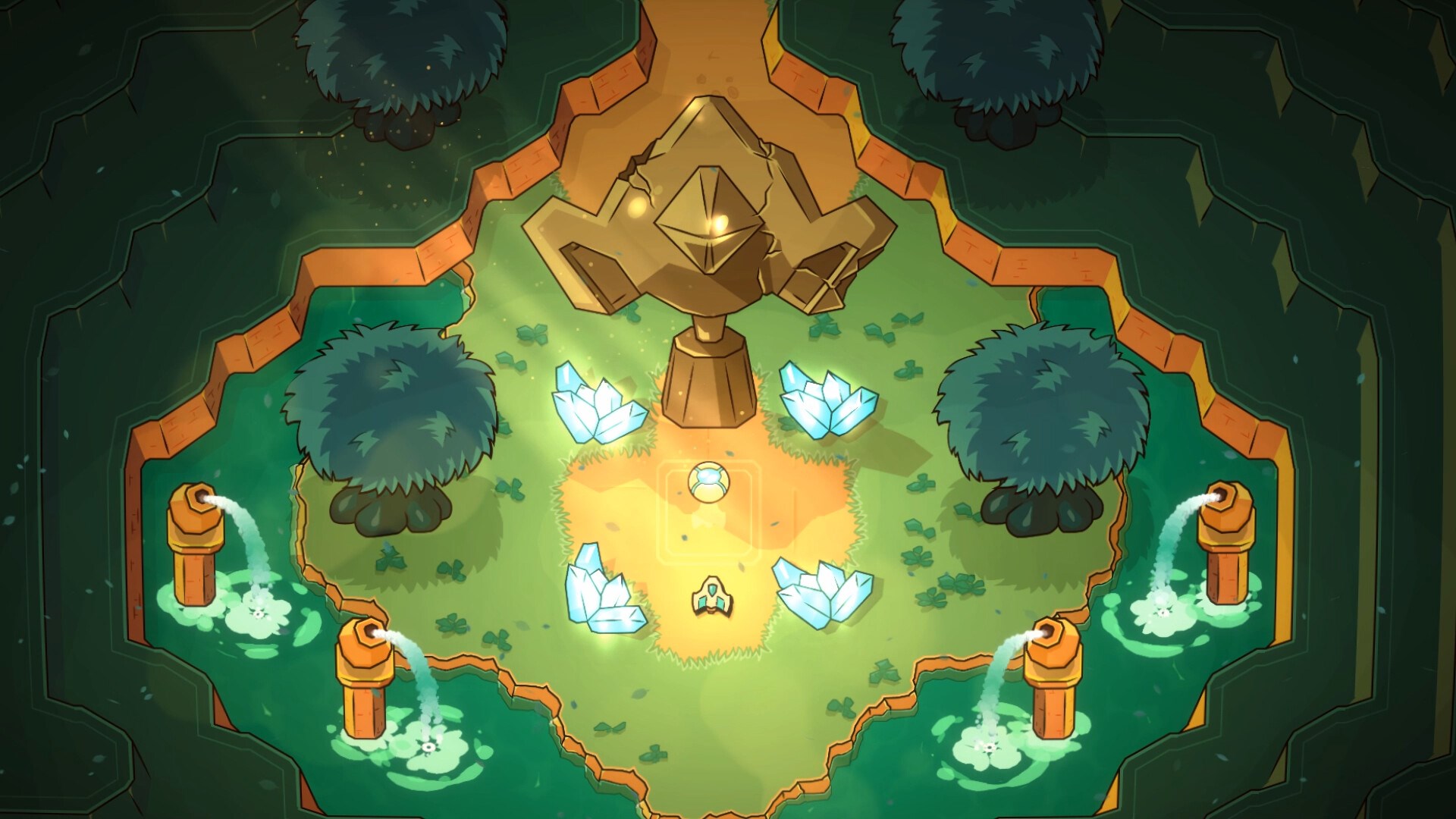
Minishoot's Adventures offers a charming blend of precision shooting and puzzle-solving, wrapped in a colorful and engaging world that beckons players of all ages to embark on an imaginative journey. Developed by SoulGame Studio and Headbang Club, and published by Seaven Studio, this game stands out as a delightful entry in the action-adventure genre with its unique mechanics and playful aesthetics.
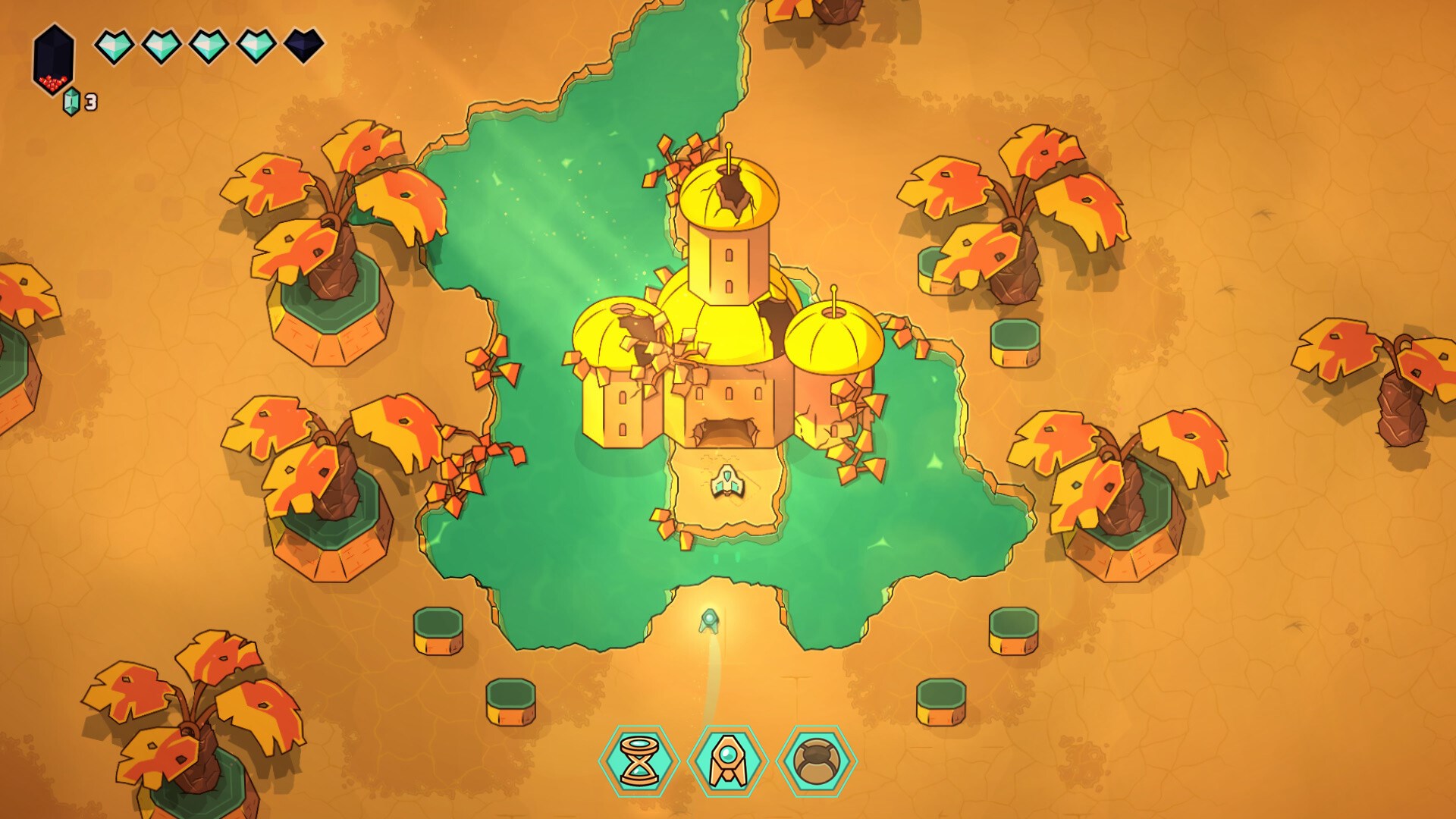
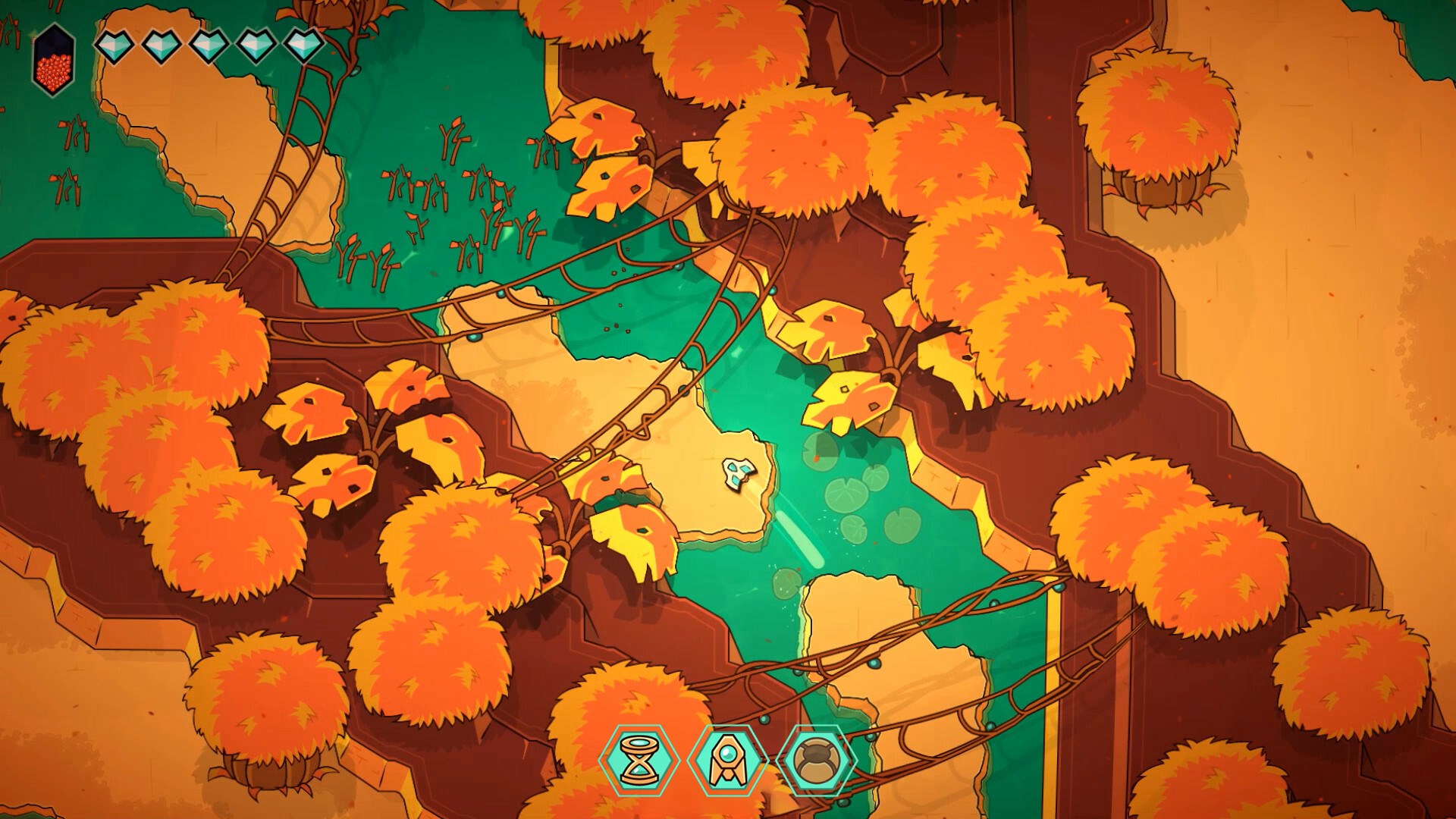
Bright Pixel Worlds and Playful Mechanics
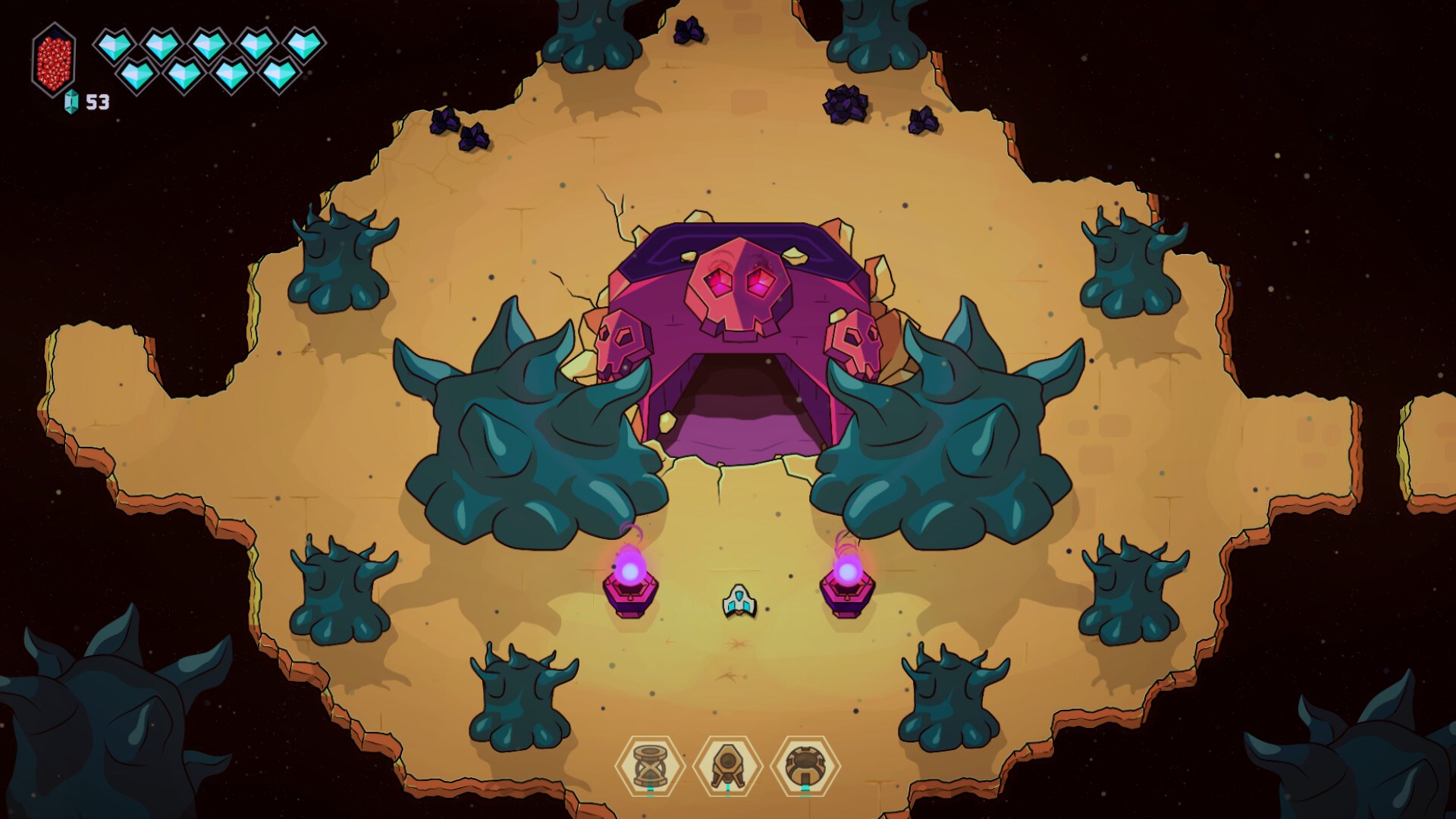
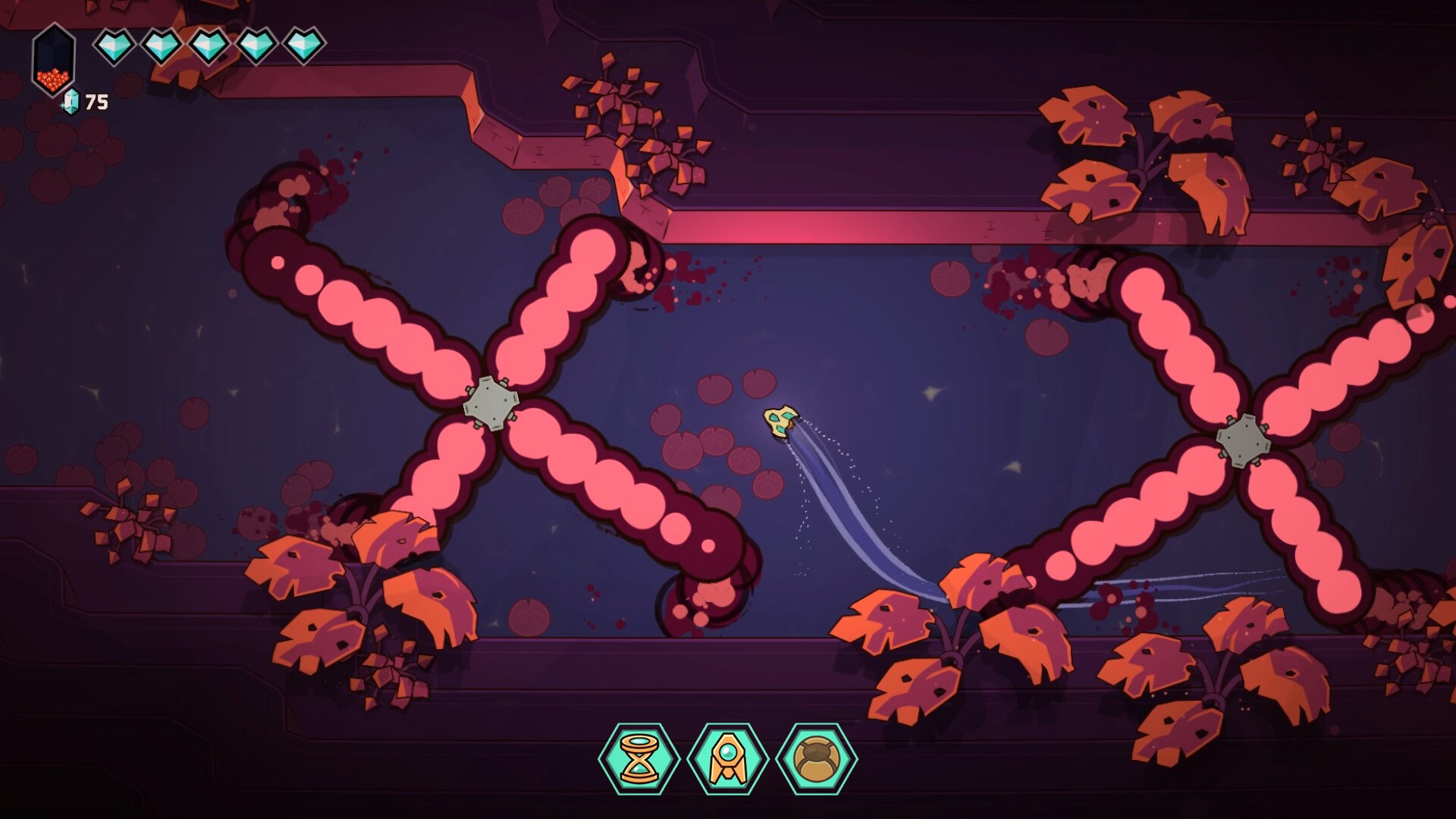
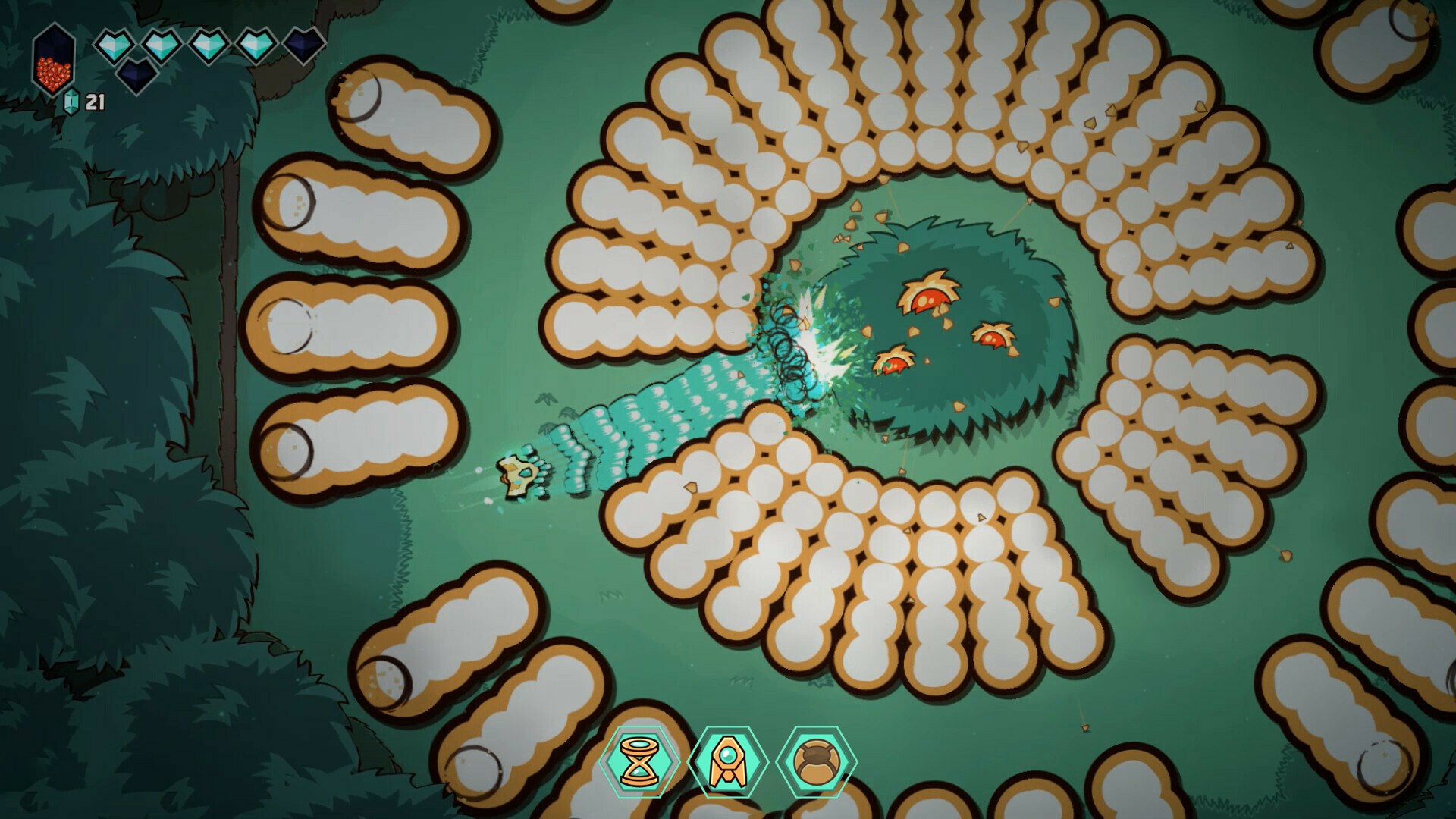
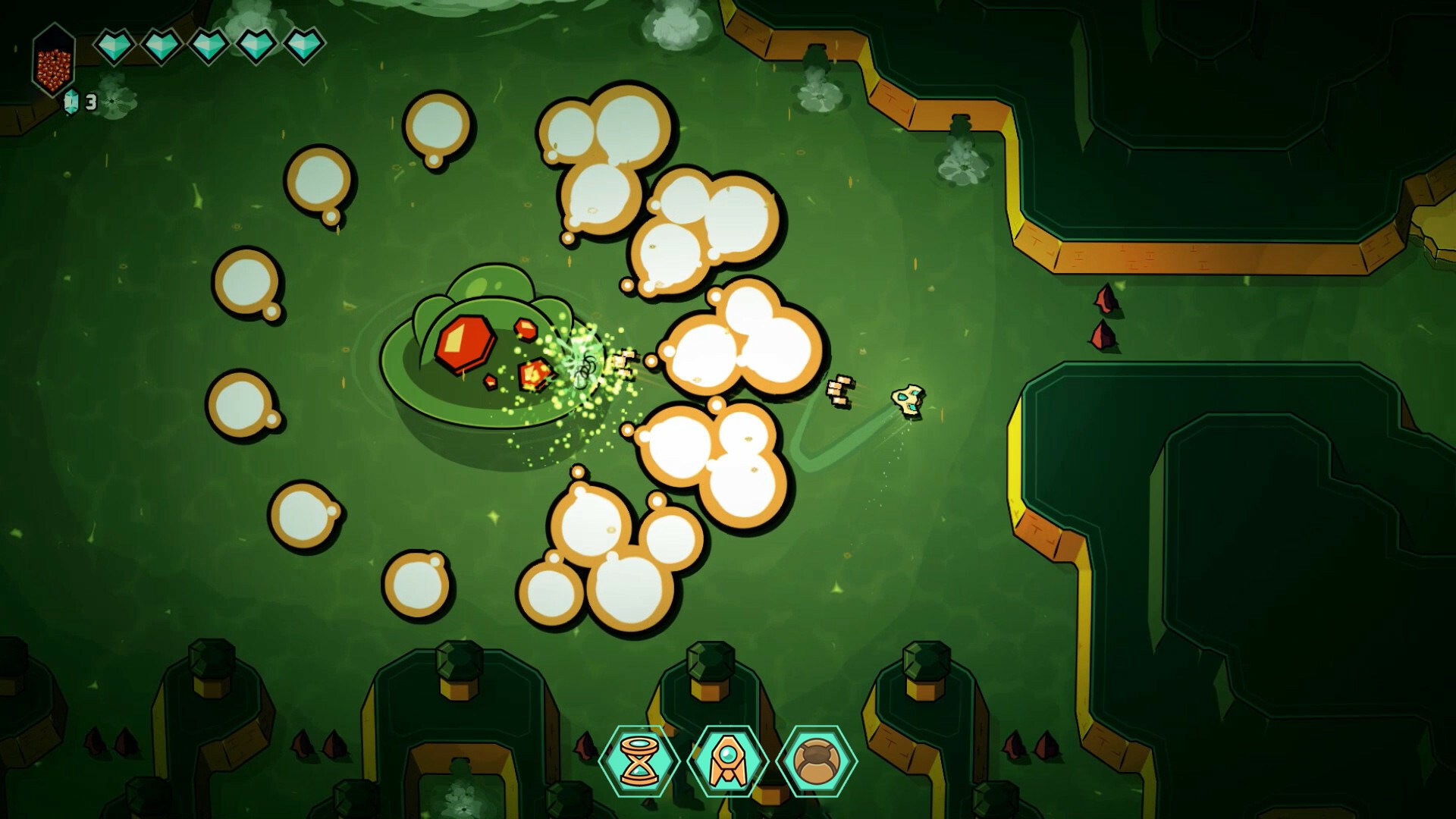
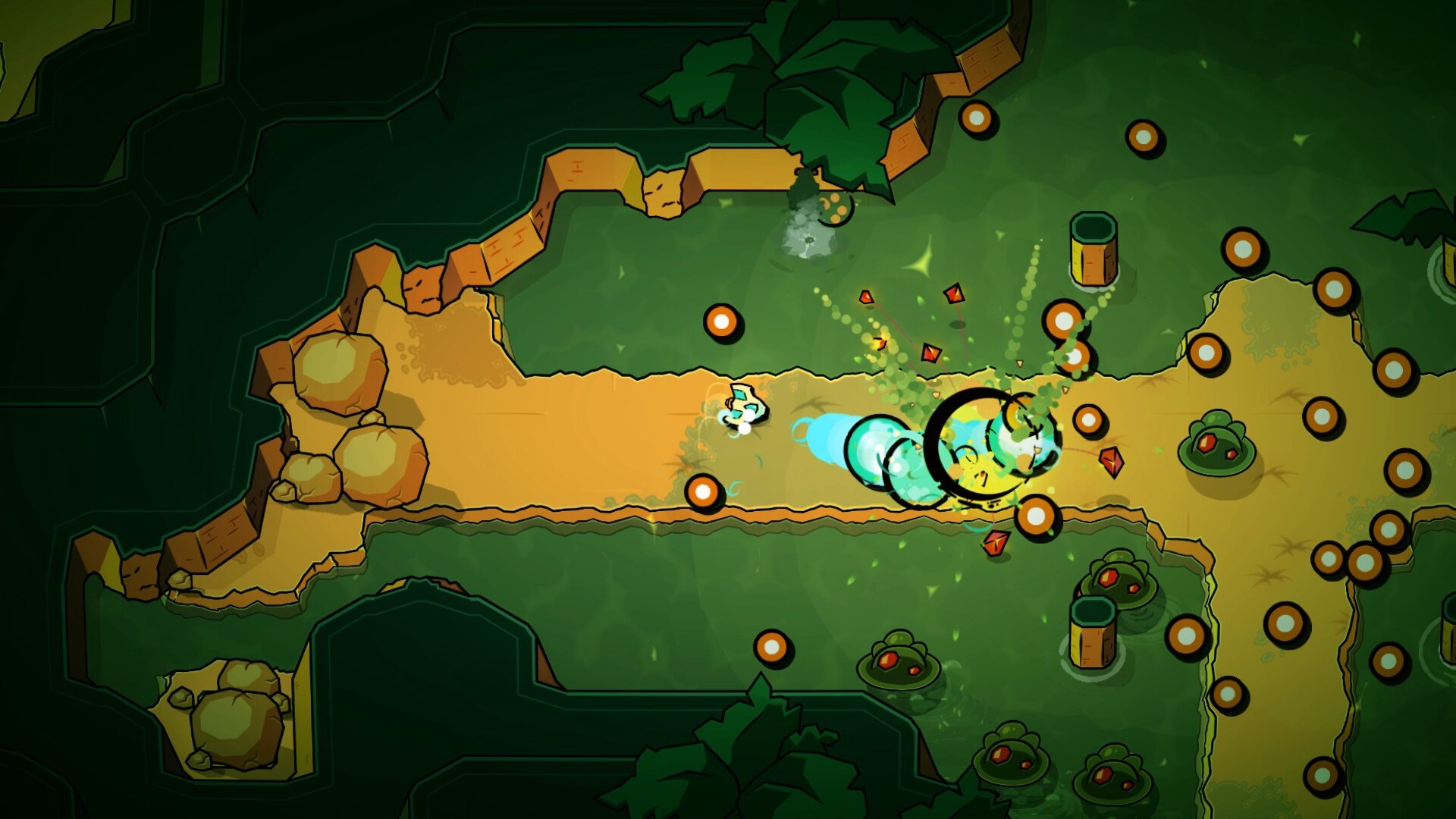
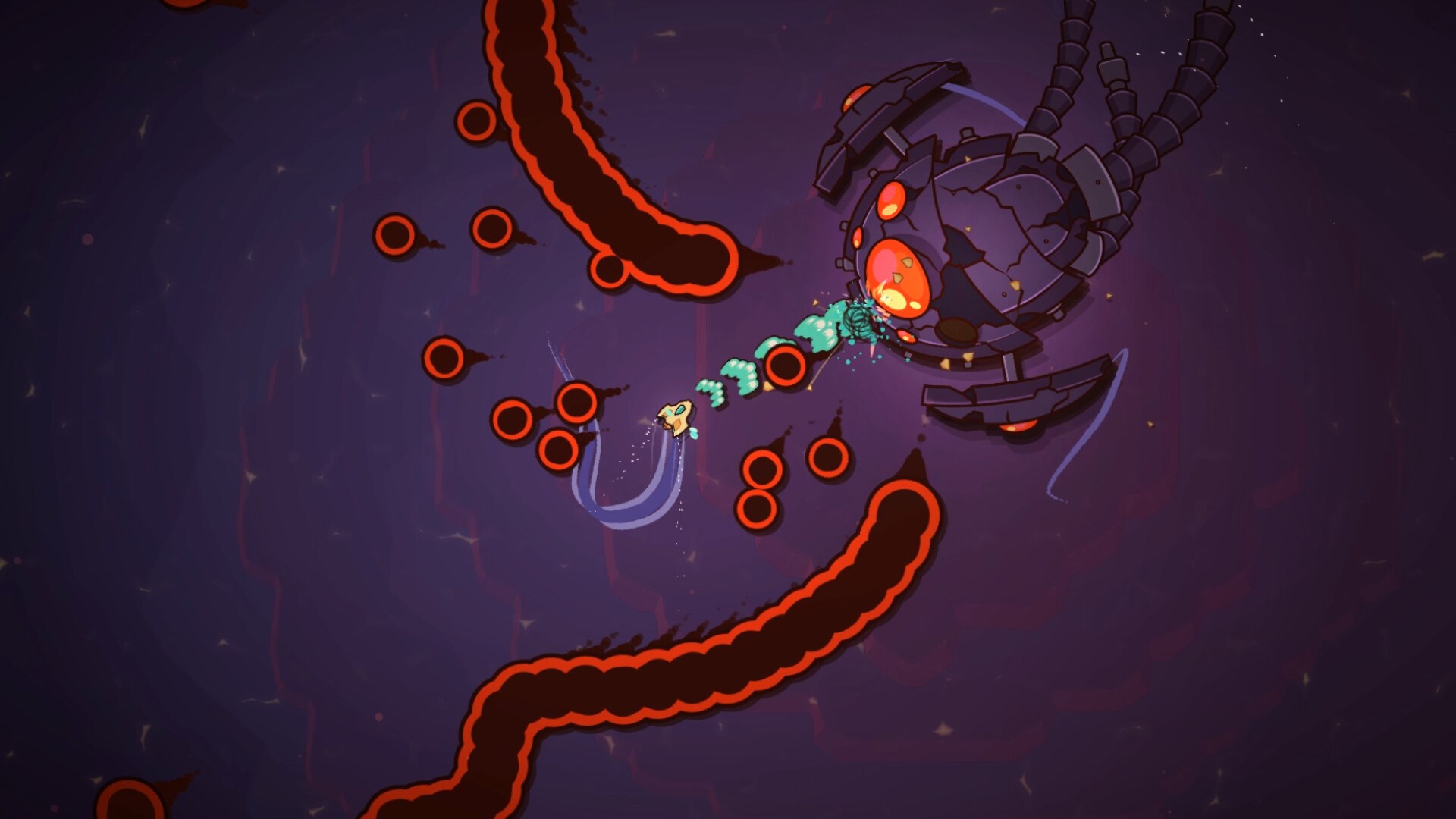
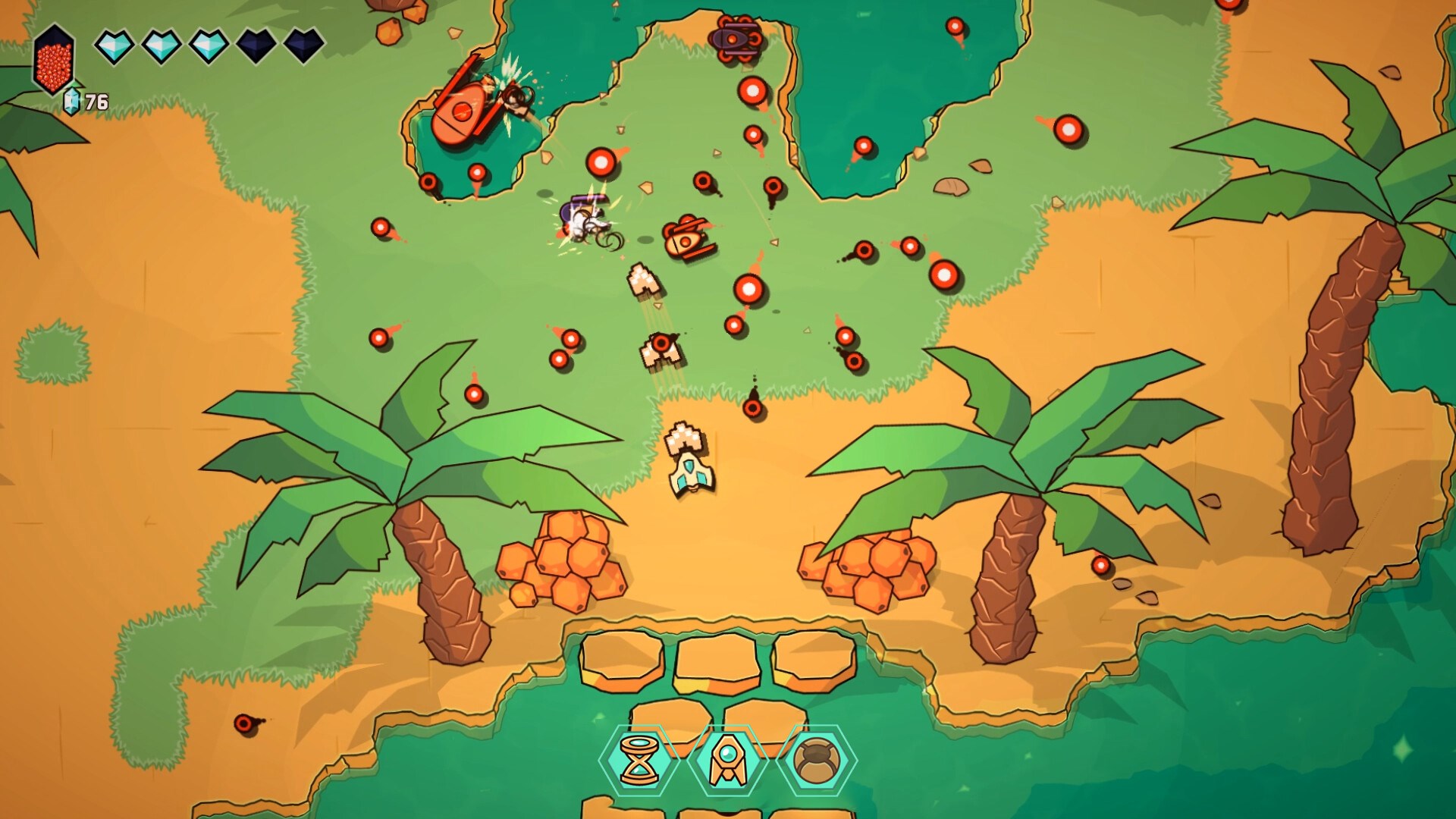
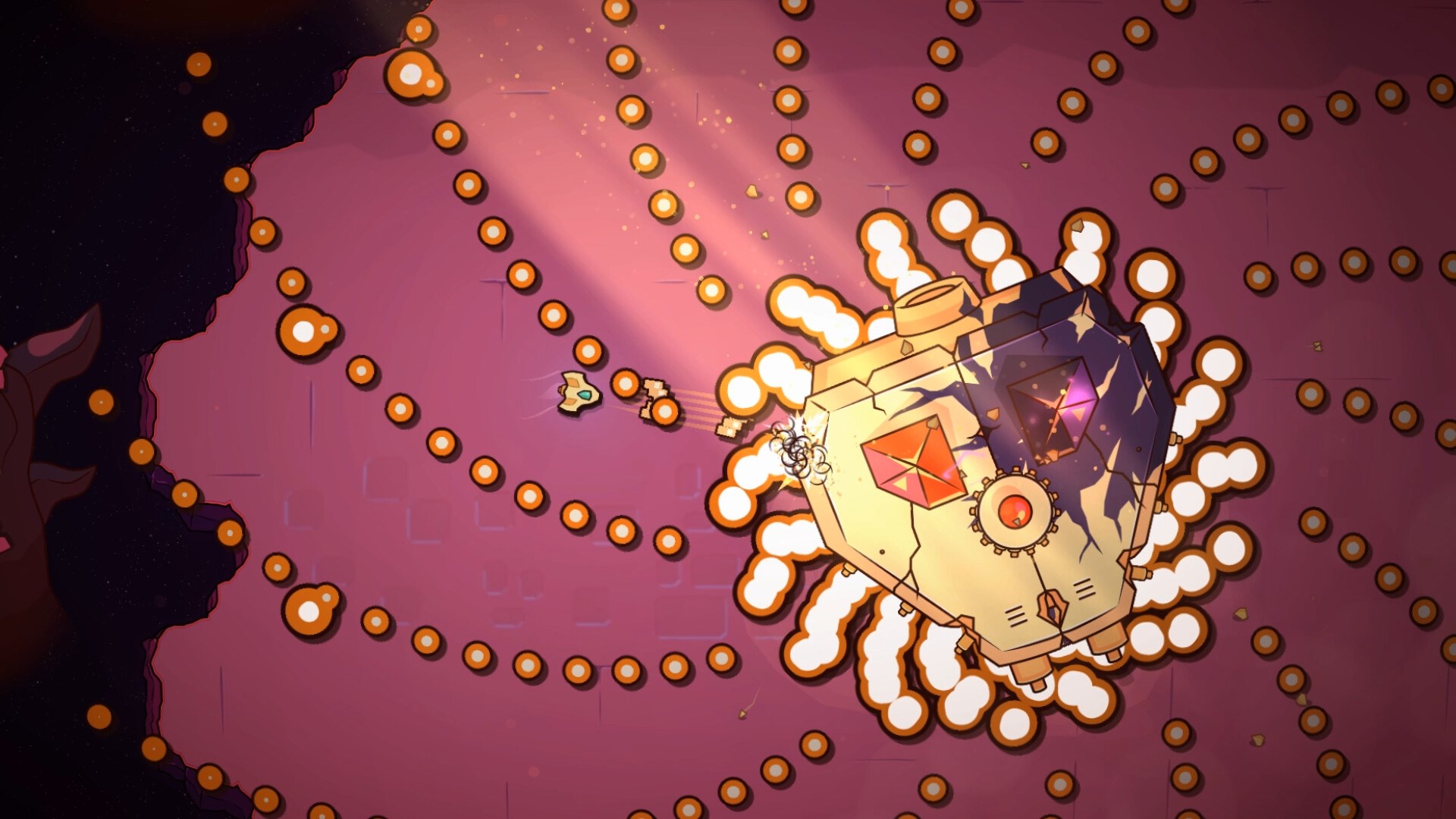
At its core, Minishoot's Adventures invites players into a vibrant universe where tiny heroes take center stage, navigating through intricate levels that challenge both reflexes and problem-solving skills. The game's primary strength lies in its innovative shooting mechanic—where pinpoint accuracy and timing are essential—making every successful shot feel like a small victory in a whimsical quest. Additionally, it features a variety of power-ups and level-design twists that keep the gameplay fresh and unpredictable, encouraging players to experiment and strategize.
Intuitive Interface and Smooth Gameplay Experience
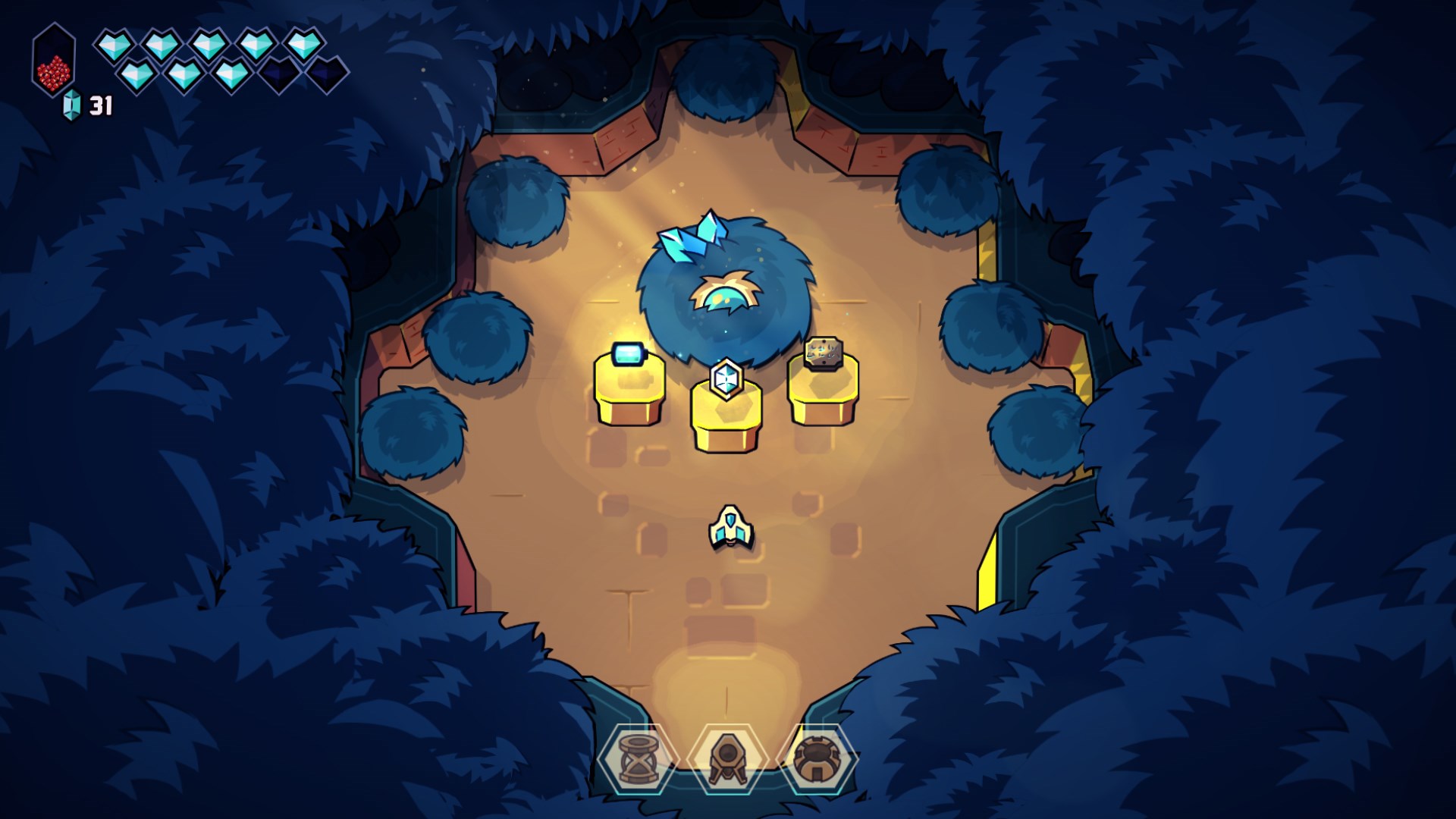
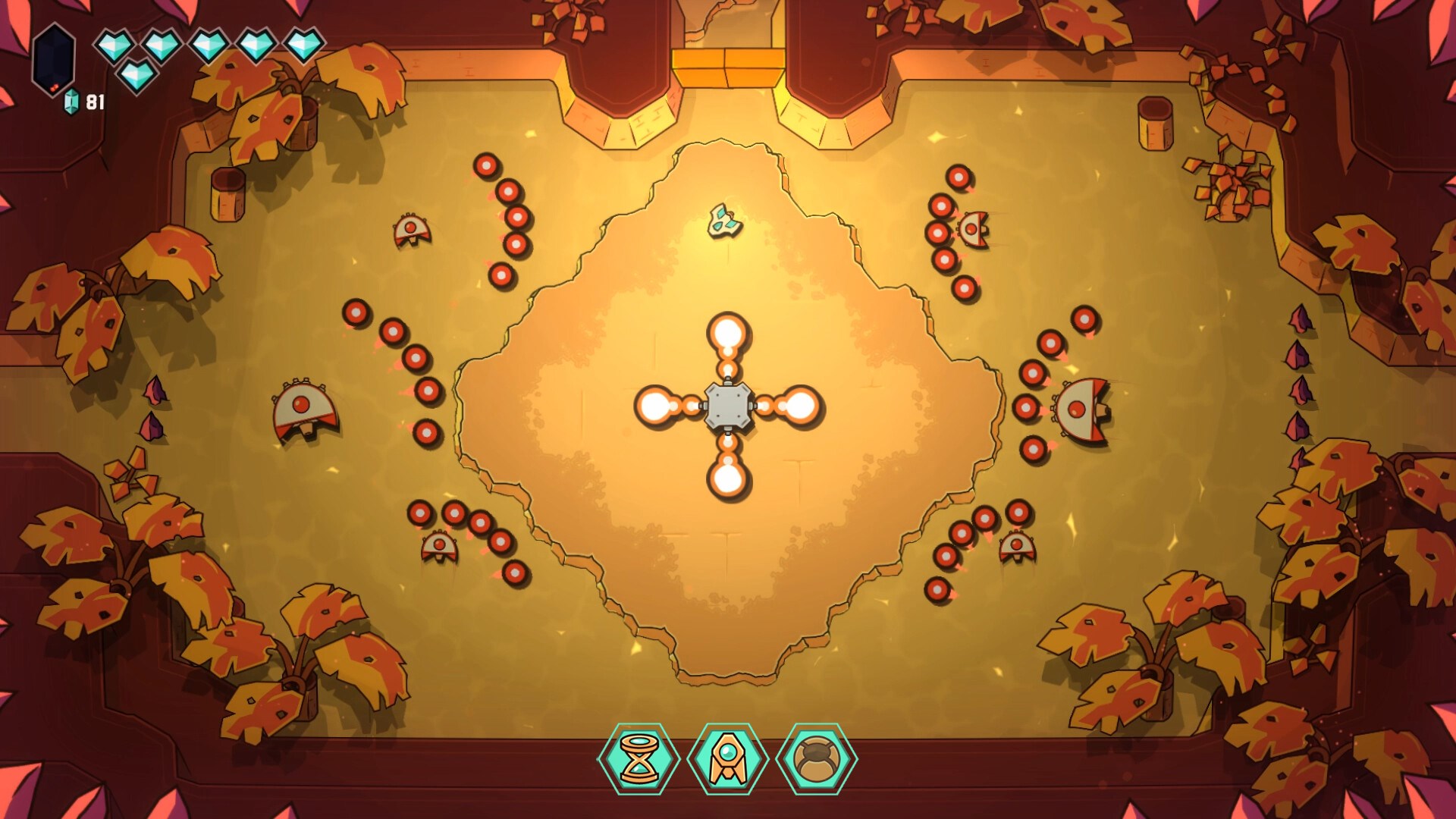
The game boasts a clean, colorful interface that is both inviting and easy to navigate. The controls are highly responsive, allowing for fluid aiming and shooting actions that seamlessly adapt to different device capabilities—be it touch or controller input. The learning curve is gentle enough for new players but offers enough challenge to captivate seasoned gamers, making the overall experience satisfying without causing frustration. Transitions between levels are brisk, keeping players engaged and eager to see what comes next.
Unique Selling Points: Precision Shooting and Level Design
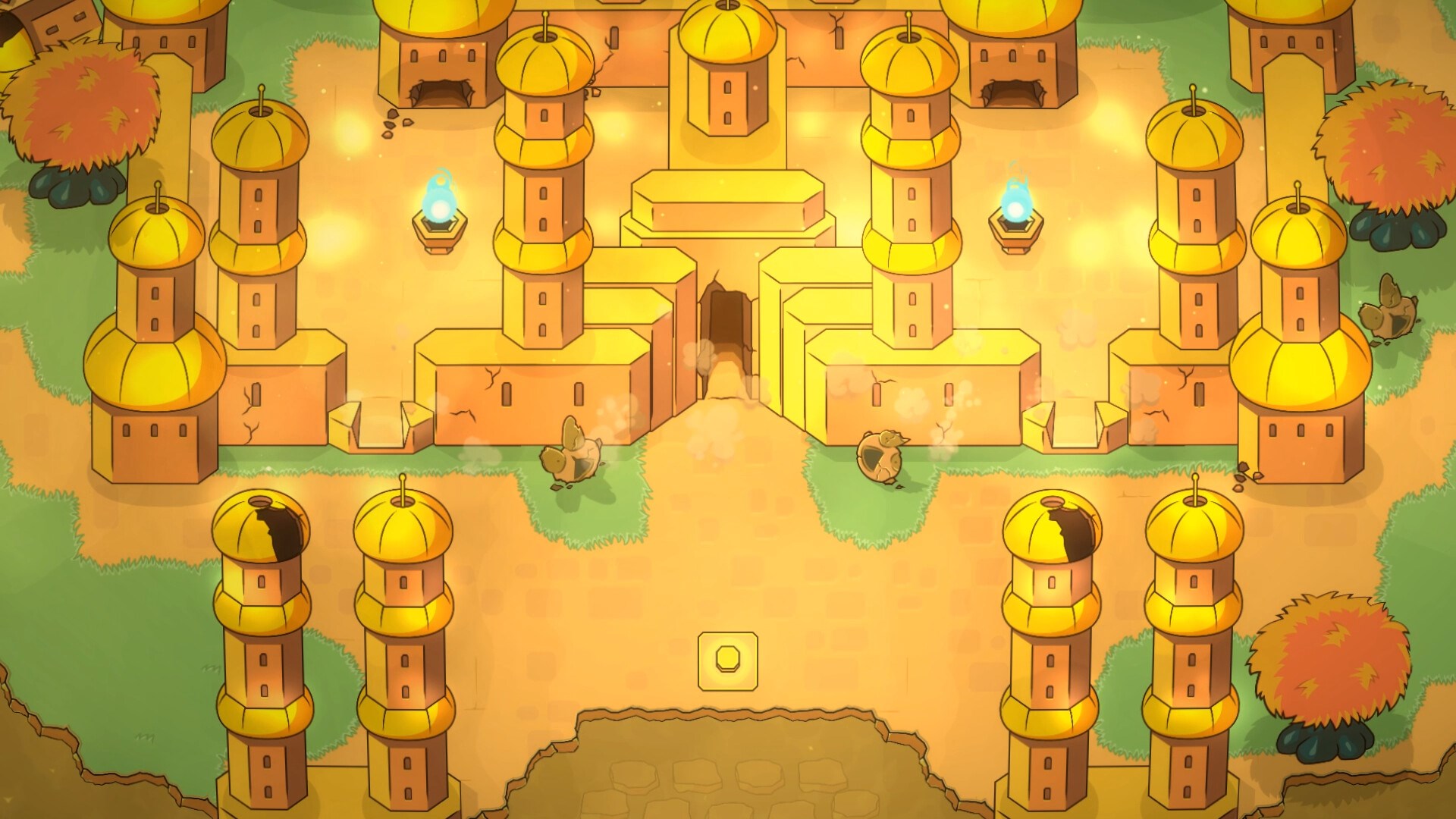
What truly sets Minishoot's Adventures apart from other action titles in its category are its focus on meticulous shooting mechanics and creative level design. Unlike typical shoot-'em-ups that emphasize brute force, this game emphasizes precision and timing, turning each level into a mini puzzle where accuracy is key. The levels themselves are crafted with thoughtfulness, featuring clever layouts and obstacles that require strategic thinking. These elements combine to create a gameplay experience that feels both challenging and rewarding, standing out amid the plethora of similar titles.
Recommendation and Usage Tips
In terms of recommendation, Minishoot's Adventures is well-suited for players who enjoy action-meets-puzzle gameplay, especially those who appreciate a lighter, more whimsical approach. It's perfect for quick gaming sessions or more immersive play, thanks to its intuitive controls and incremental complexity. For casual gamers and puzzle enthusiasts alike, this title offers a refreshing take on shooting mechanics—where accuracy beats raw firepower.
To get the most out of Minishoot's Adventures, I suggest starting on the lower difficulty levels to master the aiming mechanics and understand level layouts. As you become more familiar, challenge yourself with higher difficulties to test your precision skills. The game's bright visuals and playful soundtrack also add to the overall charm—making it an enjoyable addition to your digital library without demanding hours of practice.
Final Thoughts: A Playful Twist on Action
Minishoot's Adventures delivers a delightful combination of engaging gameplay, charming art, and thoughtful level design that makes it more than just another shooter. Its emphasis on accuracy and puzzle-solving offers a refreshing alternative for fans of the genre, standing out with its creative mechanics and cheerful aesthetic. If you're looking for a game that's easy to pick up but challenging to master, this title from SoulGame Studio and Headbang Club is worth exploring—and a welcome breath of fresh air in the action puzzle world.
Pros
- Engaging gameplay with creative levels
- User-friendly interface
- Smooth performance on most devices
- Frequent updates with new content
- Appealing visual design and graphics
Cons
- Limited tutorial for beginners
- Occasional ads interrupt gameplay
- Some levels could be more challenging
- Limited social features currently
- Battery consumption can be high on older devices











