

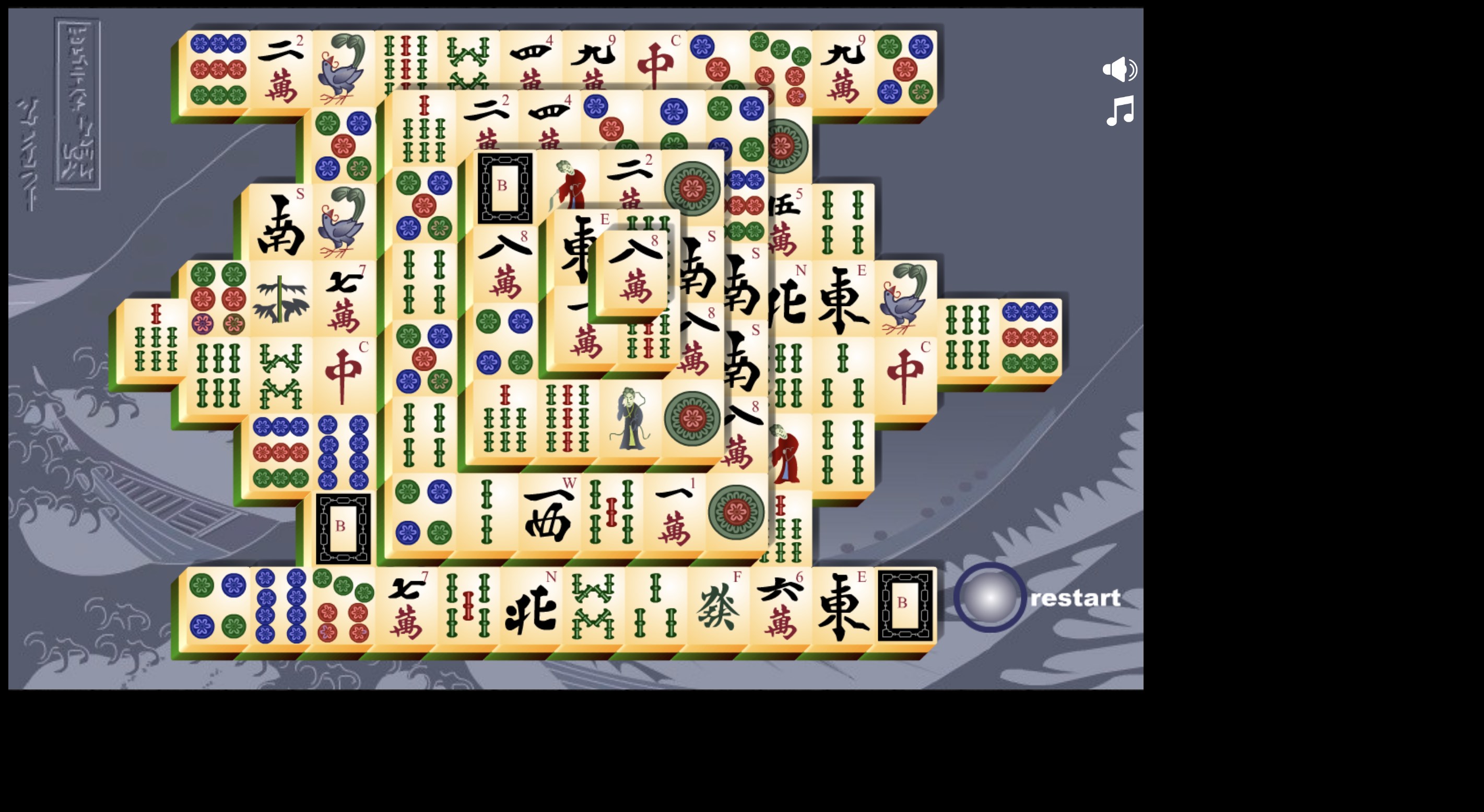
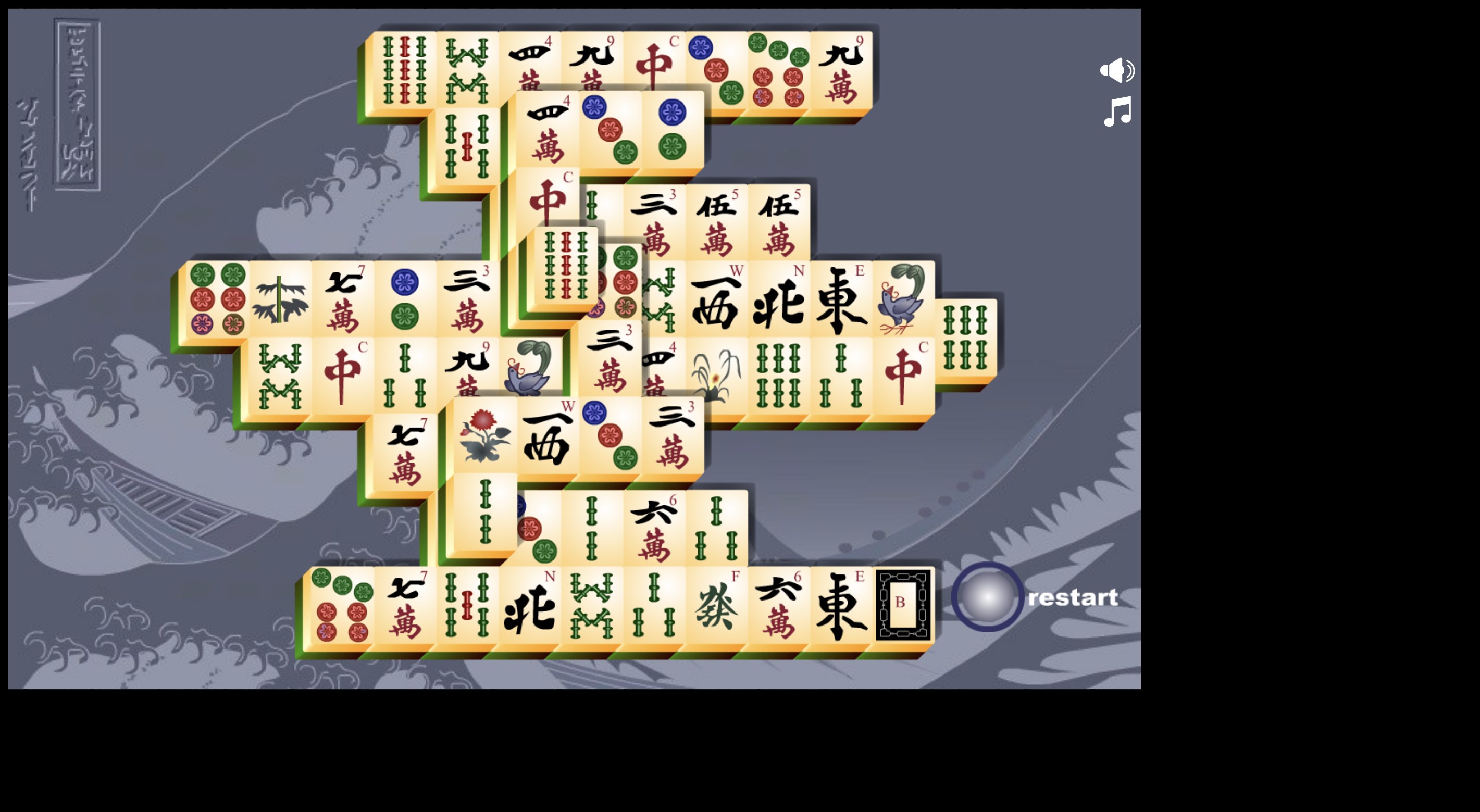
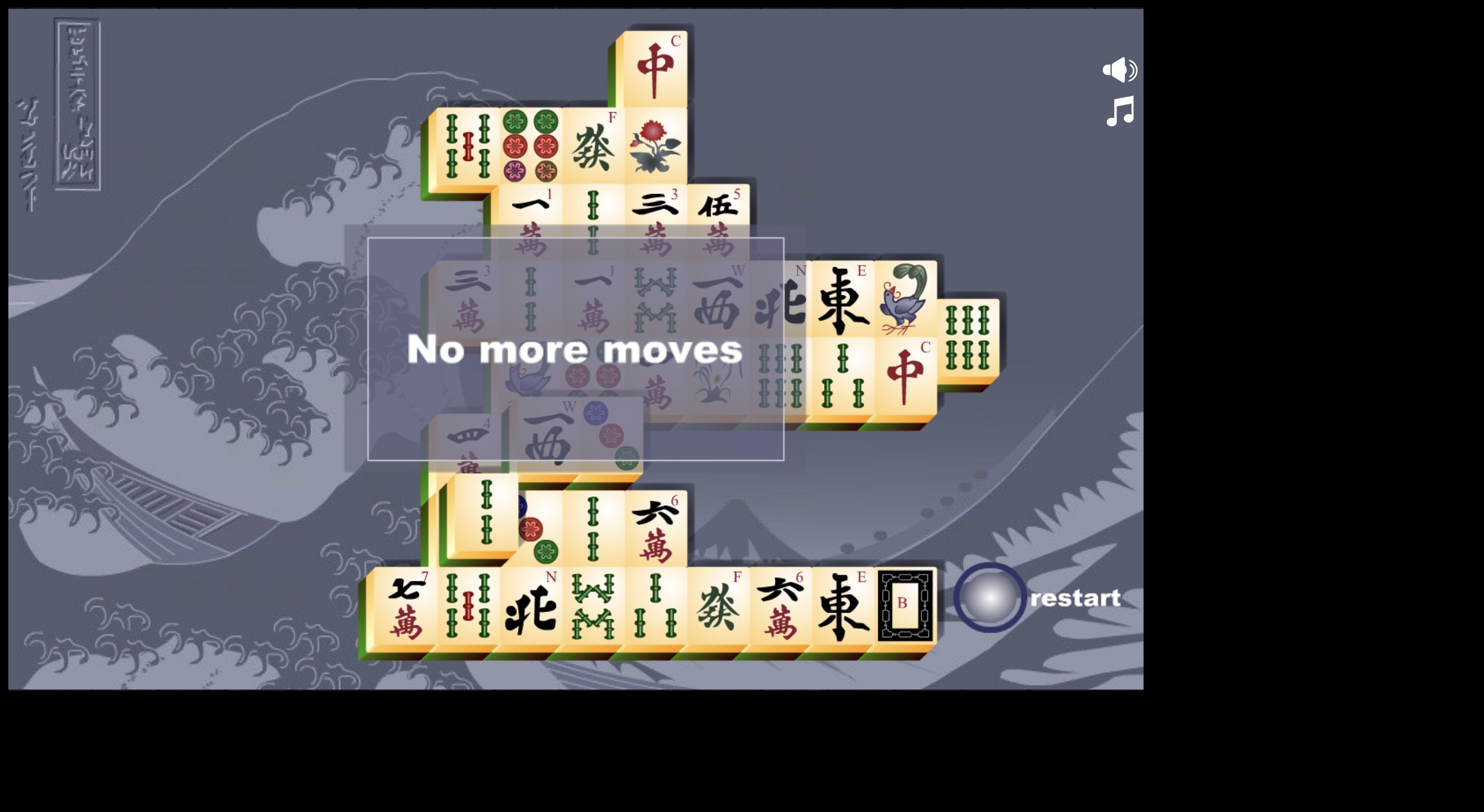
- Name Mahjongg Pro
- Category Action & adventure
- Developer Game Motion Studio
- Available on PC, Mobile, Surface Hub, HoloLens
- OS Windows 10 version 17763.0 or higher
- languages English (United States)
Mahjongg Pro for Windows: A Serene & Challenge-Filled Tile Puzzle Experience
Mahjongg Pro for Windows by Game Motion Studio offers an engaging digital rendition of the classic Chinese tile-matching game, blending traditional gameplay with a sleek modern interface designed for both casual players and seasoned Mahjong enthusiasts.
Who's Behind the Tiles?
Developed and published by Game Motion Studio, a company known for crafting accessible yet feature-rich casual games, Mahjongg Pro embodies their commitment to quality and user-friendly entertainment.
Highlights That Make Mahjongg Pro Stand Out
- Rich Tile Layout Variations: Offers multiple layouts and scenic backgrounds, ensuring fresh challenges and aesthetic appeal to keep players hooked.
- Intuitive Interface with Smart Navigation: Designed with user experience at the core, enabling effortless gameplay even for first-time players.
- Daily Puzzle and Achievements System: Encourages regular play through rewarding puzzles and milestone tracking, adding depth and replay value.
- Customizable Themes and Soundtrack: Allows personalization, enhancing immersion during gameplay.
An Inviting Welcome to the Classic Game
Imagine stepping into a peaceful Zen garden on a misty morning, where each stone and flower patiently waits to be explored. Mahjongg Pro transports you into a calming realm where every tile flip reveals a story, and every match clears some mental clutter. Its gentle visuals and soothing sounds create an oasis of relaxation amid digital chaos—a perfect sanctuary for your mind.
Core Features in Focus
1. Variety in Layouts and Visuals
Unlike many basic Mahjong implementations, Mahjongg Pro offers a suite of diverse tile arrangements—from traditional symmetrical patterns to lush scenic backdrops that evoke tranquil landscapes. This variety prevents gameplay from becoming monotonous and caters to players seeking different levels of challenge. The design strikes a perfect balance between aesthetic charm and clarity, ensuring that players can easily differentiate between tiles and plan their moves efficiently.
2. Seamless User Experience & Smart Navigation
The game interface is clean, intuitive, and inviting, making it easy for players of all skill levels to jump right in. The smooth flick of tiles and responsive controls showcase thoughtful optimization. Beginner players appreciate the minimal learning curve, while seasoned Mahjong fans will enjoy the available advanced layouts and optional hints. Transitioning between puzzles is effortless, and the automatic saving feature ensures progress is never lost—a true boon for busy users unable to dedicate long stretches of time.
3. Personalization & Motivation Mechanics
Mahjongg Pro enhances user engagement through features like customizable themes and a dynamic achievement system. You can tweak the ambiance to suit your mood, switching from tranquil bamboo to vibrant spring scenery, alongside soothing background music. The daily puzzles and achievement badges serve as motivational prompts, encouraging players to return regularly and strive for mastery—a subtle push that transforms solitary play into an addictively rewarding hobby.
Differentiation & Unique Selling Points
While many Mahjong apps focus solely on traditional gameplay, Mahjongg Pro carves a niche with its emphasis on visual variety and personalized experiences. Its scenic backgrounds and theme customization set it apart, turning a classic game into an immersive experience akin to wandering through a virtual art gallery. Moreover, its manageable learning curve combined with optional hints makes it approachable for novices yet engaging for veterans seeking a relaxing mental challenge.
Final Verdict: A Thoughtful Choice for Puzzle Enthusiasts
All things considered, Mahjongg Pro for Windows emerges as a well-rounded, user-friendly, and visually appealing Mahjong application. Its standout features—particularly the array of layouts and its emphasis on personalization—offer meaningful differentiation in a crowded market. If you value calm, clarity, and a touch of aesthetic variety in your puzzle games, this app comes highly recommended. Suitable for casual downtime or to keep your mind sharp during short breaks, Mahjongg Pro is a solid choice worth exploring.
Pros
- Intuitive User Interface
- Variety of Mahjong Modes
- Smooth Performance
- High-Quality Graphics and Sounds
- Regular Updates and Support
Cons
- Limited Customization Options
- Ads Interrupt Gameplay
- No Offline Mode
- Lack of Difficulty Settings
- Limited Social Features











